Download free APK/XAPK files from Google Play Store without a login account.
Install Now

# PDFMint – Create Professional PDFs Easily
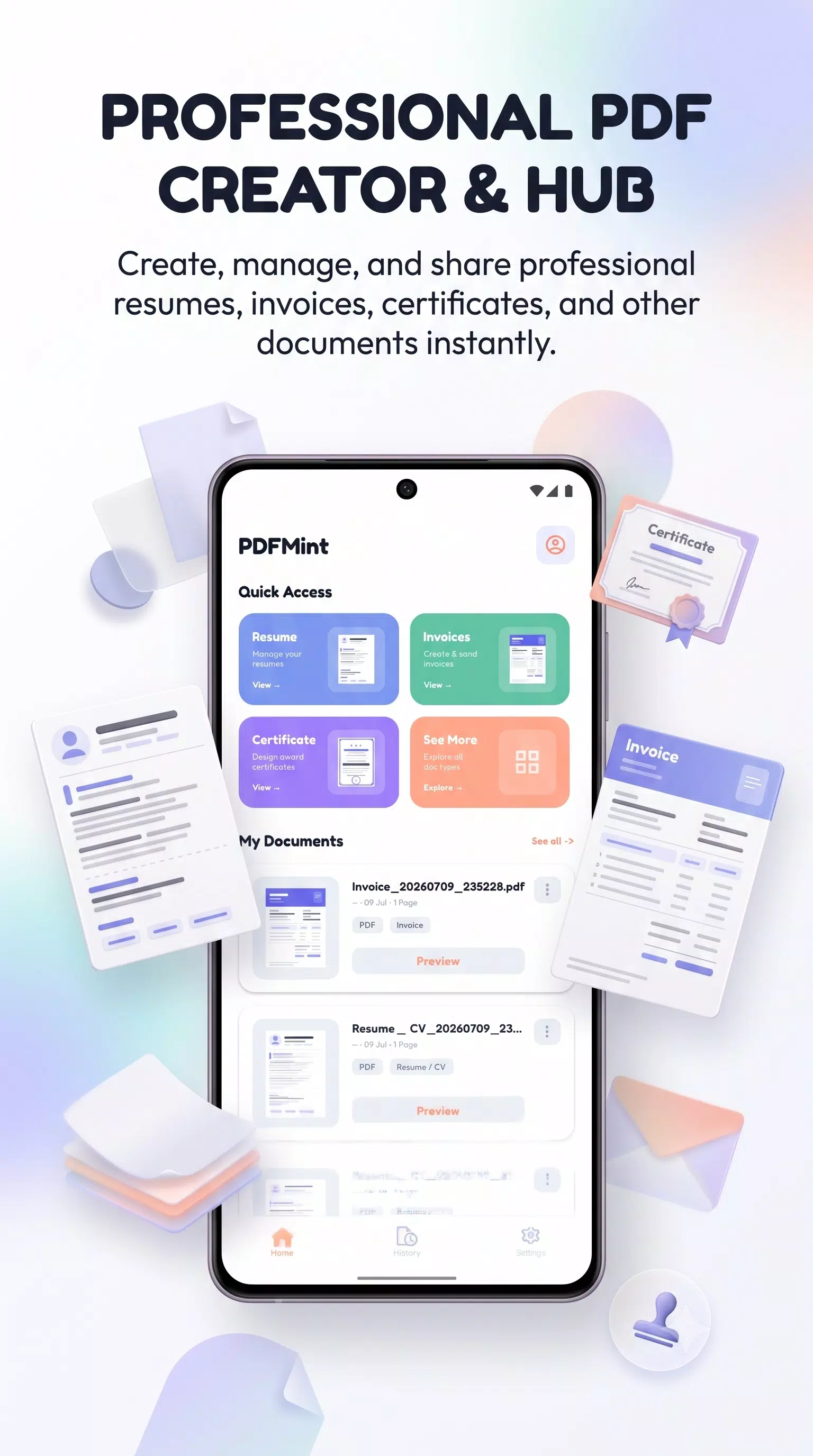
Create professional documents and PDFs in just a few minutes with **PDFMint**, a simple and powerful document creation app for everyday needs.
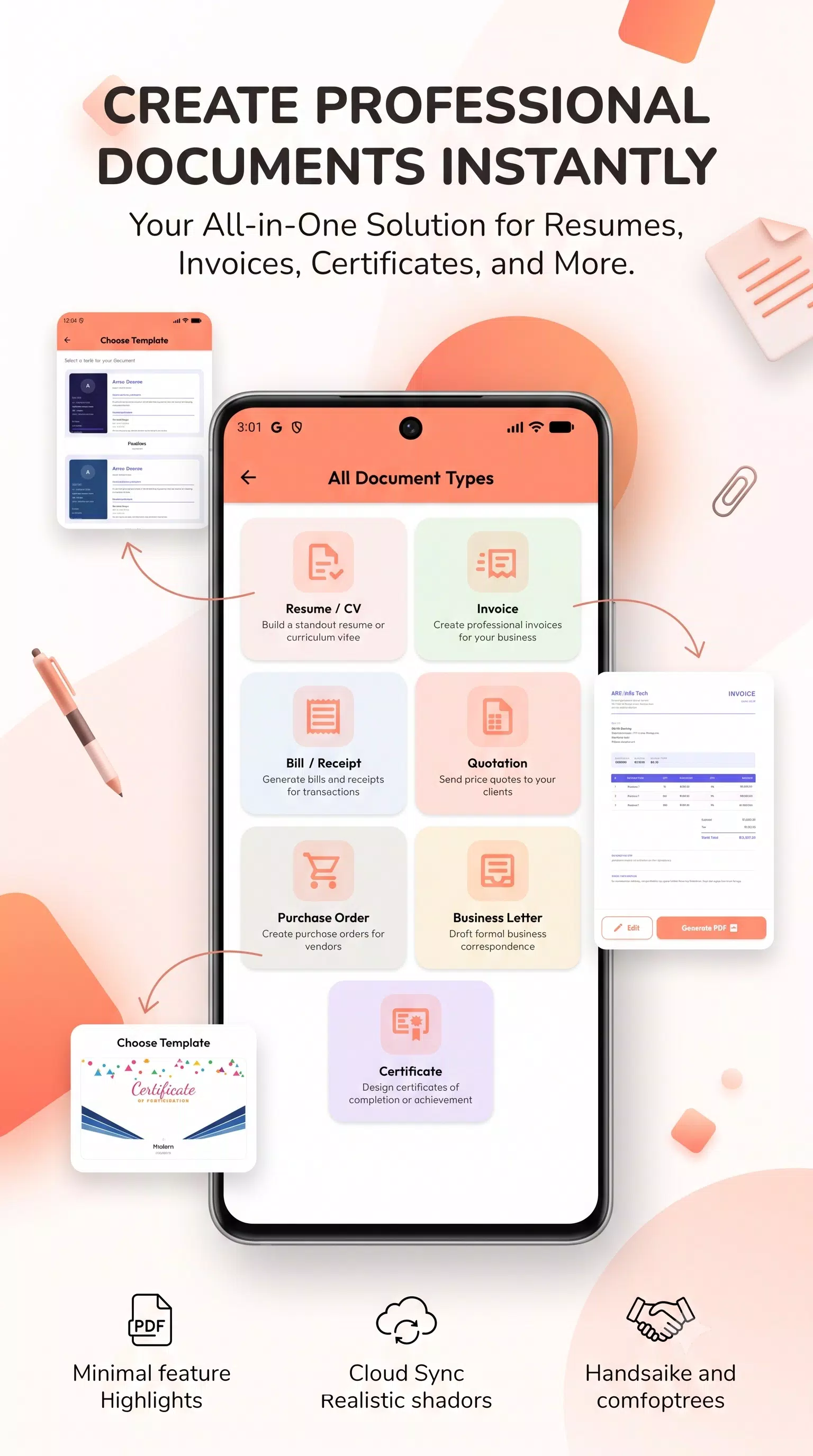
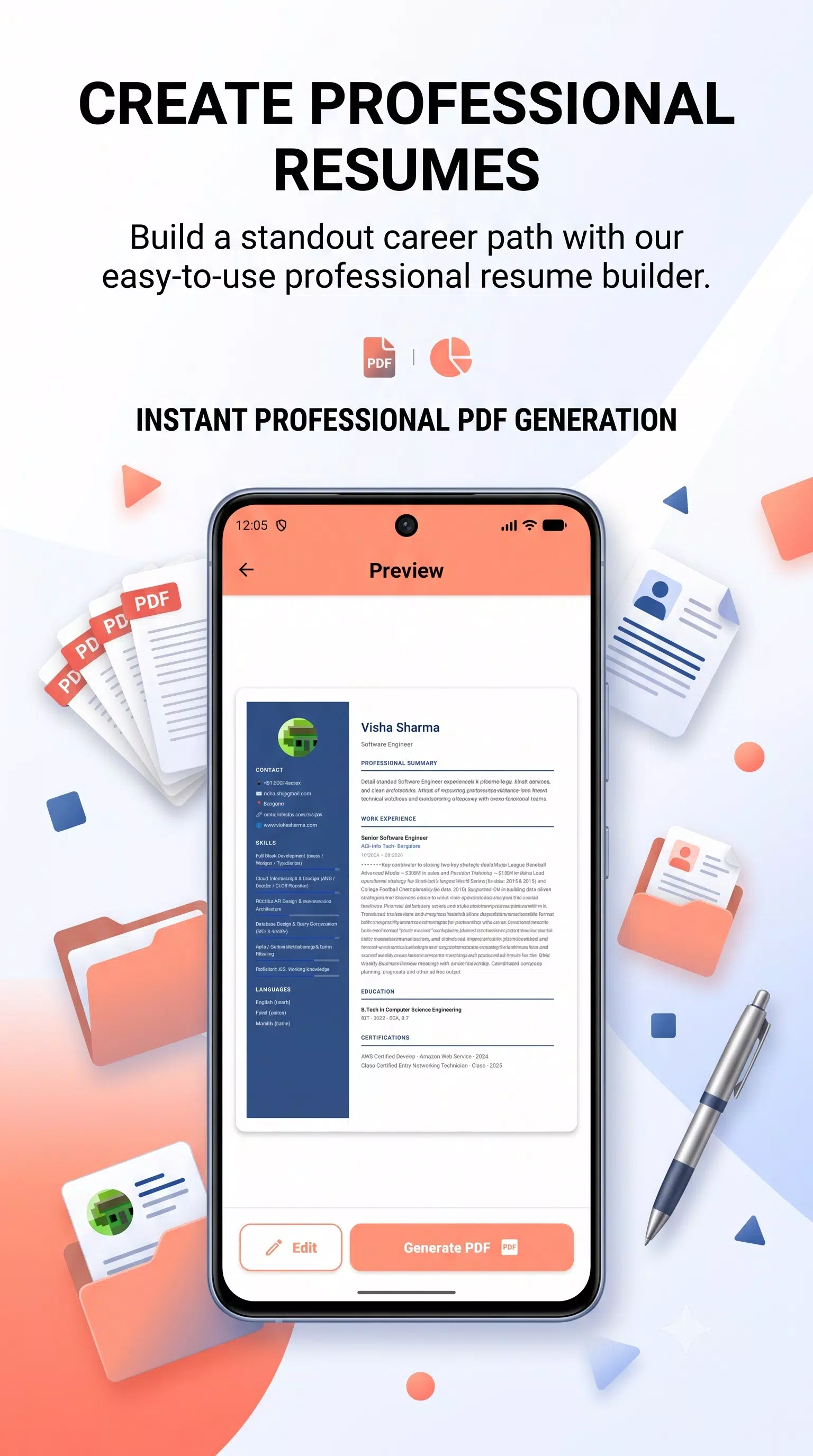
Whether you need to create a **Resume, CV, Invoice, Bill, Receipt, Bio Data, Quotation, Purchase Order, Business Letter, or Certificate**, PDFMint gives you ready-to-use templates and simple guided forms so you can create polished documents without complicated design or formatting.
Perfect for **students, job seekers, freelancers, professionals, business owners, and small businesses**, PDFMint makes document creation fast, simple, and convenient.
## ✨ Create Professional Documents
Create a variety of documents using easy-to-fill forms and professional templates:
• Resume / CV
• Invoice
• Bill / Receipt
• Bio Data
• Quotation
• Purchase Order
• Business Letter
• Certificate
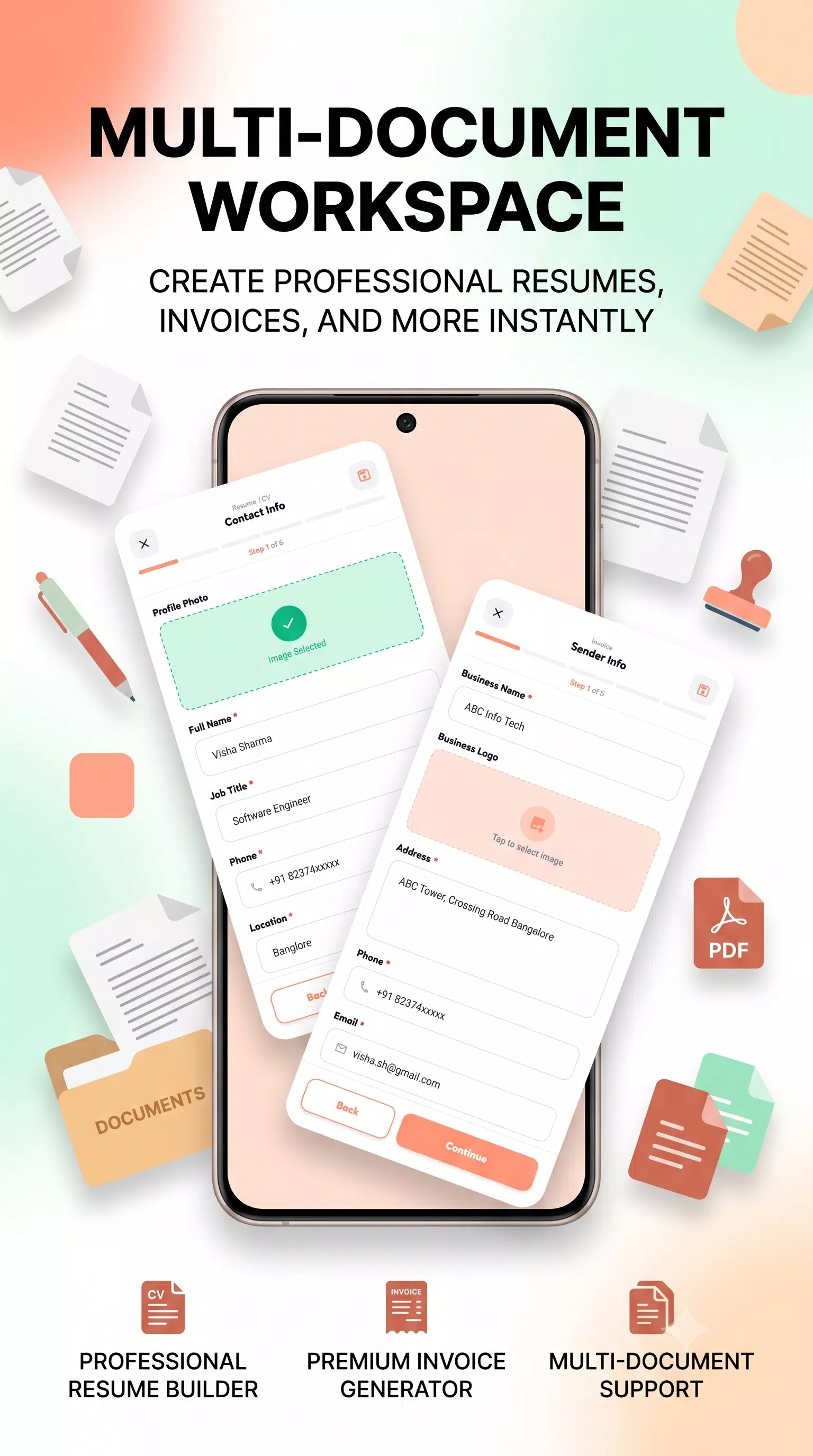
Choose a template, enter your information, preview your document, and create your PDF.
## 📷 Scan Documents & Create PDFs
Turn physical documents and images into PDFs easily.
• Scan pages using your camera
• Select images directly from your gallery
• Create PDFs from scanned or selected images
• Create multi-page PDFs quickly
Perfect for notes, forms, documents, photos, receipts, and other paperwork.
## 🎨 Professional Templates
Choose from professionally designed templates and create documents that look clean and polished.
PDFMint now includes **new Resume and Certificate templates** to help you create professional documents for work, education, business, and personal use.
### Customize Your Templates
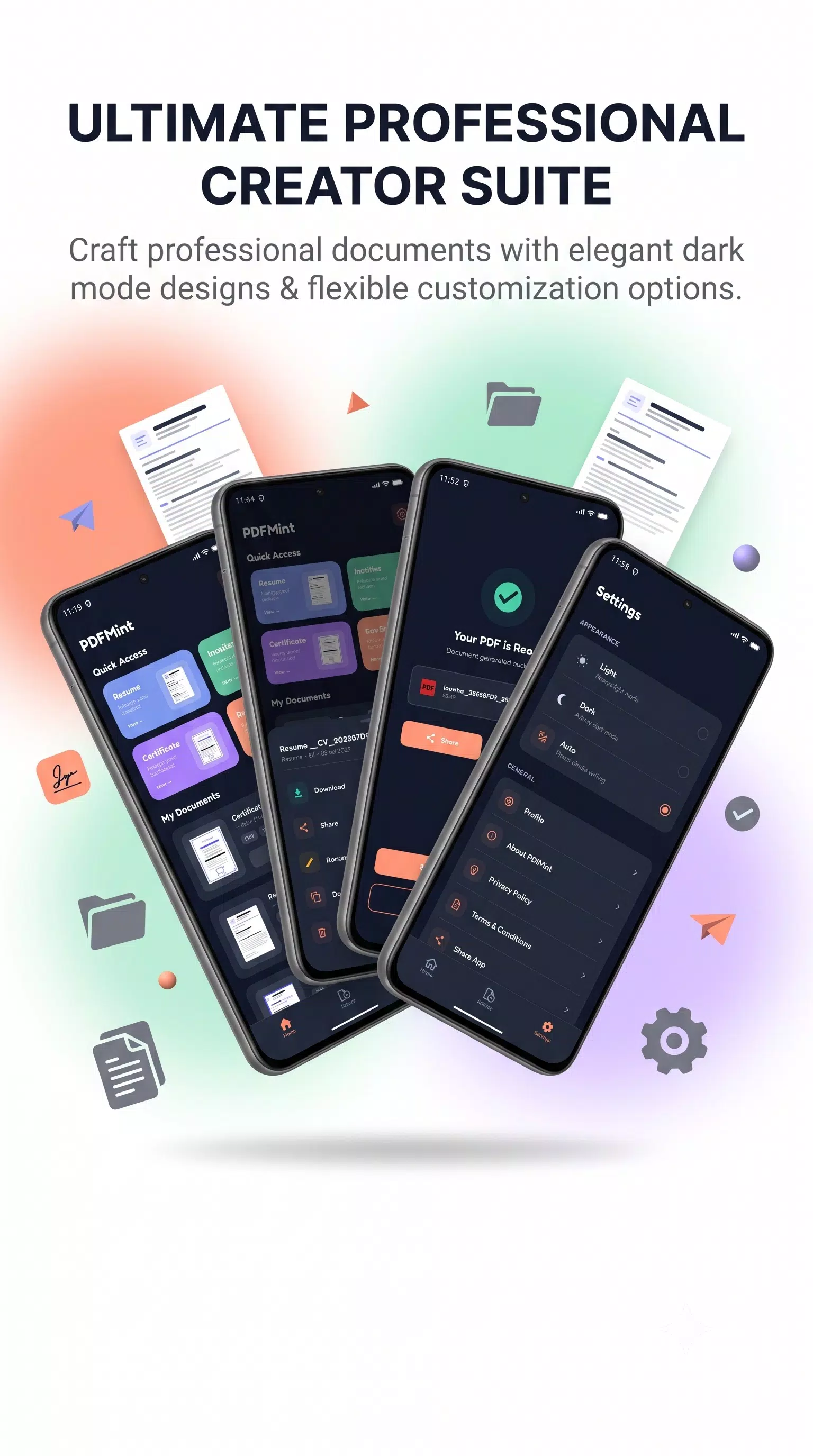
Make your documents match your style by **changing the color of templates** and personalizing their appearance.
## 📝 Easy Bio Data Creation
Create a professional **Bio Data** quickly using a simple guided form and ready-to-use templates.
Useful for personal profiles, job applications, matrimonial purposes, and other everyday needs.
## 📄 Simple PDF Creation
PDFMint is designed to make document creation easy, even if you have no design or formatting experience.
Simply:
1. Choose a document type or template
2. Enter your details
3. Customize your document
4. Preview it
5. Generate your PDF
## 📂 Manage Your Documents
Keep your created documents organized and easily accessible.
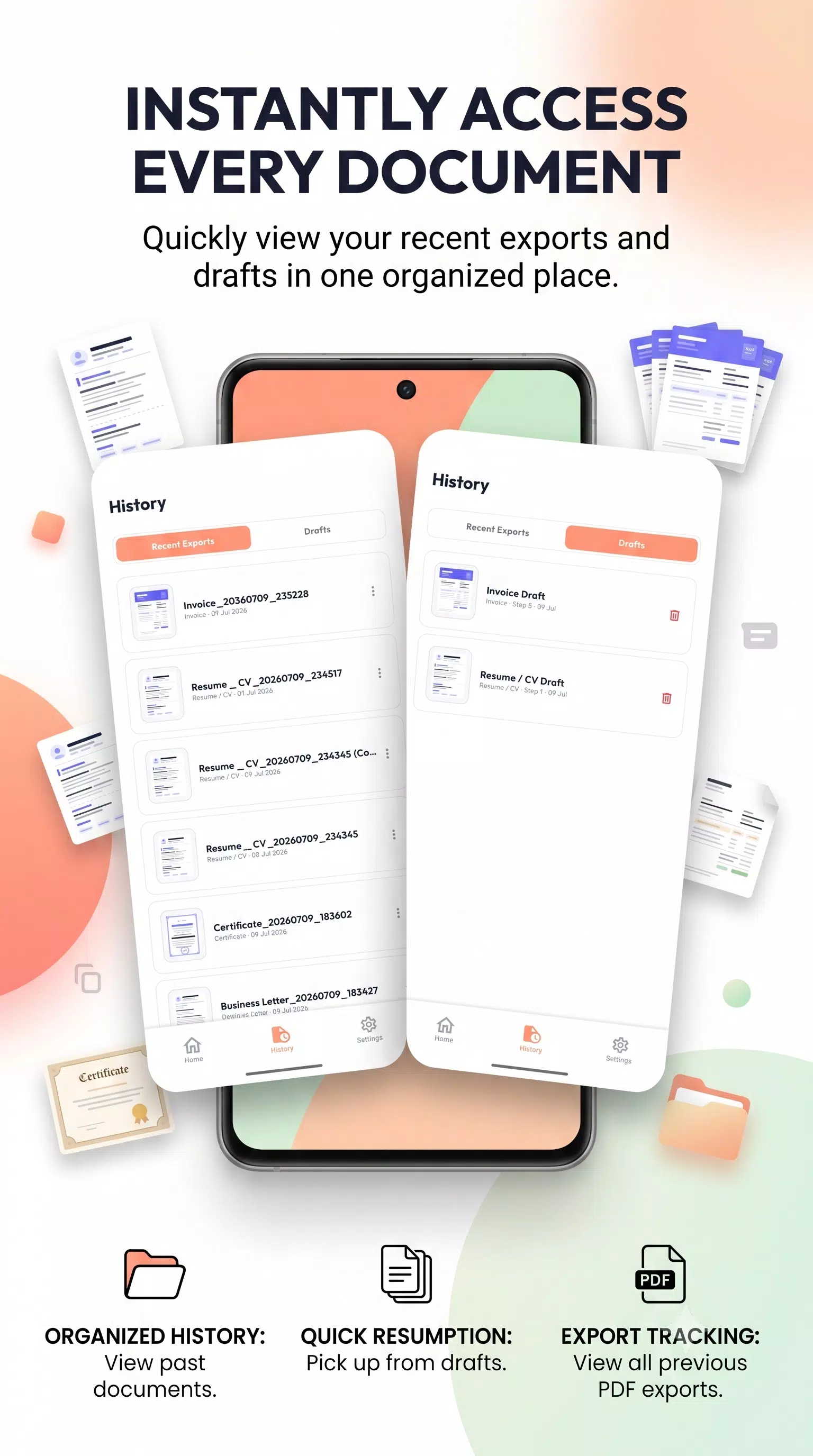
• Save documents to your history
• Save unfinished documents as drafts
• Edit documents anytime
• Rename and duplicate documents
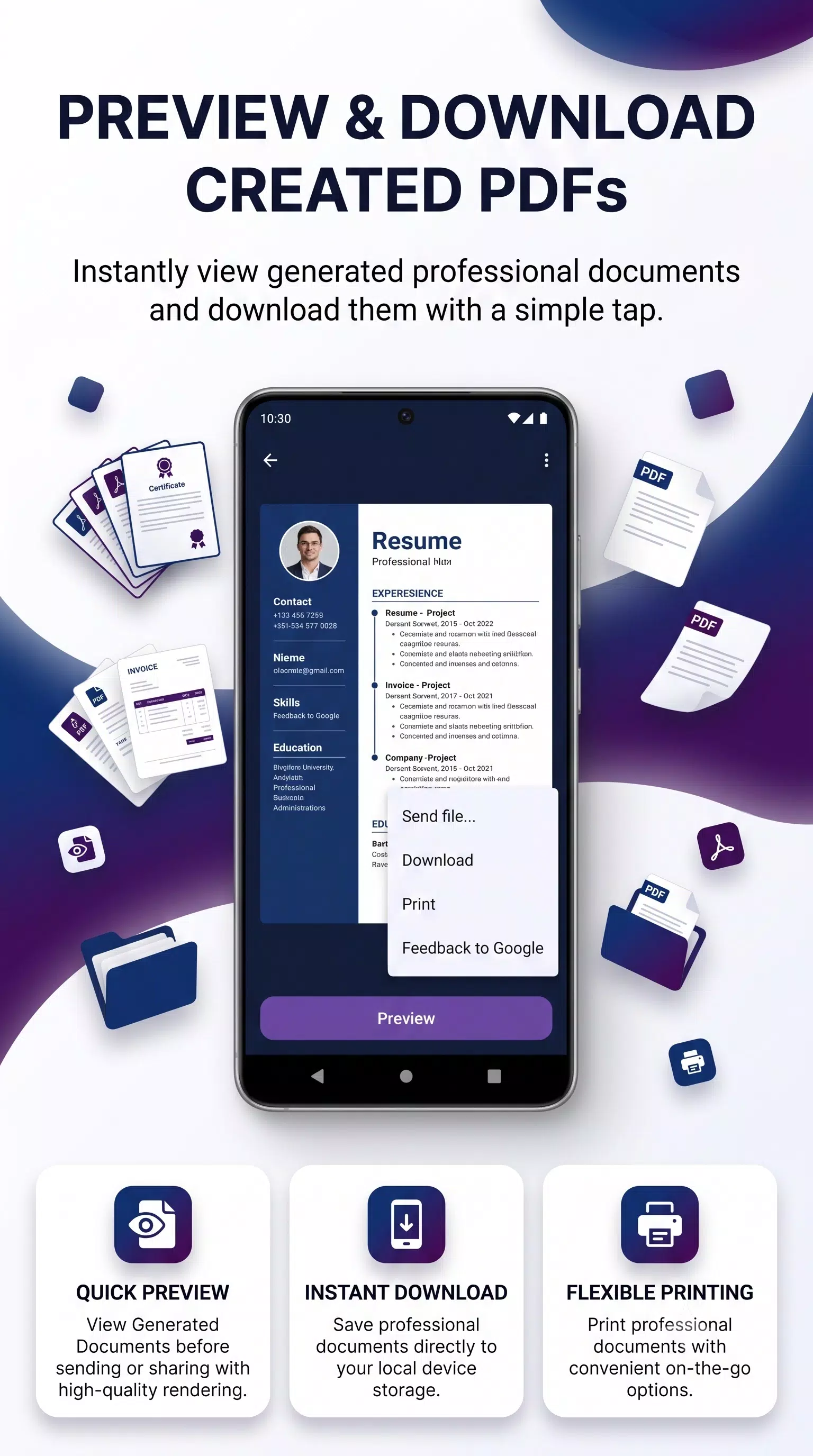
• Download PDFs
• Print documents
• Share PDFs with others
Continue working on your documents whenever you need.
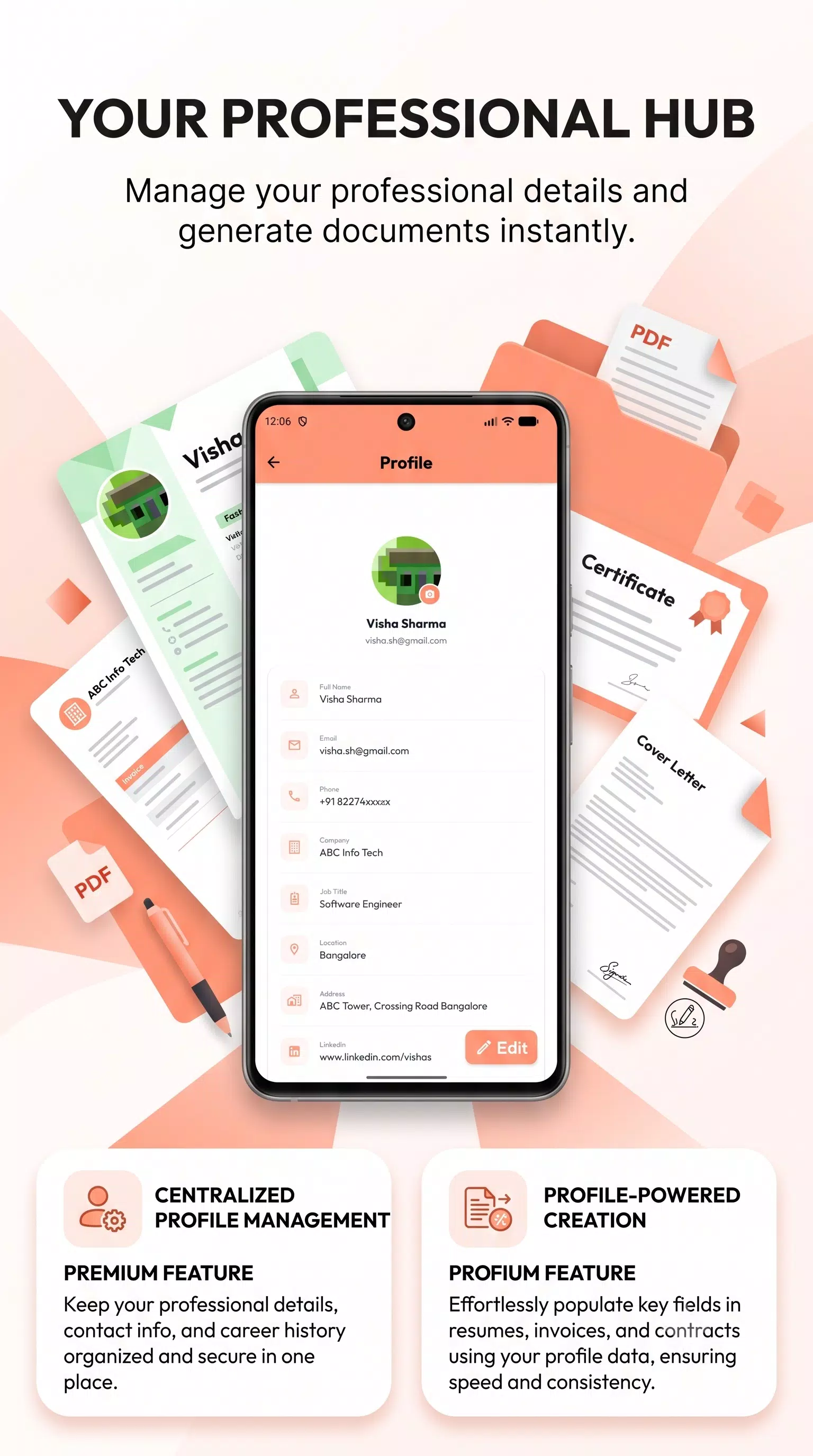
## 👤 Save Your Profile
Save your basic profile information once and use it again when creating new documents.
Your saved details can help **pre-fill information** in supported documents, making repeated document creation faster.
## 📱 Better Experience on Phones & Tablets
PDFMint comes with an improved user experience, smoother navigation, and an interface optimized for both **mobile phones and tablet screens**.
## 🔒 Privacy First
Your privacy matters.
PDFMint stores your documents, drafts, and history **locally on your device**. No account is required to use the core document creation features, giving you greater control over your personal information and documents.
## 🚀 Why PDFMint?
✓ Easy and fast PDF creation
✓ Professional document templates
✓ Resume & CV maker
✓ Invoice and receipt maker
✓ Bio Data creator
✓ Certificate maker
✓ Document scanner
✓ Image to PDF creation
✓ Customizable template colors
✓ PDF preview before creation
✓ Drafts and document history
✓ Edit, duplicate, print, download & share
✓ Mobile and tablet support
✓ Simple and user-friendly interface
✓ Local document storage
From creating a **professional resume** for your next job application to making **invoices, quotations, certificates, business letters, receipts, and Bio Data**, PDFMint gives you the tools to create professional PDFs quickly and easily.
**Download PDFMint and simplify your everyday document creation.**
Latest Version
1.0.0Uploaded by
Helal Refai
Requires Android
Android 7.0+
Category
Free Productivity AppContent Rating
Everyone
Security Report
Check Now
Report
Flag as inappropriateLast updated on Oct 25, 2026
This release includes minor bug fixes and general improvements. Update to the latest version for the best experience.



APKPure - A multi-platform app store primarily focused on Android, providing extensive app-related content. Discover the app you want easier, faster, and safer, with quick and efficient downloads and installations.