Download free APK/XAPK files from Google Play Store without a login account.
Install Now
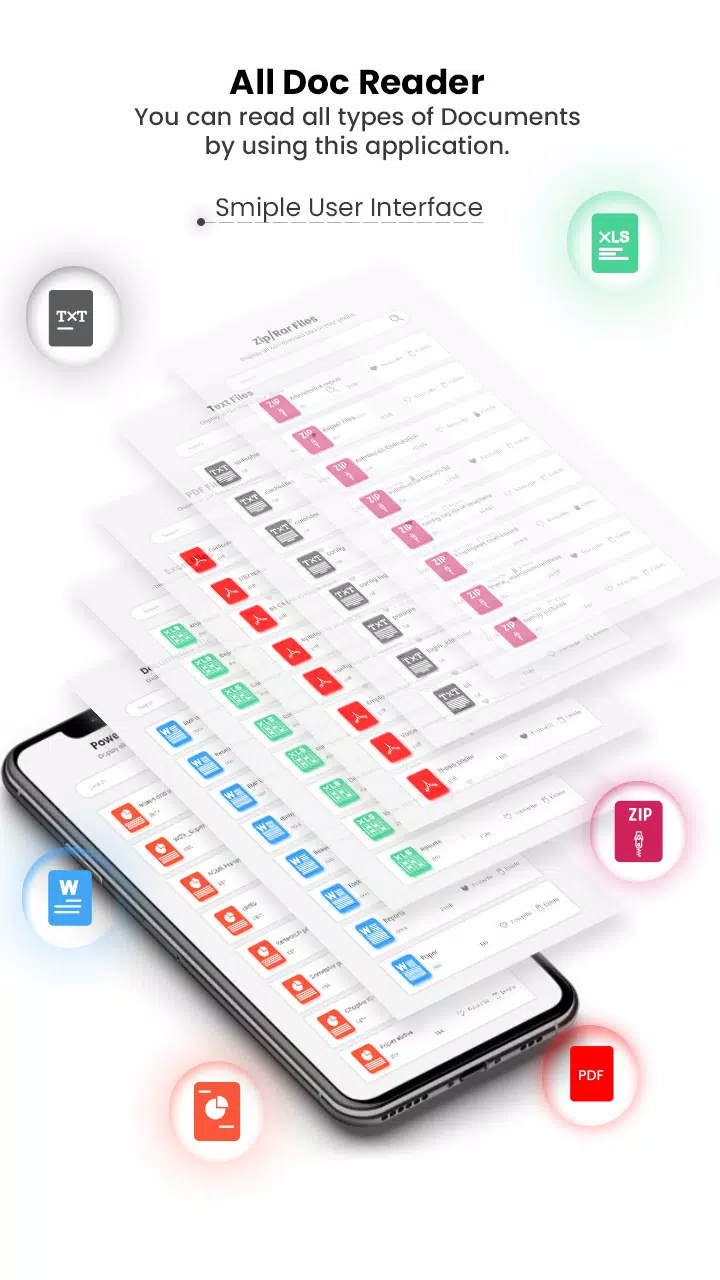
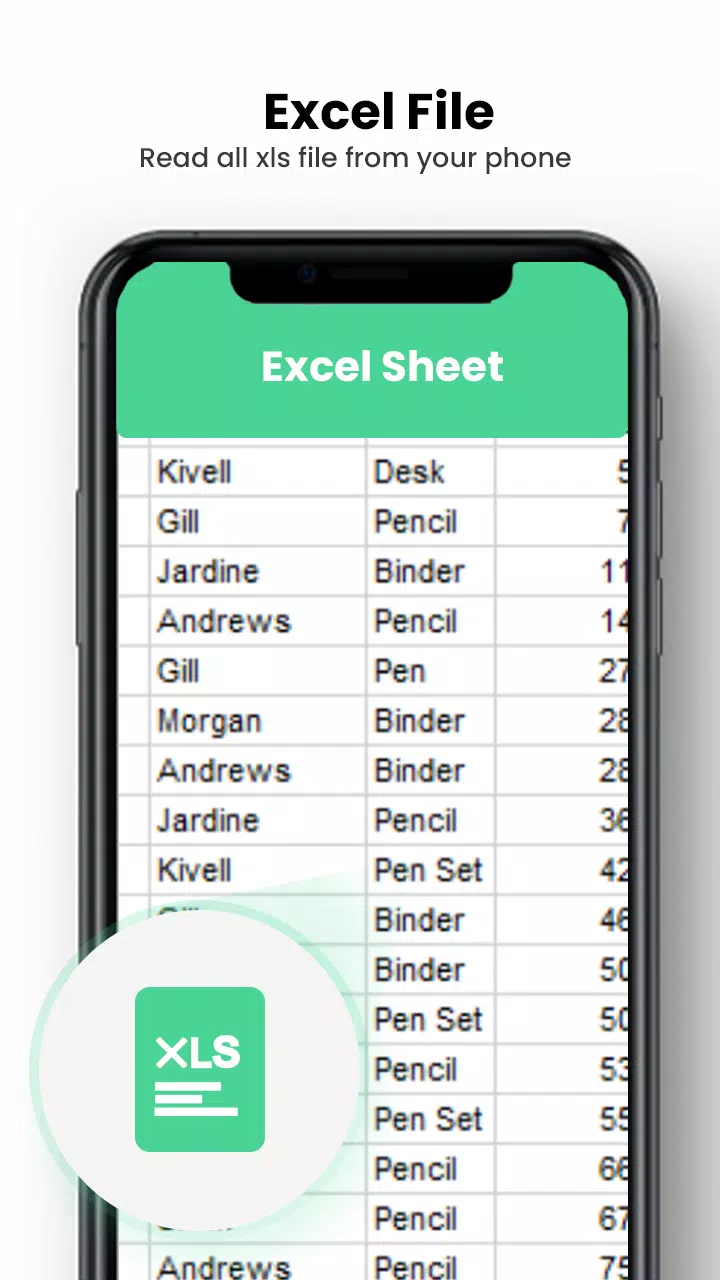
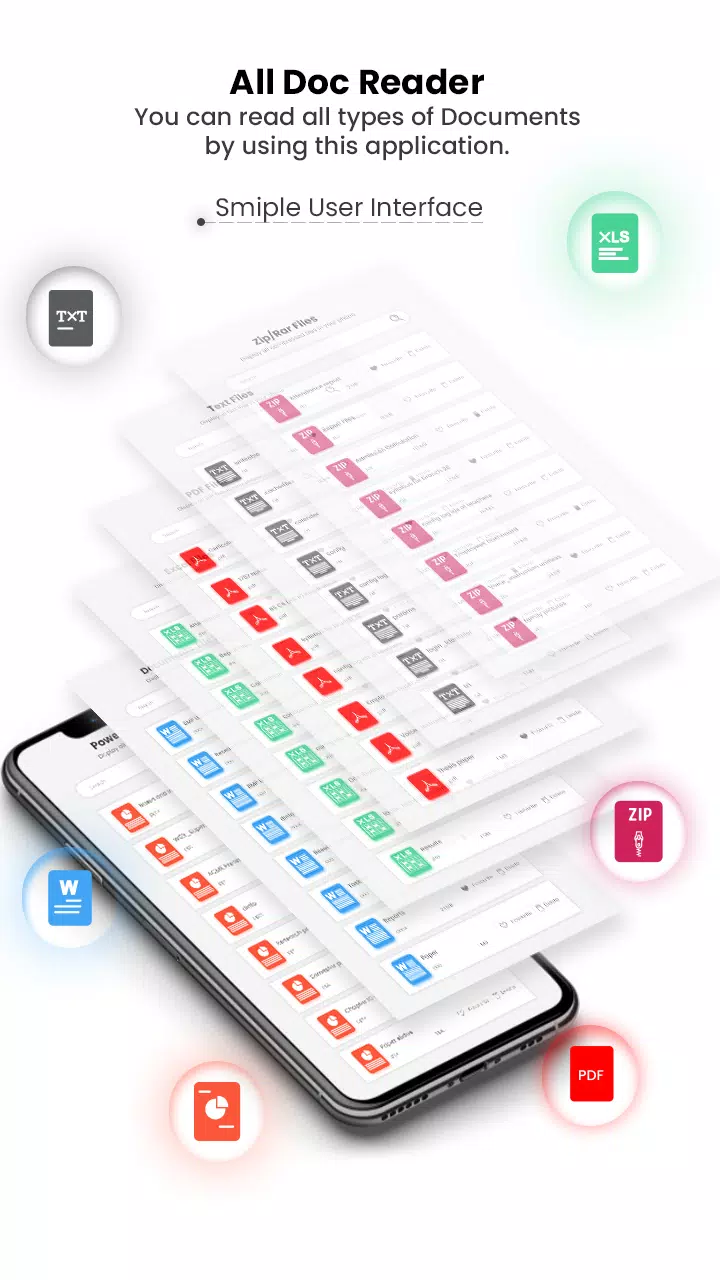
All Document Reader & Viewer is a very useful app to keep all your important documents in one place. This Document Reader App scans all the document files in your mobile phone and present them to you in one place in different folders according to the document type. It is an All-file viewer app that helps you read documents in different formats (Docs, PPT, Excel, PDF, Zip, Text). Docs Viewer App will identify the type of document and open documents that are stored on the internal memory of SD cards (External Storage) or even downloaded files or those sent as email attachments.
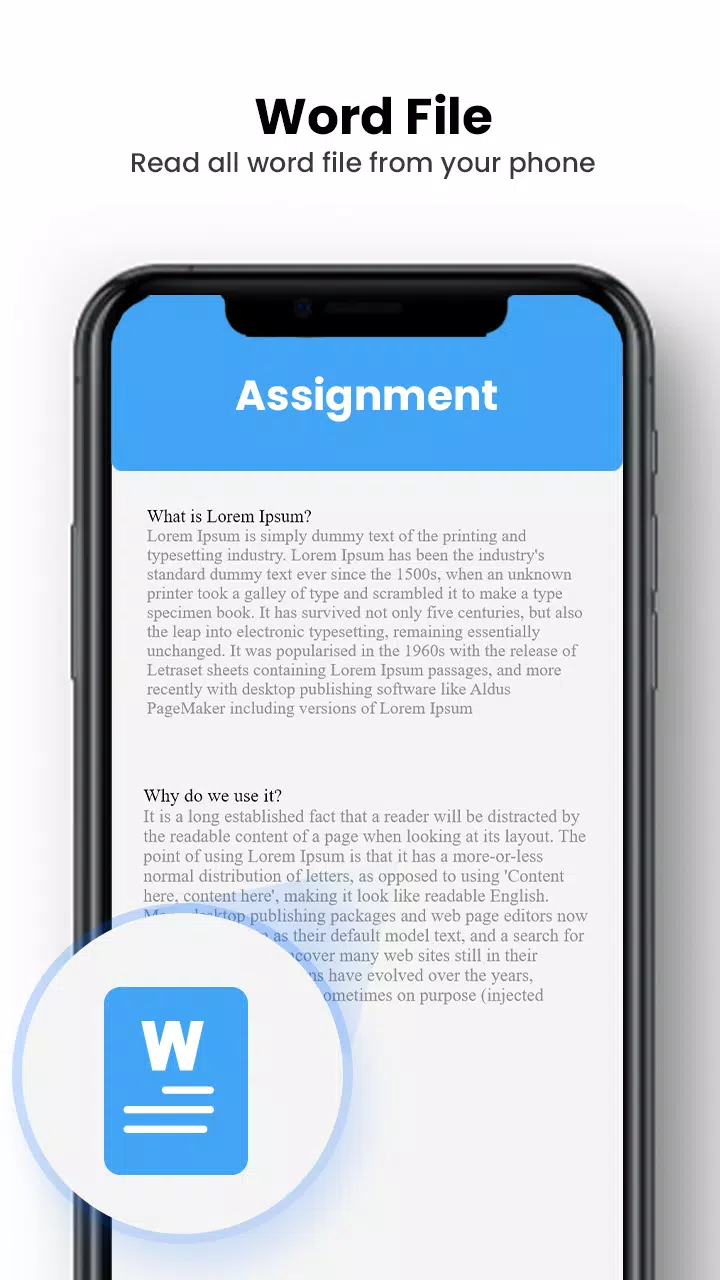
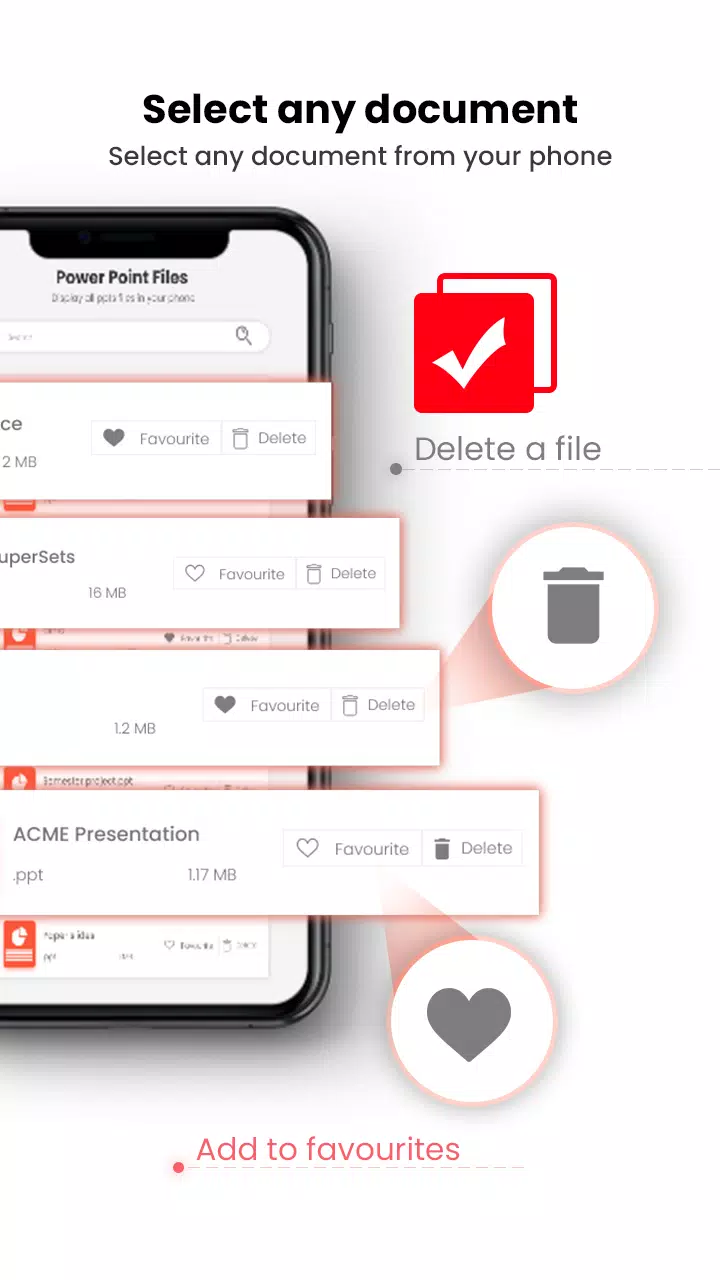
All Documents Reader & Viewer Manager lets you manage and organize all document files in a folder structure view and make it easy to search & view all documents. Word Document Reader & Documents Viewer gives you an elegant full-screen view to read all word documents with multiple features. You can easily search & share any desired word Docx file from your mobile device with an All-Document Reader & Viewer App.
All Documents Reader & Viewer has a feature of keeping your important documents secure by pdf password protection. Pdf file locker feature of this All-Documents Reader allow you to password protect pdf files with secure and safe passwords. To secure your PDF documents from unauthorized access like copying or printing, you should password protect your file! Protect PDF files by adding a password and encrypt it.
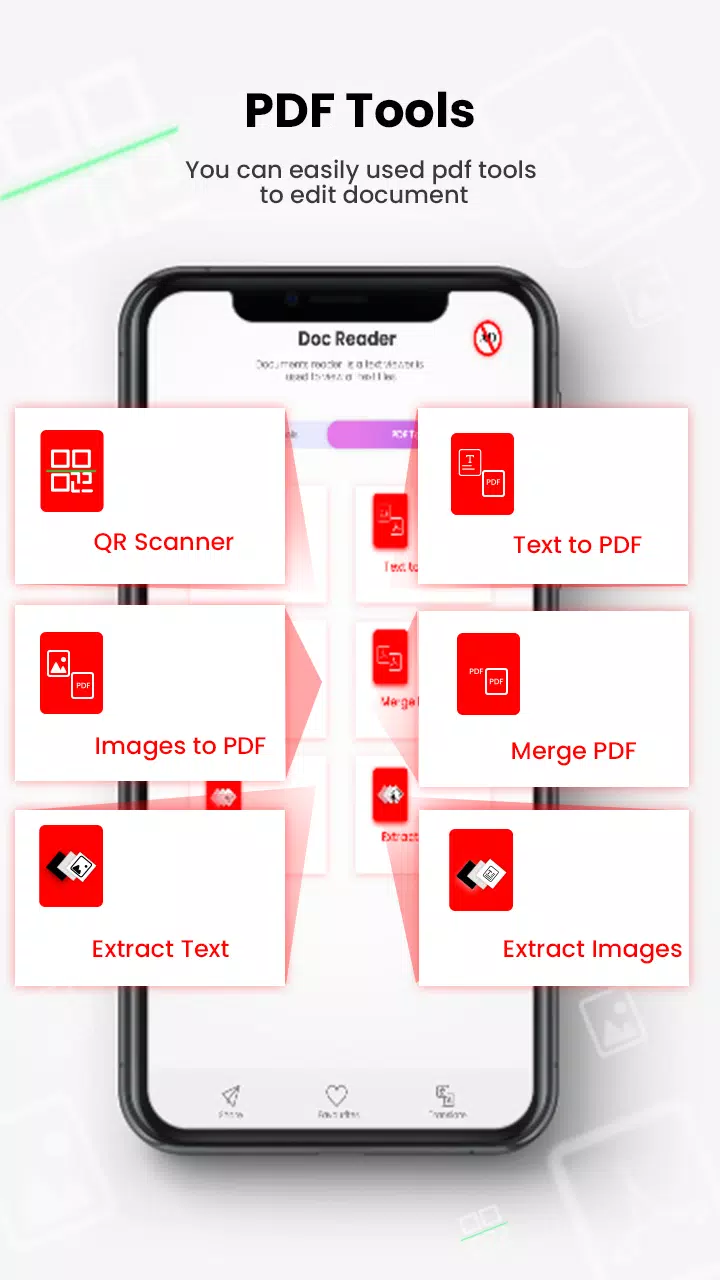
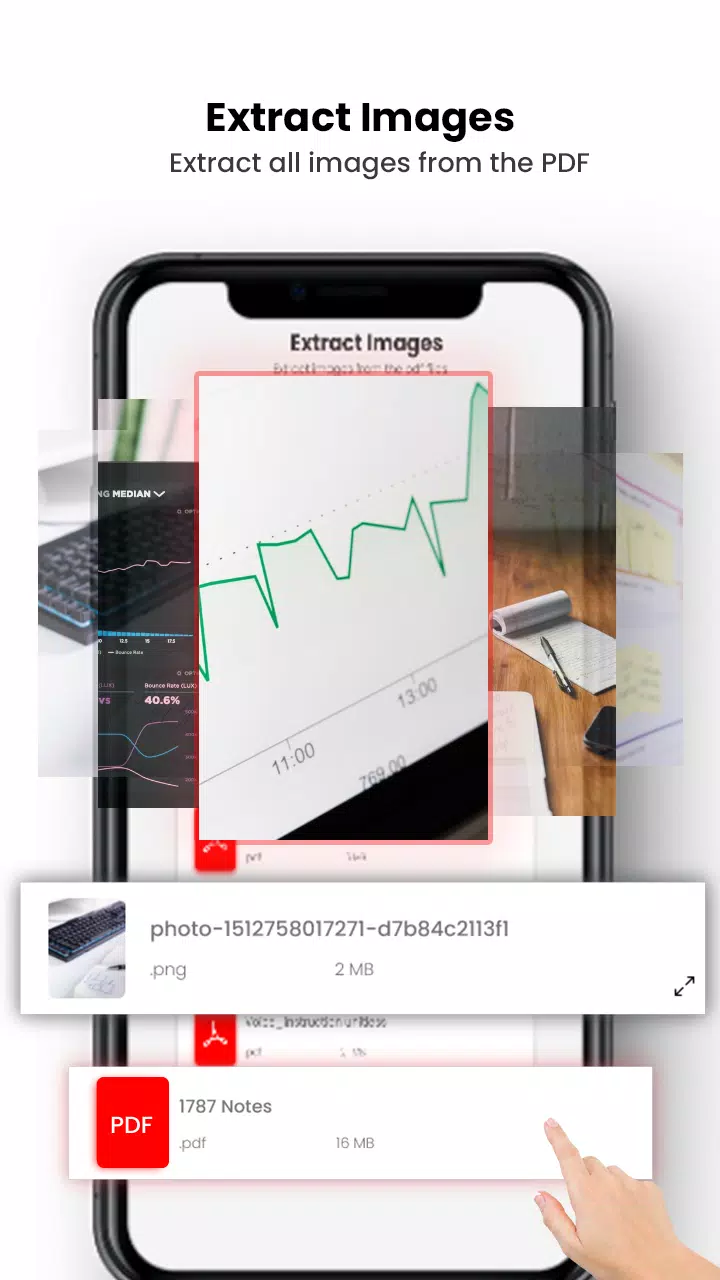
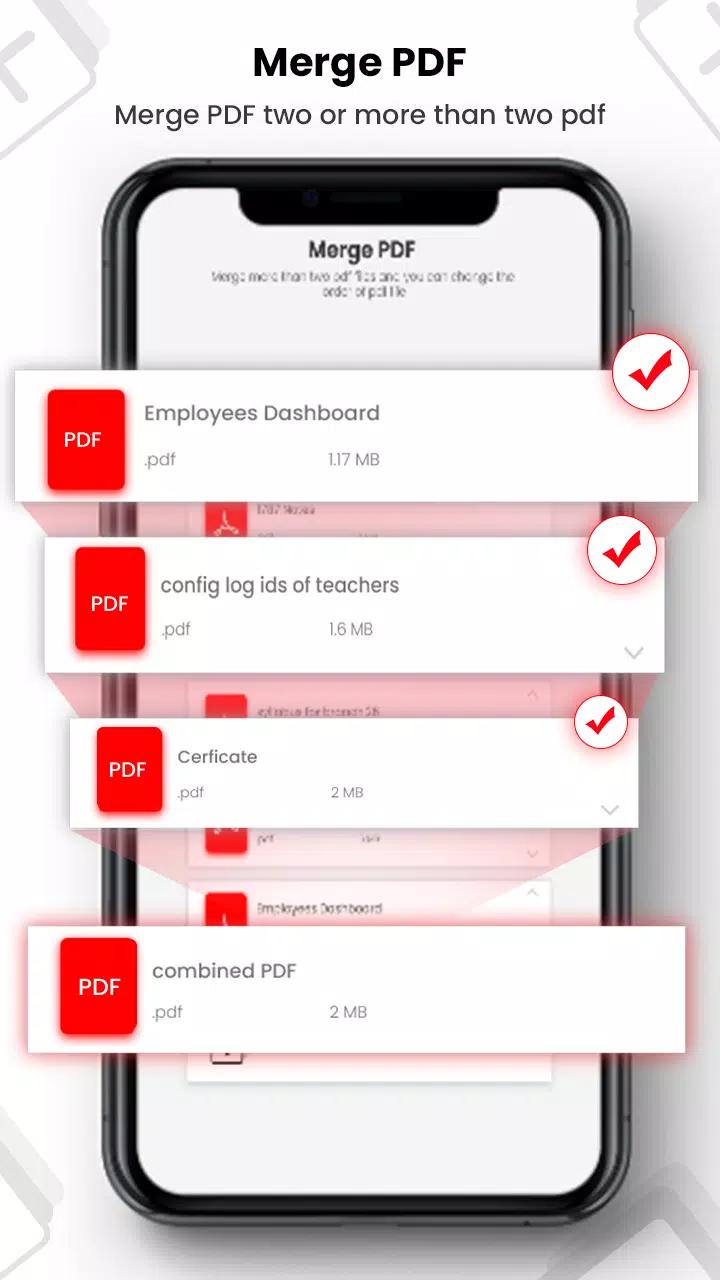
All Document Reader: Pdf Maker also includes multiple pdf tools to edit and extract text from pdf files. Pdf tools include QR scanner, Text to pdf converter, image to pdf converter, pdf files merger, extract text and images from pdf files.
Features of All Document Reader: PDF tools:
⦁ All Documents Manager
⦁ Read and save your documents of all formats in one place
⦁ Pdf maker and pdf converter for converting text documents into pdf files
⦁ File viewer for all formats
⦁ Merge multiple pdf files
⦁ Password protection of important documents
⦁ Pdf Merger
⦁ Select photos, images to convert them into PDF with password protection
⦁ Convert images to PDF document files.
⦁ Pdf File Reader and Converter
PDF tools allows you to convert any image (JPG, PNG, etc.) or document (TXT, Docx, Doc, etc) file into a PDF document on your smartphone and tablet. You can create PDF documents for your own official use and maintain records that are secured by the use of PDF Maker.
Permissions
⦁ Storage permission for scanning all document files
⦁ Internet permission for new update
⦁ Camera permission for scanning QR code
Latest Version
1.0Uploaded by
Saurabhparjapati Saurabhparjapati
Requires Android
Android 5.0+
Category
Free Education AppContent Rating
Everyone
Report
Flag as inappropriateLast updated on Dec 16, 2022
This release includes minor bug fixes and general improvements. Update to the latest version for the best experience.


APKPure - A multi-platform app store primarily focused on Android, providing extensive app-related content. Discover the app you want easier, faster, and safer, with quick and efficient downloads and installations.