Download free APK/XAPK files from Google Play Store without a login account.
Install Now

Amazingly handy, quick, easy to use graphic memo / notepad and reminder with well thought-out interface!
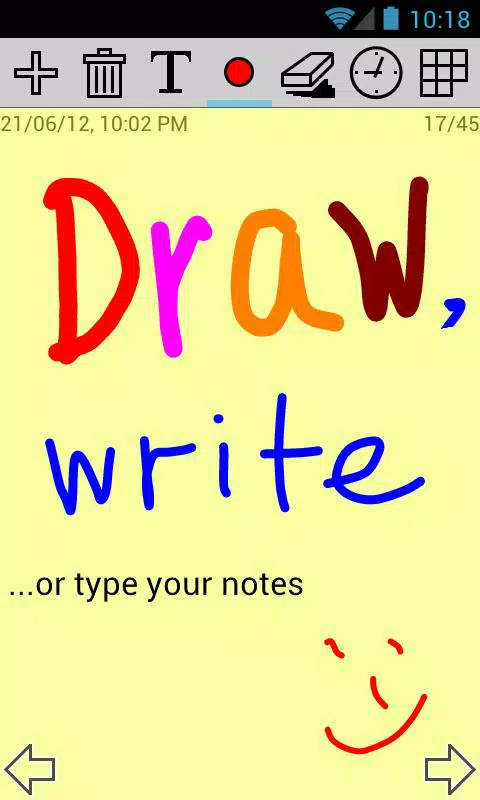
- Just open apMemo and instantly you are ready to take notes;
- Simply jot down handwritten notes with your finger or stylus;
- Type text notes;
- Draw pictures or schemes;
- Sketch and scribble;
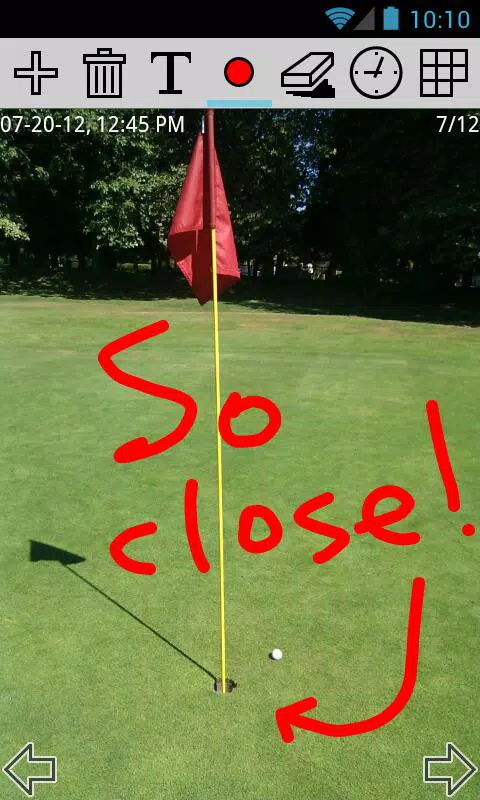
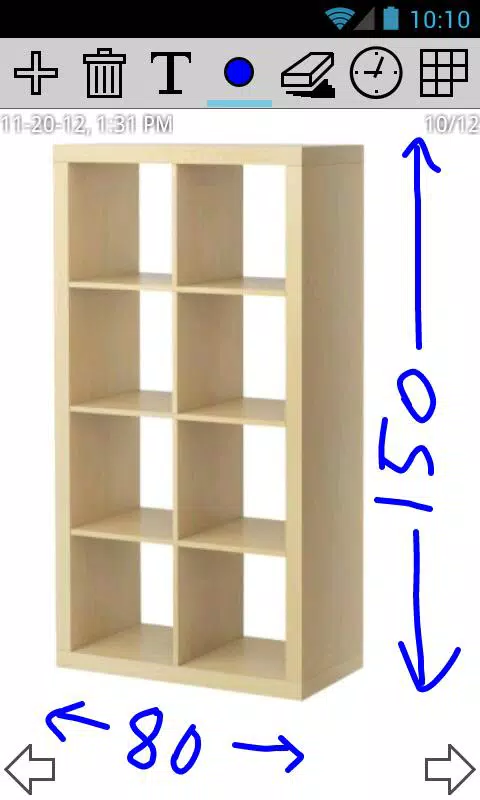
- Draw over any image or photo;
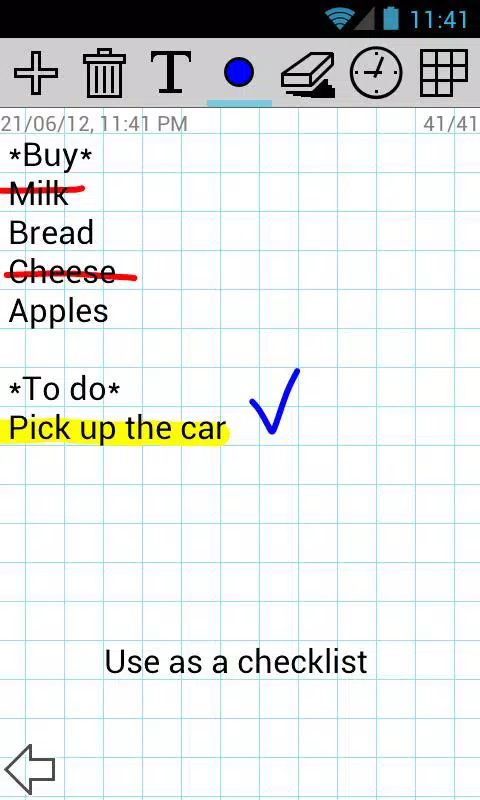
- Enter a checklist and mark or strike the items out like you'd do on paper;
- Export notes;
- Share notes via Facebook, Twitter, GMail, Dropbox, and other apps;
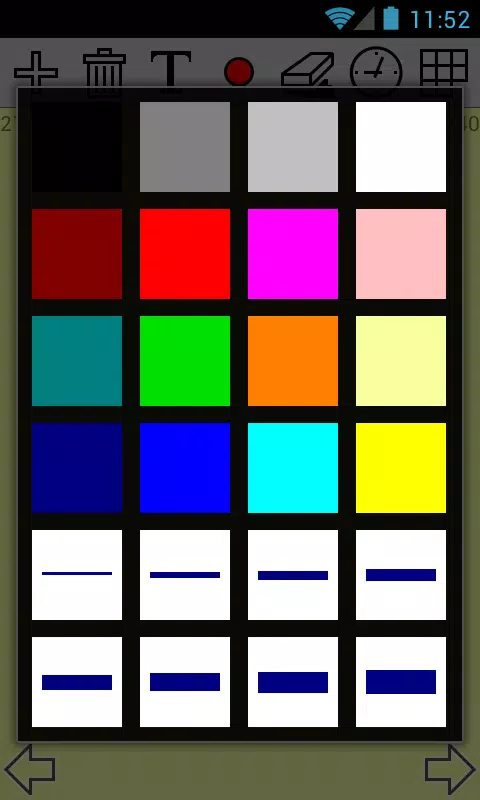
- Easily select pen size and color for the notes;
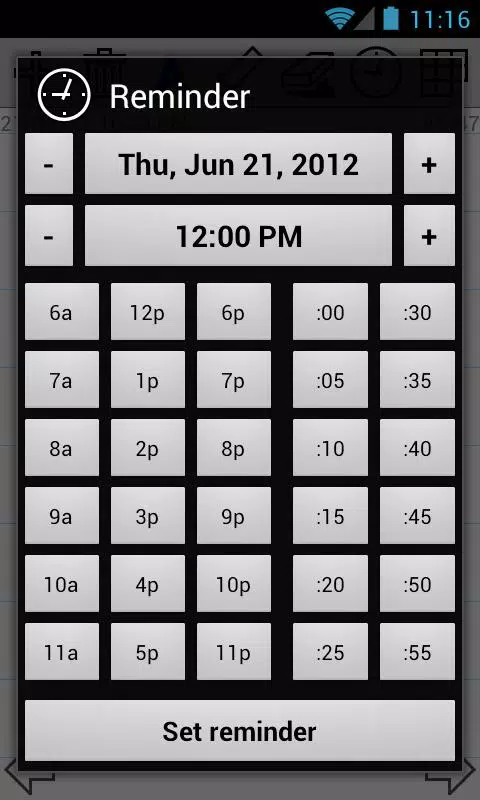
- Set notes reminder with just a couple of taps;
- Move between the notes back and forth;
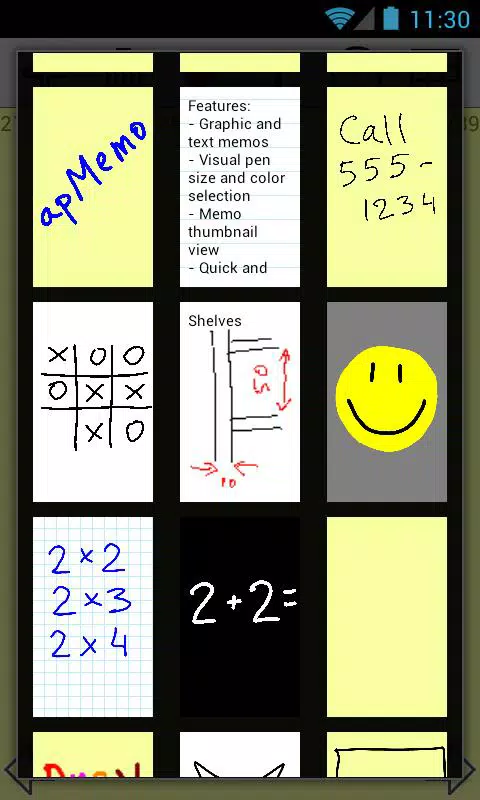
- Use a thumbnail notes view to quickly switch to another note;
- No need for a backup: notes are stored on the memory card;
- Take as many notes as you want - the number of notes is unlimited;
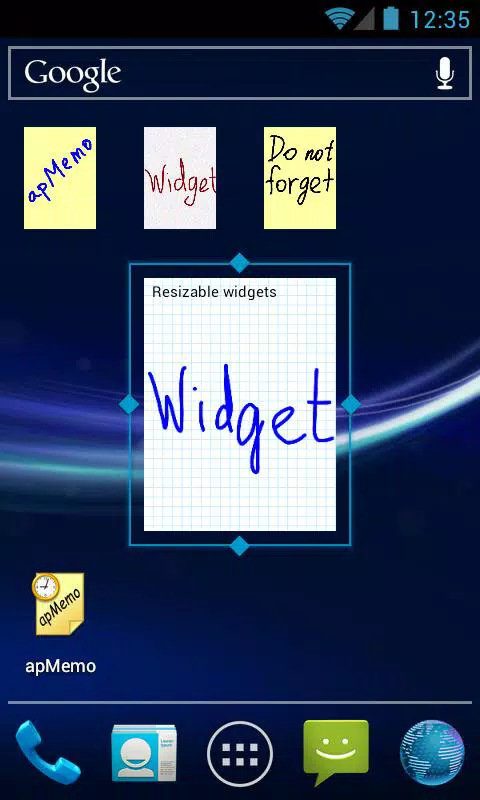
- Put your notes on the Home screen, like sticky notes, using apMemo widget.
apMemo is the easiest, fastest, and the most convenient way to create notes, memos and reminders!
Please note: even though apMemo can be installed on the SD card, this is not recommended, as it may cause some issues. The widgets in Android do not work in this case, and sometimes reminders may have problems due to the SD card being unavailable.
Required permissions:
"Modify/delete SD card contents" permission is needed to store notes on the SD card.
"Prevent phone from sleeping" permission is needed to let reminders work.
"Control vibrator" permission is needed to vibrate on reminders.
"Automatically start at boot" permission is required only to quickly restore the previously set reminders on reboot. The application does not stay running after that.
If you have any questions or comments, please do not hesitate to contact us by emailing to support@apsofts.com. Unfortunately Google Play does allow to respond directly to the person asking questions here, so please contact the developer by email, this would allow us to resolve your issues quickly.
IMPORTANT NOTE: If you are experiencing problems with all apMemo notes being deleted, please check if you have any automatic cleanup utility installed on your device. Some of them are known to delete important files from SD card.
Latest Version
3.0.1.201025Requires Android
4.0
Category
Productivity AppContent Rating
Everyone
Report
Flag as inappropriateLast updated on Oct 26, 2020
This release includes minor bug fixes and general improvements. Update to the latest version for the best experience.

APKPure - A multi-platform app store primarily focused on Android, providing extensive app-related content. Discover the app you want easier, faster, and safer, with quick and efficient downloads and installations.