Download free APK/XAPK files from Google Play Store without a login account.
Install Now
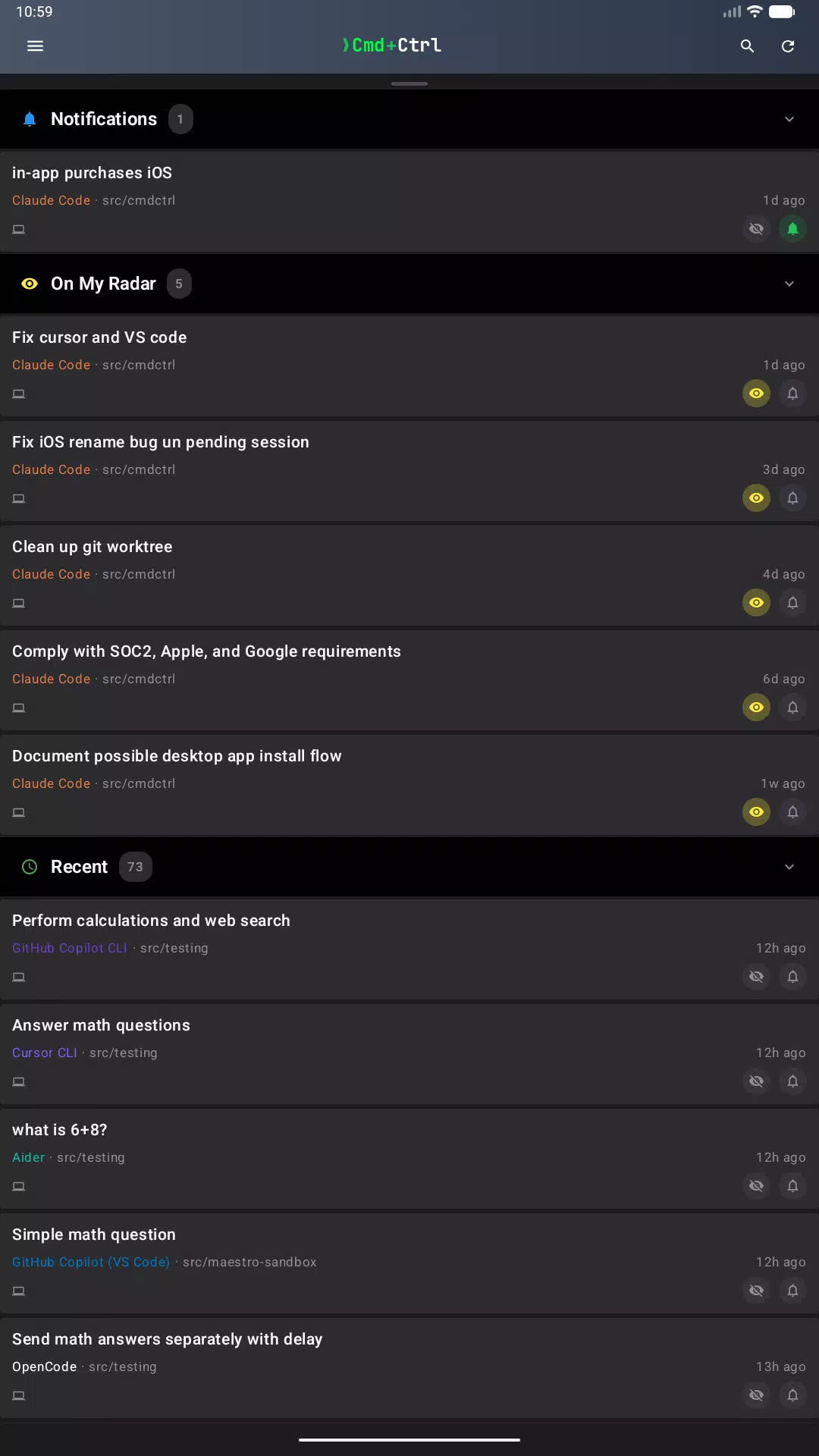
Cmd+Ctrl is the phone half of the coding agents already running on your computer.
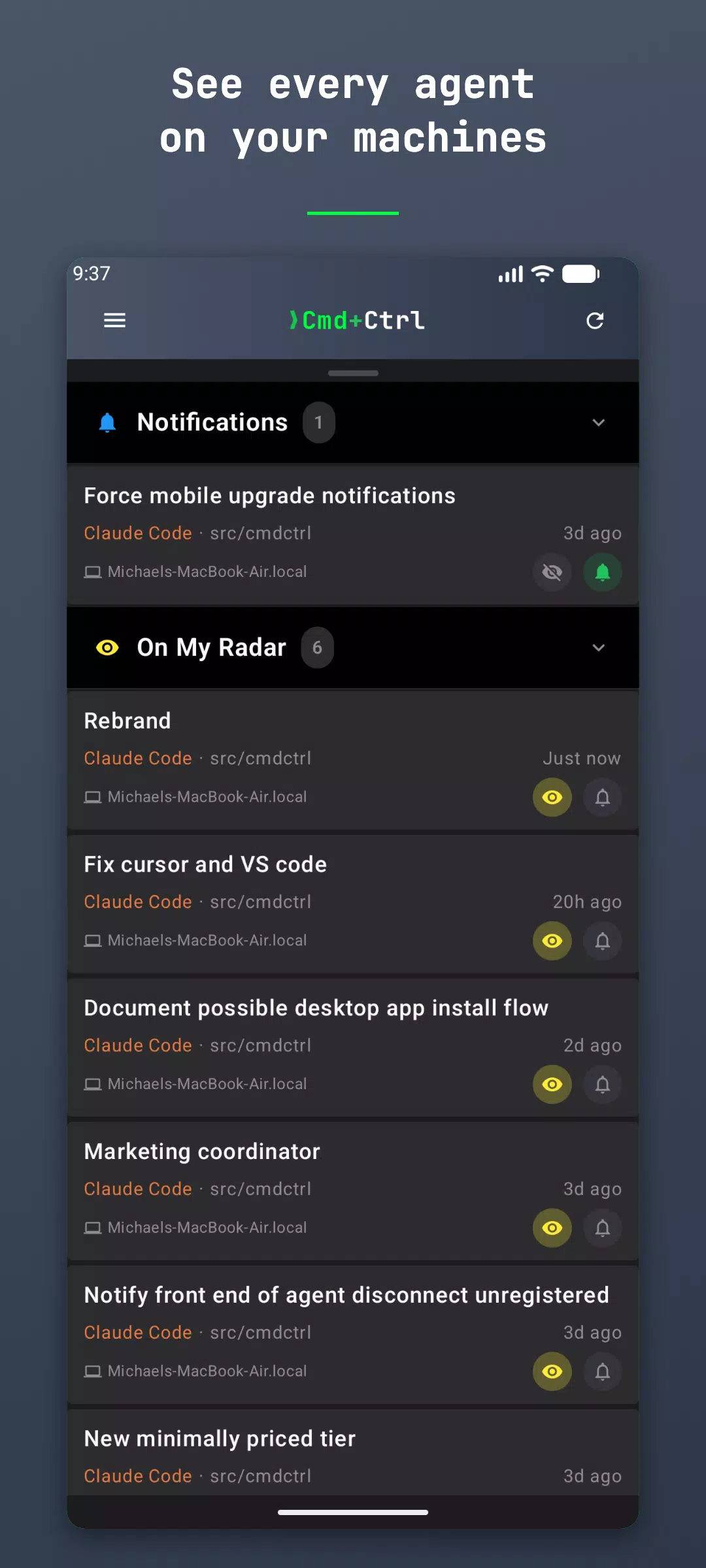
It needs a computer. You install a small daemon on the machine where Claude Code, Codex, opencode, Cursor, Copilot, Pi and your other agents run, link it to your account once, and those sessions appear on your phone. Install takes about a minute:
curl -fsSL https://docs.cmd-ctrl.ai/install.sh | bash
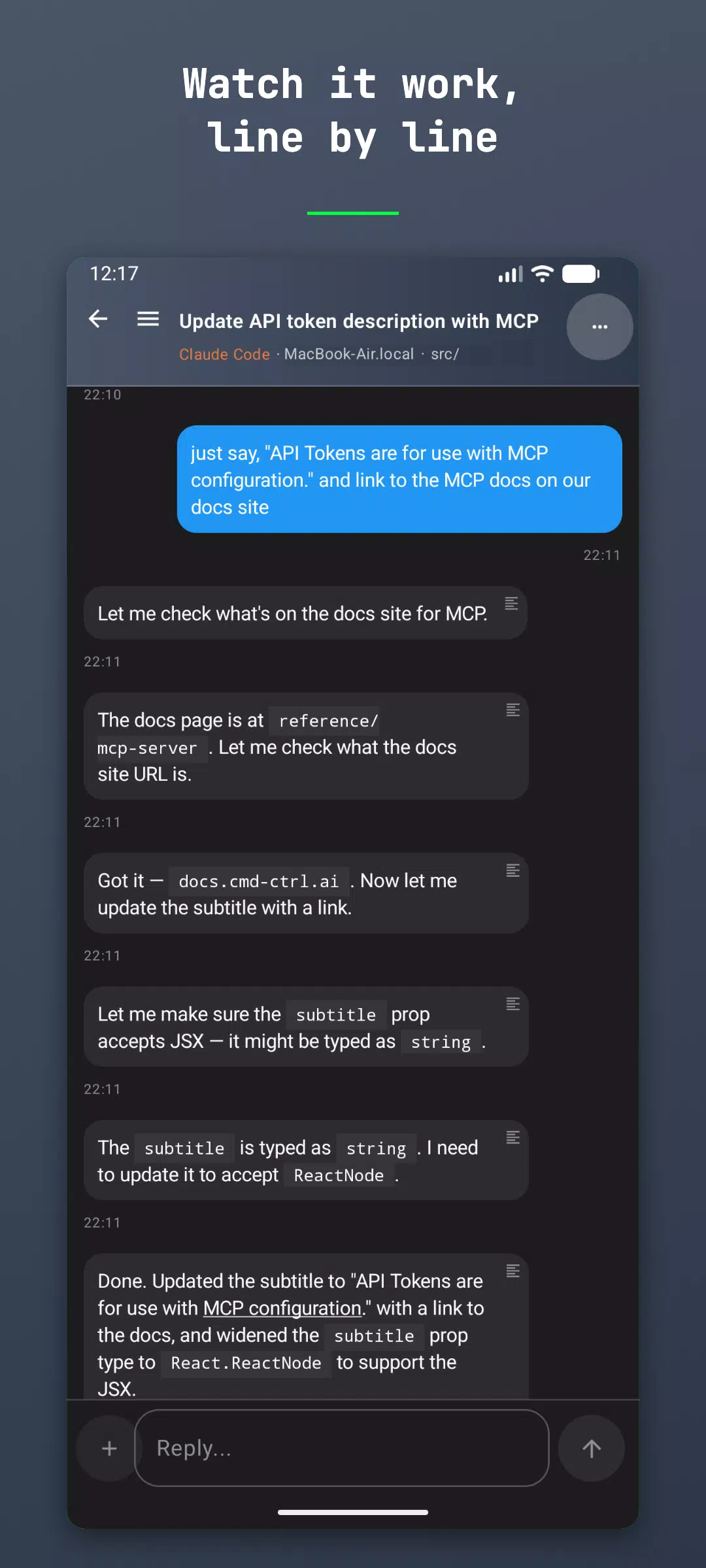
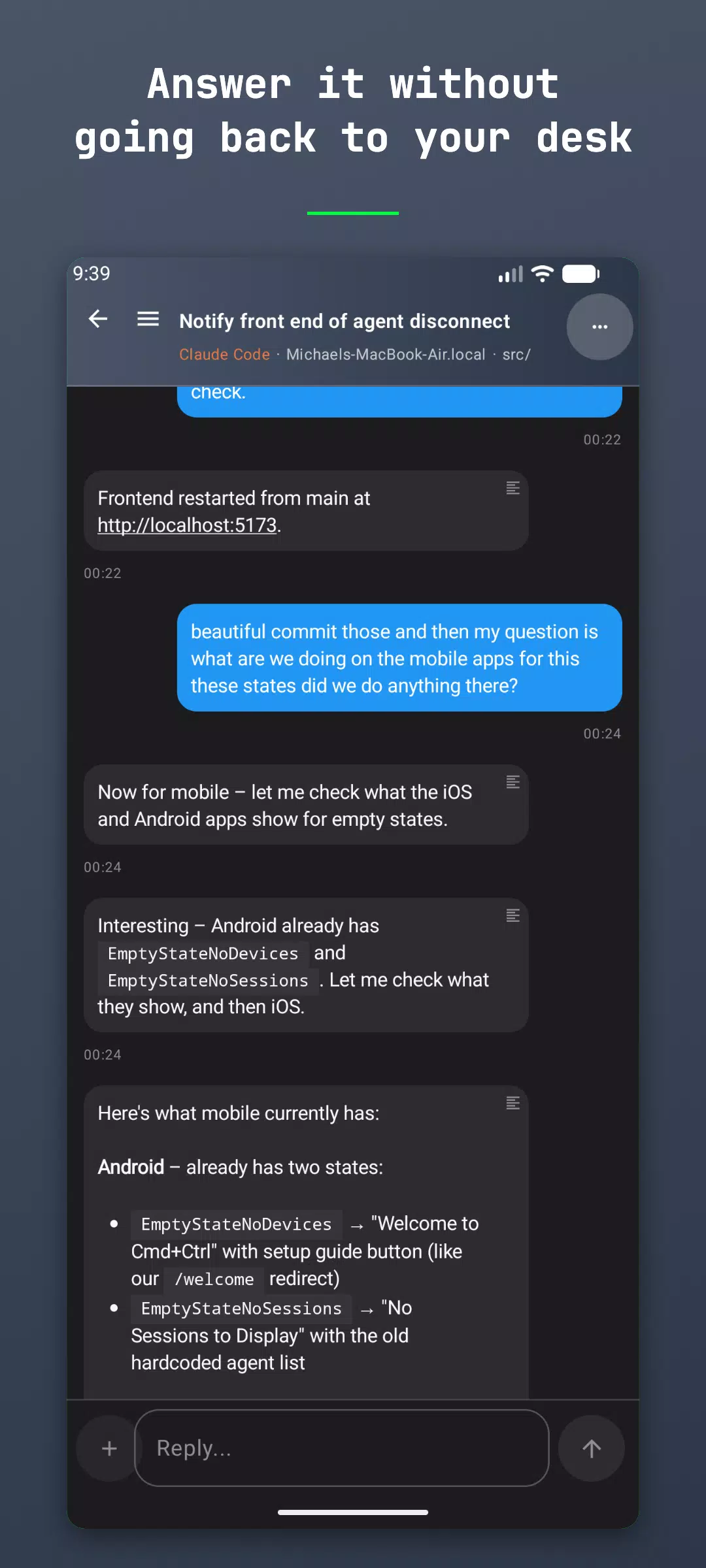
WHAT YOU CAN DO FROM YOUR PHONE
- Watch an agent work, line by line, as it edits and runs things
- Answer its questions – tap the choices it offers, or type your own
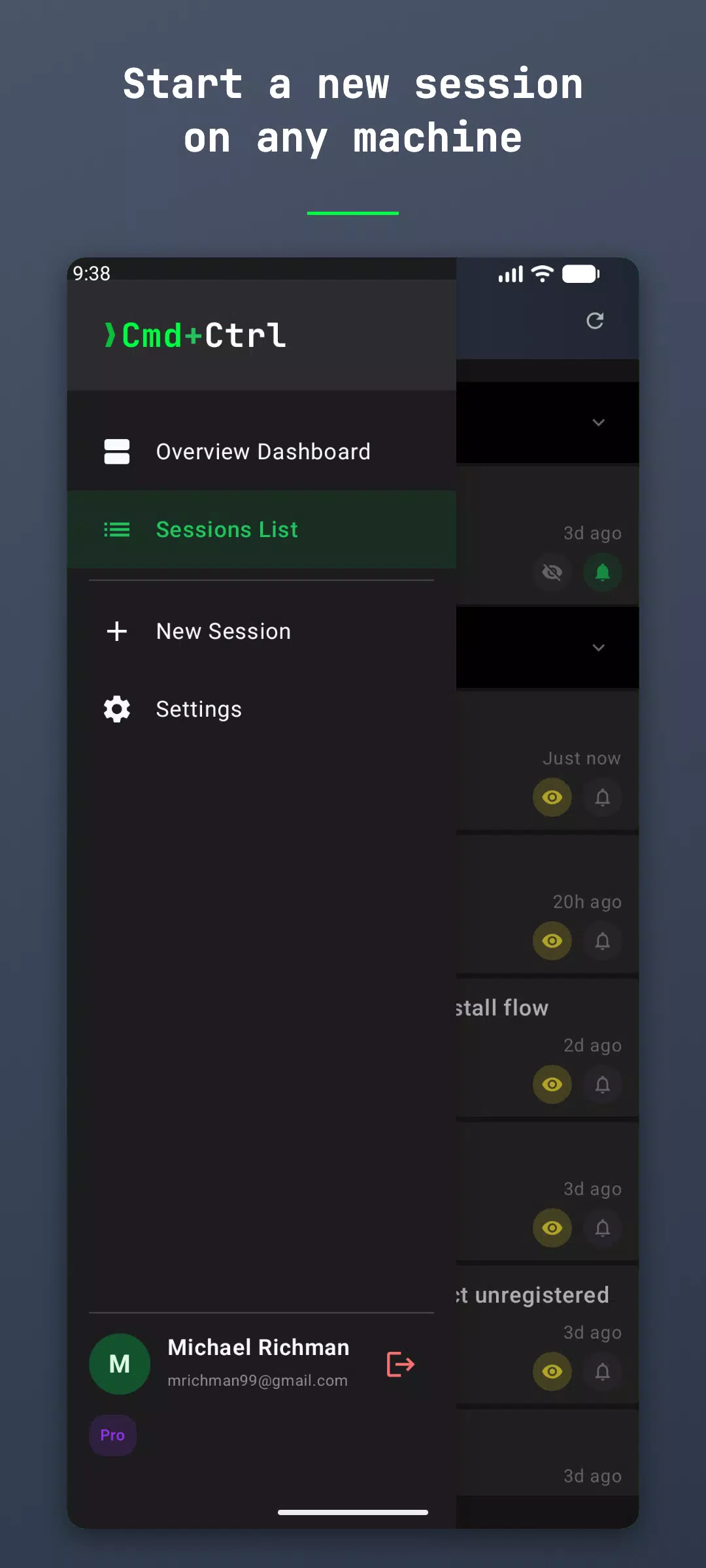
- Start a new session on any of your machines
- Get a push notification when an agent finishes or gets stuck
- Reply from your wrist with the Wear OS app
WHAT IT IS NOT
Cmd+Ctrl does not run agents in the cloud and does not run them on your phone. Your code never leaves your machine; the app is a window onto the agent sessions already there. If you do not have a coding agent running on a computer, this app has nothing to show you yet.
SUPPORTED AGENTS
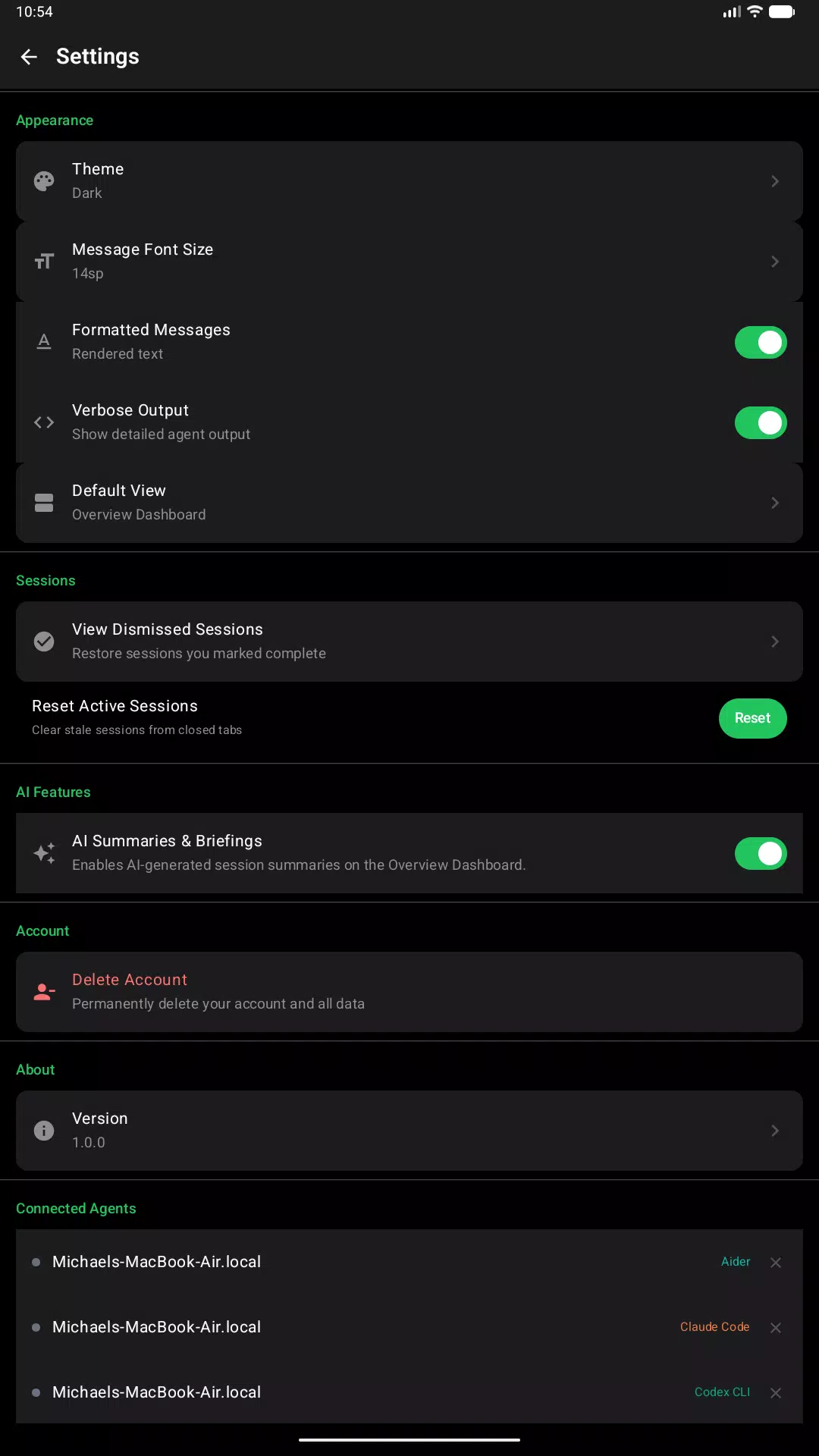
Claude Code, Codex CLI, opencode, Cursor, GitHub Copilot, Pi, Gemini CLI, Aider and others. One app for all of them, however many you run at once.
GETTING STARTED
1. Install the app and sign in
2. Run the install command above on your computer
3. Approve the link when the daemon asks
Free to use. A Pro tier is available for higher limits.
Setup guide and docs: https://docs.cmd-ctrl.ai
Latest Version
1.0.24Uploaded by
Mustafa Alazawi
Requires Android
Android 9.0+
Category
Free Tools AppContent Rating
Everyone
Security Report
Check Now
Report
Flag as inappropriateLast updated on Nov 9, 2026
New hands-free voice mode: tap the microphone to have agent replies read aloud and answer by voice – say "send it" or "over" to send, with a full-screen view and the phone locked or another app in front. Also a clear button in the message box, more reliable message ordering and device status, and bug fixes and improvements.



APKPure - A multi-platform app store primarily focused on Android, providing extensive app-related content. Discover the app you want easier, faster, and safer, with quick and efficient downloads and installations.