从Google Play商店下载免费的APK/XAPK文件,无需登录帐户。
立即安装

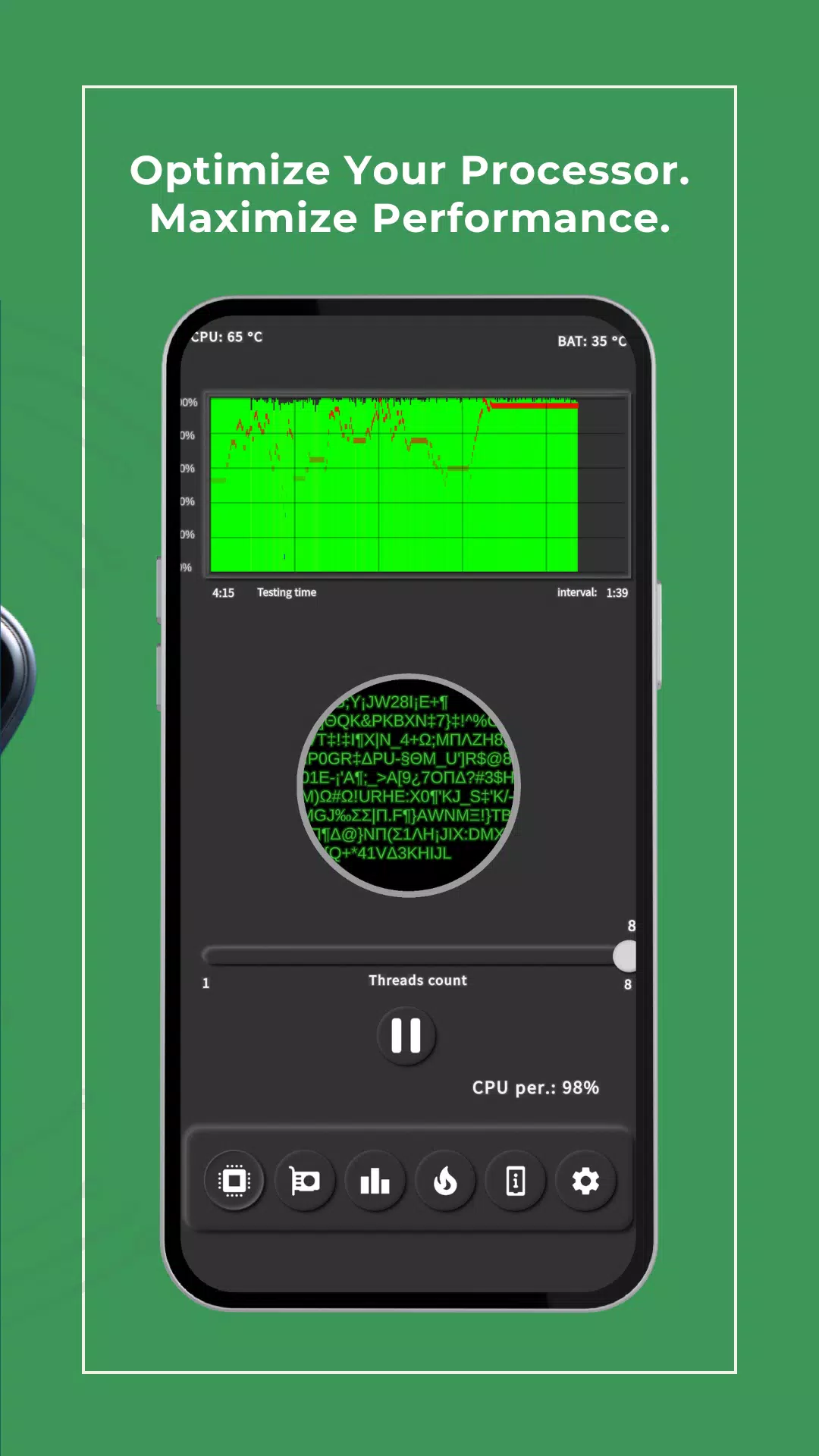
This app is a mobile tool for testing your device performance.
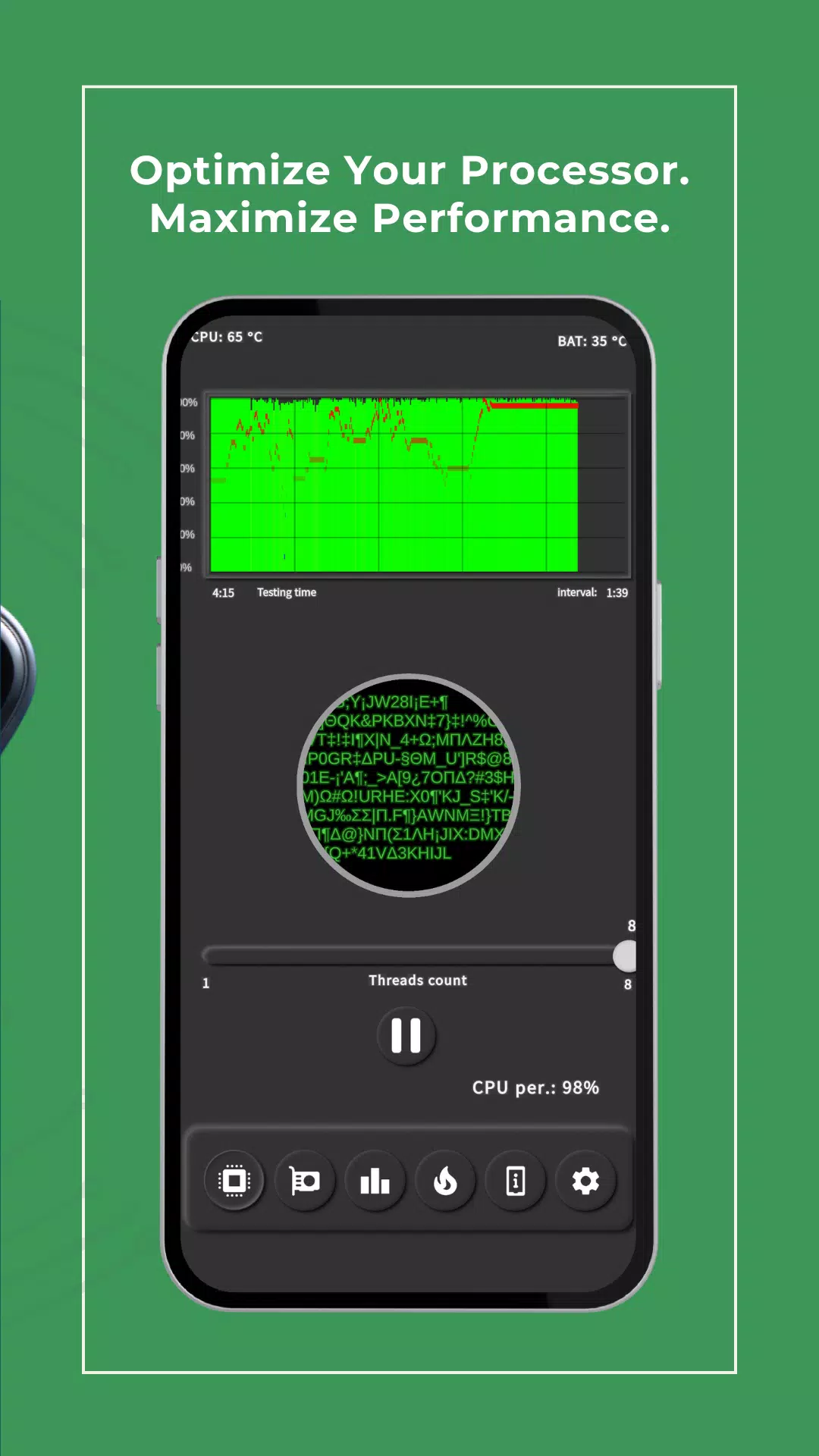
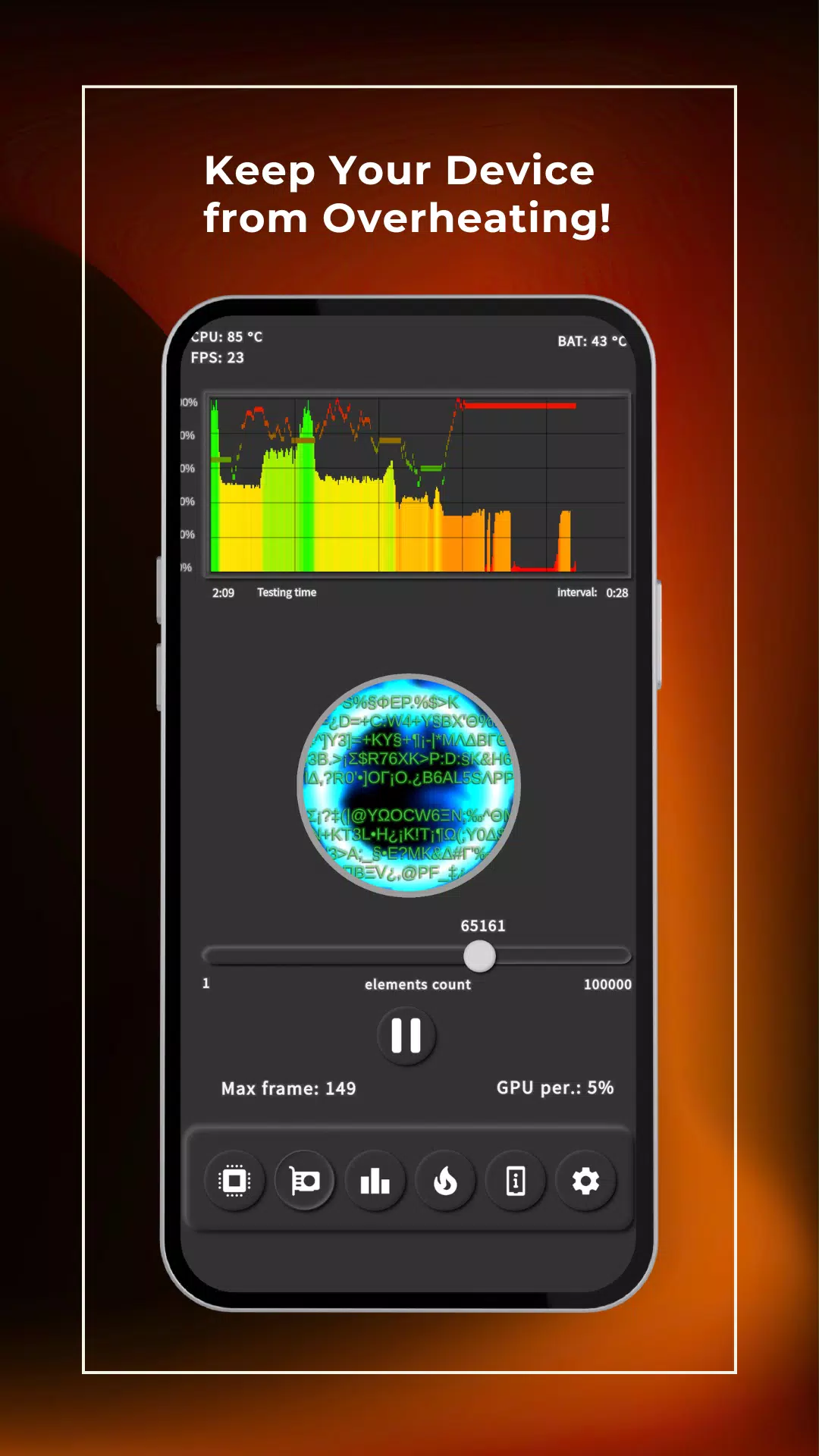
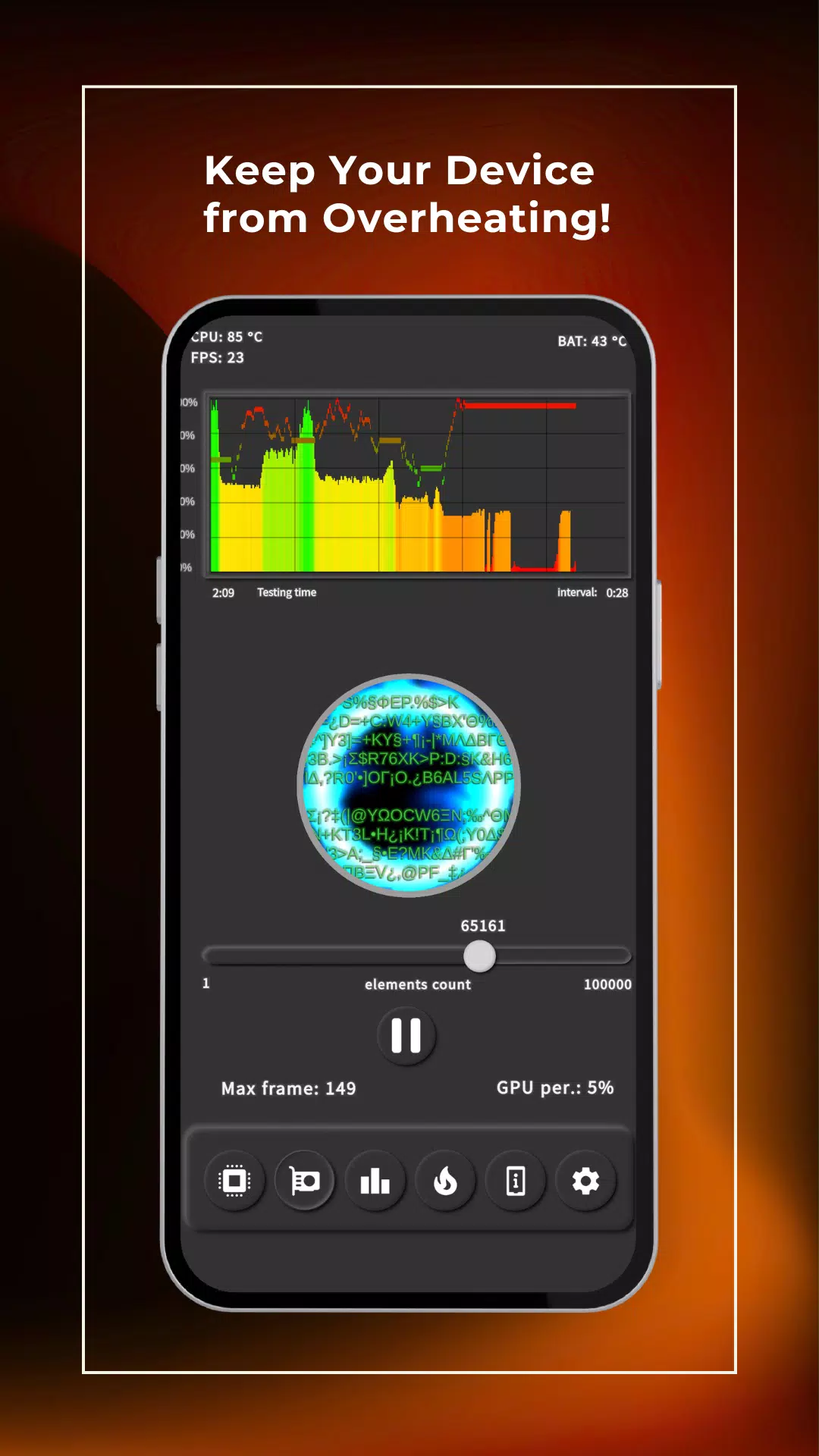
The features of the add-on include the ability to test the CPU separately from the GPU core, which allows it to be clear to see what exactly lowers performance in games.
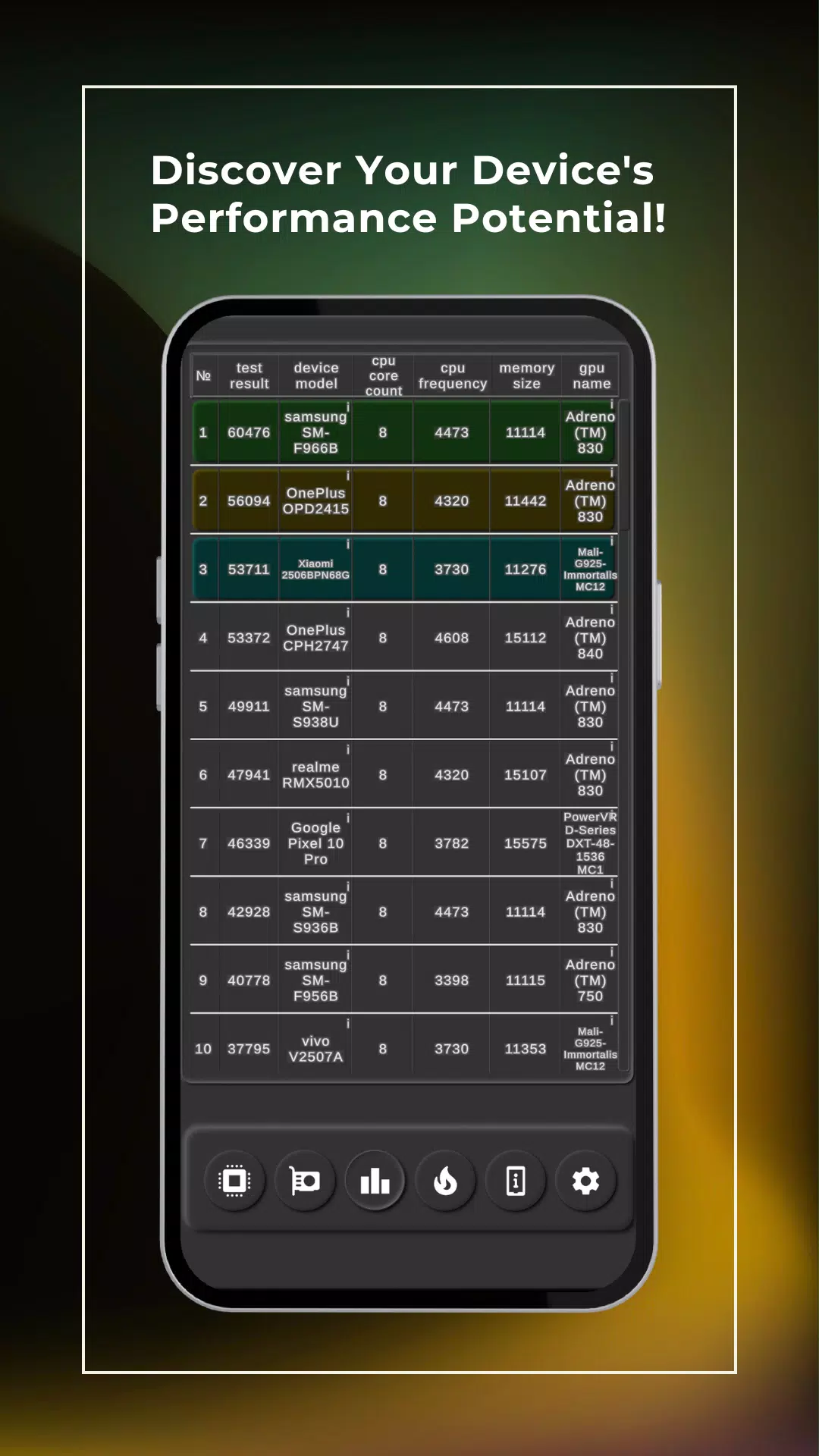
There are 4 tabs at your disposal, where you can choose exactly what type of testing you need, see the rating of real devices and their results, change the settings of the program itself for ease of use, and use prepared tests.
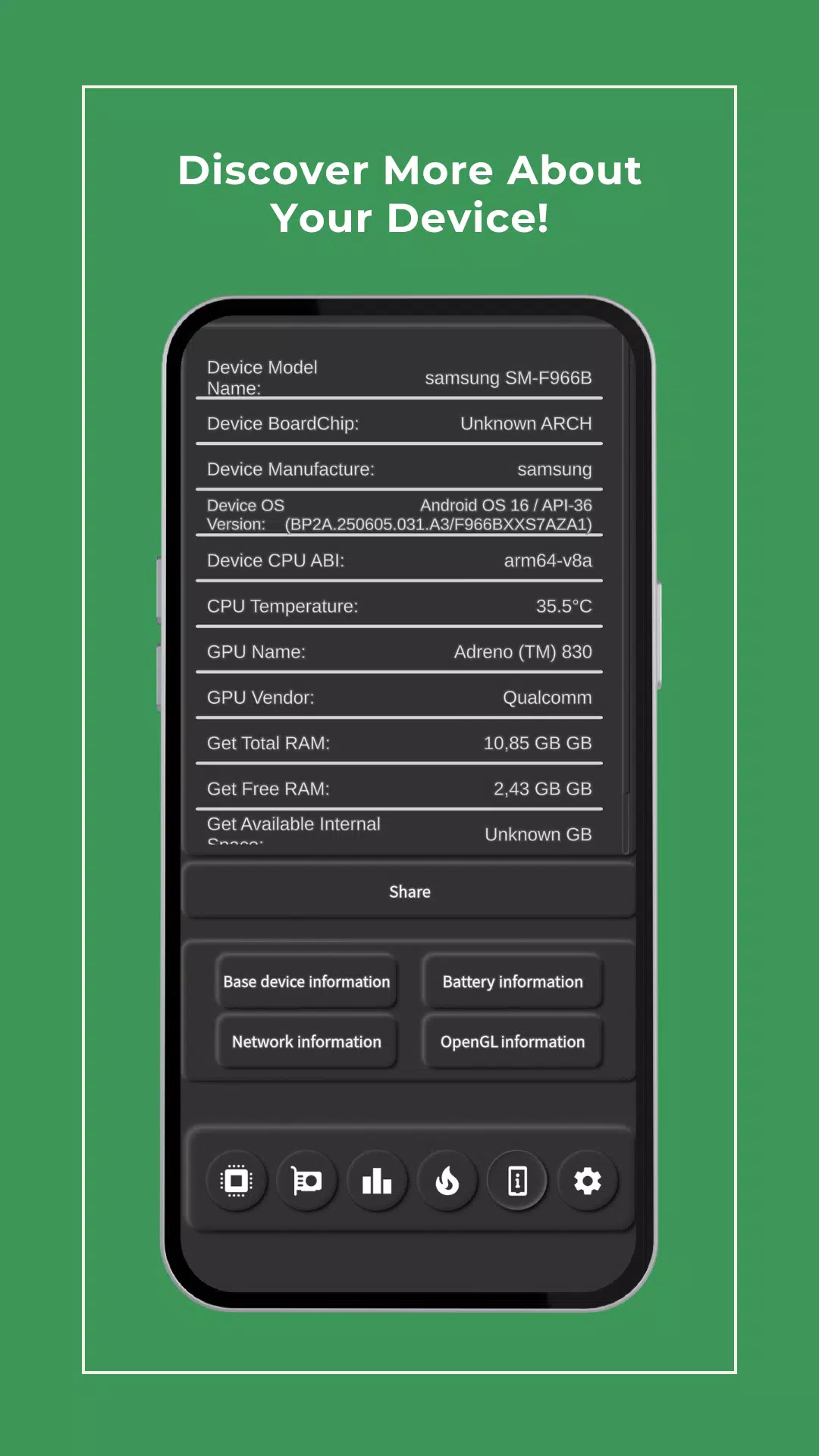
In the device info review, we can see which chipset the device is built on, the amount of phone memory, the frequency of the processor, which graphics accelerator is used, and other device parameters.
By clicking on the platform or on the graphics accelerator, the default browser on your phone or tablet will automatically open and display the market model of the device you are interested in.
In the prepared tests, you can check by how much percentage the performance of the processor decreases over time and set your own test time and the threshold at which the measuring will be carried out.
Another version of the prepared test will give you a unique opportunity to check the speed of the built-in memory of the phone or tablet. With this test, you can set the size of the file that will be the basis for speed measurement and the number of intervals that will depend on the accuracy of this procedure. Note that the speed of reading or writing will differ depending on the selected file size, as this is a feature of the organization of work with the memory of each unique platform and how large the bandwidth of the data buses is.
We’ve also added the ability to ping a selected or default address to check connection stability and the latency between your device and the target server. In other words, you can literally ping the selected server.
In the settings, you can change the display of fps and the ability of the program to block sleep, that is, set the high-performance mode of your device or turn it off, which will return the phone activity to normal mode.
This program uses unique algorithms and API that allow us to use it without root rights and special permissions from your side.
Now a little about how the program works. When you run the check, 1 task per core is launched, running in a circle. When you change the parameters, using the slider, the program stops the current process and starts new ones accordingly, which allows you to monitor the state of productivity. We also use special full protection function and tools for emergency stop of task. Thus, we are sure that with our scanner app in the background process, your device will not be overloaded and will not overheat or burnout even when you turn off the application.
Over time, we plan to introduce new prepared tests that will allow you to measure the network speed. Ping to a default DNS, or one you set yourself. Shoving amp value to calculate the residual power of your battery.
A significant advantage of our benchmark is the ability to see whether your results differ from those of the leaderboard, because we enter the results of each unique device info and not in a possible order. If your results are very different, it may mean that your device is running an unwanted program and it is better to diagnose it. This will be the best way to preserve your battery life.
We specially developed the software with an easy, convenient, and intuitive interface for Android, so that it is easier for you to fast understand without special instructions to manage the software.
Last updated on 2026年07月29日
此版本包含小幅错误修复和常规改进。请更新至最新版本,以获得更佳体验。