Download free APK/XAPK files from Google Play Store without a login account.
Install Now


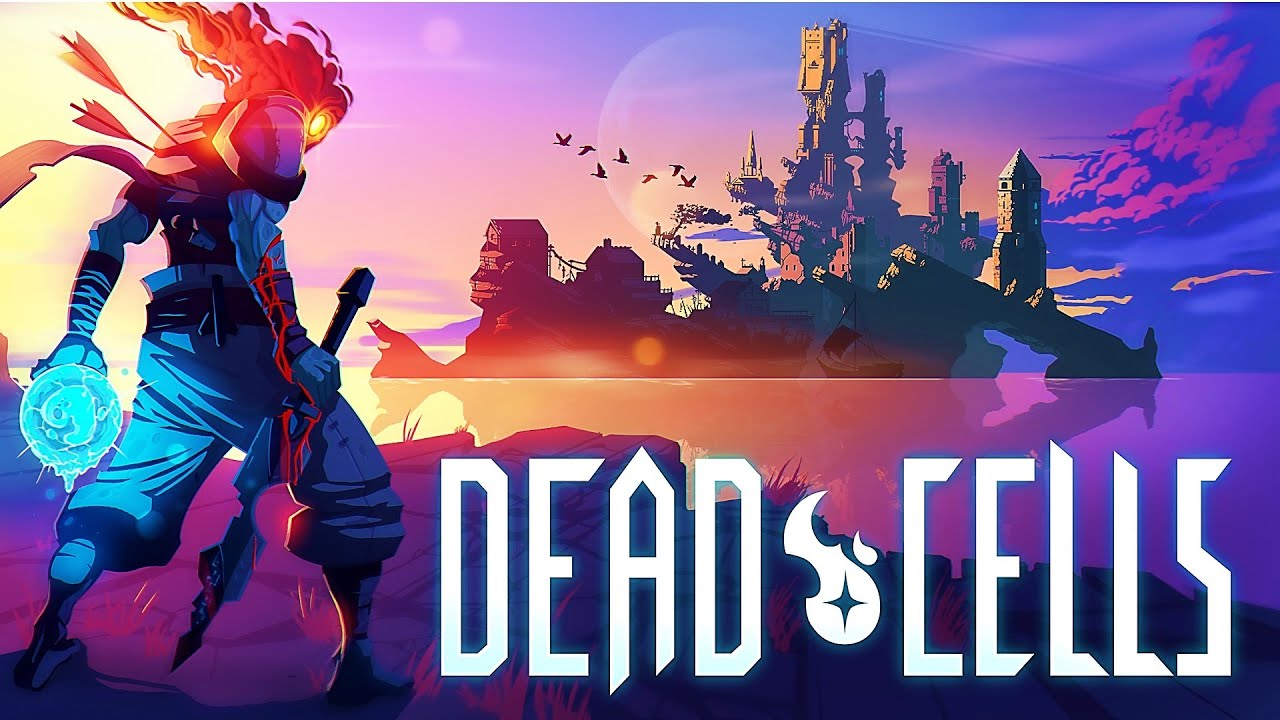
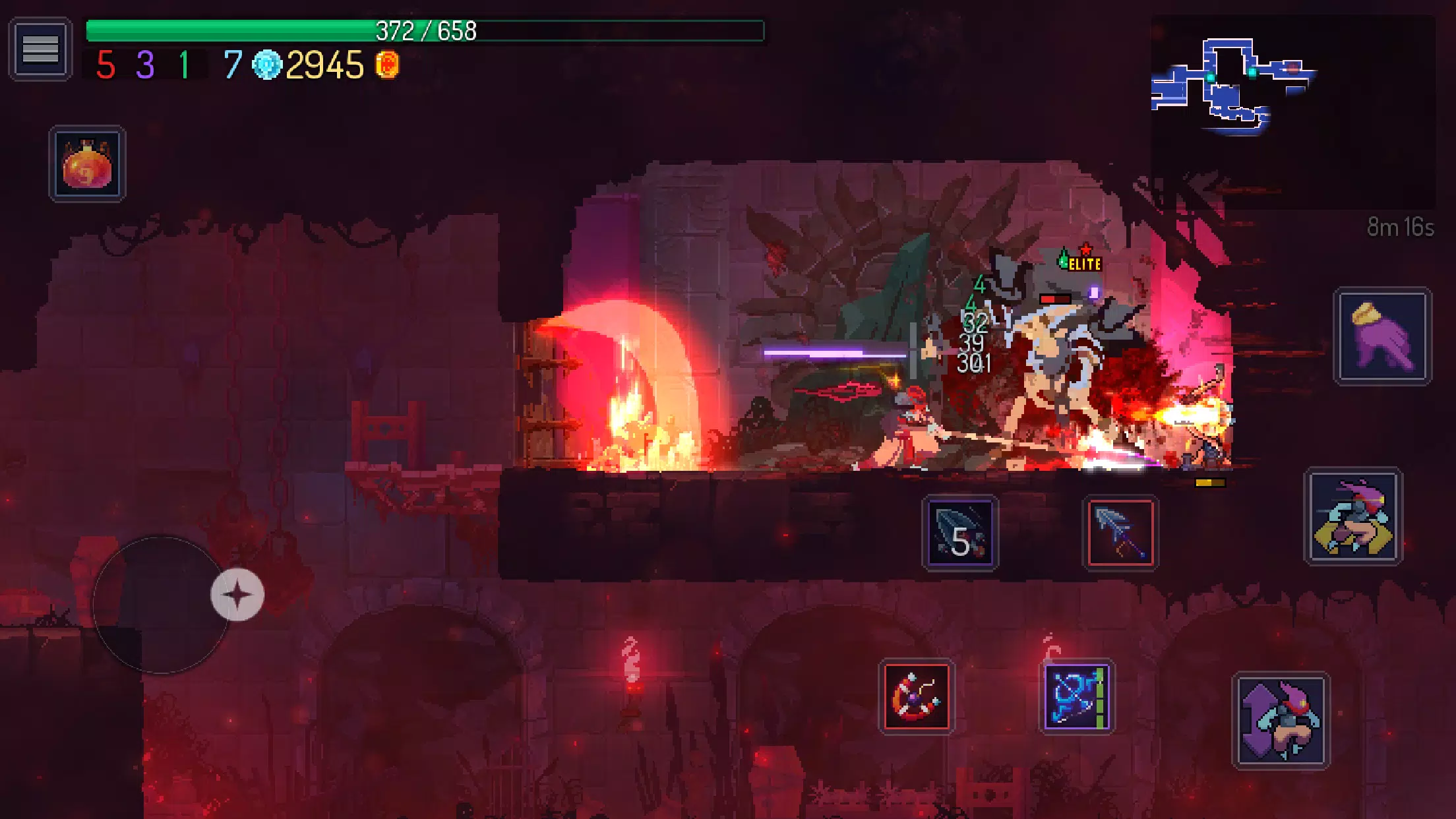
Dead Cells suits players who want quick sessions that still reward mastery and planning. The game mixes a roguevania structure with permadeath and learning through repeat attempts. Runs are short, decisions matter, and each shortcut or unlock helps you go further on the next attempt. Movement and combat feel immediate, while the castle layout changes to keep routes interesting across sessions. For users searching for Dead Cells APK, this Android edition brings the core experience to phones with touch and controller support.
Roguevania structure with permadeath
Dead Cells uses a run based loop where you push forward, learn, and improve. There are no checkpoints during a run, so awareness and planning are essential. Knowledge and certain unlocks carry over, which helps you reach new areas on later attempts. The result is a steady rhythm many describe as Kill. Die. Learn. Repeat.
Fast, skill based 2D combat
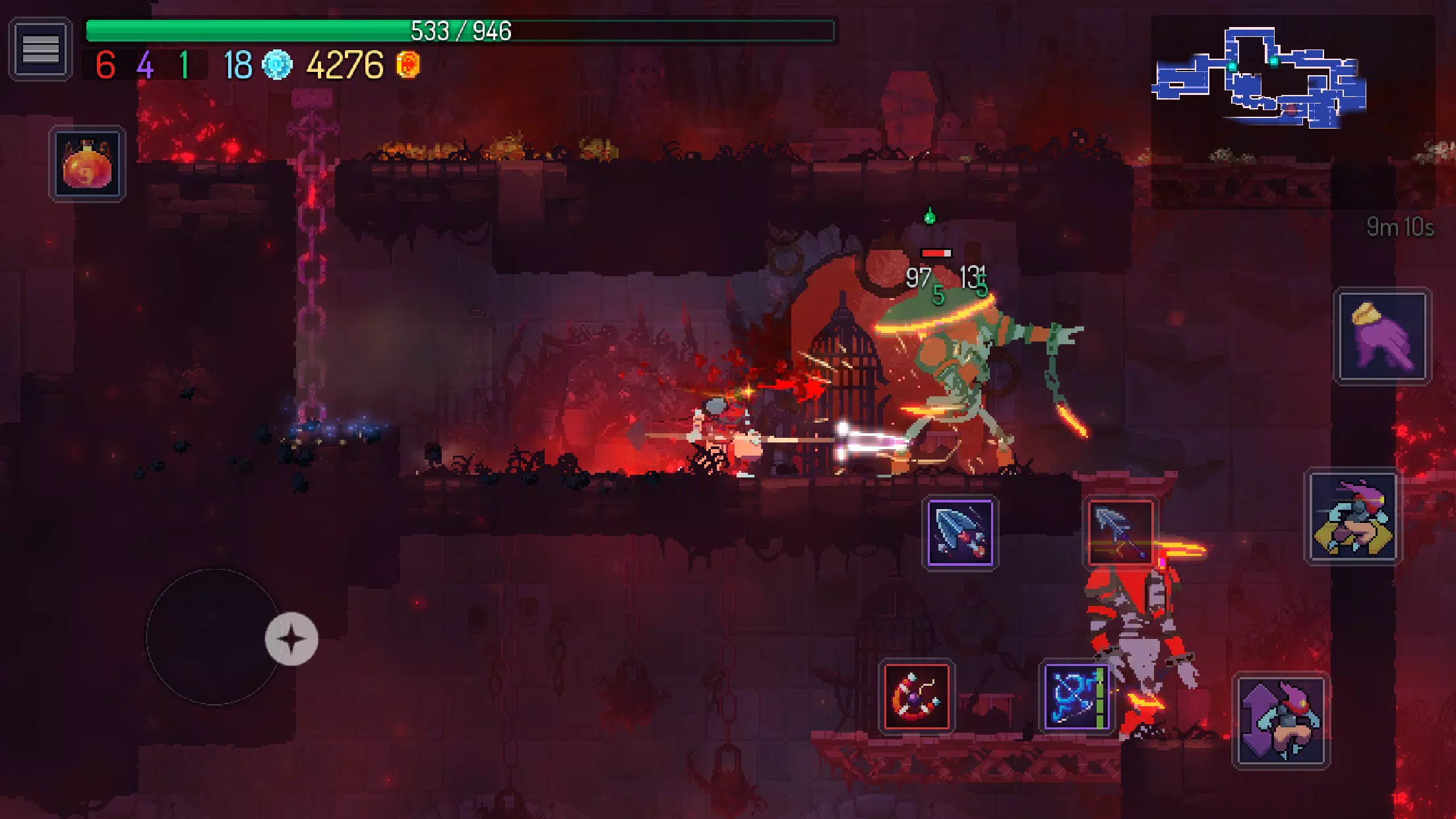
Combat blends melee, ranged, and active skills that you equip before and during a run. You read patterns, time dodges, and land parries to handle swarms and bosses. Mistakes are punished, but clear feedback makes it easier to adjust your approach on the next encounter.
Nonlinear routes and progression
You choose exits that lead to different biomes, so your path can match your current build or mood. New levels and traversal options unlock over time, opening extra routes and secrets. This keeps each session fresh while still rewarding long term planning.
Mobile controls and comfort options
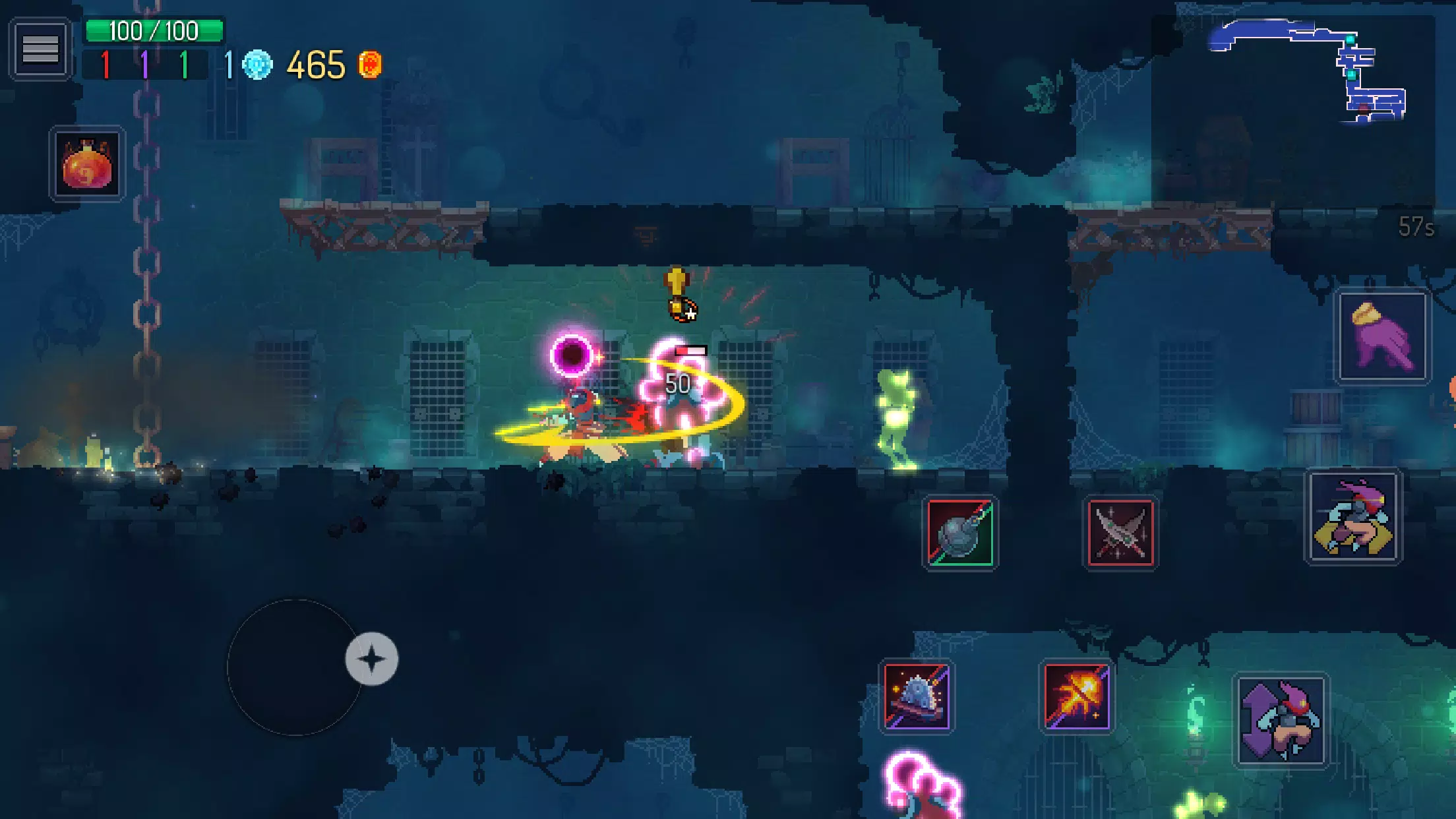
On Android, Dead Cells offers Original and Auto Hit control modes for different comfort levels. You can adjust button size and placement, enable swipe to dodge, and connect an external controller if preferred. The mobile port is premium and ad free, and it is designed to play smoothly offline in single player.
Expansions and extra content
Return to Castlevania adds new biomes, weapons, music, and boss fights against Death and Dracula.
The Bad Seed introduces additional zones, enemies, gear, and a new boss to learn.
Fatal Falls brings fresh areas, foes, equipment, and another boss encounter.
Queen and the Sea delivers late game zones, more enemies and gear, and a climactic boss.
Before starting, set aside a few minutes to test controls and get used to the timing. The learning curve is fair, and each attempt teaches something useful for the next run. To begin quickly after you download Dead Cells, follow the steps below on your phone.
Launch the game, open Options, and pick Original or Auto Hit. Then adjust button size and placement, and enable swipe to dodge if needed.
Start a run and practice movement, jump timing, and roll invincibility in the first rooms. Next, try a basic parry to understand enemy windows.
Collect early weapons and skills, then read item tooltips to learn synergies. After that, settle on a loadout that matches your preferred range.
Explore thoroughly, but watch your health. When you reach a level exit, choose the route that fits your build or curiosity.
Between areas, spend collected cells with the Collector to unlock items and upgrades. Finally, if you plan a long session, connect a compatible controller from the pause menu.
Dead Cells delivers a focused roguevania loop with responsive combat, flexible routes, and mobile options that respect your time. For users seeking the Dead Cells latest version, this Android release provides the core experience with offline, single player play and support for touch or controllers.
For official resources and support, see below.
Website: https://dead-cells.com/
Support Email: support@playdigious.mail.helpshift.com
Latest Version
3.5.9Requires Android
7.0
Category
Action GameContent Rating
Teen · Violence, Blood and Gore, Language
Report
Flag as inappropriateLast updated on Sep 8, 2025
This release includes minor bug fixes and general improvements. Update to the latest version for the best experience.





APKPure - A multi-platform app store primarily focused on Android, providing extensive app-related content. Discover the app you want easier, faster, and safer, with quick and efficient downloads and installations.