Download free APK/XAPK files from Google Play Store without a login account.
Install Now

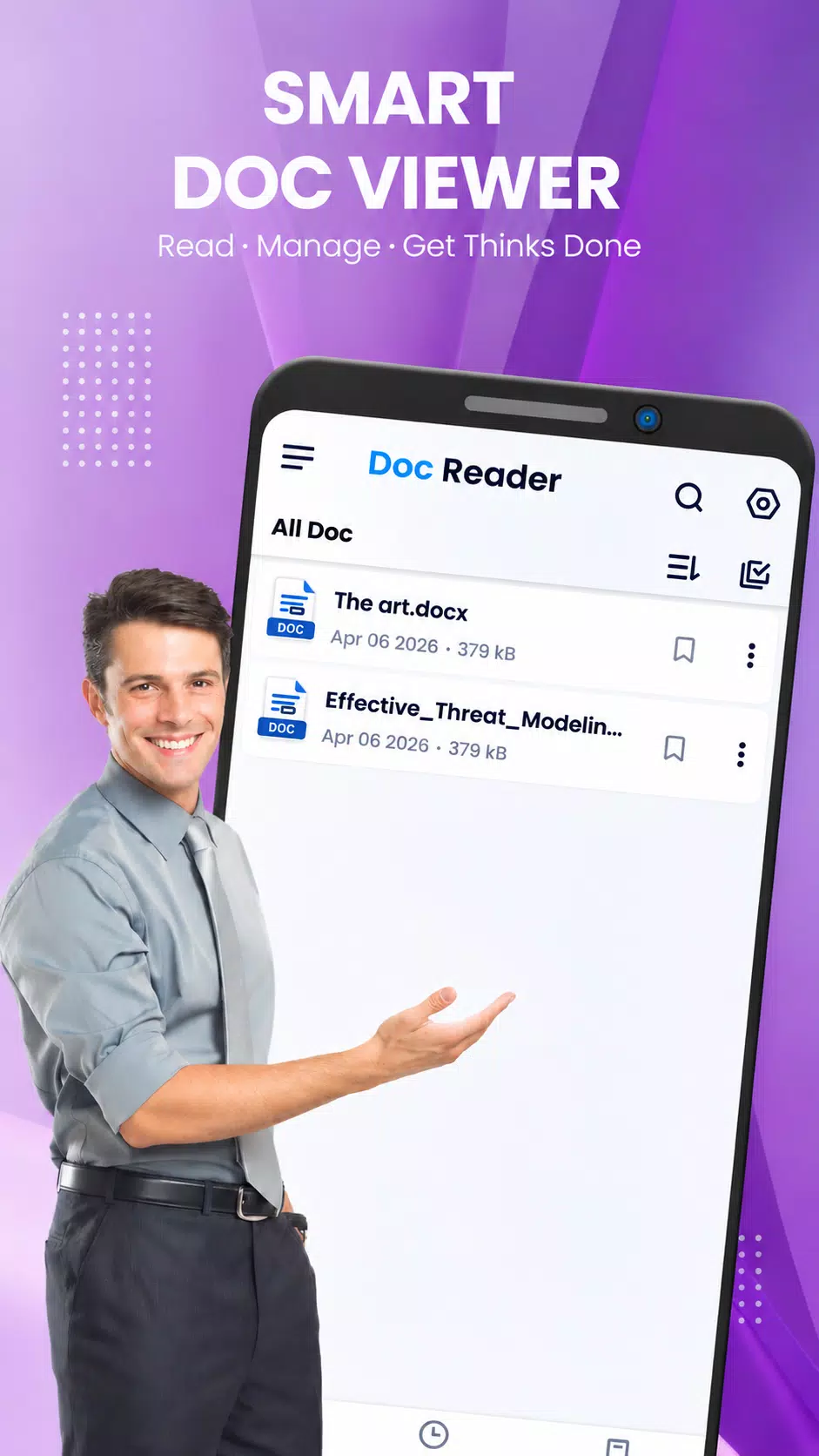
Doc Reader: Fast DOCX Viewer & Document Editor
Turn your mobile device into a powerful text document assistant with Doc Reader: DOCX Viewer. Whether you need to edit contracts, read academic essays, adjust your resume, or browse through eBooks, our app provides a smooth, clear, and high-quality viewing and editing experience on the go.
Designed for speed and simplicity, Doc Reader opens and edits text documents instantly while keeping formatting, fonts, and images intact—all without requiring an internet connection.
🚀 Key Features:
📄 Advanced DOCX Reader & Viewer
Multi-Format Support: Open, edit, and view DOCX, DOC, and TXT files effortlessly from your internal storage, email attachments, or download folders.
High-Fidelity Rendering: Read documents with sharp text, accurate alignment, and proper layout formatting just as intended.
Smooth Scrolling & Zoom: Pinch to zoom into small text or use fluid scrolling for seamless long-form reading.
✏️ Powerful Document Editor
Quick Text Editing: Easily edit cell text, fix typos, modify contracts, or update notes directly on your device.
Format Preservation: Keep styles, headings, bullet points, and structure intact while making changes.
📖 Optimized Reading Mode
Screen Rotation: Switch easily between portrait and landscape modes for the best viewing angle on phones and tablets.
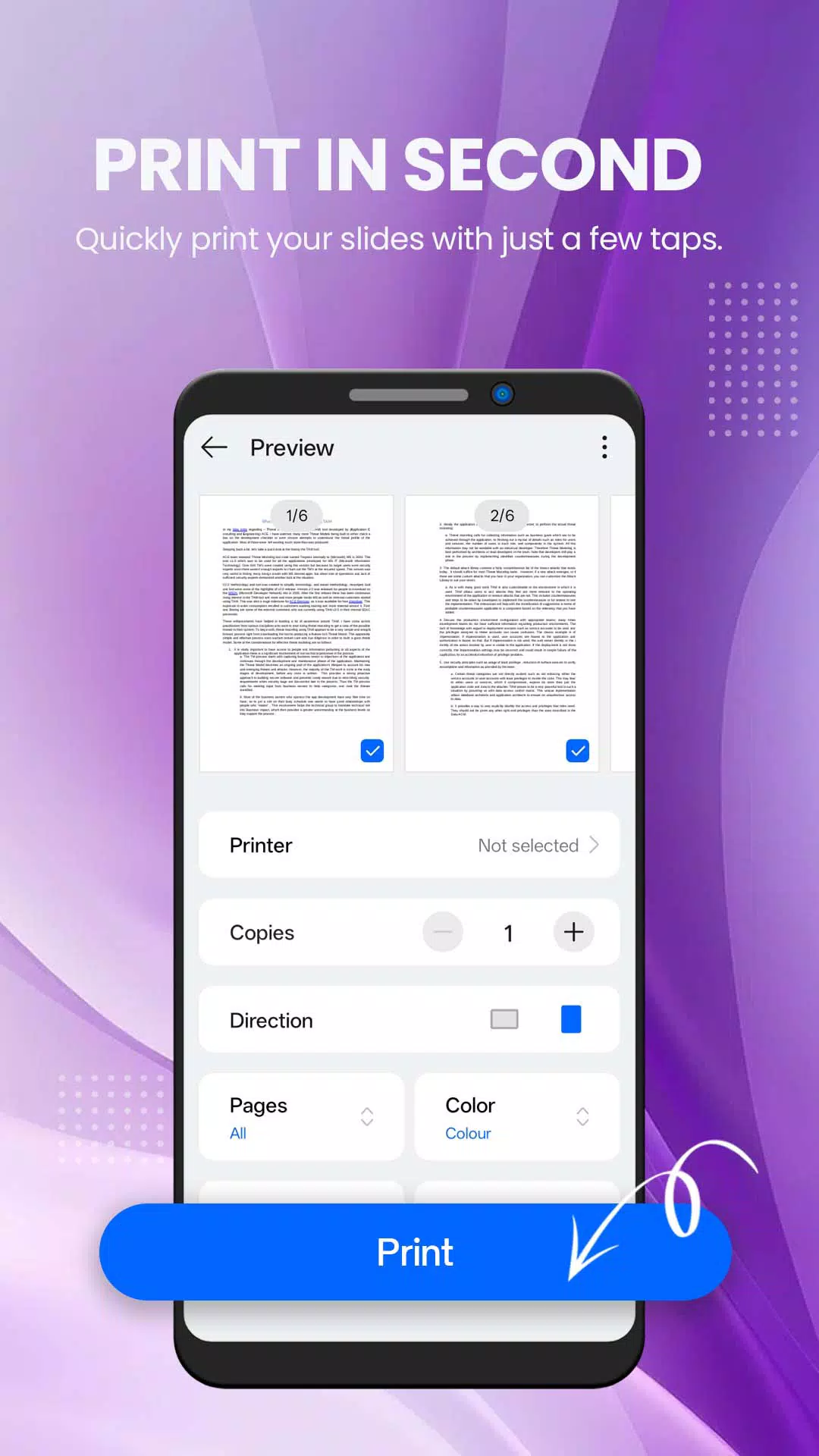
Thumbnail View: Preview all document pages at a glance using visual thumbnails to jump quickly to any section.
Smart Text Search: Find specific words, terms, or phrases instantly within long reports and manuscripts.
📂 Secure & Offline Management
100% Offline Utility: No cellular data or Wi-Fi needed. Keep your sensitive contracts and private notes safely stored on your local device.
Automatic File Scanner: Automatically scans and organizes all DOC and DOCX files scattered across your folders.
Instant Sharing: Share documents with colleagues, clients, or classmates via email or messaging apps with one click.
🌟 Why Choose Doc Reader?
Lightweight & Fast: Takes up minimal storage space and runs efficiently without draining your battery.
Student & Professional Essential: Perfect for reviewing lecture notes, reading assignment guides, or editing resumes before interviews.
Clean & Intuitive: A distraction-free interface built purely to give you the best reading and editing environment.
Disclaimer: Doc Reader is an independent utility application designed to view, edit, and read standard open text document formats (.docx, .doc, .txt). It is not affiliated with, endorsed by, or officially connected to any third-party office software corporations or trademark holders.
📥 Download Doc Reader: DOCX Viewer today!
Enjoy a fast, secure, and effortless way to read and edit all your text documents anywhere.
Latest Version
2.6Uploaded by
Mei Mei Michelle
Requires Android
Android 7.0+
Category
Free Productivity AppContent Rating
Everyone
Security Report
Check Now
Report
Flag as inappropriateLast updated on Nov 12, 2026
Update UI






APKPure - A multi-platform app store primarily focused on Android, providing extensive app-related content. Discover the app you want easier, faster, and safer, with quick and efficient downloads and installations.