Download free APK/XAPK files from Google Play Store without a login account.
Install Now


ePSXe for Android helps you play your original PlayStation games on phones, tablets, or Android TV with a straightforward setup. Built on the long-running PC edition, it focuses on stability and predictable behavior across many titles. You provide your own game backups and the required BIOS, and the app handles the rest. For a simple path to a trusted PS1 experience on mobile, many users look for the ePSXe for Android APK.
High game compatibility and responsive performance
ePSXe for Android uses the same core as the established PC version to run a wide range of PS1 games with accurate sound. It prioritizes smooth menus and gameplay on modern devices, even across longer sessions. Native ARM and Intel x86 support helps it run reliably on a broad set of phones, tablets, and Android TV boxes.
HD visual options for sharper images
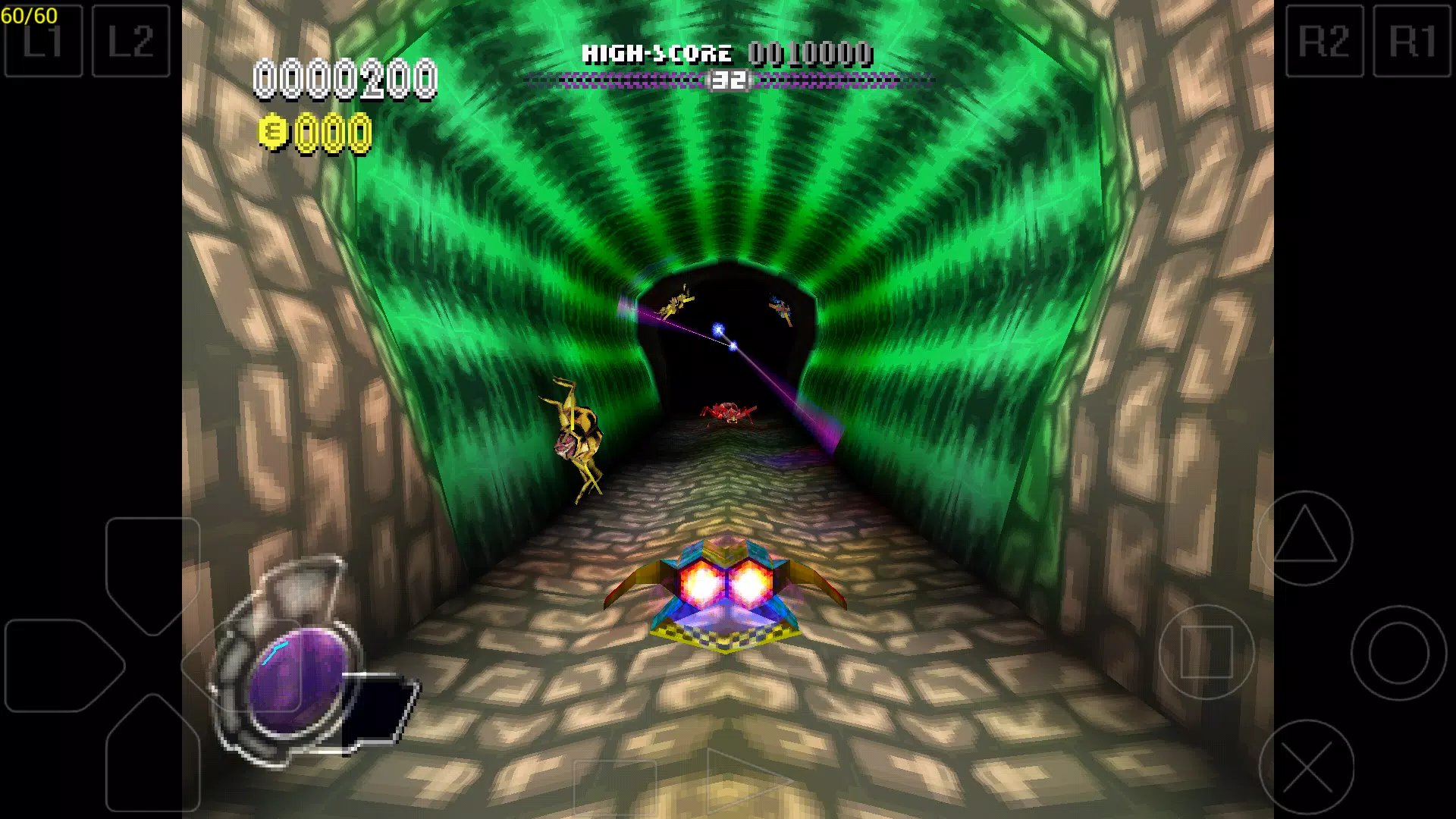
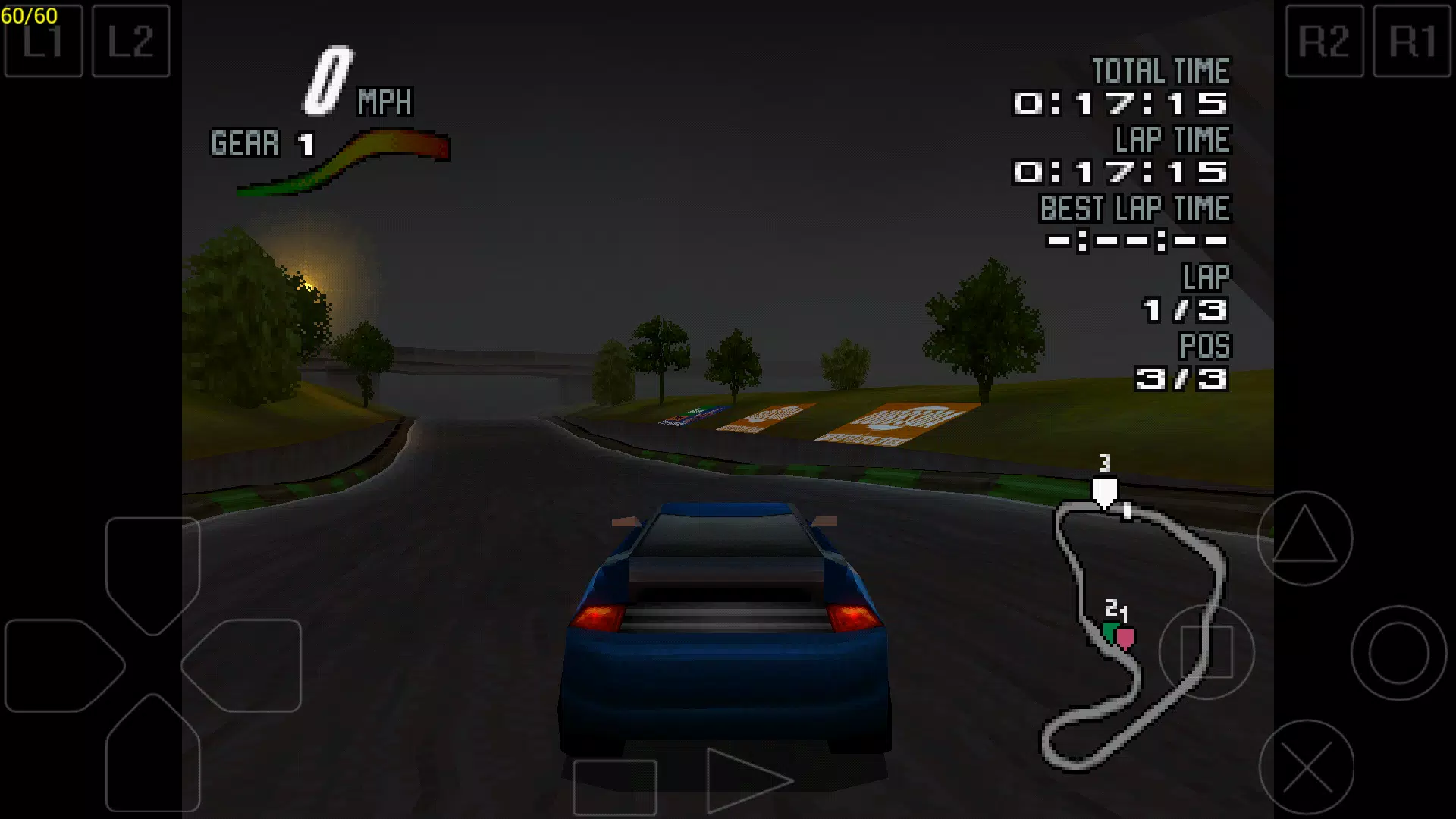
You can enable 2x or 4x software scaling to clean up textures and improve clarity. Alternatively, choose an OpenGL renderer for enhanced image quality on high density displays. If you prefer a balanced setup, start with default visuals, then step up scaling until you reach a comfortable mix of sharpness and speed.
Flexible controls and broad controller support
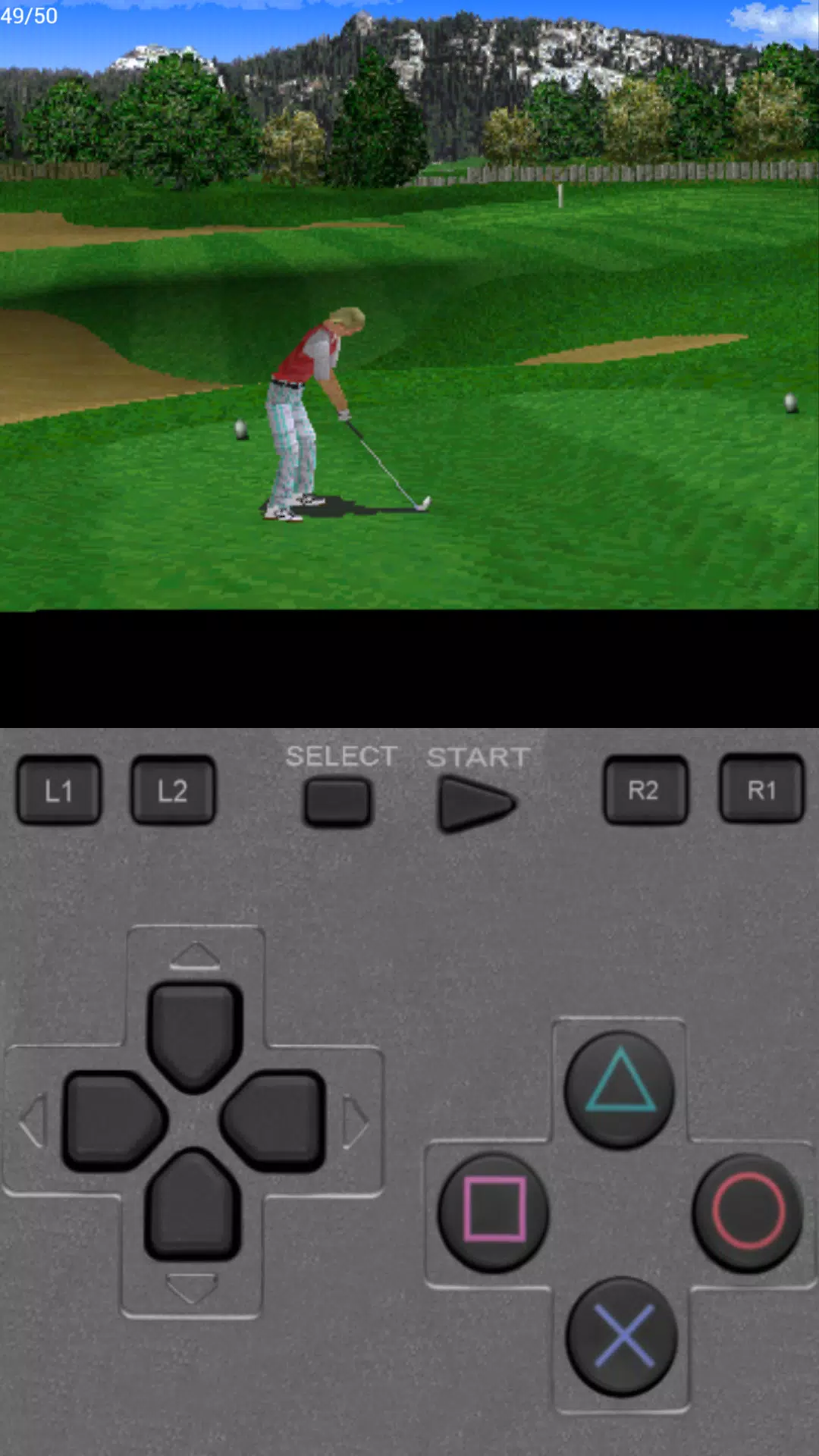
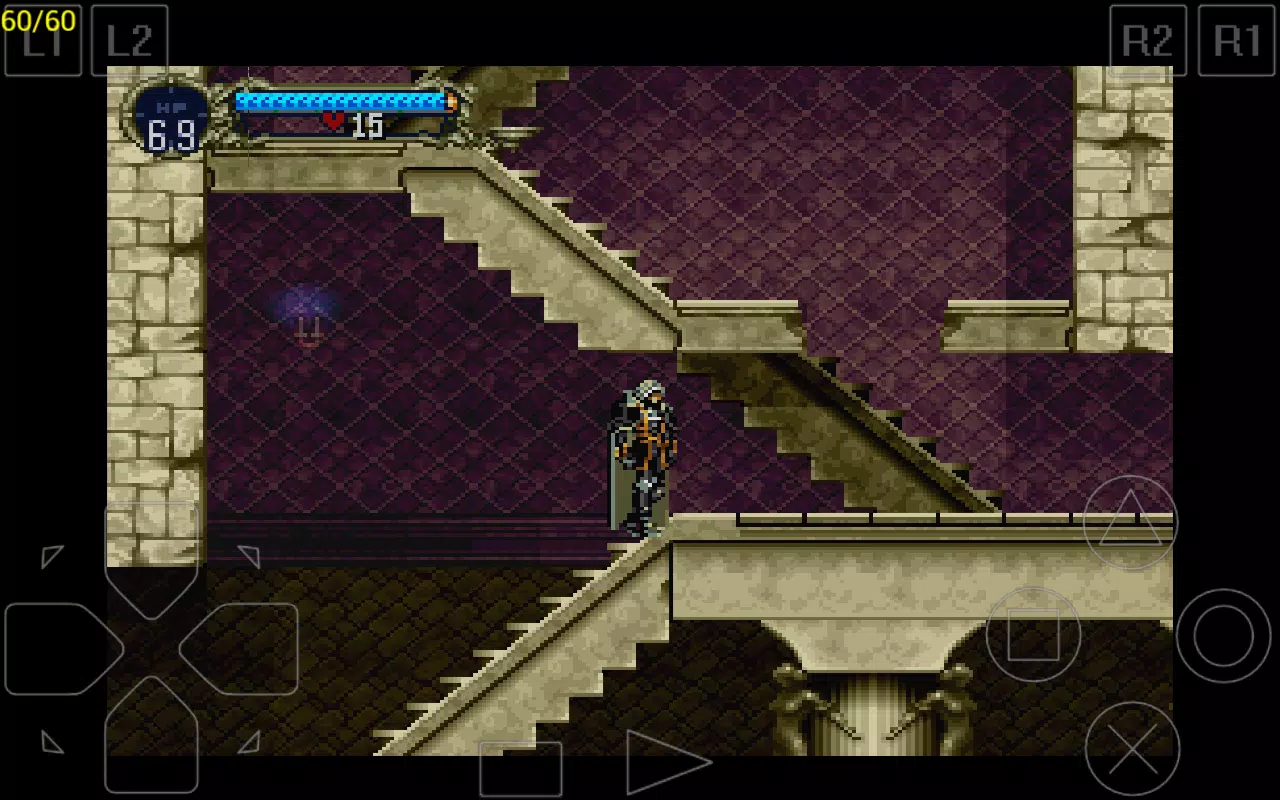
ePSXe for Android includes a virtual touchscreen pad with analog sticks and supports hardware button mapping. Per game control profiles make it easy to tailor inputs to each title. External controllers such as WiiMote, Sixaxis, Xbox 360, Moga, and Ipega are supported over Bluetooth or USB for a familiar console layout.
Local multiplayer with split screen
You can play with one to four players on the same device. A two player split screen mode lets you share a phone, tablet, or Android TV for quick couch co op. Touchscreen and external pads can be mixed, so each player can use the input method that fits best.
Save tools, cheats, and progress continuity
Use instant savestates for quick checkpoints, or rely on classic memory cards that stay compatible with the PC edition. Built in cheat support helps with testing or retrying tough sections. You can also back up memory cards and savestates to Google Drive, and the interface contains no in app ads to keep your focus on gameplay.
ePSXe for Android does not include games or a PlayStation BIOS. To use the emulator, you must provide your own legally obtained BIOS and game backups. Game behavior can vary by title, and some games benefit from specific control mappings or renderer choices. If you plan to switch between mobile and the PC version, memory card files can be moved to continue progress.
Bluetooth or USB controllers may need pairing or a cable that supports data transfer. If a controller is not detected, check Android input settings and reconnect before configuring mappings in the app. Per game profiles help you fine tune inputs for genres such as racing, fighting, or platforming, and wired connections can reduce input lag for competitive play.
Scaling and OpenGL enhancements increase visual quality but may use more processing power. On older devices, begin with 2x scaling and raise settings gradually while watching performance in busy scenes. If you see visual glitches in a specific game, try switching between the OpenGL renderer and software rendering to find the most stable option for that title.
This quick guide outlines the first steps to get started on a phone or tablet. Before you download ePSXe for Android, prepare your BIOS and game backups to speed up setup. The process below follows a typical first run.
Install the app on your device, then place your legally obtained BIOS and game backups in an easy to find folder in internal storage.
Open ePSXe for Android and set your BIOS path in the preferences or settings menu. Choose default graphics first, or select an OpenGL renderer if you plan to enable higher scaling.
Connect a controller over Bluetooth or USB if you prefer a physical pad. Map buttons and create a per game profile, or select the on screen pad and adjust its layout and sensitivity.
From the main menu, browse to your game folder and select a title to start playing. If needed, adjust audio, video, or control options from the in game menu to match the game.
Save progress with savestates for quick returns, or use memory cards for long term saves. Enable Google Drive backups in tools or preferences if you want to keep saves across devices.
ePSXe for Android provides a practical way to enjoy PS1 games on mobile and TV with strong compatibility, flexible controls, and reliable save tools. To try features like split screen and controller mapping, look for the ePSXe for Android latest version and prepare your own BIOS and game files in advance.
For official support and general information, use the links below.
Website: http://epsxe.com/android/
Email: epsxeandroid@gmail.com
Latest Version
2.0.19Uploaded by
epsxe software s.l.
Requires Android
5.0
Category
Arcade GameContent Rating
Everyone
Security Report
Report
Flag as inappropriateLast updated on Jul 10, 2026
This release includes minor bug fixes and general improvements. Update to the latest version for the best experience.


APKPure - A multi-platform app store primarily focused on Android, providing extensive app-related content. Discover the app you want easier, faster, and safer, with quick and efficient downloads and installations.