Download free APK/XAPK files from Google Play Store without a login account.
Install Now


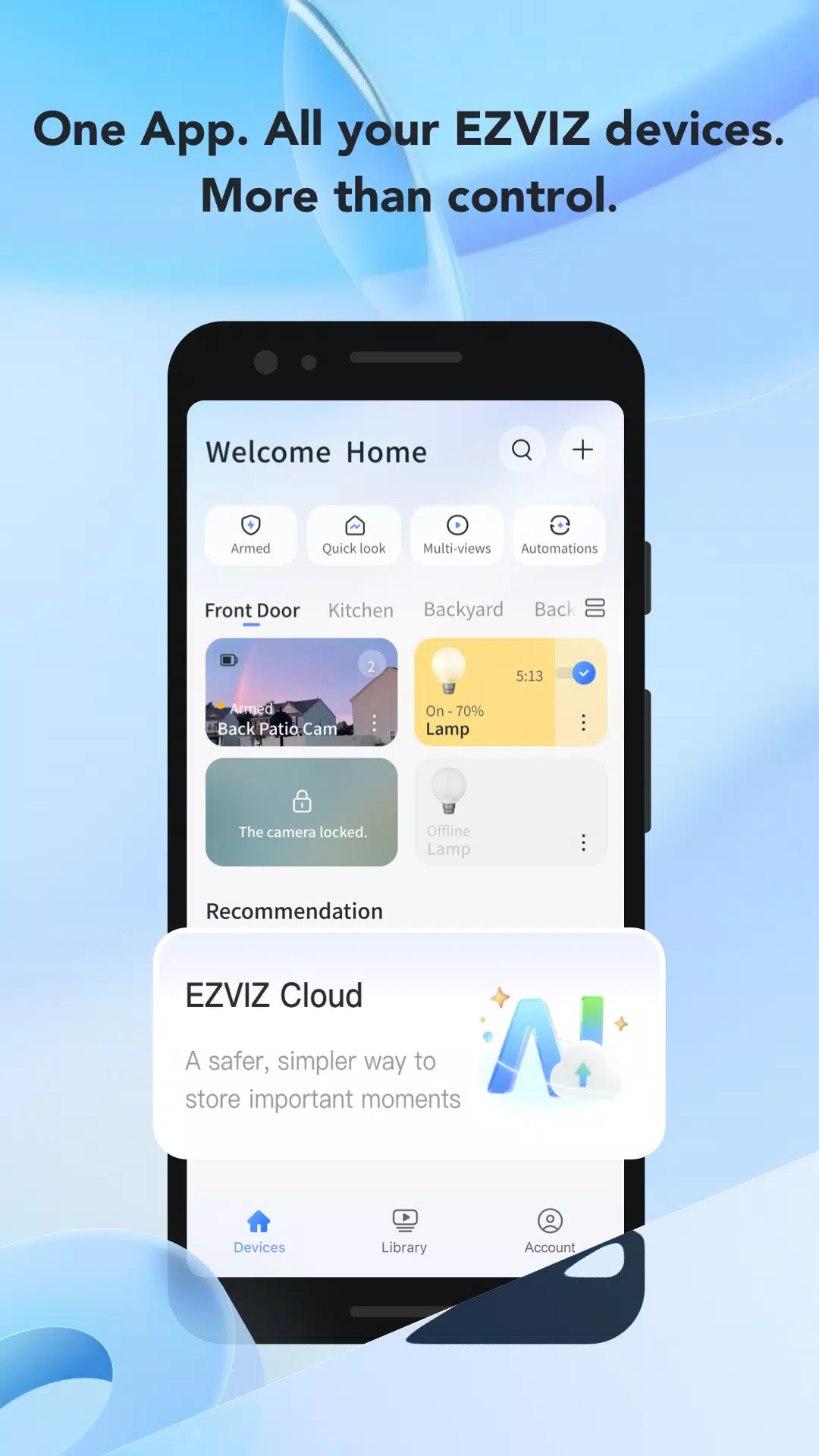
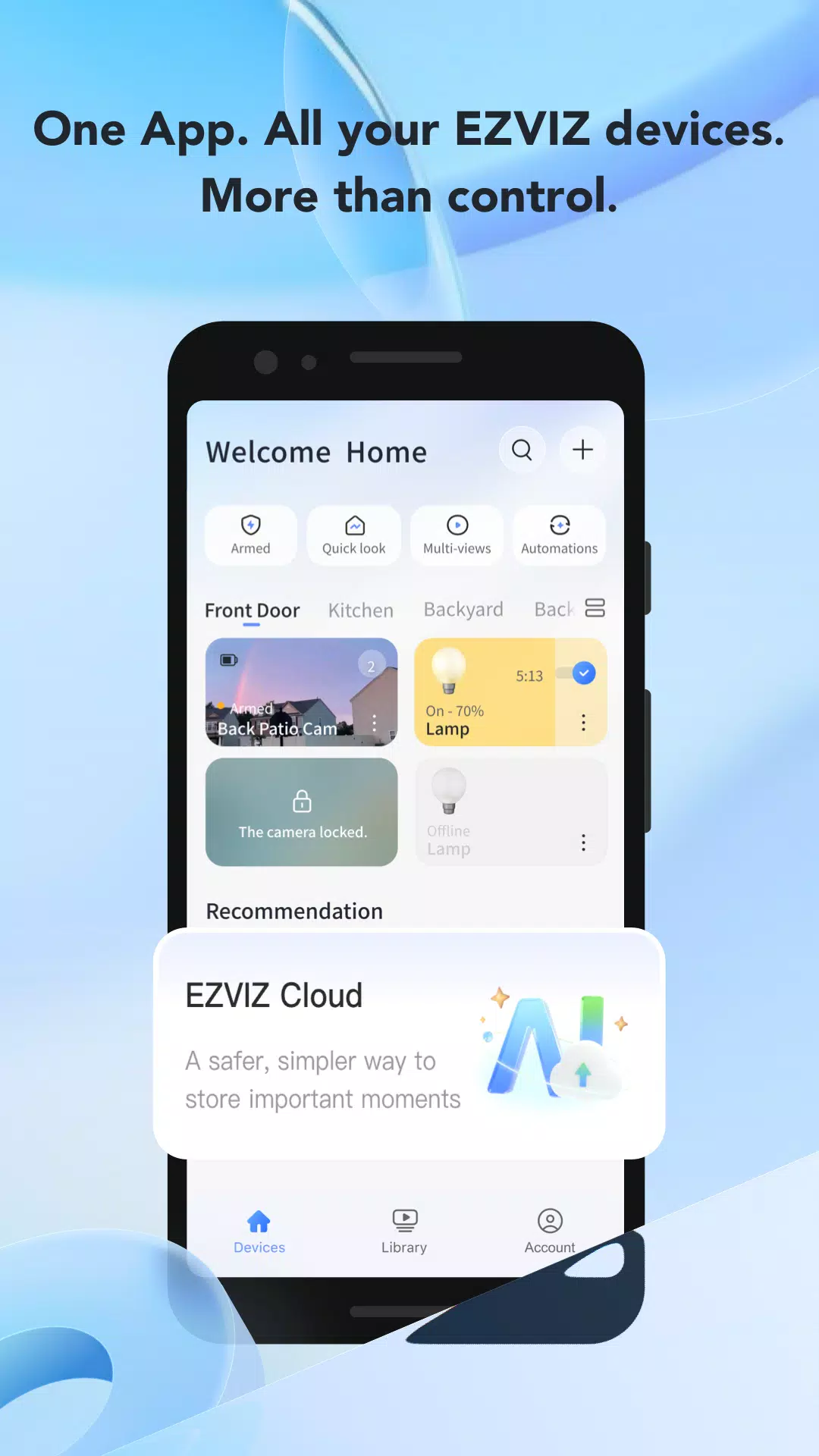
EZVIZ brings your cameras, doorbells, locks, and sensors into one place so you can check in when you need to. It offers timely alerts, easy access sharing, and remote controls through a simple dashboard. With its all in one hub design, it suits both single camera setups and larger systems across homes and small businesses. After you download EZVIZ, you streamline daily monitoring and device management without switching apps between different products.
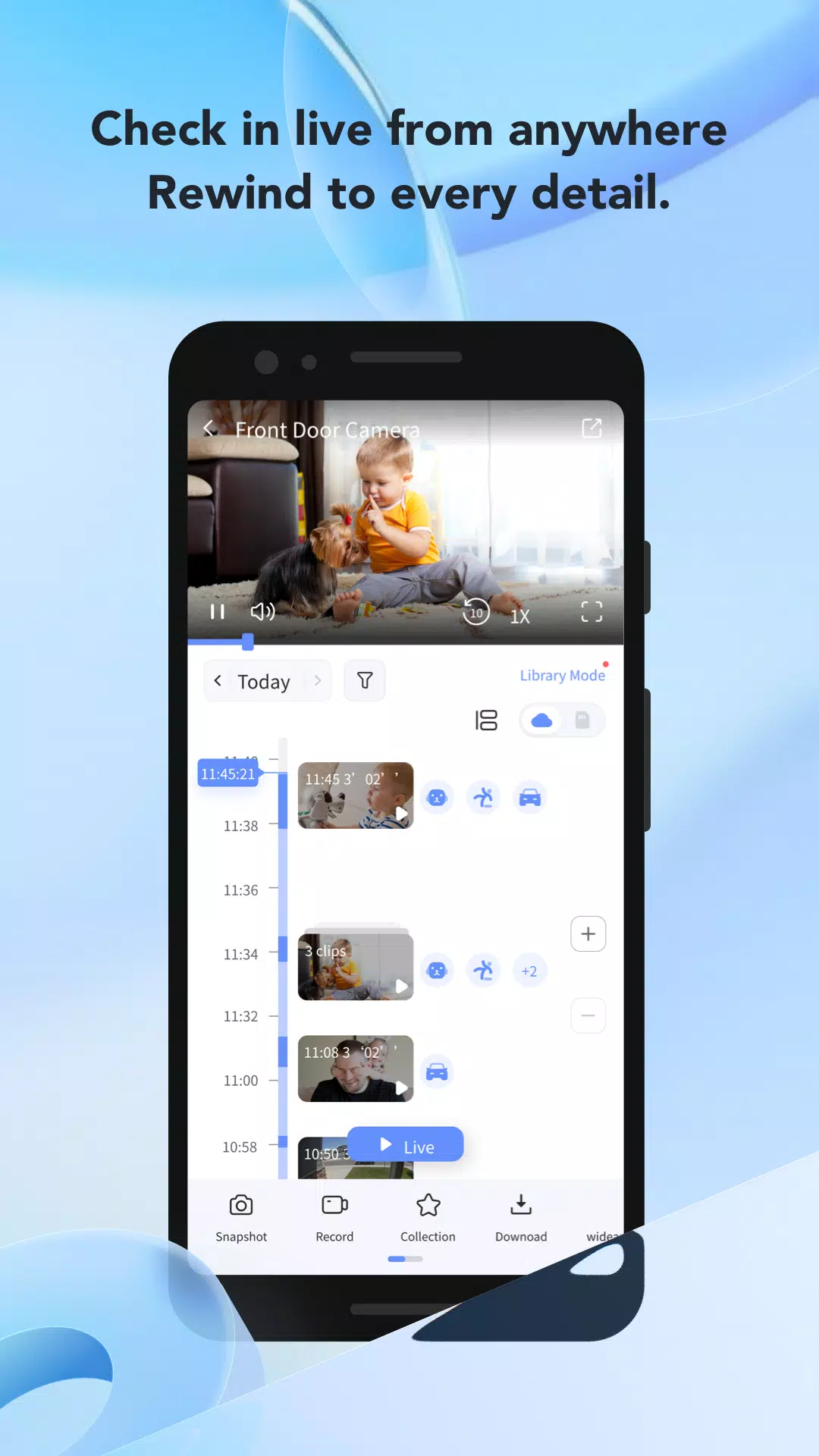
EZVIZ lets you watch high definition live streams from cameras and doorbells at any time. You can open Multi View to see several feeds together for quick status checks. This helps you compare rooms or entryways side by side when activity happens. As you monitor live, you stay ready for the next alert.
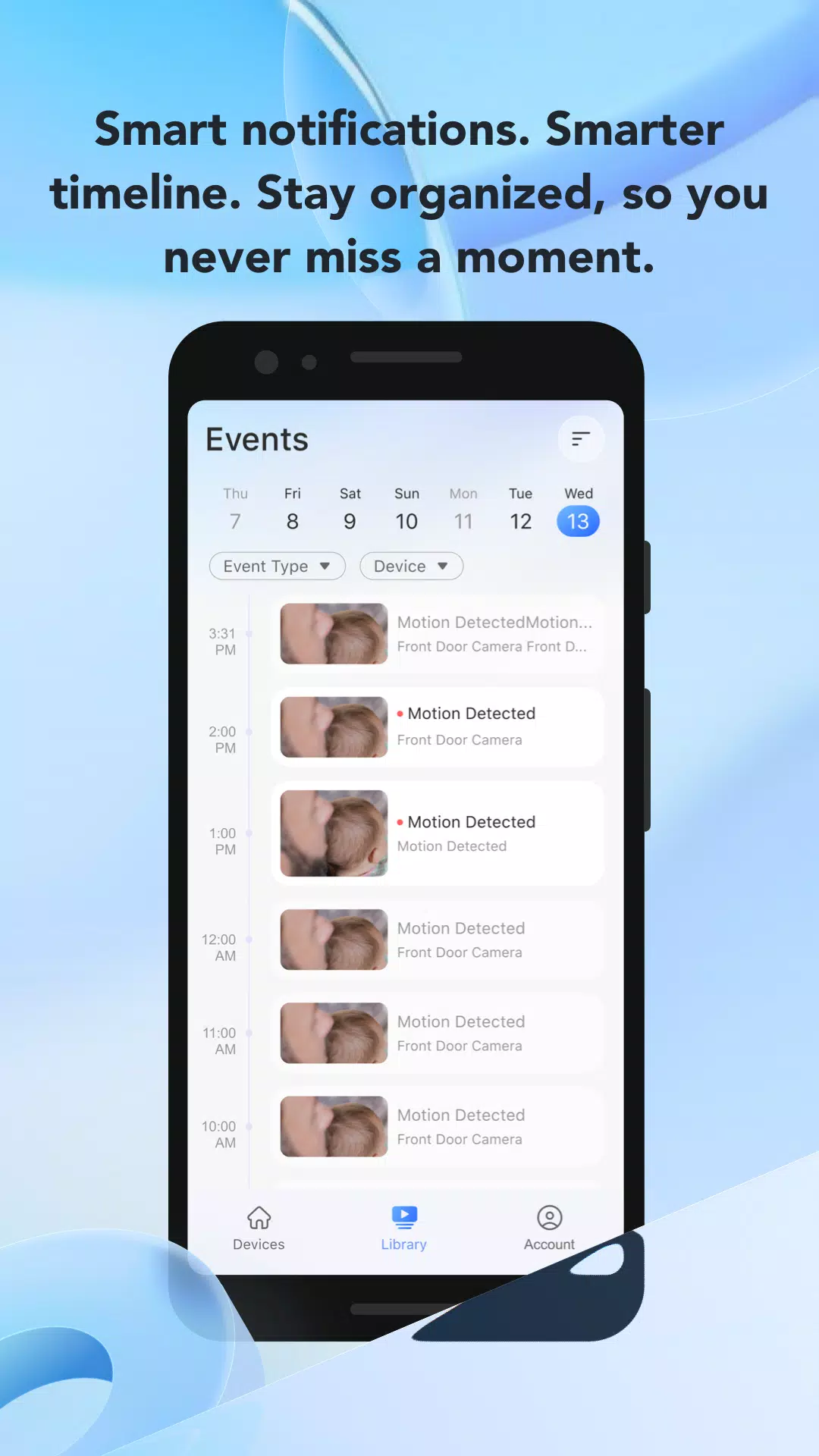
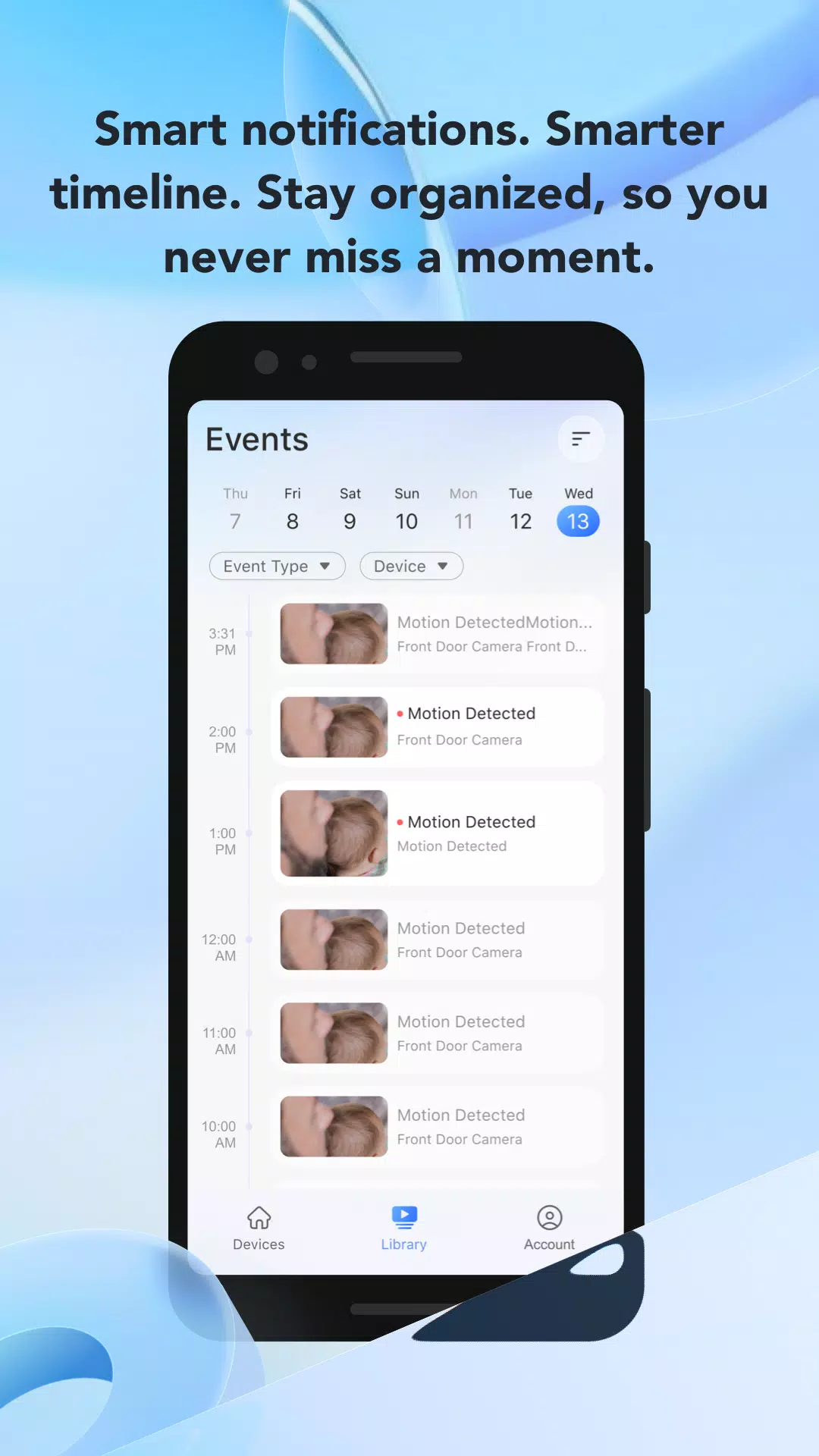
Smart alerts you can trustYou receive push notifications or emails when motion is detected. You can adjust detection zones and sensitivity to filter out pets, street movement, or other irrelevant activity. This reduces notification fatigue while keeping important events visible. As alerts improve, reviewing footage becomes easier.
Playback made easyEZVIZ organizes recorded moments with snapshots and a timeline so you can rewind quickly. You can play from a CloudPlay library or a microSD card inside supported devices. Cloud storage helps when devices are offline, while local storage keeps clips on the camera. With clear playback controls, you can find the right moment without guesswork.
Night vision and two way talkInfrared night vision helps you see details in low light. Built in two way audio lets you speak with visitors, family, or couriers through supported devices. This is useful at doorways and common areas after dark. As you talk and see clearly, you can respond without leaving the app.
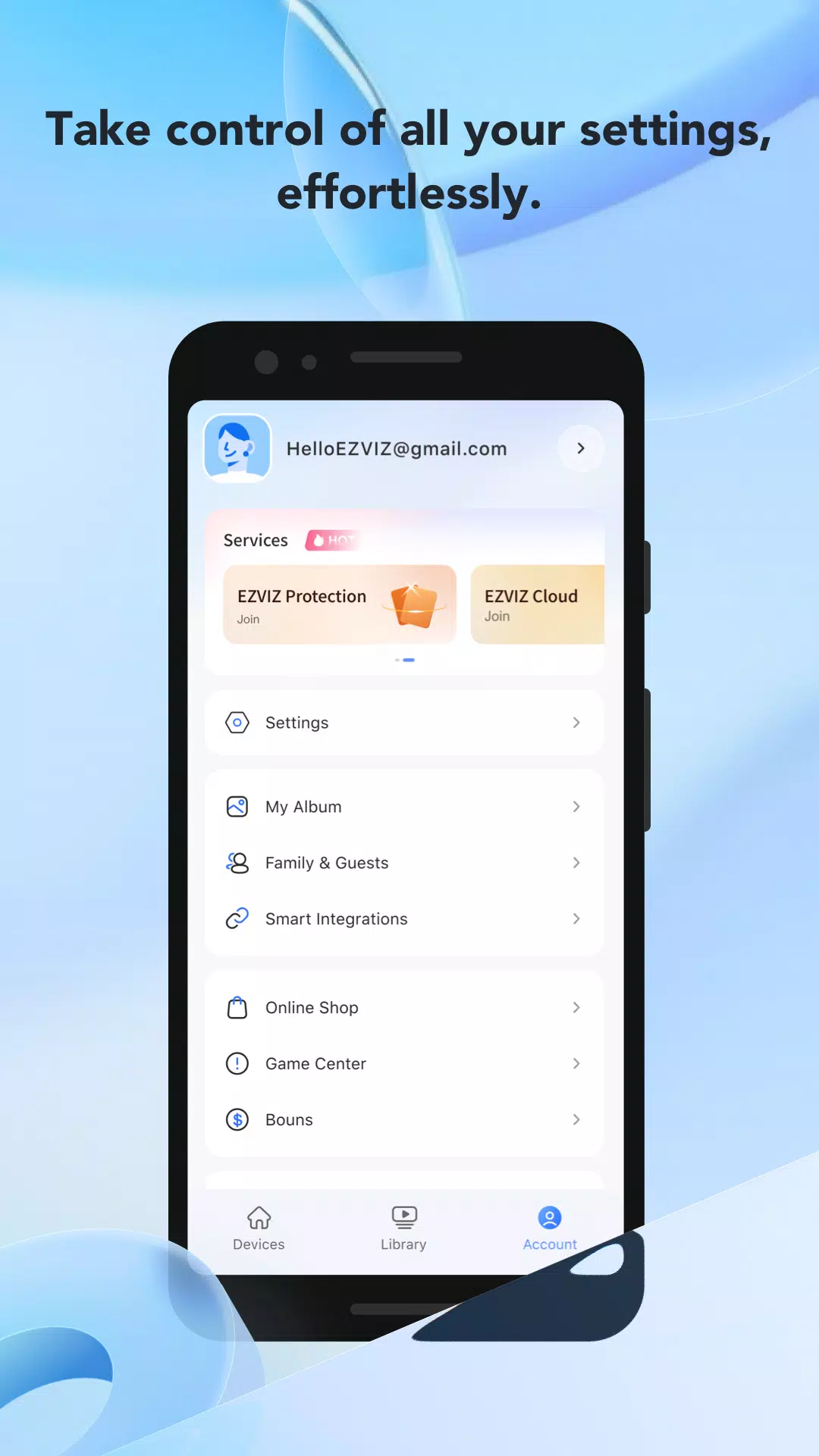
Remote control and managementYou can set up and control pan and tilt cameras, adjust device settings, and interact with visitors from EZVIZ. A DIY dashboard lets you arrange tiles for quick access, while Modes and Routines let you arm or disarm groups of devices together. You can also share selected devices or moments with family and trusted contacts. These controls bring the system together for daily use.
EZVIZ supports cloud and local storage to fit different needs. CloudPlay stores clips online so footage remains accessible if a device is damaged or a card fails. A microSD card saves videos locally on the camera and offers immediate playback without relying on external services. Choosing the right option helps balance convenience and control.
If you prefer desktop viewing, EZVIZ Studio for Windows is the official option for PCs. You can sign in with the same EZVIZ account used on Android to keep devices and permissions in sync. Device sharing respects your settings, so family members only see what you grant. This makes switching between phone and computer simple.
Plan your setup before installation to avoid rework. Decide which cameras or doorbells need multi camera viewing, and organize your dashboard accordingly. Set clear detection zones during onboarding to reduce unwanted alerts later. Checking these points gives a smoother start after the EZVIZ app download.
Here is a simple way to start monitoring with EZVIZ on an Android phone. For reliable setup, use the EZVIZ latest version so new devices connect smoothly.
EZVIZ combines live viewing, alerts, playback, and control in one hub for your cameras and smart devices. If you need a practical way to manage an EZVIZ system on Android, install the EZVIZ APK and begin your setup.
For official resources and support, use the channels below.
Latest Version
7.5.8.0724Uploaded by
ចំរើន កូកូ
Requires Android
Android 9.0+
Category
Free Video Players & Editors AppContent Rating
Everyone
Security Report
Report
Flag as inappropriateLast updated on Jul 30, 2026
Regular app updates. Bug fixes and user experience improvements.

APKPure - A multi-platform app store primarily focused on Android, providing extensive app-related content. Discover the app you want easier, faster, and safer, with quick and efficient downloads and installations.