Download free APK/XAPK files from Google Play Store without a login account.
Install Now


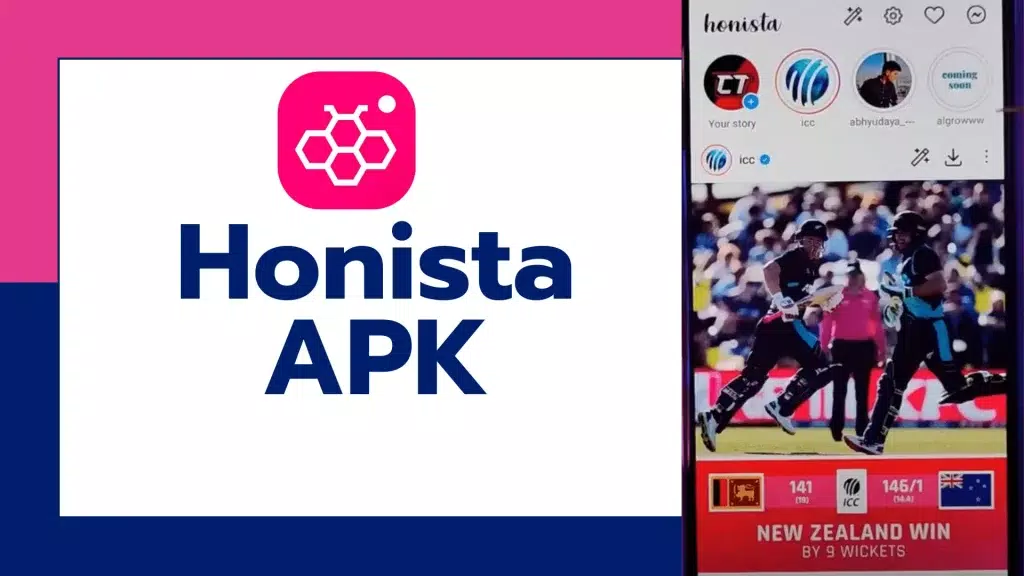
Honista suits users who want more control over daily scrolling and posting without changing their habits. It focuses on private viewing, flexible tools, and a layout you can tailor to your taste. You can shape what appears in your feed and save the content that matters to you, while keeping distractions low. It runs alongside the official Instagram app for easy adoption. Currently it is available for Android, and iOS is planned. If needed, look for Honista APK.
Privacy suite and locks
Honista gives you app lock and chat lock options to keep access under control. You can keep sensitive conversations in hidden chats, use a stealth icon to reduce attention, and tune notification behavior for quiet use. These tools help you keep your account activity private on a shared device.
Ghost Mode viewing
Ghost Mode lets you view stories, messages, and live sessions without marking items as seen or appearing in the viewer list. Use it when you want to stay informed without signaling presence.
One tap media tools and magic wand options
Honista adds a direct download icon on posts, stories, and covers, so you can save media with one tap. You can copy captions, repost content, or open videos with your phone’s player from the same tools. When you need extra actions, the magic wand post tools provide quick choices, and optional AI helpers can generate captions or reply to comments and DMs.
Feed and ad filters
Honista helps you remove ads and suggested content to keep your feed focused. You can filter posts by type, adjust page privacy, and review viewed or liked history to manage what you see next. This control lets you browse with fewer interruptions and more relevant posts.
Customization, data saver, and backup
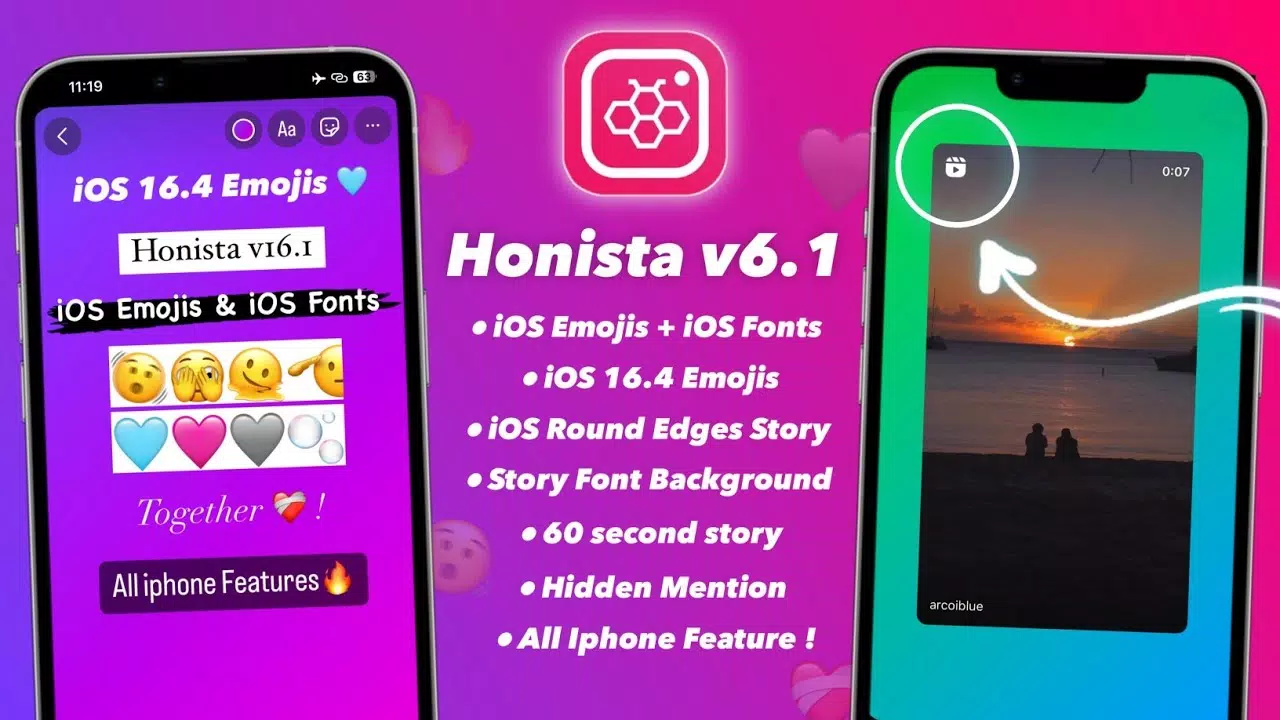
You can set themes, switch to dark mode, and choose custom backgrounds and fonts, including iOS style emojis. Data saver options help limit bandwidth during browsing and uploads. A full backup and restore keeps all settings and tool toggles portable, so your setup can move to a new device smoothly.
Honista can run alongside the official Instagram app, so you do not need to uninstall anything to try it. The Honista app is built for Android devices at present, and an iOS version is planned. Features that change viewing behavior, such as Ghost Mode, are off until you enable them. The app is designed to add controls to your existing routine without forcing a new workflow.
Honista is an Android build focused on privacy, ad control, and media tools, with iOS in development. If you prefer a smaller or simplified build, consider Honista Lite. The Lite option reduces size and focuses on core functions for users who need a lighter setup. Choose the build that matches your device storage and daily use.
Every major feature in Honista can be turned on or off in settings. You decide how Ghost Mode, downloads, filters, and AI helpers behave, and you can change that anytime. After you finish adjusting the app, create a backup so your choices stay intact across installs. Restoring a backup keeps your layout and preferences consistent on a new phone.
This short guide helps you set up key tools and find the controls you need. For a quick start, follow these steps after a Honista APK download.
Install the APK on your Android phone, open Honista, and sign in with your Instagram account.
Go to Settings and enable app lock or chat lock if you want extra access control on your device.
Turn on Ghost Mode for stories, messages, and lives when you prefer quiet viewing without sending a seen mark.
Use the download icon on posts, stories, and covers to save media, or tap the magic wand for extra actions like copying captions or reposting.
Adjust feed filters and ad controls, set your theme and fonts, then create a backup to save your setup for later restore.
Honista adds private viewing, media saving, ad control, and flexible customization to Instagram. Create a backup when your settings are ready so your setup stays consistent across devices. Download the Honista latest version to explore these tools on Android.
Latest Version
406.0.0.58.159Uploaded by
PerfecDev
Requires Android
Android 9.0+
Category
Free Tools AppSecurity Report
Report
Flag as inappropriateLast updated on Mar 18, 2026
This release includes minor bug fixes and general improvements. Update to the latest version for the best experience.

APKPure - A multi-platform app store primarily focused on Android, providing extensive app-related content. Discover the app you want easier, faster, and safer, with quick and efficient downloads and installations.