Download free APK/XAPK files from Google Play Store without a login account.
Install Now

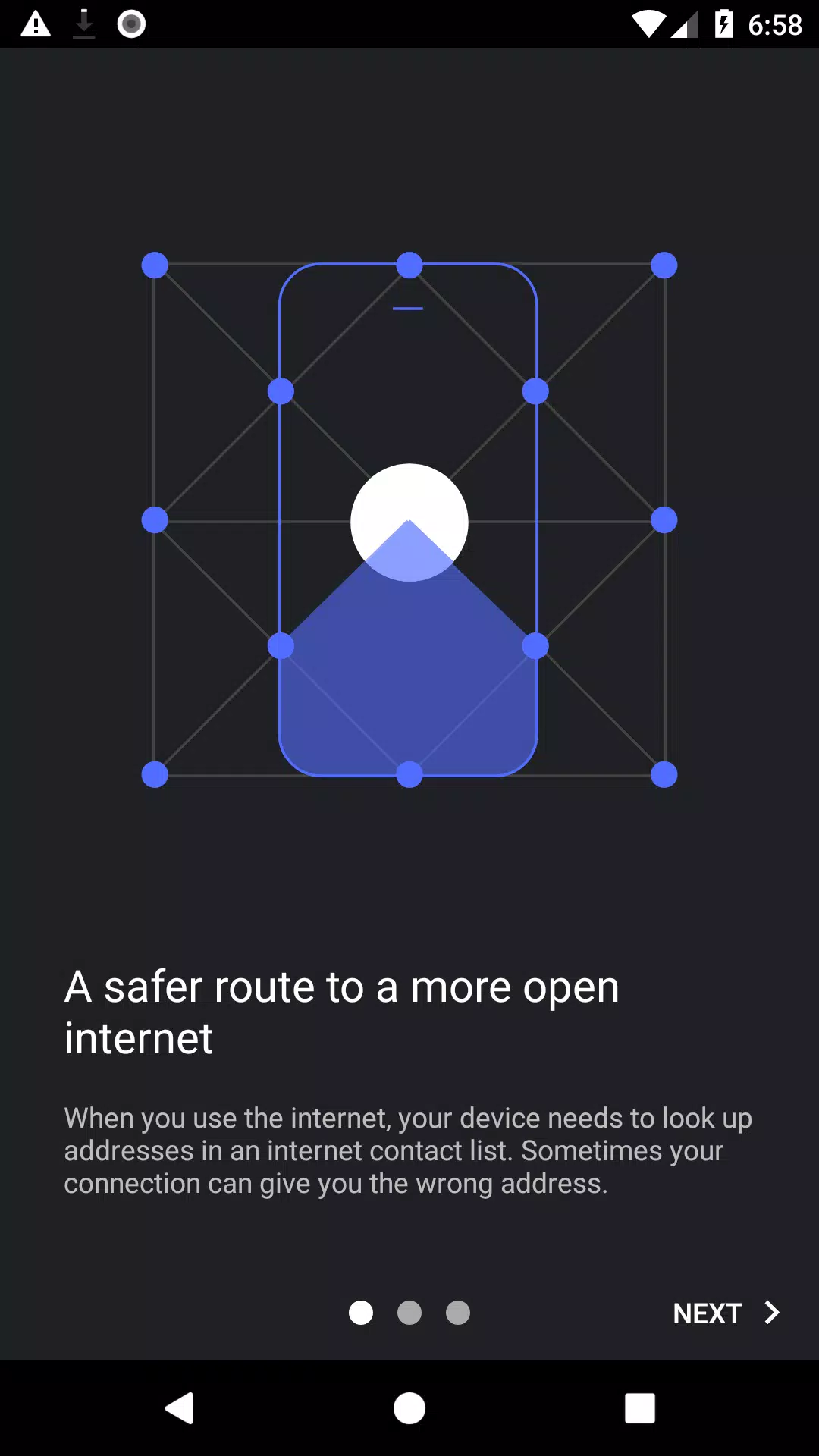
Intra addresses a common problem where websites or apps fail to load because of DNS-based blocking or interference. It encrypts your device’s DNS queries so your requests are harder to manipulate, which helps you reach news, social platforms, and messaging services that rely on accurate DNS. The setup is simple and stays active in the background. For users who prefer direct installation, the Intra APK provides the same experience in a compact package.
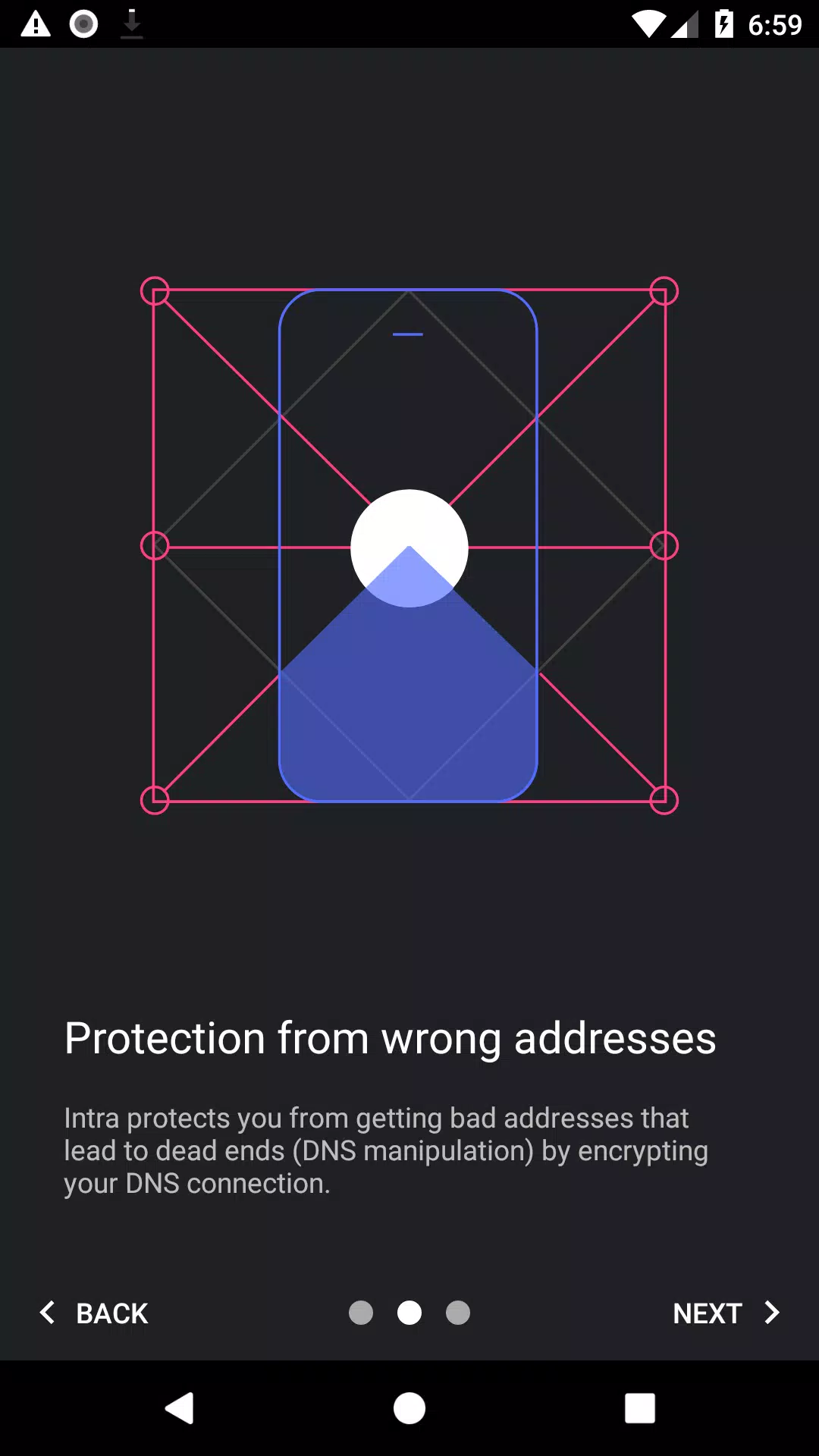
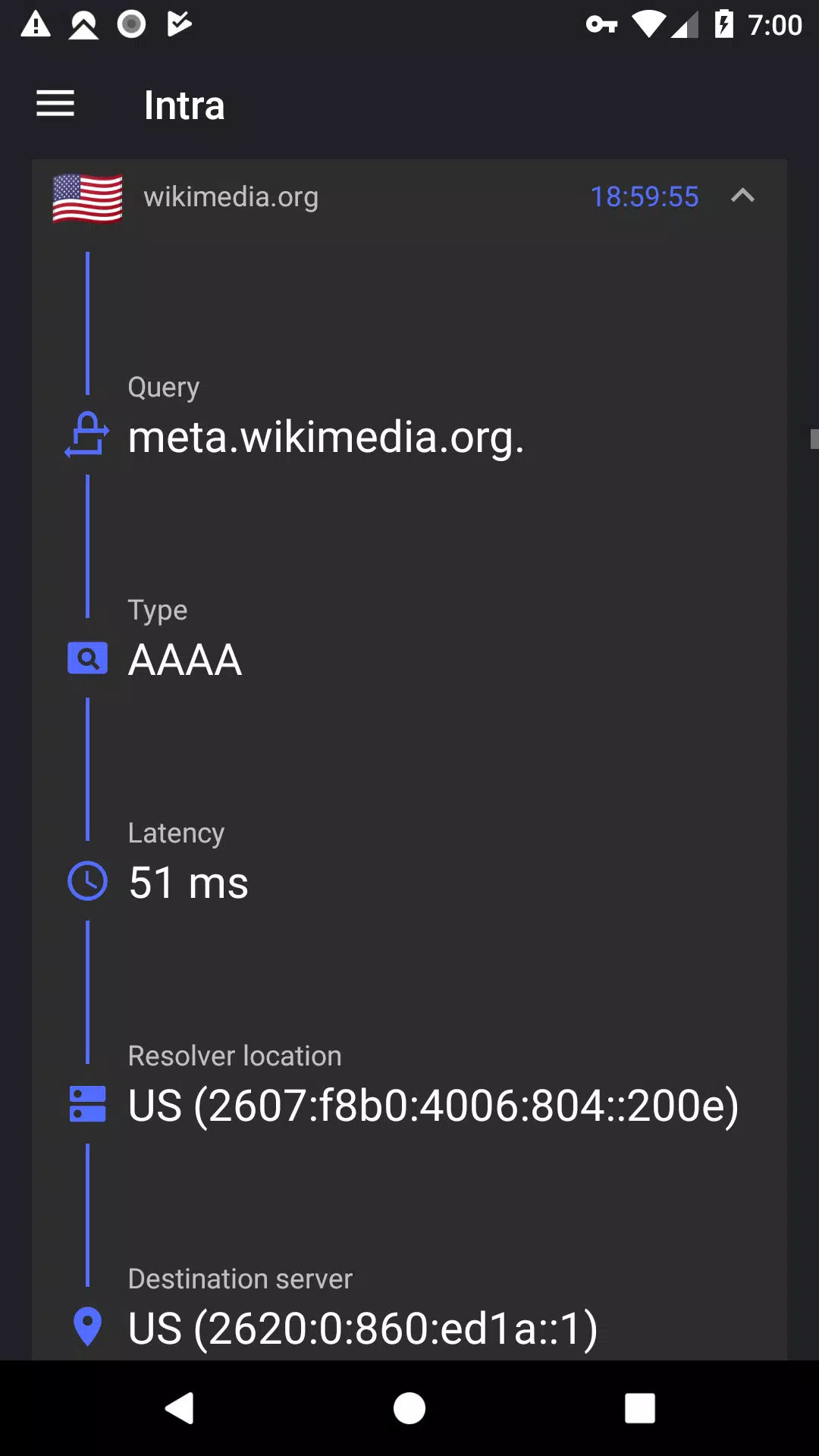
Intra sends your DNS queries through HTTPS to prevent tampering and many forms of DNS-based censorship. Because only DNS is routed through this protected channel and not your entire connection, the app focuses on the part of traffic attackers often target. This approach helps you avoid malicious redirects that can lead to phishing or malware sites.
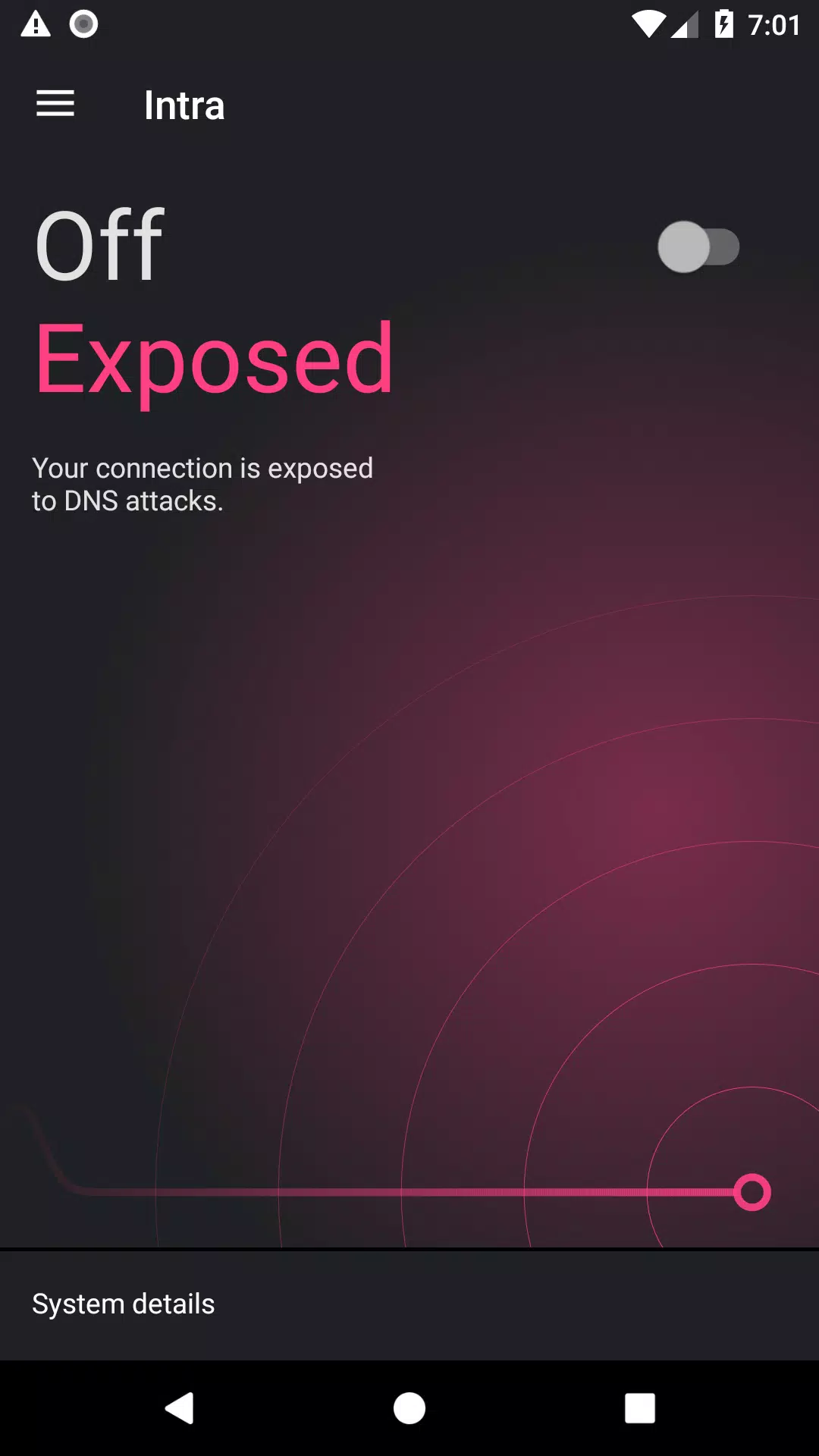
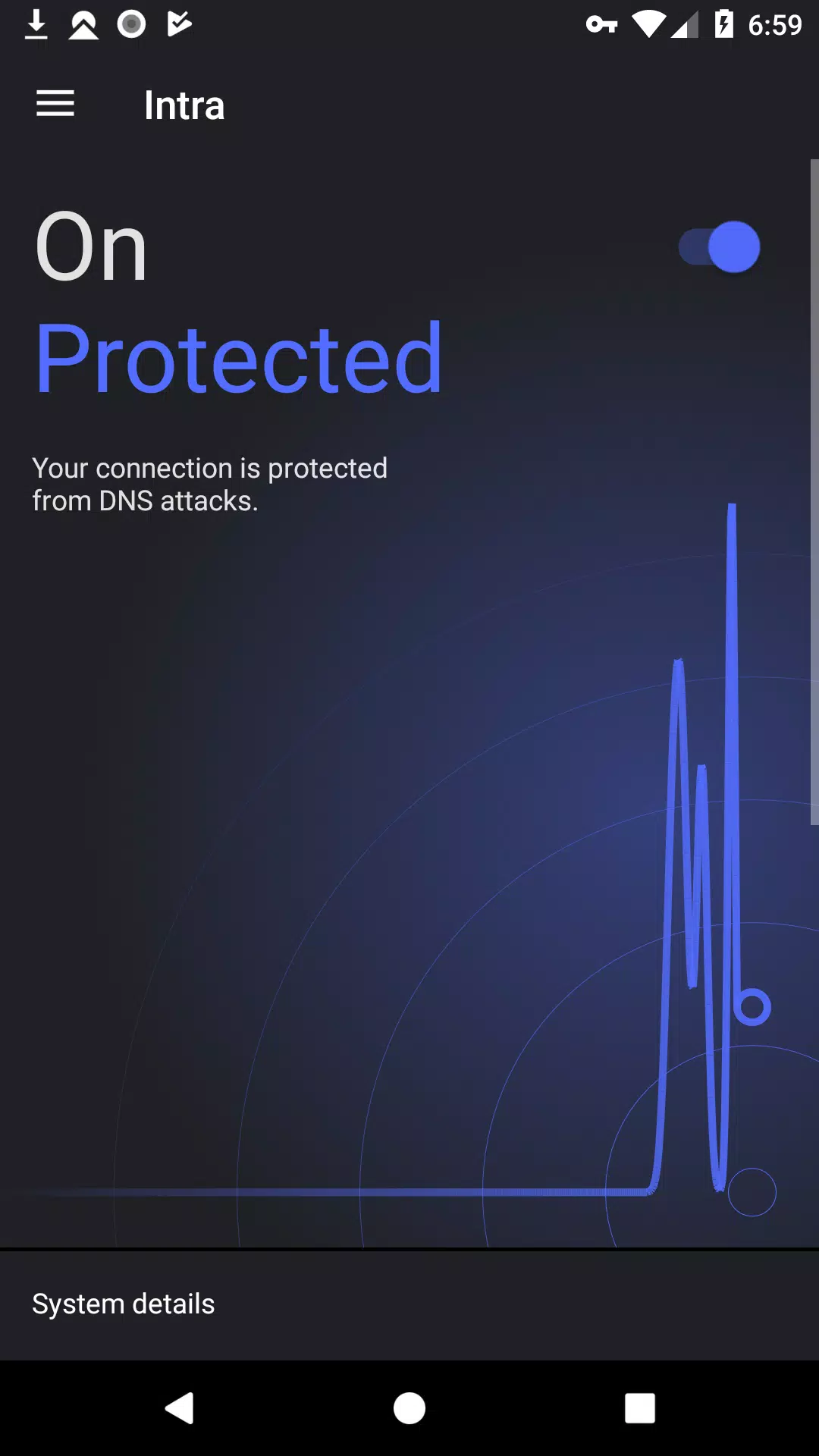
One tap to enable and always onYou can enable protection with a single toggle and let it run continuously. Intra uses Android’s VPN service to apply settings system wide while leaving your regular data traffic direct. There are no data limits, and the interface keeps settings clear and easy to revisit when needed.
Custom DNS providersIntra lets you choose where your encrypted DNS queries go. You can select preset providers such as Cloudflare or Google, or enter your own resolver if your organization has one. This flexibility helps you align DNS behavior with your personal or workplace preferences.
Per app exclusions for troubleshootingIf a specific app does not work as expected with encrypted DNS, you can exclude it from protection. This selective control helps you keep Intra active for most apps while allowing exceptions where needed. It is useful when testing streaming, banking, or region sensitive services.
Privacy first and open sourceIntra does not track which apps you use or which sites you visit. The project is open source and developed by Jigsaw, which allows the community to review how it works. This transparency offers a clear view into what the app does on your device.
Intra is not a full VPN and does not encrypt all of your internet traffic. It protects DNS queries, which helps with DNS-based censorship and some redirection attacks, but it may not bypass blocking that uses IP filtering, deep packet inspection, or other advanced methods. If a site is blocked for reasons beyond DNS, results may vary.
Intra is created by Jigsaw, a technology incubator within Google that focuses on safety tools. The app’s code is openly available for review, and the project shares documentation that explains how DNS encryption is implemented. Preset providers such as Cloudflare and Google are included for convenience, and you can switch providers at any time.
This quick guide walks you through the basics from first launch to daily use. If you plan to download Intra on an Android phone, the setup takes only a moment and you can adjust settings later. Follow the steps below to enable protection and test access.
Intra focuses on securing DNS so you can reduce interference and avoid common redirect risks with minimal setup. For the most stable experience, consider keeping the Intra latest version installed and review per app settings when troubleshooting.
For official resources and documentation, visit the project site below.
Latest Version
1.5.1Uploaded by
Yuosef Hossam
Requires Android
Android 5.0+
Category
Free Tools AppContent Rating
Everyone
Security Report
Report
Flag as inappropriateLast updated on Aug 6, 2026
- Updated the Terms of Service link in the application menu

APKPure - A multi-platform app store primarily focused on Android, providing extensive app-related content. Discover the app you want easier, faster, and safer, with quick and efficient downloads and installations.