ログインアカウントなしでGoogle Playストアから無料のAPK/XAPKファイルをダウンロードしてください。
今すぐインストール

Small (<200kb), fully configurable and extremely battery efficient WIDGET with clock, weather, battery status, world clock, uptime, network status and much more. Please please please read the description before giving a bad rating! For ANY question or issue send me an email. I cannot reply to comments! If you like the widget please rate it.
PLEASE:
- Exclude this from your task killer if you have one
- DO NOT move to SD! Widgets are not working on SD (they will disappear at reboot!)
FREE/PRO FEATURES:
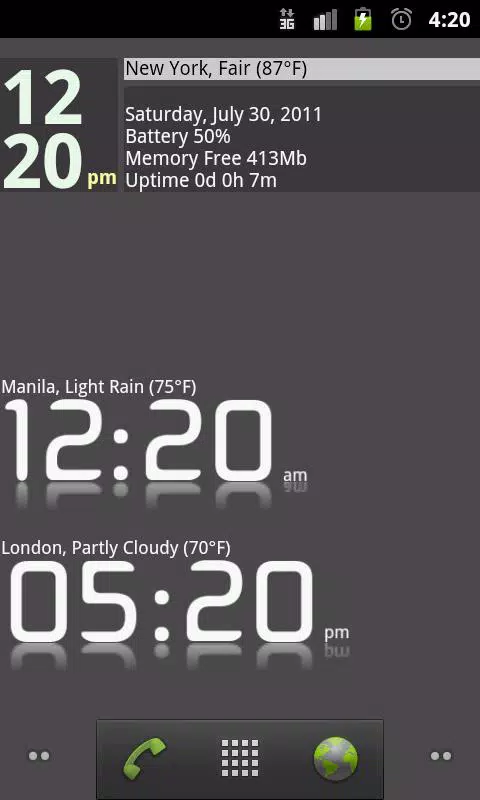
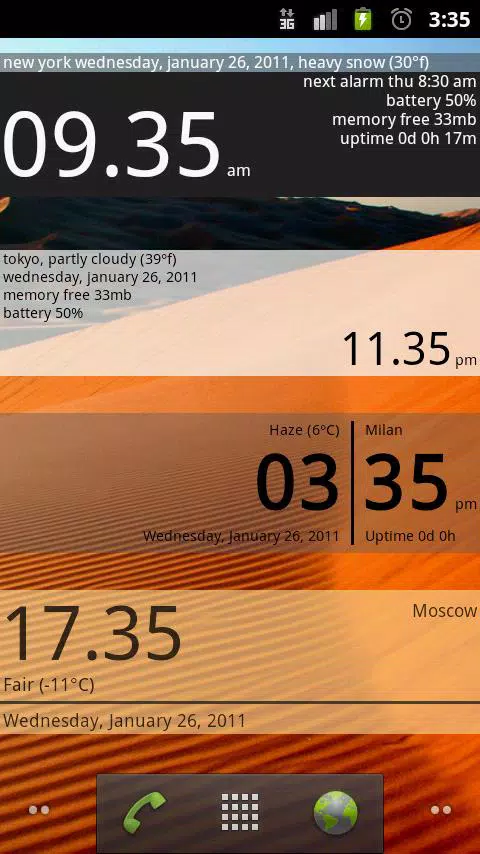
- Digital clock
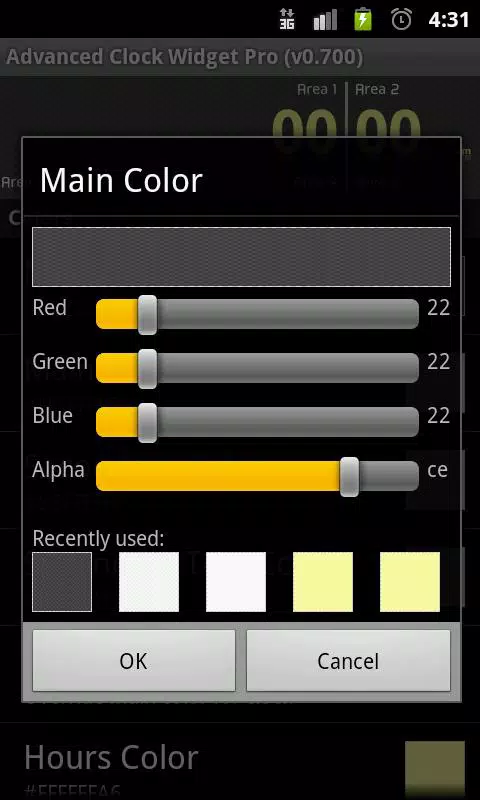
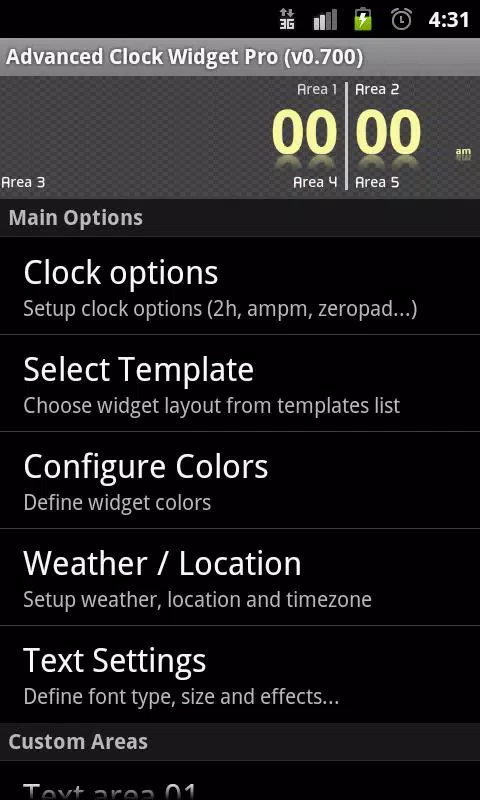
- Customizable fonts and colors (for transparent bg set alpha to 0!)
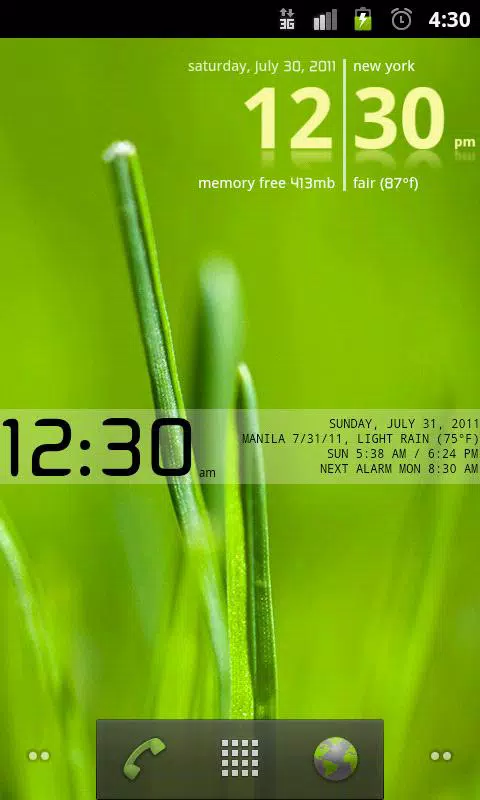
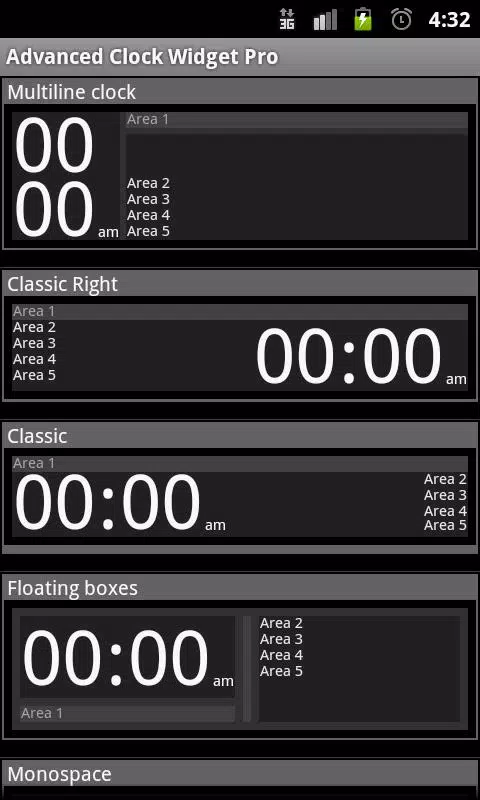
- Multiple layout templates
- Battery status (with time remaining)
- Network operator / WiFi network name
- World clock with timezone support (just add multiple widget and set manually weather/location in the options)
- Current location, date and uptime
- Current and tomorrow weather with low/high, sunrise/sunset, pressure and more
- Next alarm
PRO ONLY FEATURES:
- Click actions with direct alarm setup
- Save / restore settings
- Fully customizable text areas (you can use ANY text, like "current battery temp is #BATTTEMP#")
FAQ:
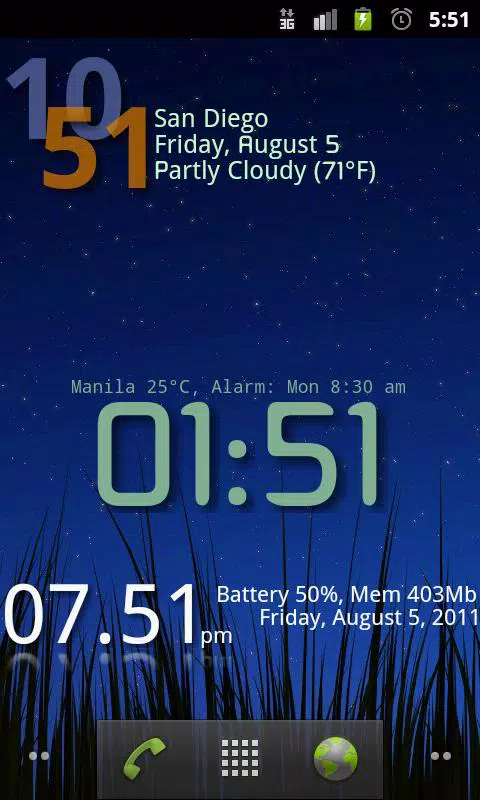
- I WANT TO OVERLAP LIKE SCREENSHOT: select template "left right" then text settings and increase "big font size" to more than 80 pixels. The clock will overlap. You then need to change clock colors to obtain the look of the preview.
- I WANT A TRANSPARENT BACKGROUND: set main color alpha to 0
- I WANT MORE TIMEZONES: add more than 1 widget
- I DON'T WANT THE LAUNCHER ICON: sorry but starting from HONEYCOMB this is mandatory otherwise you will not see the widget in the widget list without a reboot.
UPCOMING FEATURES:
- More sizes 2x1 and 4x2
- Next calendar event
- More templates
PERMISSIONS:
- ACCESS_COARSE_LOCATION / LOCATION: used for weather/location
- INTERNET: used for weather updates
- ACCESS_NETWORK_STATE / ACCESS_WIFI_STATE: used for network operator info / WiFi info
- WRITE_EXTERNAL_STORAGE: used for backup to SD (PRO only)
- BROADCAST_STICKY: again used to get WiFi state, this is needed due to a ICS bug
最終のバージョン
0.762投稿者
ฟิวส์ ปริญ
Android 要件
Android 2.2+
カテゴリー
フリー ツール アプリコンテンツのレーティング
Unrated · Warning – content has not yet been rated. Unrated apps may potentially contain content appropriate for mature audiences only.
Last updated on 2015年11月01日
0.762
- Fixed "spam" issue on Android 4.4
- Removed 2 permissions
- Fixes
- Added ads (sorry, have to pay the internet bill)
0.760
- Fixed android 4.3 norification
0.740
- Weather fixes, location fixes
- Should not hang anymore (added permission)
0.720
- German translation (thanks Martin!!)
- Turkish translation (thanks Caner!!)
- Fixed memory issues on JB
- Small fixes

APKPure - Androidを中心としたマルチプラットフォームのアプリストアで、豊富なアプリ関連コンテンツを提供しています。より簡単に、より速く、より安全にアプリを見つけることができ、ダウンロードとインストールも迅速かつ効率的です。