Download free APK/XAPK files from Google Play Store without a login account.
Install Now
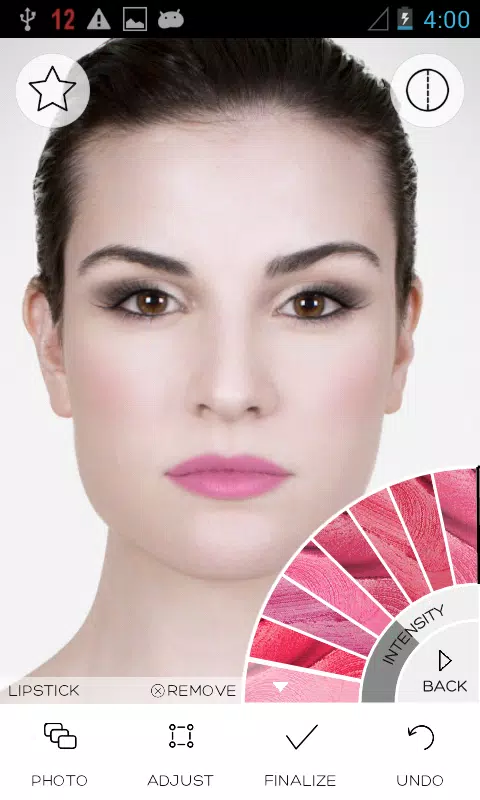
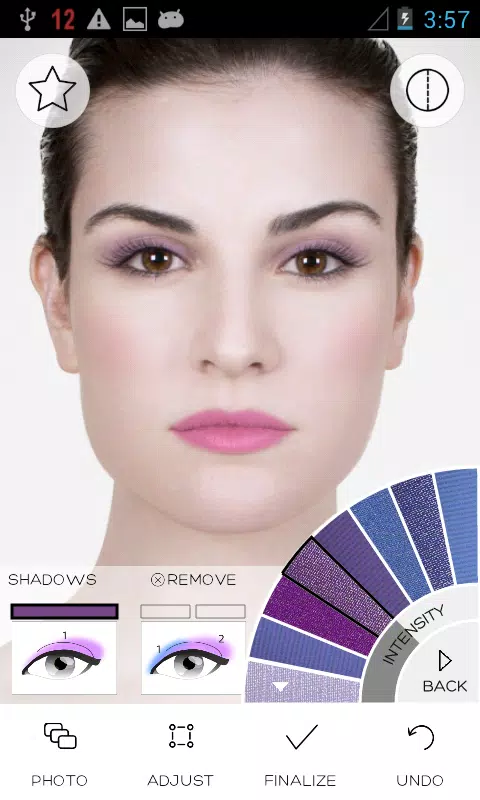
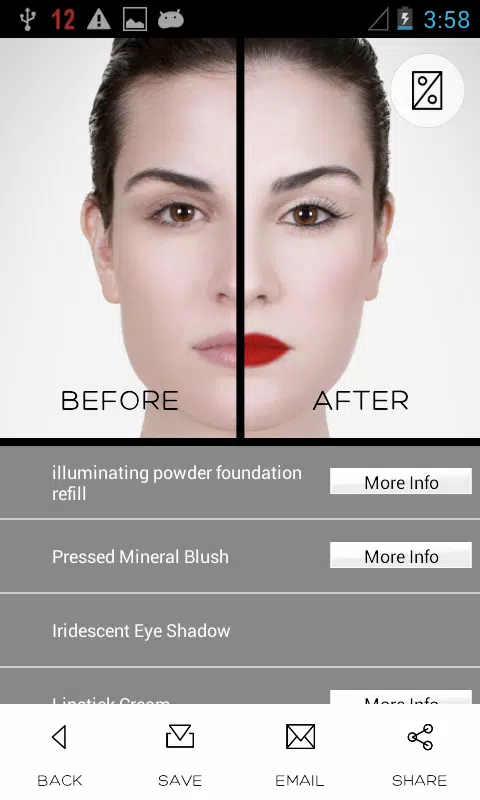
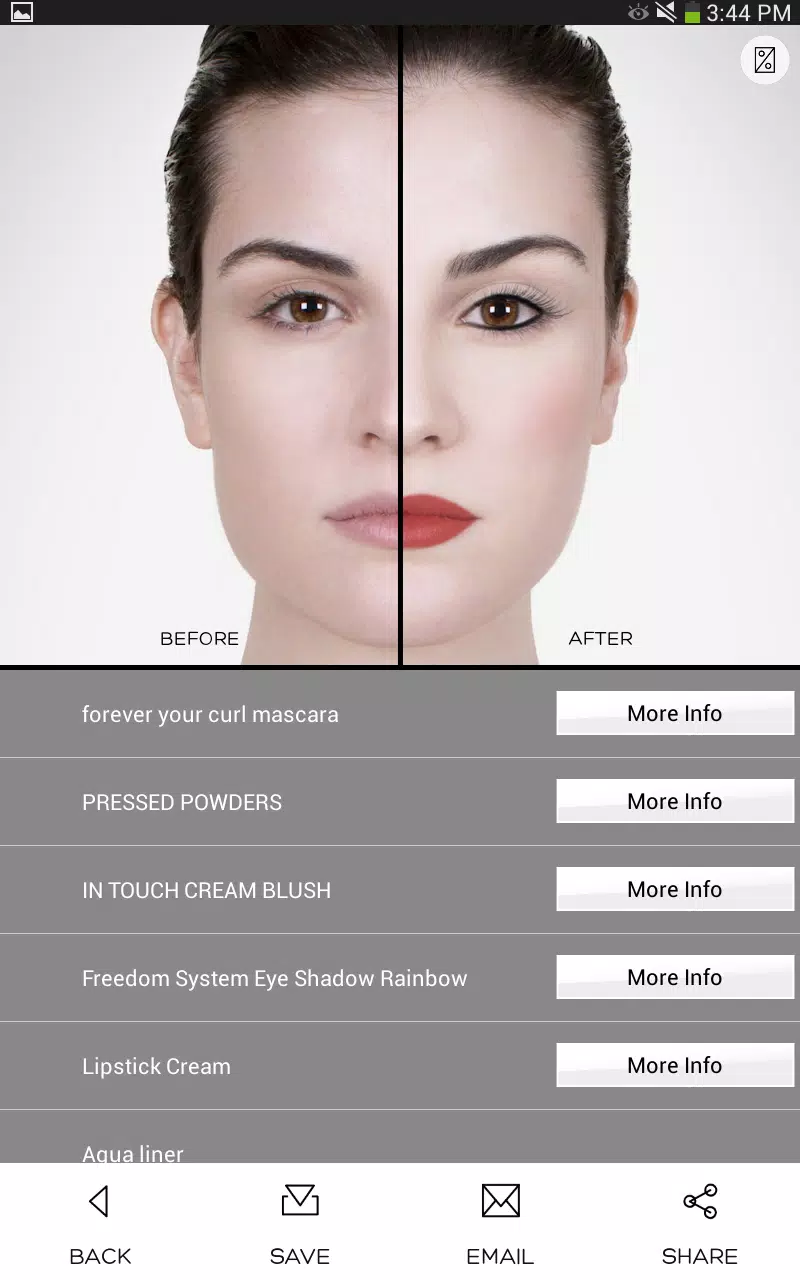
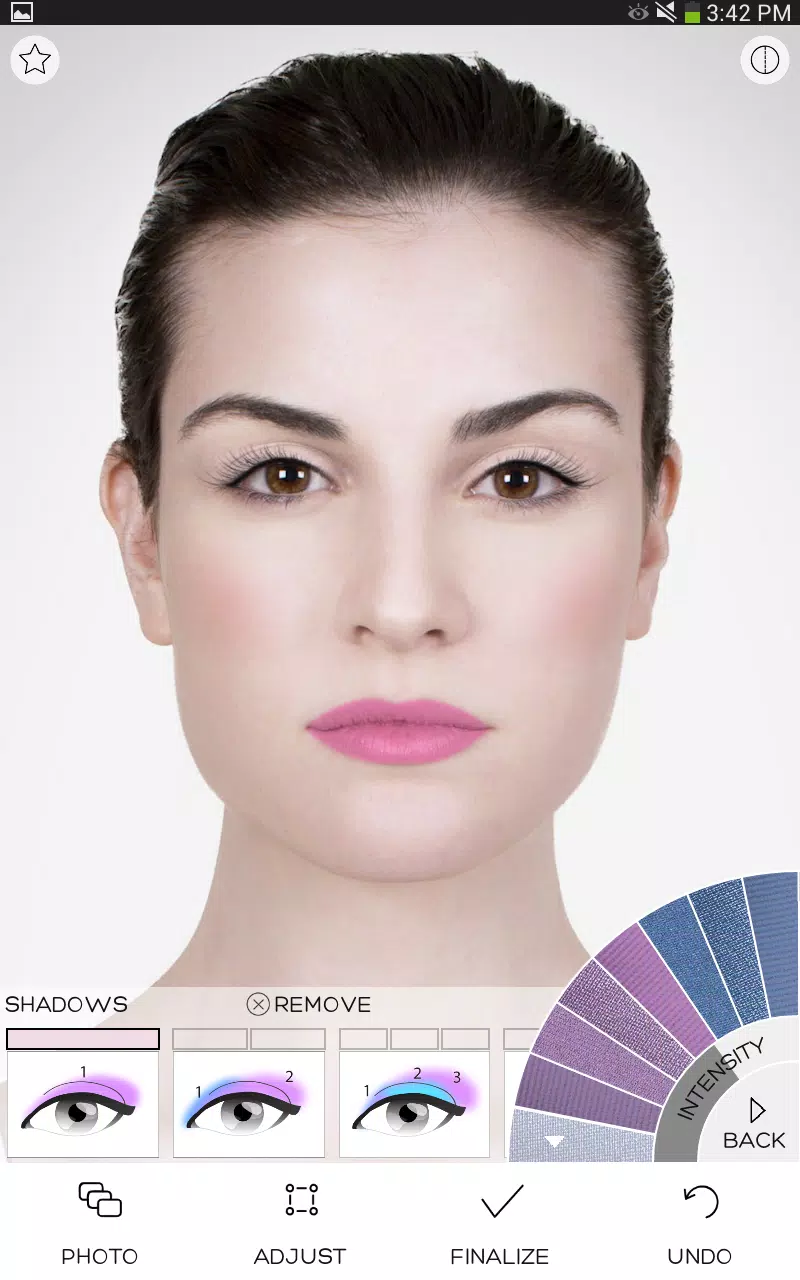
Makeup Mini is an app that takes virtual makeovers to a whole new level with state-of-the-art cosmetics colors, makeup simulation, and makeover effects. You can try literally hundreds of cosmetics colors and shades in seconds!
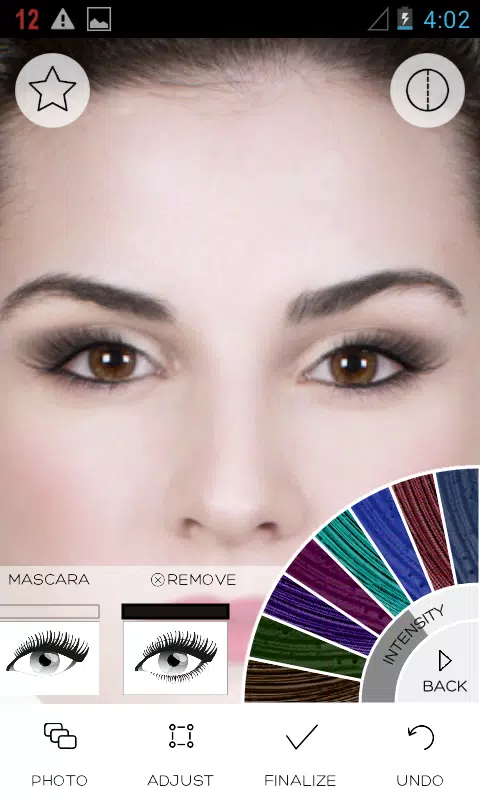
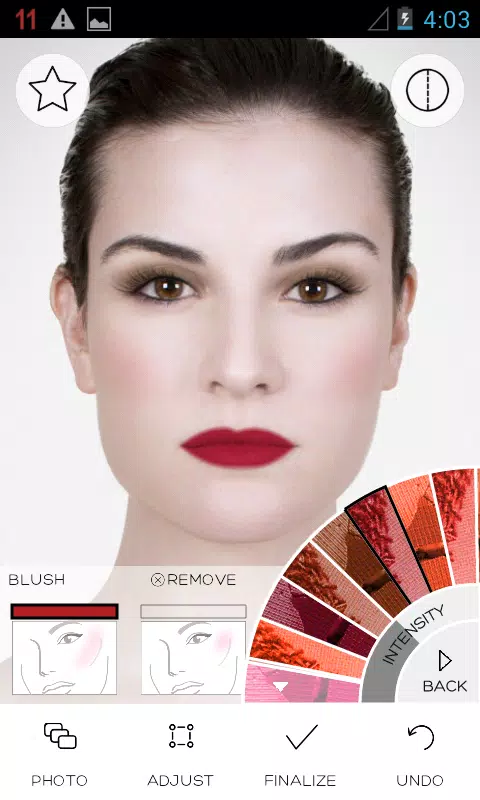
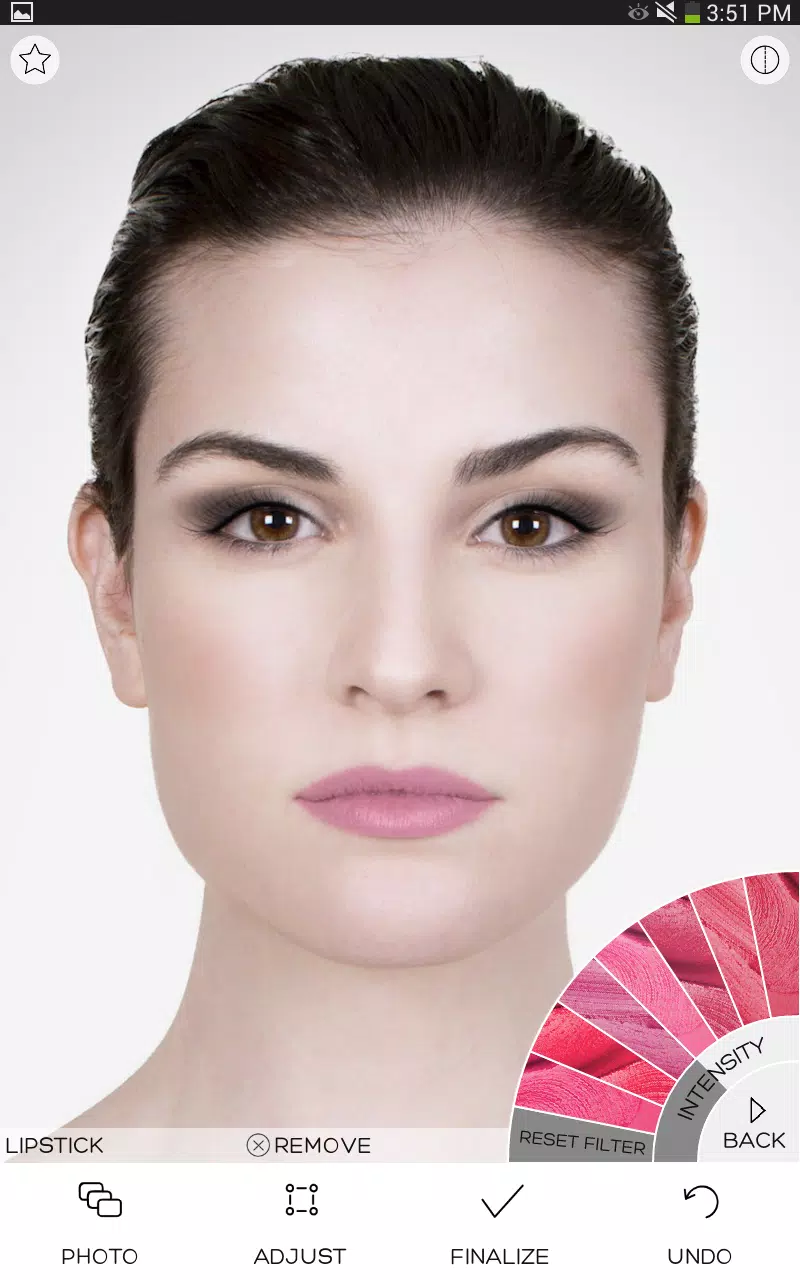
How, you ask? First, snap a photo or choose a photo from the gallery. Then, choose your favorite makeup products from our huge database. Once you have found the perfect color combination, save it to your gallery and share with your friends! You can even use it as a new display photo on your favorite social networks. The cosmetics products you have tried on will be saved for your convenience. It's like a virtual makeup artist in your pocket!
Makeup Mini is designed to be fast, compact, and light so that it can be installed on a wide range of Android devices. Why not try it out today?
*~*~*~*~*~*~*~*
App Features
*~*~*~*~*~*~*~*
✔ Try on makeup on your own photo ♥
✔ 2,000+ of real-life cosmetics shades
✔ Built-in color blending technology
✔ Latest Facial Recognition algorithm
✔ Automatically download more cosmetic options as they become available
✔ Support popular social networks
✔ Support sharing options
This app uses ModiFace's latest technology to realistically simulate shine, glitter, textures, and intensities of the cosmetics products. You can share the makeover using many apps already installed on your device. So, why not try out this app today and let us know what you think!
*~*~*~*~*~*~*~*
Quick FAQ
*~*~*~*~*~*~*~*
Q. Face point adjustment is difficult...
A. Say you want to move a point. You don’t have to touch ‘on’ the point. You can simply touch the ‘near-by’ region and drag your finger to move that point. This should make it easier for you to adjust the point!
Q. What do you mean by “Would you like to save this photo as private model”?
A: By saving a photo as a model photo, you can access it quickly from your model library. This photo *will not* be shared with anyone else. You can remove this model as well so don’t be afraid to use this feature!
Q. Where are the photos saved to?
A. Saved photos can be found in ModiFace folder here: /mnt/sdcard/Pictures/ModiFace/.
If you have any issues, it's best to email us directly, as we cannot respond to reviews.
✔ Support: Android 2.2 (Froyo) to Android 4.x (Ice Cream Sandwich, Jelly Bean, KitKat)
Latest Version
1.4Uploaded by
Nicolas Macedo
Requires Android
Android 4.0.3+
Category
Free Lifestyle AppContent Rating
Everyone
Report
Flag as inappropriateLast updated on Jul 18, 2016
This release includes minor bug fixes and general improvements. Update to the latest version for the best experience.


APKPure - A multi-platform app store primarily focused on Android, providing extensive app-related content. Discover the app you want easier, faster, and safer, with quick and efficient downloads and installations.