Download free APK/XAPK files from Google Play Store without a login account.
Install Now
Taking notes in 3 easy steps:
1. Tap on the widget
2. Type in your note
3. Leave the application
That is all. Your note is saved.
Your notes are always safe and at hand:
- no extra actions
- no unnecessary buttons
- no "New Note"
- the fastest way to write a note and keep it safely at hand
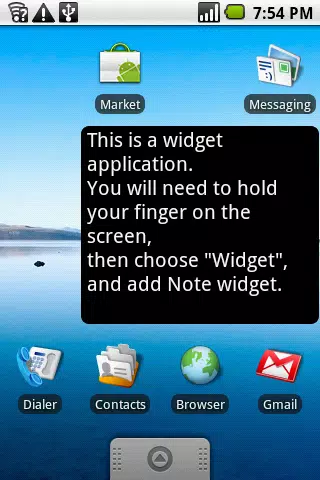
To start using the Note application, first add the widget on your screen:
1. Hold your finger on the Home screen
2. Tap on "Widgets"
3. Select "Note", and choose the best size for you
ALWAYS IN SIGHT
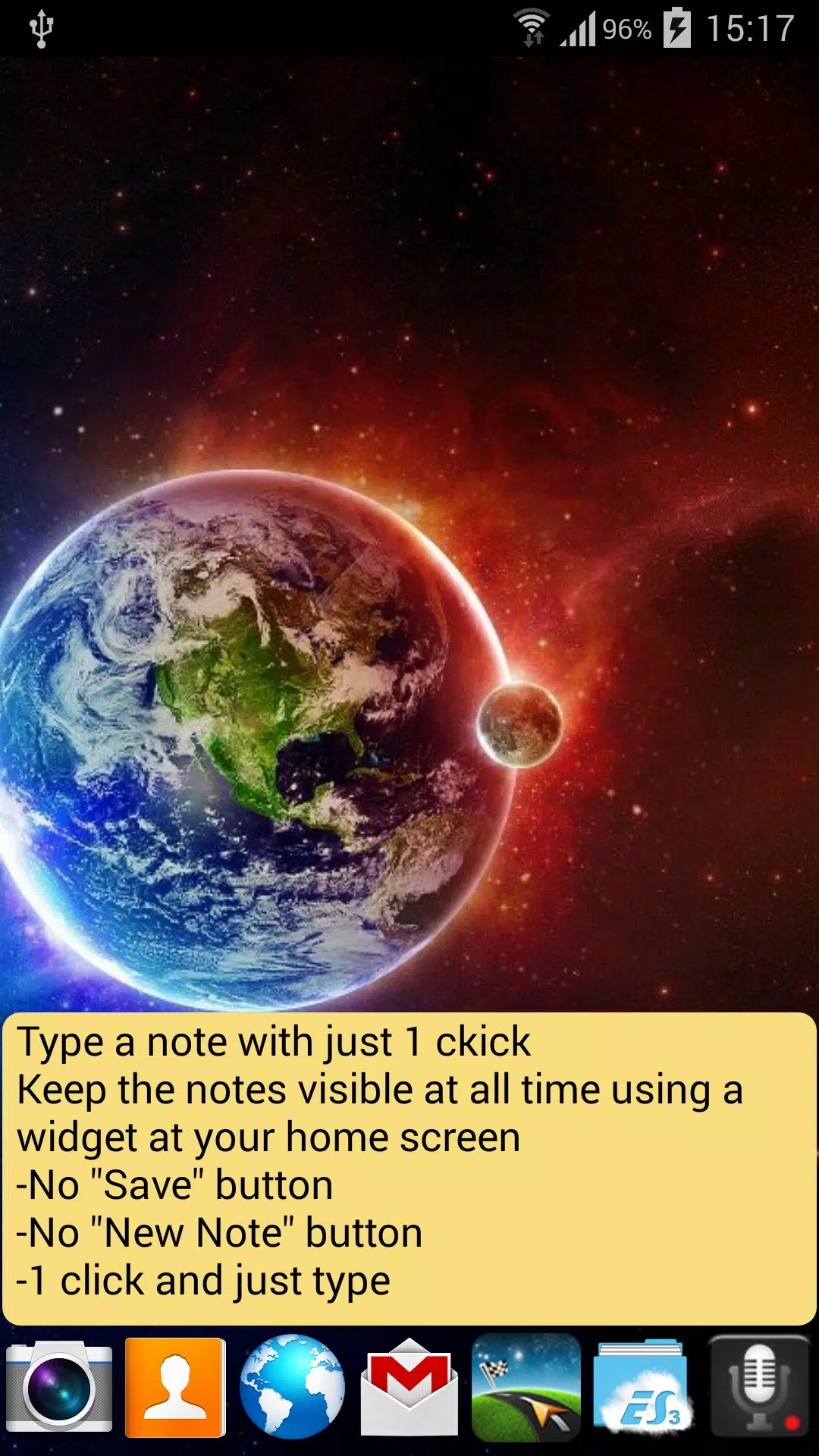
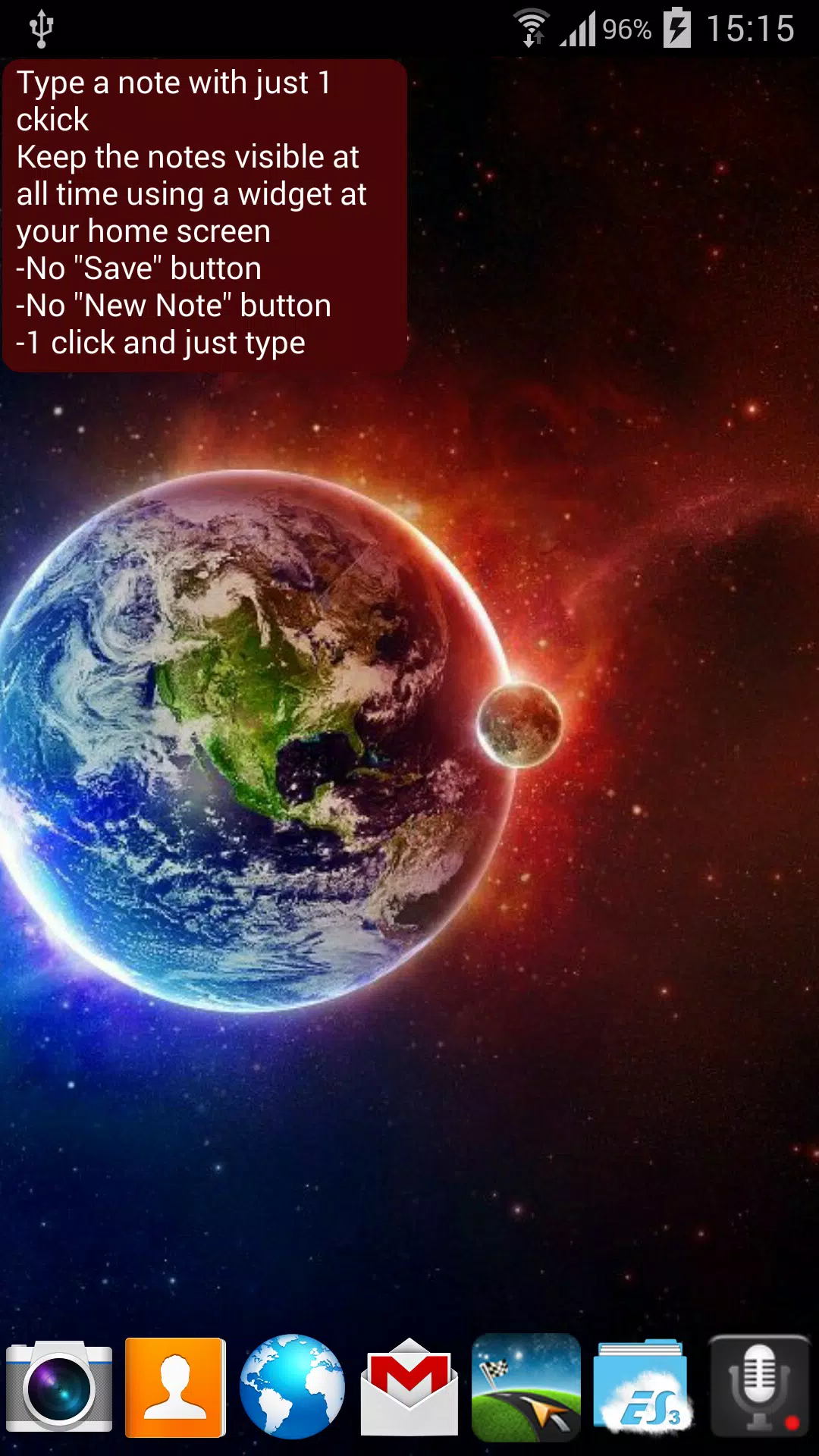
• Your note lives on the Home screen, readable without opening anything
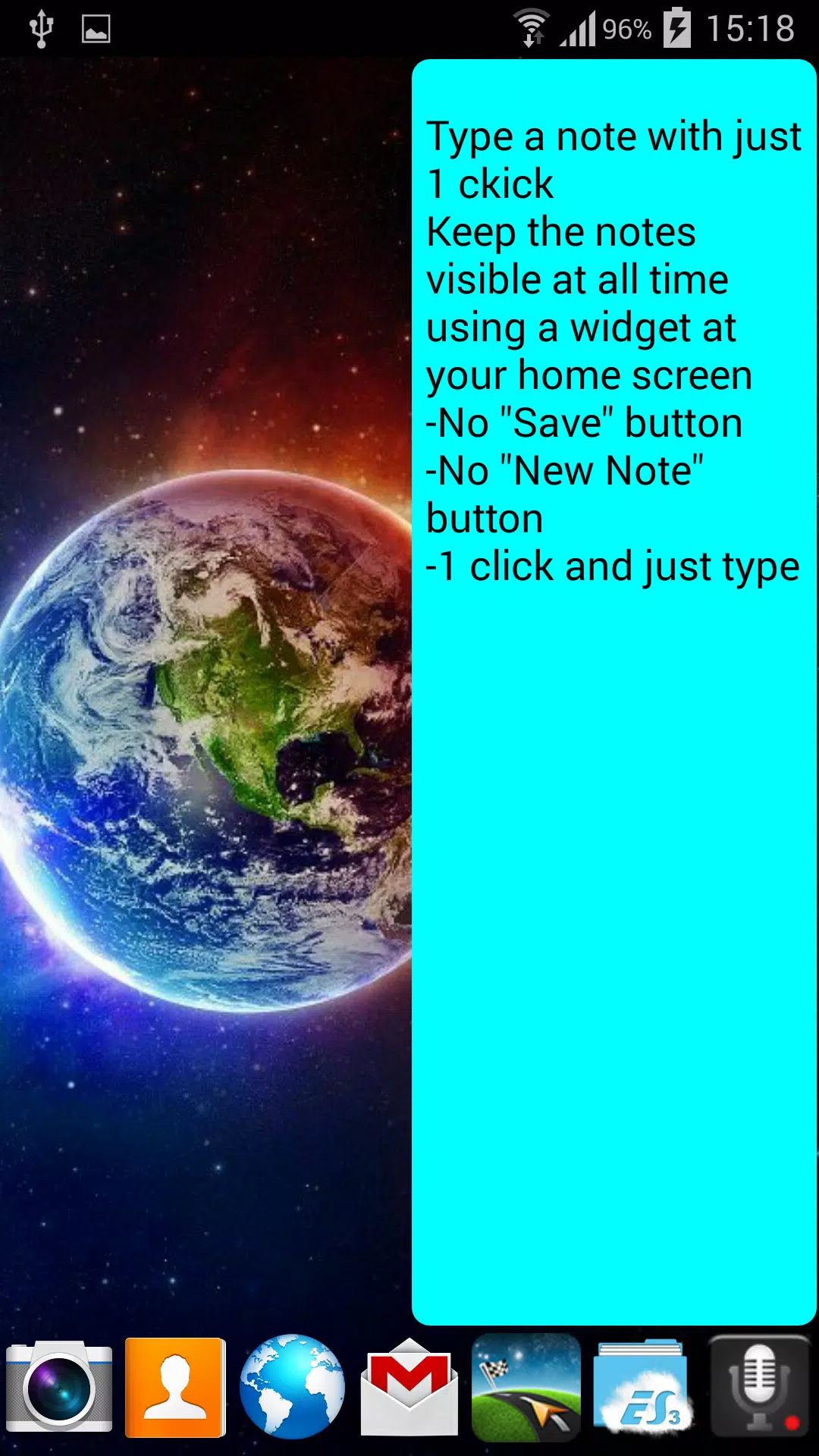
• 12 widget sizes, from 2 x 1 up to 4 x 4, to fit any screen
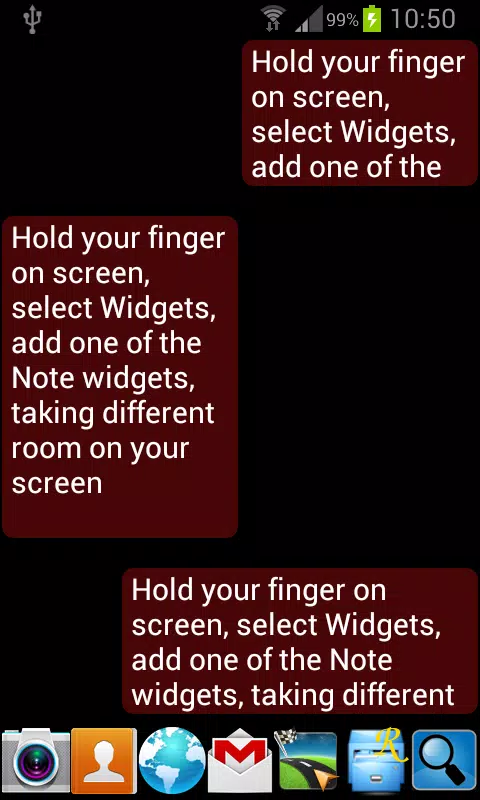
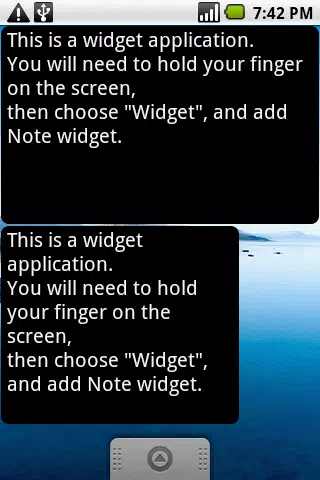
• Add as many widgets as you like, each one a separate note
• Search inside long notes
• One tap undoes every change you made since opening the note
MAKE IT LOOK THE WAY YOU WANT
• Any text color and any background color, picked from a color ring
• Background transparency, from solid to completely see through
• Text size with a slider and a live preview
• A warning when the chosen colors would be hard to read
• Links and phone numbers can be colored and opened with a tap
• Option to start every note on a fresh new line
YOUR NOTES STAY YOURS
• Kept in a plain text file named note.txt, nothing is locked in
• Optional copy on the SD card, which survives uninstalling the app
• Optional manual save to your own Google cloud, and loading it back on any
of your devices
• Export or share the file with any app as a backup
• No ads, no tracking, no registration
Perfect for shopping lists, phone numbers, to do lists, addresses, ideas,
or anything you want to see the moment you unlock your phone.
Latest Version
5.0Uploaded by
Tom Holland
Requires Android
Android 6.0+
Category
Free Productivity AppContent Rating
Everyone
Report
Flag as inappropriateLast updated on Sep 2, 2026
Faster app.
Bug fixes.
16 languages.



APKPure - A multi-platform app store primarily focused on Android, providing extensive app-related content. Discover the app you want easier, faster, and safer, with quick and efficient downloads and installations.