Download free APK/XAPK files from Google Play Store without a login account.
Install Now

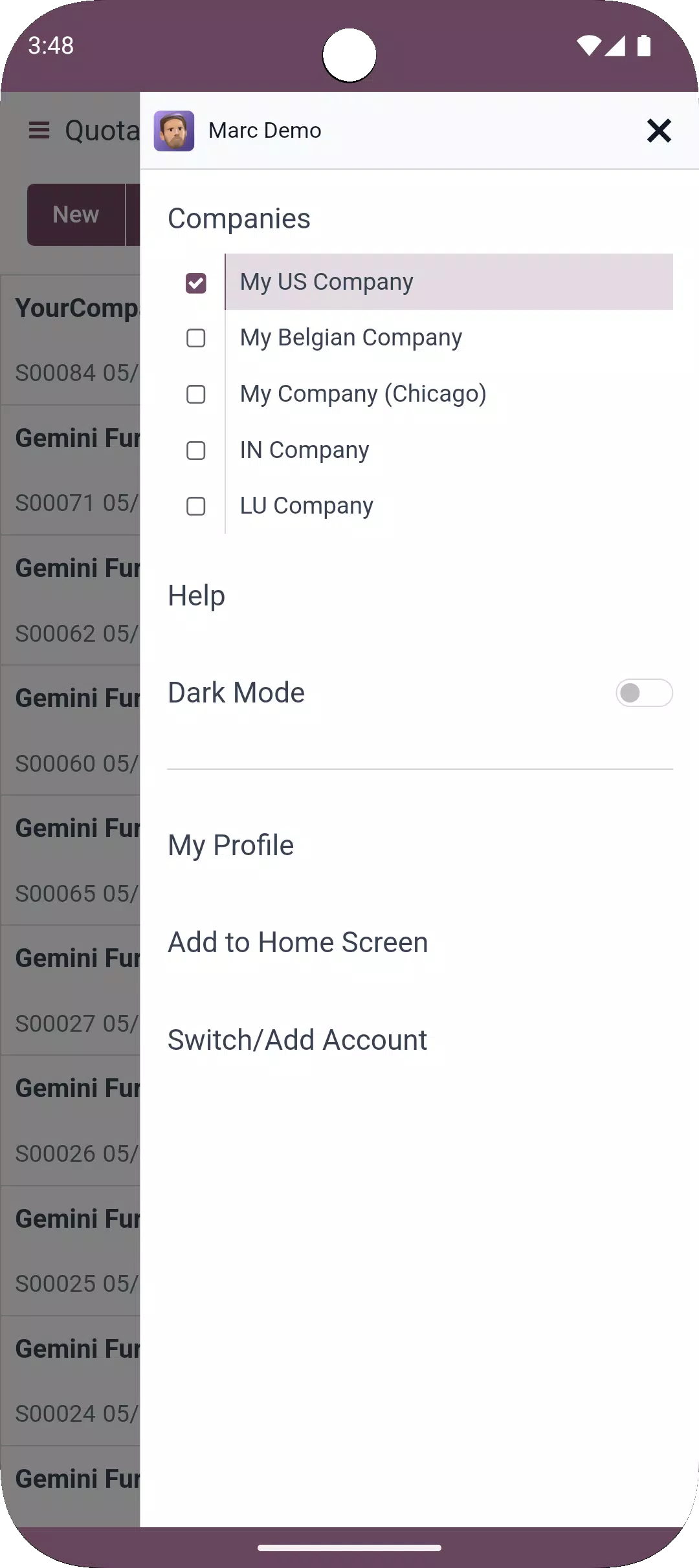
Odoo fits teams that need to handle daily operations on the move and keep data aligned across departments. It connects to your company’s Odoo 16 or higher Enterprise database and mirrors the apps you already use, so your workspace stays consistent. After a valid sign‑in, you see the same records and menus from your desktop setup, and you can act in real time. With adaptive screens and alerts, the Odoo APK helps you stay responsive without switching tools.
All-in-one access
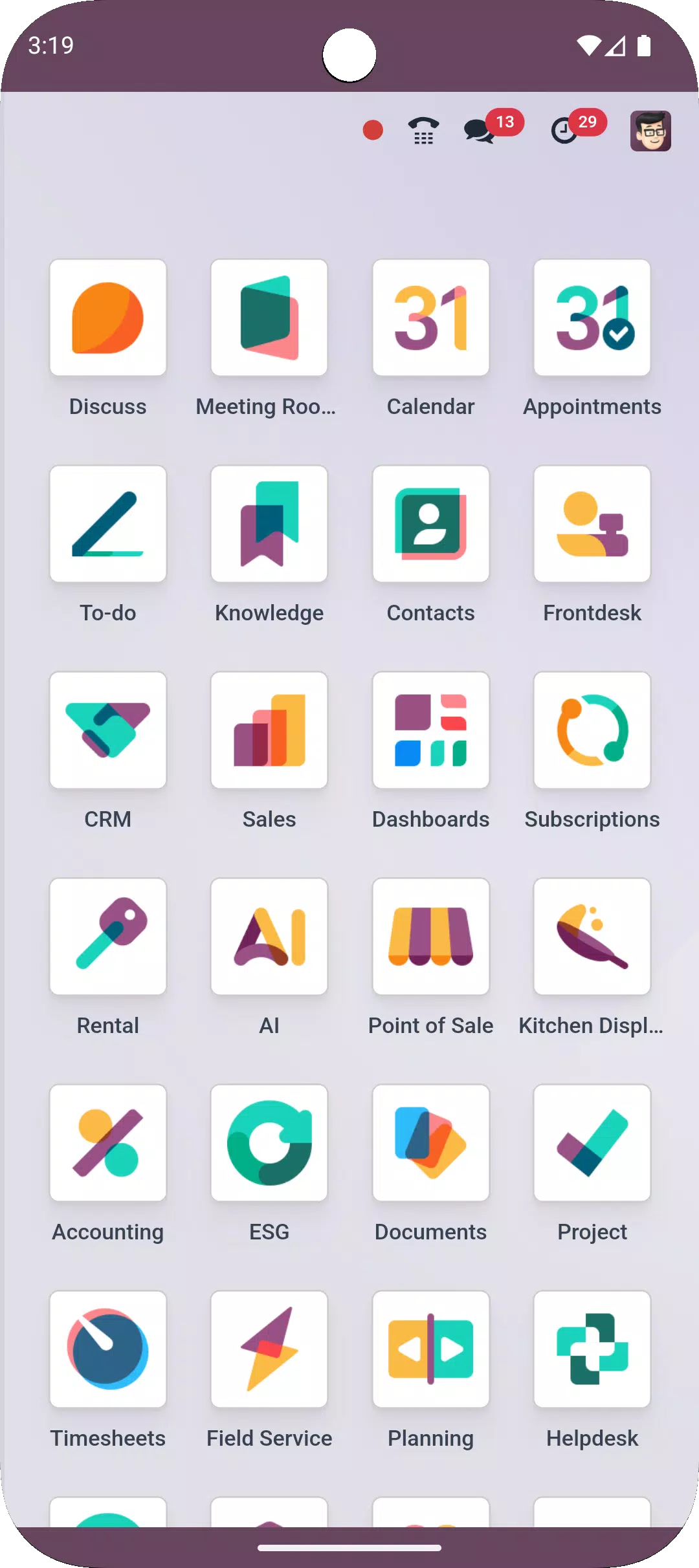
Odoo brings every installed business app into one place after you log in. You can move between CRM, Sales, Accounting, Inventory, POS, Projects, Helpdesk, Marketing, HR, and other modules without changing apps. This keeps your daily work connected as you open records, update statuses, and check reports.
Real-time alerts and approvals
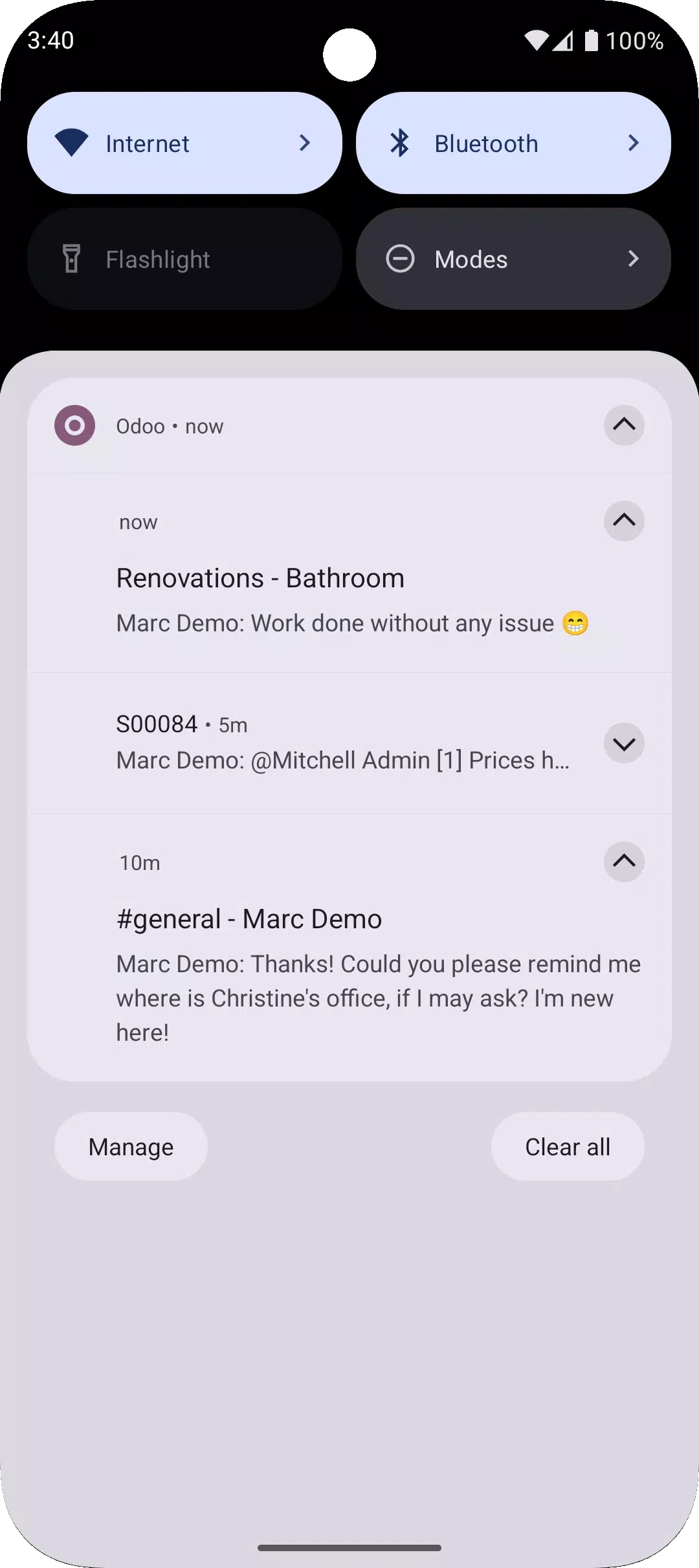
You receive push notifications for tasks, messages, approvals, and activities you follow. Managers can approve requests directly from the phone, while team members stay informed about changes as they happen. This helps users react quickly to pending actions and ongoing discussions.
Mobile-optimized interface
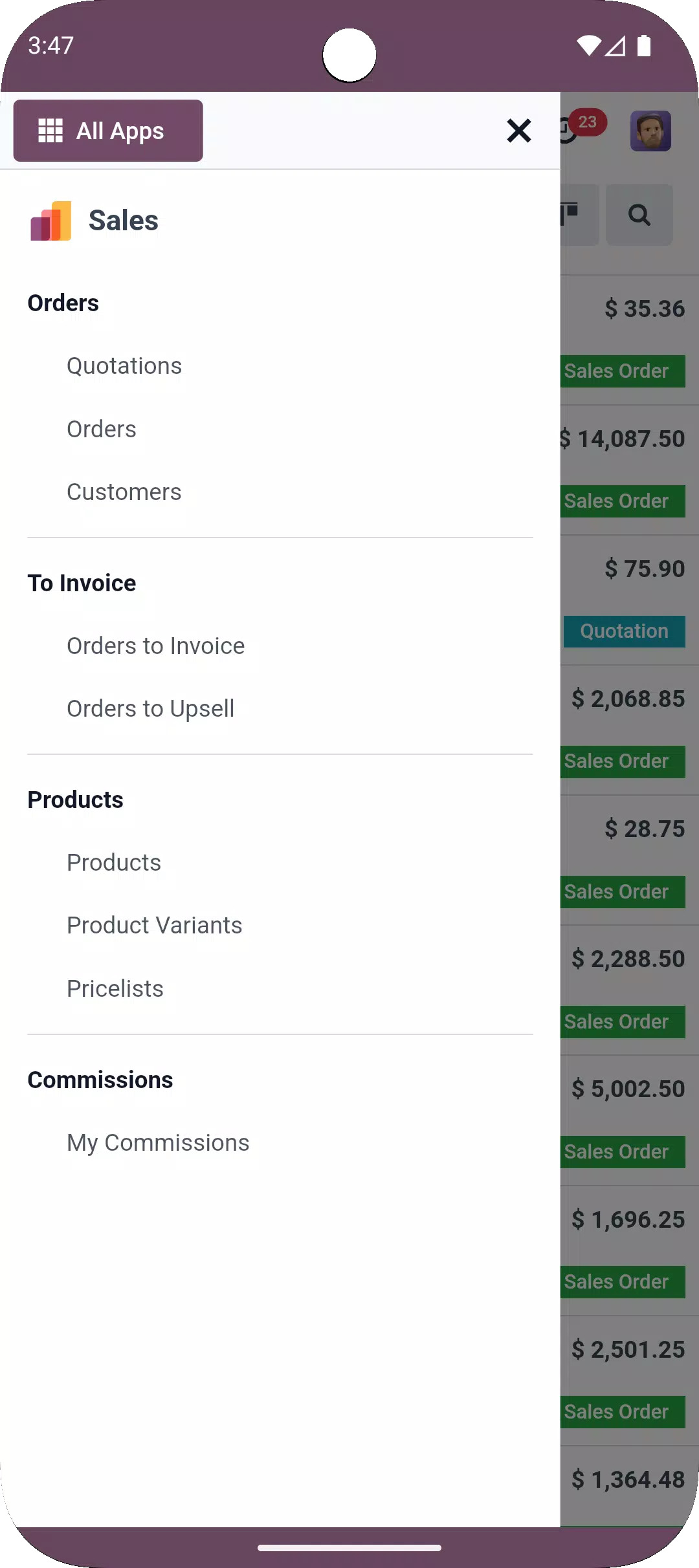
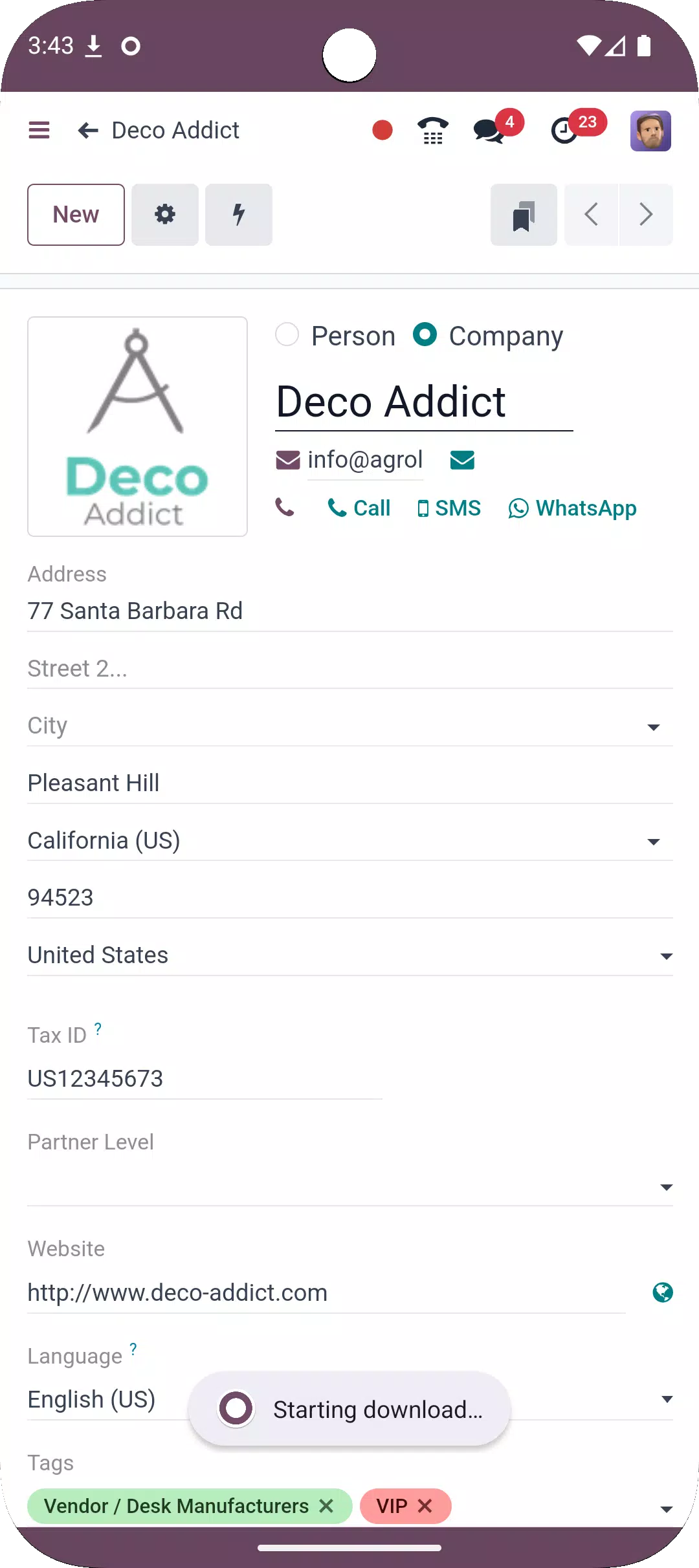
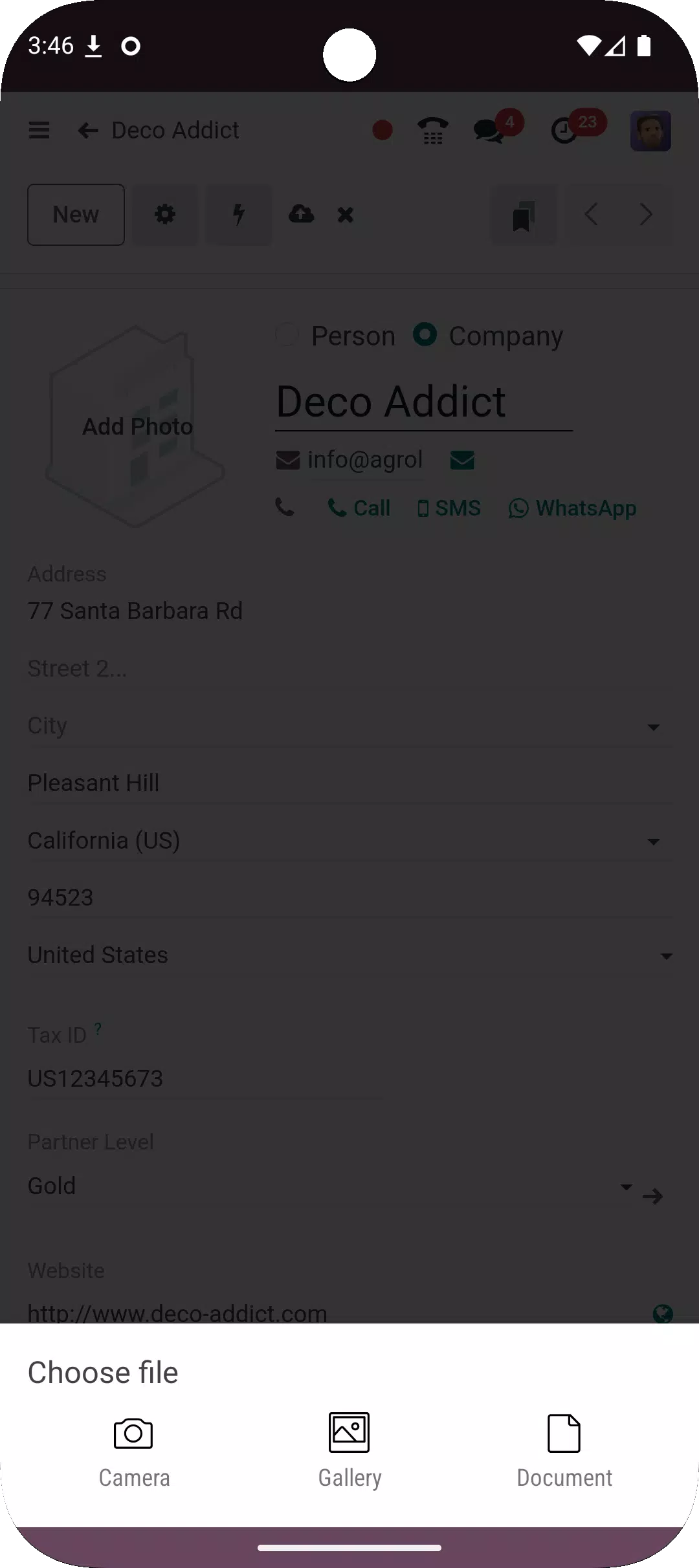
Odoo adapts screens for Android phones of different sizes, so buttons, fields, and tables remain readable. Navigation is simple, with views organized for touch and quick scanning. You can open lists, forms, and kanban boards and move between them with minimal taps.
End-to-end workflows on the go
You can create quotes and invoices, track leads through a pipeline, and check stock and orders from your phone. Field and service teams can log timesheets and update tasks or work orders after each visit. Approvals and activities are available so you can keep processes moving while away from the desk.
Integrated and modular by design
Odoo reflects the modules installed in your company database, so finance, sales, supply chain, HR, websites, and services share the same data. As your company adds apps, they appear in the mobile workspace without extra setup. This unified approach reduces duplicate entries and keeps records consistent across teams.
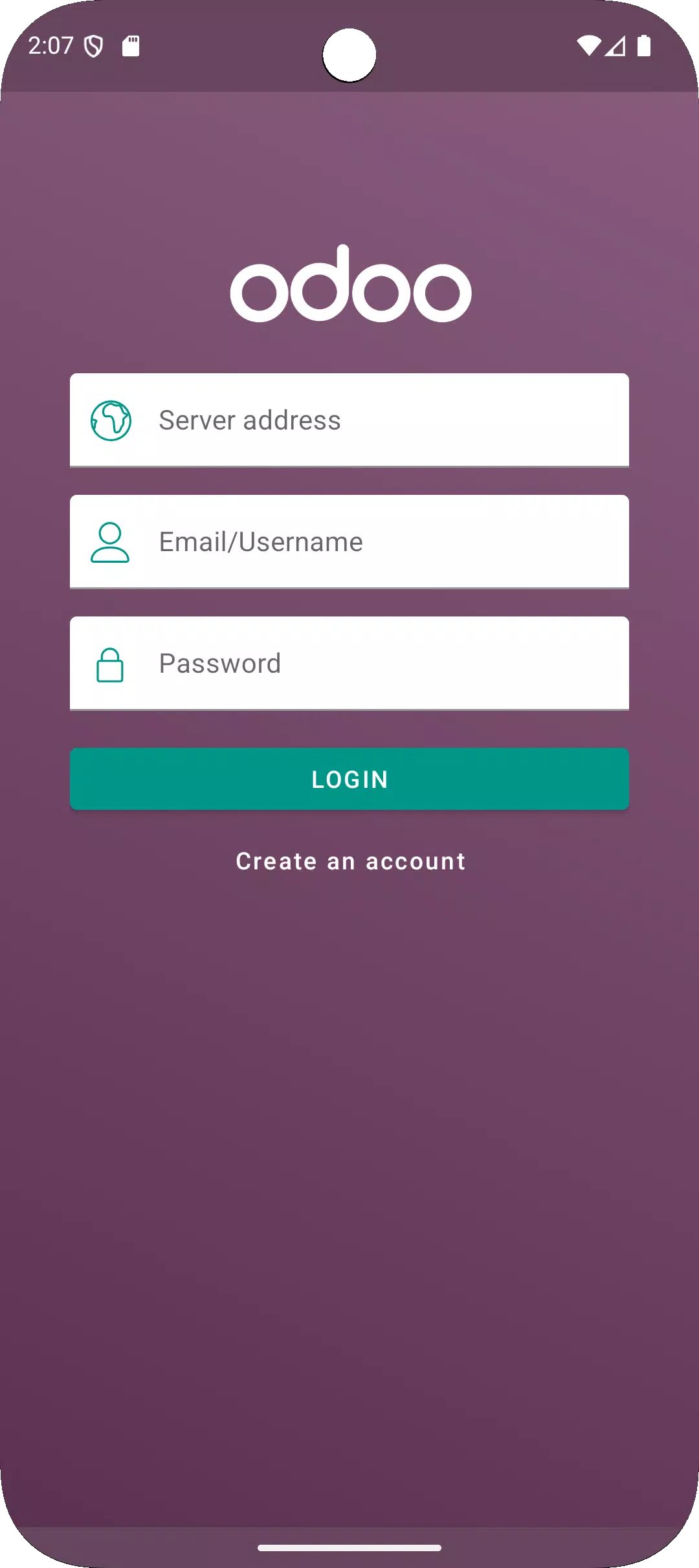
This mobile app supports Odoo 16 or higher Enterprise databases only and requires a valid user account. It is not a standalone product, and there is no in-app signup. After the Odoo app download or when you install the Odoo APK, you will need your company server address and your credentials to connect.
What you see in the app depends on the modules your company has installed and the access your account provides. If you want to explore the breadth of modules and industry solutions, visit the official Odoo website and browse the Odoo app store there. Using the Odoo latest version of the mobile client is recommended to keep compatibility with your server, and your usual Odoo apps login will control what you can access.
This quick guide helps you connect and start working from your phone. Use the Odoo app Android to sign in to your company database and access your workspace anywhere.
Odoo brings your company’s apps and data into a single mobile workspace so you can act on tasks, approvals, and records from anywhere. To begin, download Odoo and sign in with your existing account to see the modules you already use.
For official resources and product information, visit the Odoo website:
Latest Version
6.2.3Uploaded by
Oluwawumi Jesufemi
Requires Android
Category
Free Business AppContent Rating
Everyone
Security Report
Report
Flag as inappropriateLast updated on Aug 12, 2026
Bug fix:
* Authentication: Restore HTTP Basic Auth
* Restore PoS Screen
Improvement:
* New translations
* Libraries updates

APKPure - A multi-platform app store primarily focused on Android, providing extensive app-related content. Discover the app you want easier, faster, and safer, with quick and efficient downloads and installations.