Download free APK/XAPK files from Google Play Store without a login account.
Install Now

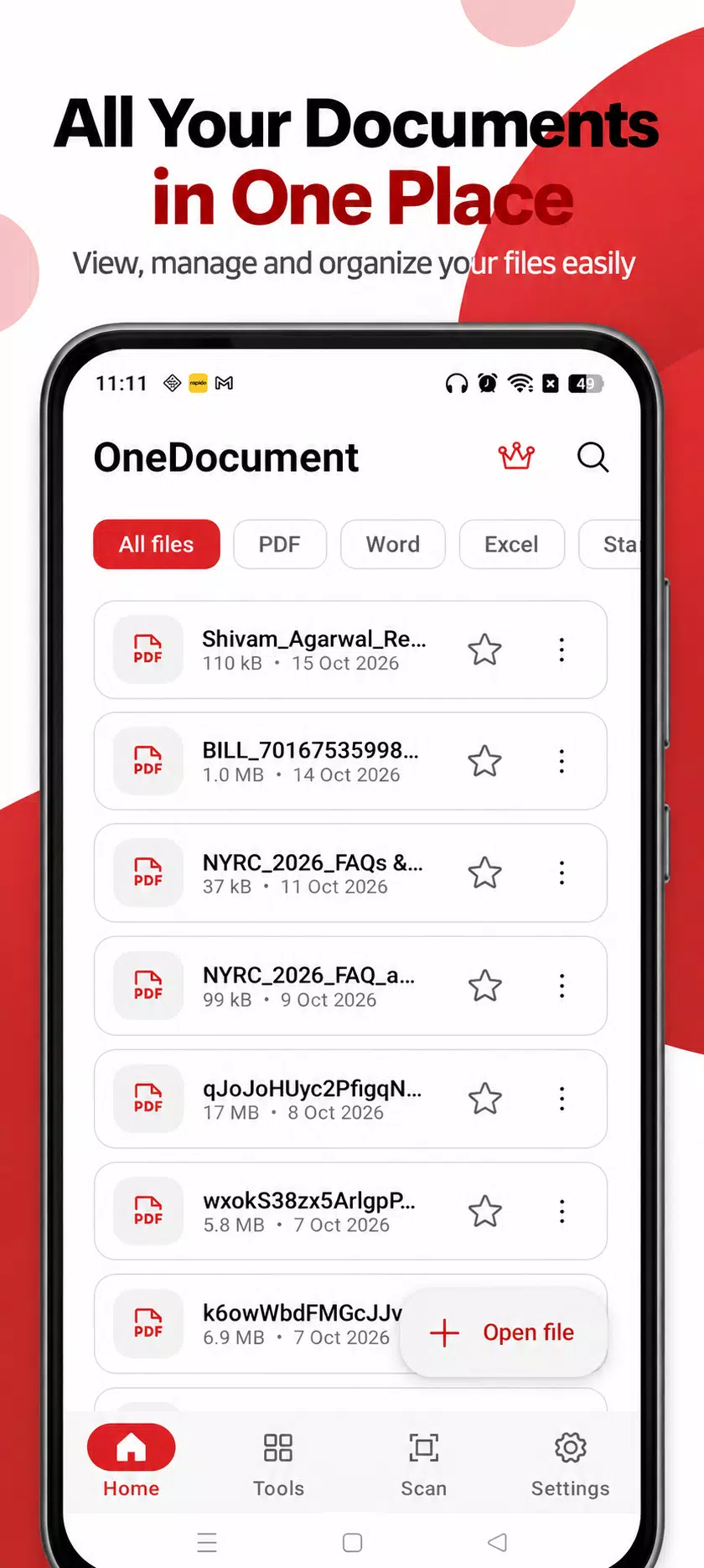
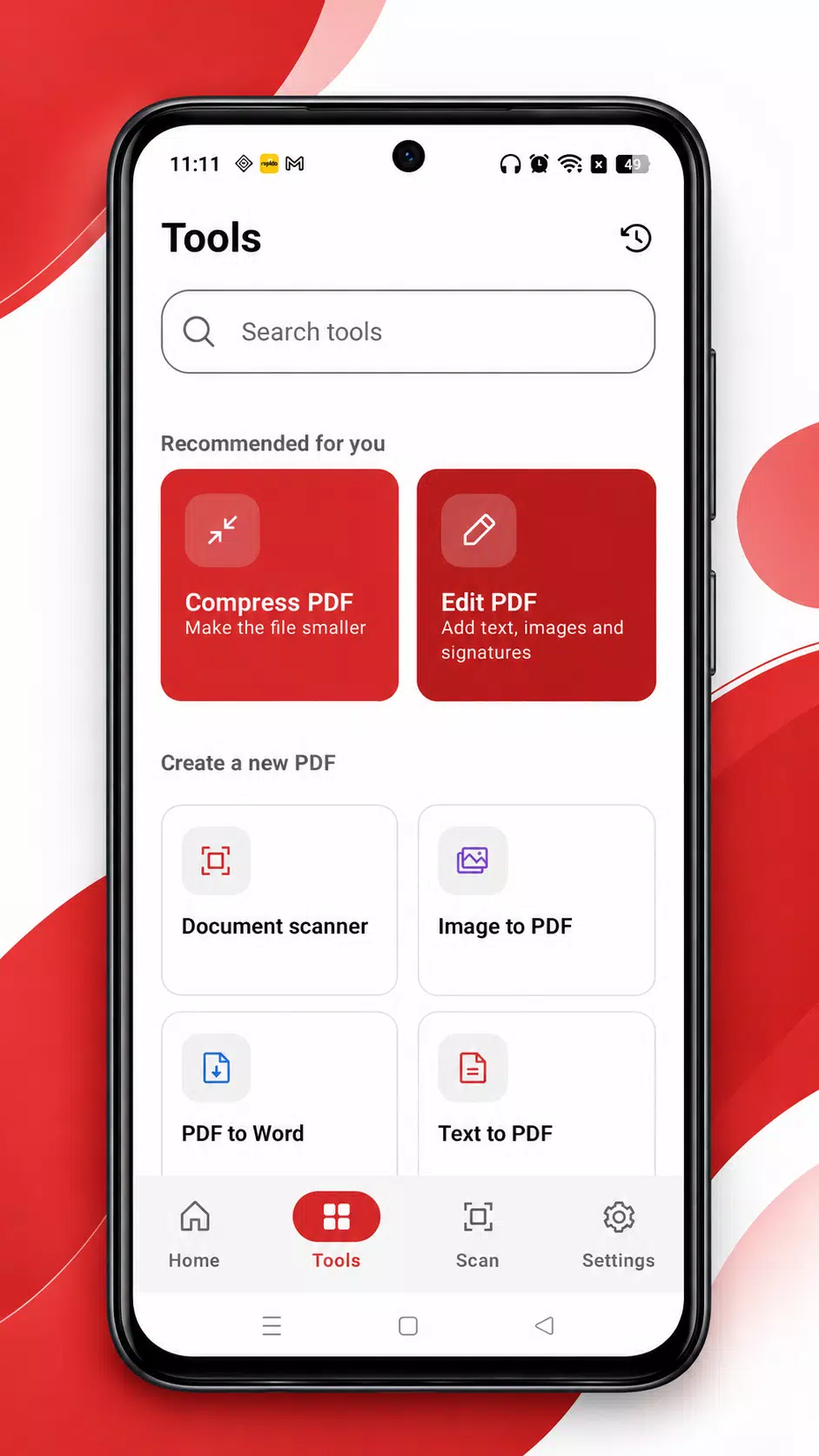
OneDocument is a complete PDF toolbox for your phone. Scan paper, edit and sign PDFs, merge, split, compress and convert files, all processed on your device.
SCAN
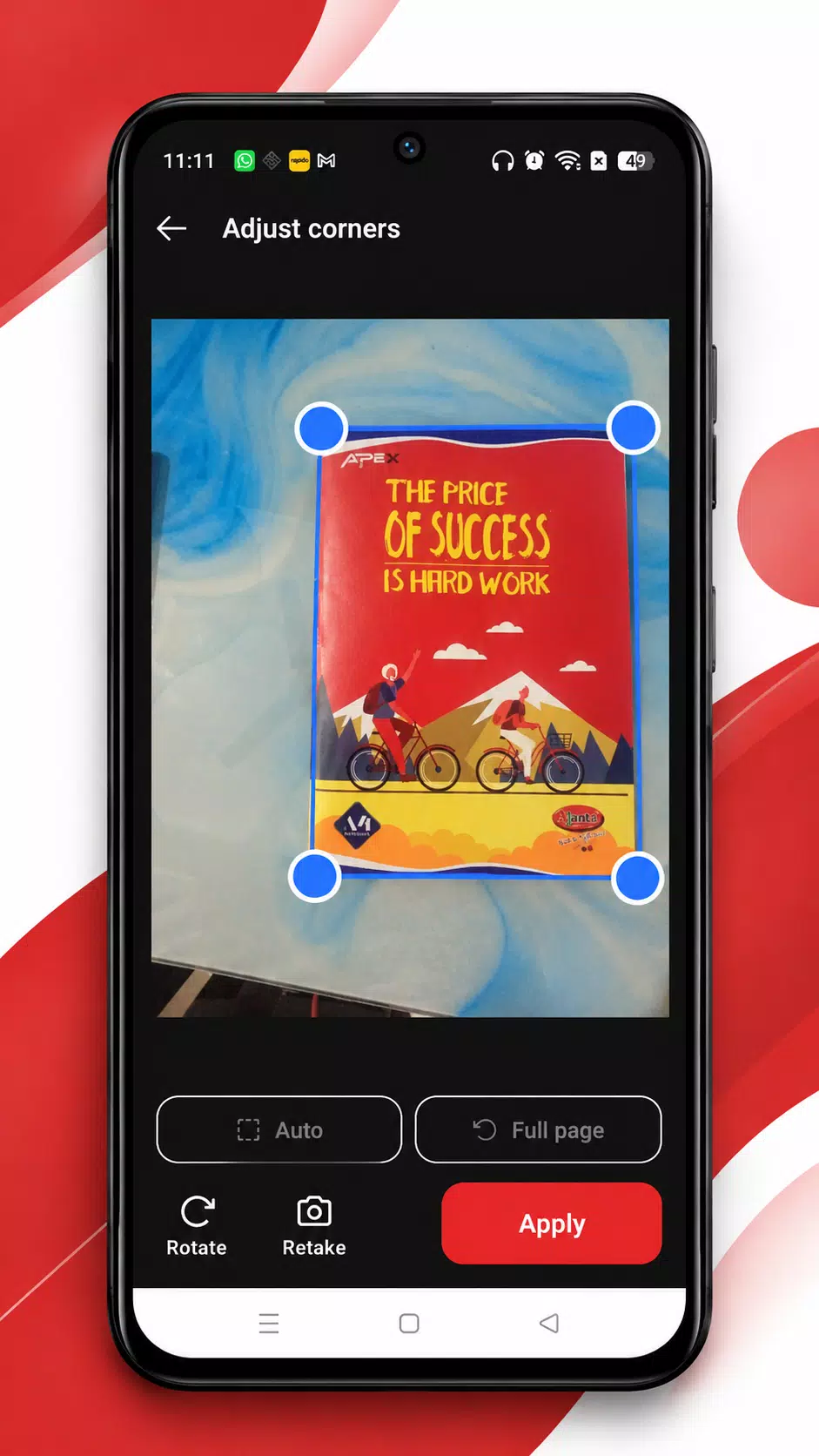
- Scan documents with the camera, auto-detect edges, adjust corners
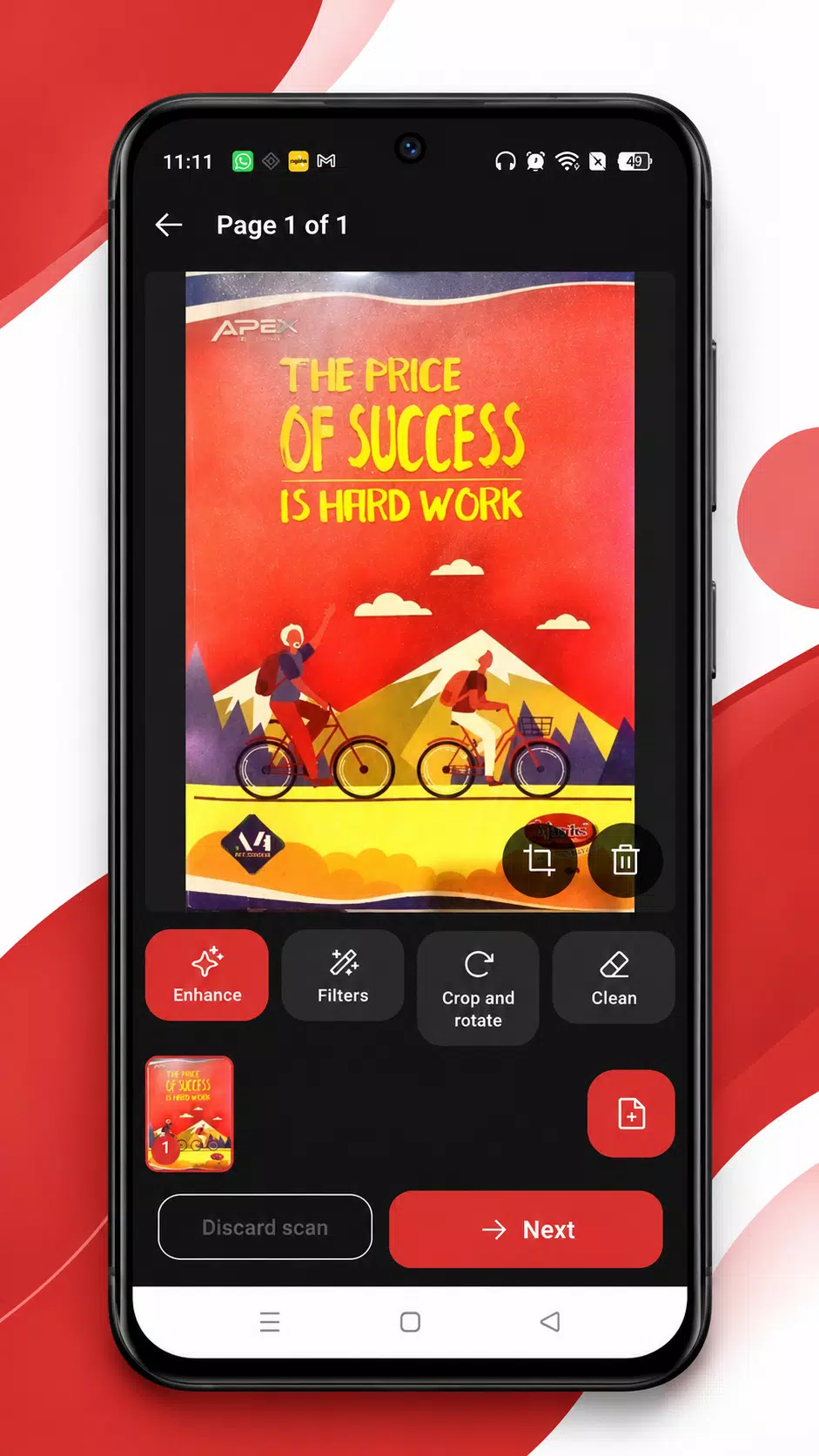
- Filters: Original, Auto, Colour, Greyscale, Black and white
- Clean tool: draw over stains or marks to erase them
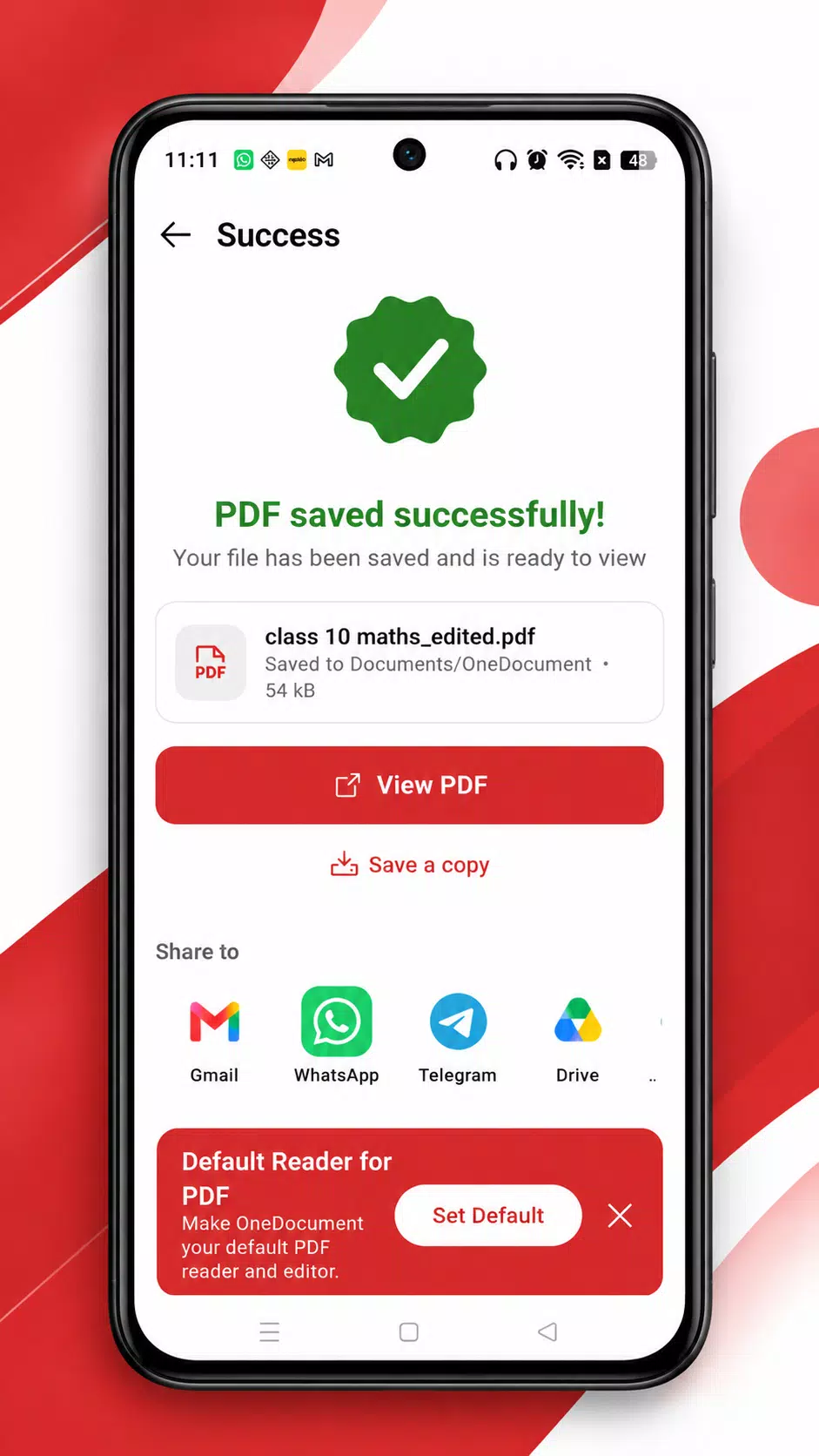
- Multi-page scans saved as PDF in one tap
OCR - TURN PHOTOS INTO TEXT
- Make a scanned PDF searchable
- Extract text from PDFs and photos, copy or share it
- Convert scans to Word
- Latin, Chinese, Japanese, Korean and Devanagari text
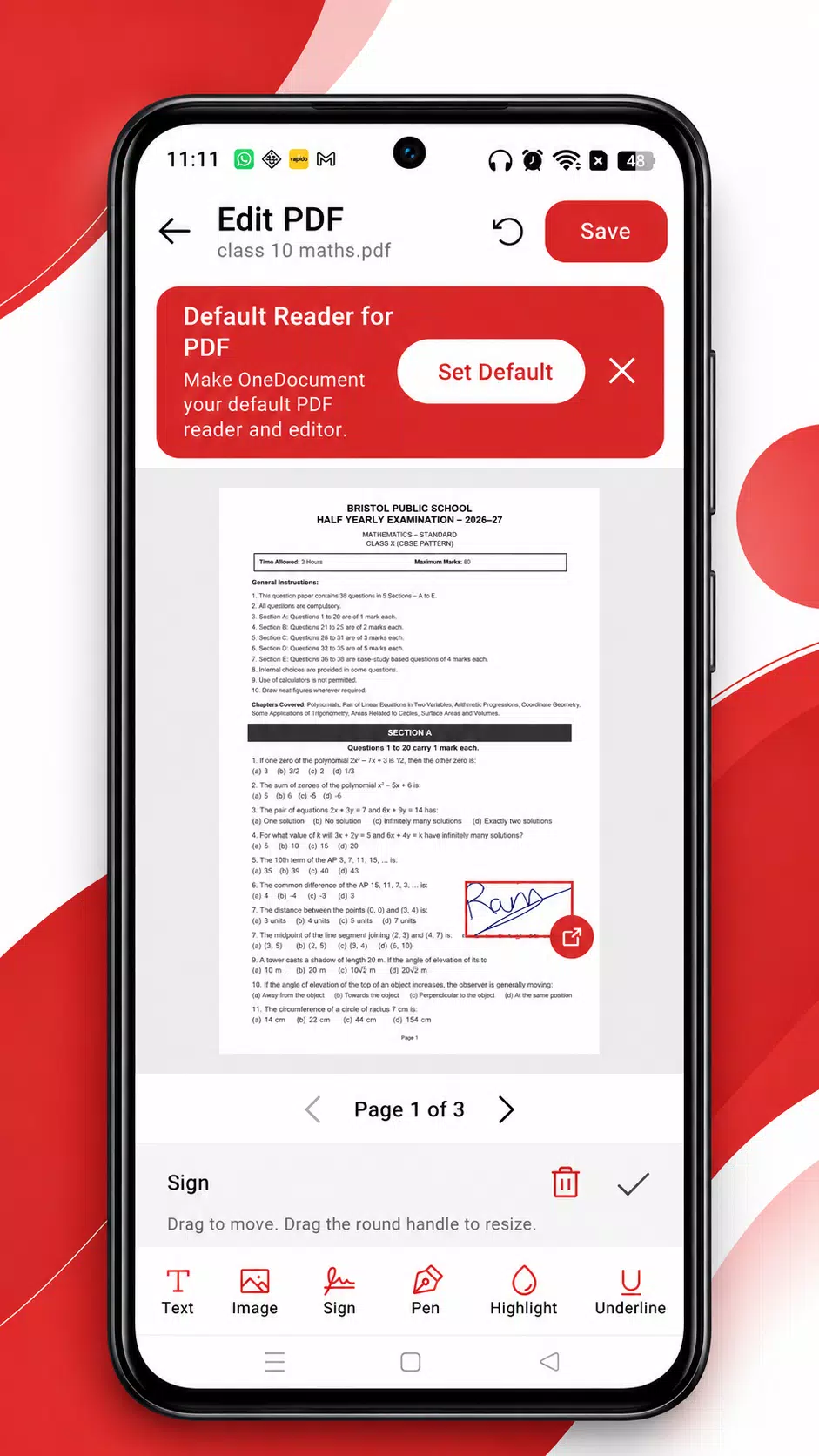
EDIT AND SIGN
- Add text, images, shapes, highlights, underline and freehand pen
- Create signatures (draw, type or photo) and reuse them
- Place date and initials stamps
ORGANISE PDFS
- Merge several PDFs, reorder with drag and drop
- Split by range, extract pages, remove pages, rotate
- Compress to a smaller size and see the saving
- Remove duplicate pages
CONVERT
- Image to PDF, text to PDF
- Word and Excel to PDF, PDF to Word
- Create and scan QR codes
PRIVATE BY DESIGN
- Your files stay on your device
- No account needed
- Add or remove passwords on PDFs (Pro)
EXTRAS
- After a phone call, quick tools appear so you can scan or open a file
- Quick-access notification with Scan, Recent files, Merge and Sign
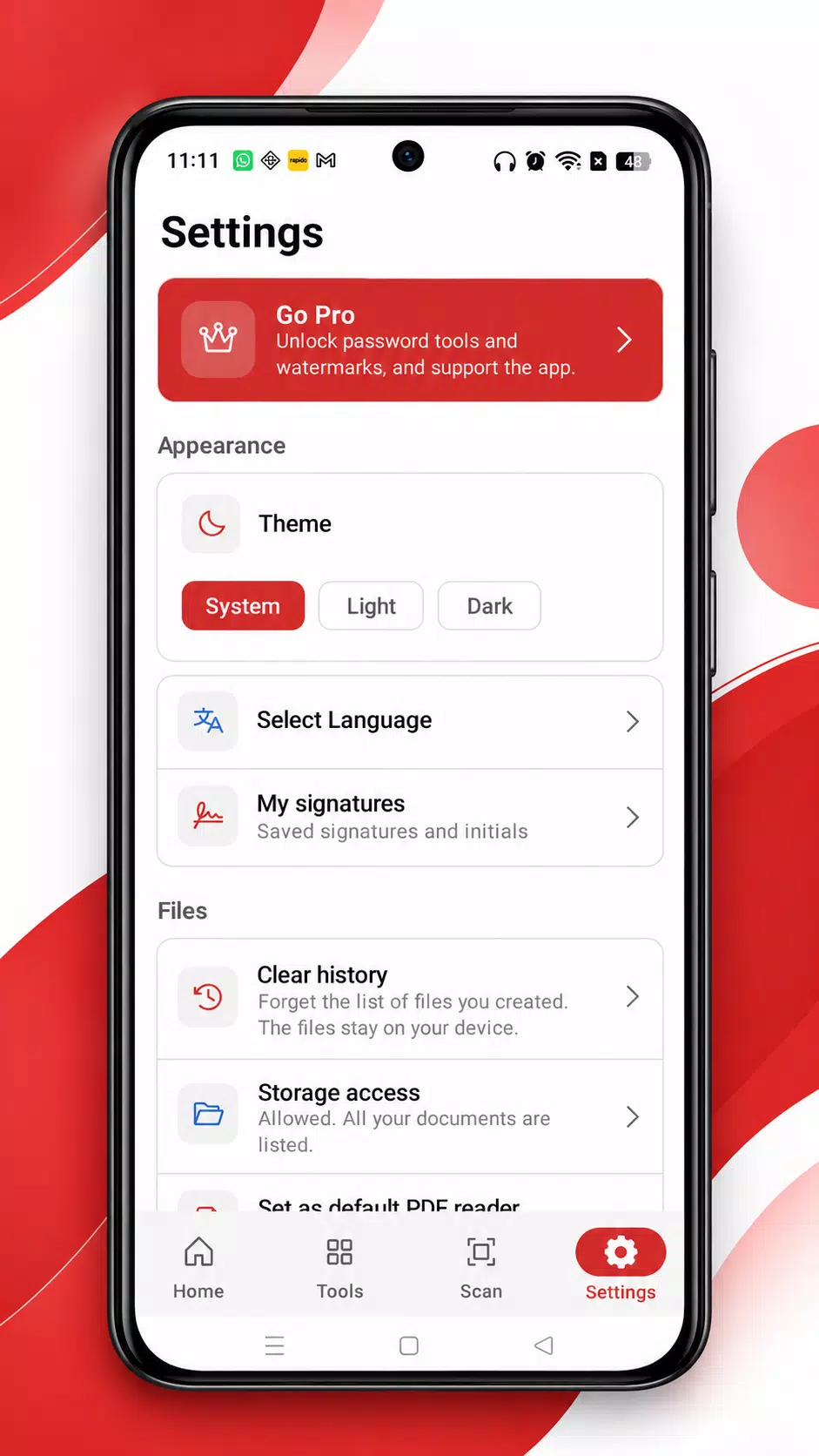
- Dark and light themes, 8 languages
OneDocument Pro unlocks password protection, watermarks and everything we add later. Choose Lifetime, 6 months or weekly. Subscriptions renew automatically until cancelled in Google Play. The free version contains ads.
Permissions are asked only when a feature needs them. All files access is used to list your PDF, Word and Excel documents. Phone state and "display over other apps" are used only for the optional after-call screen; OneDocument does not read your call log, contacts or phone numbers.
Latest Version
1.0.1Uploaded by
Kyaw Kyaw
Requires Android
Category
Free Productivity AppContent Rating
Everyone
Security Report
Check Now
Report
Flag as inappropriateLast updated on Nov 3, 2026
This release includes minor bug fixes and general improvements. Update to the latest version for the best experience.


APKPure - A multi-platform app store primarily focused on Android, providing extensive app-related content. Discover the app you want easier, faster, and safer, with quick and efficient downloads and installations.