Download free APK/XAPK files from Google Play Store without a login account.
Install Now


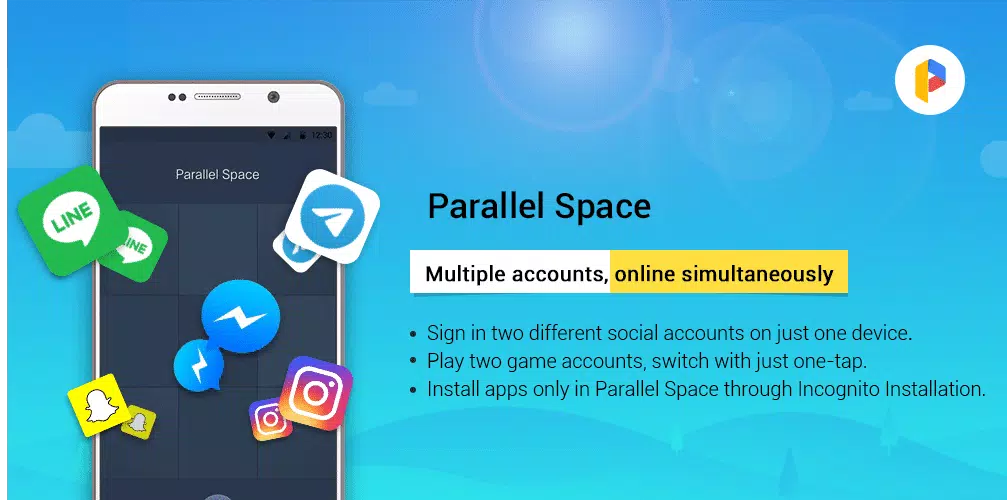
Parallel Space Pro keeps work and personal use separate on the same phone. It creates a virtual space so you can add a second instance of supported apps and manage different accounts without logging out. This helps with social platforms, messaging, and games when a separate profile is needed. With simple setup and a clear interface, it keeps account data isolated while you switch when needed. Start by opening Parallel Space Pro APK and adding apps in the space.
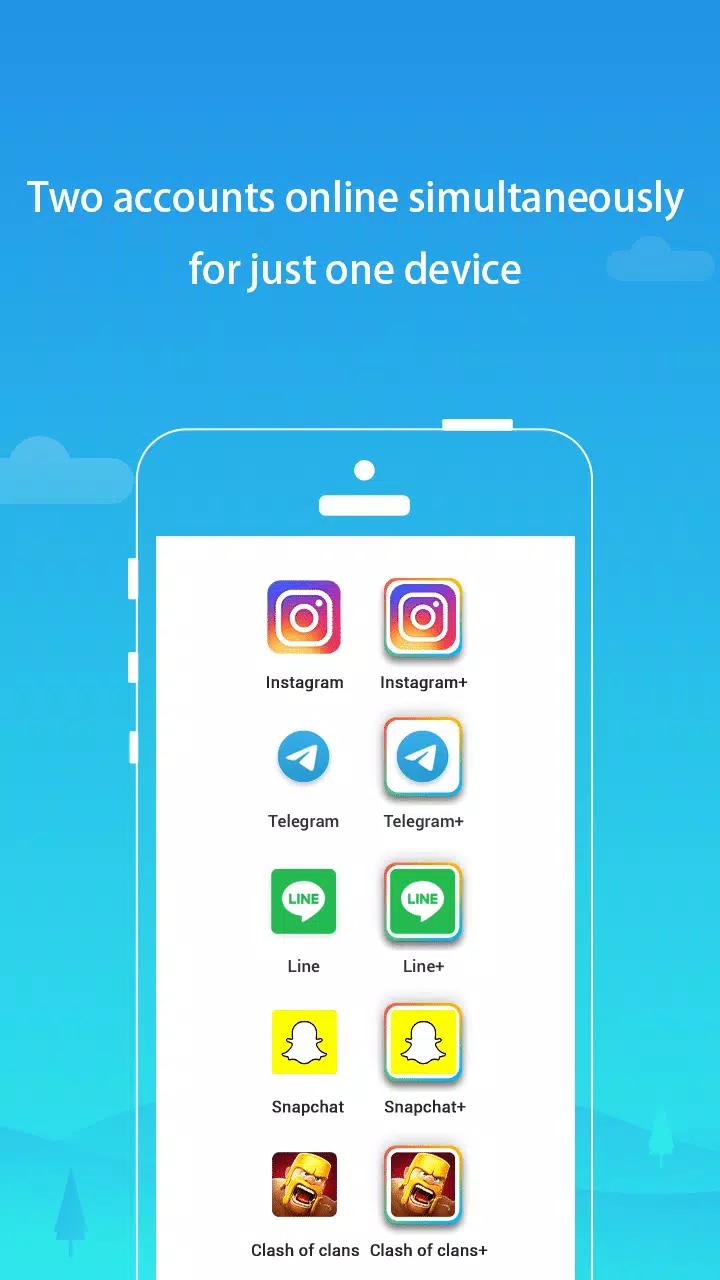
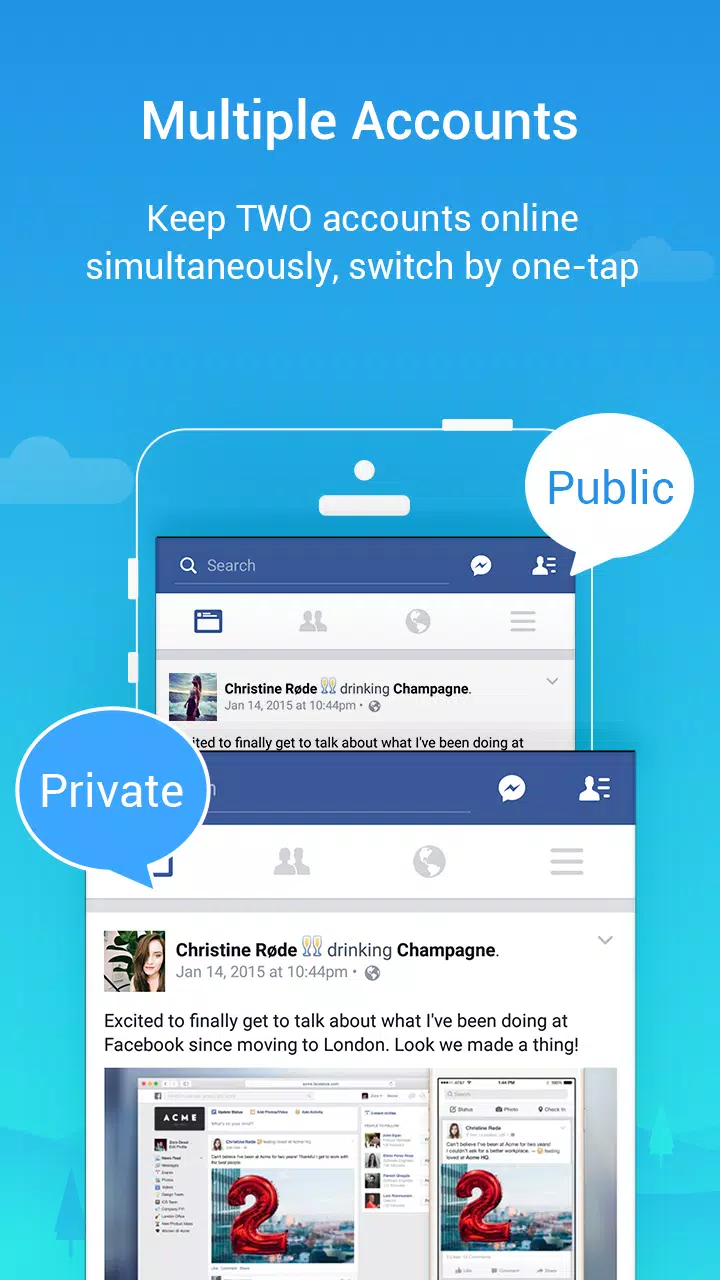
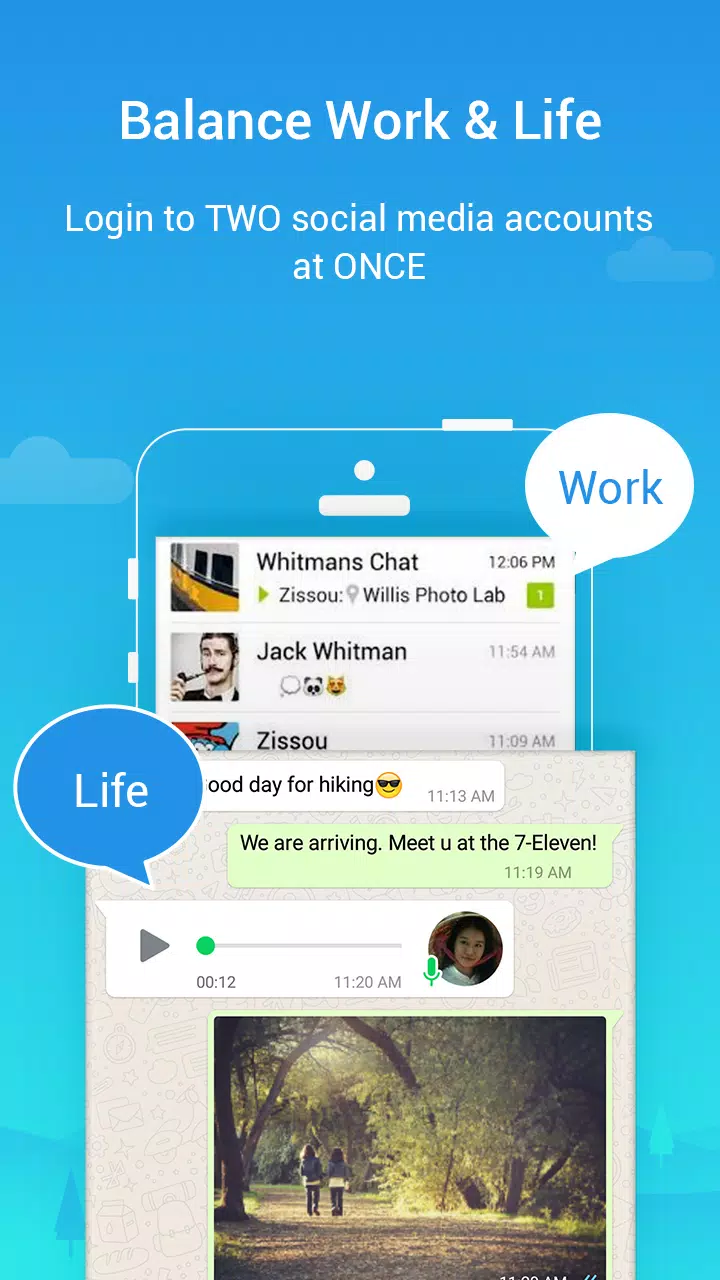
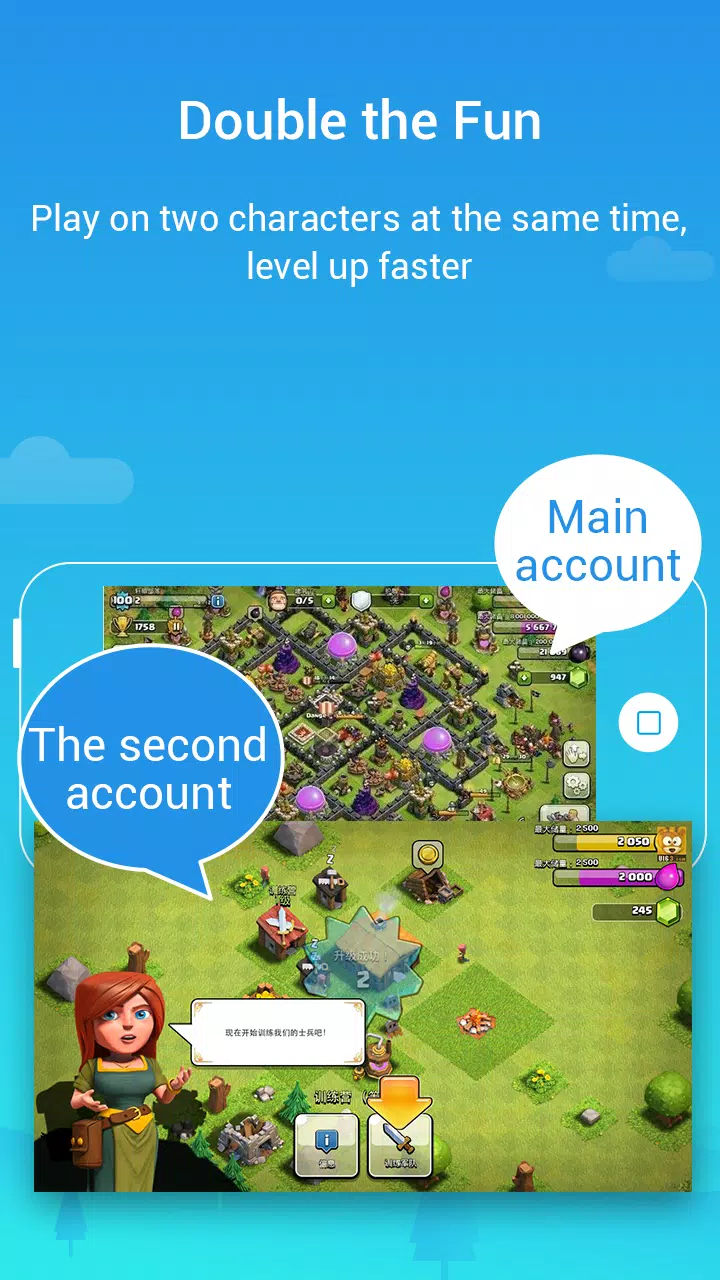
Parallel Space Pro lets you create a second instance of many Android apps. You can sign in to two accounts at once for chat, social, or games. Examples include WhatsApp, Facebook, Instagram, TikTok, Telegram, Snapchat, Reddit, and popular titles like Clash of Clans, ROBLOX, and Mobile Legends.
Quick switching between accountsAfter cloning, you can move between parallel accounts with one tap. This reduces repeated logins and helps you respond faster across profiles. The switcher is visible inside the space so navigation stays simple.
Isolated data and privacyAt the same time, Parallel Space Pro uses a sandboxed environment to keep data from cloned apps separate from the originals. Account information, cache, and settings remain isolated inside the space. This helps prevent cross account leaks while you manage work and personal profiles.
No root and broad compatibilityIn addition, the app runs on the multiDroid virtualization engine and does not require root. Setup is lightweight and stable on most Android devices. Many mainstream apps work in the space so you can start quickly.
Notifications inside the spaceFinally, Parallel Space Pro delivers notifications for cloned apps when allowed by your phone settings. Alerts appear for each account so you can track messages and game updates. Configure permissions so the space can post notifications.
The free edition of Parallel Space supports two accounts in the same app. Parallel Space Pro unlocks multiple accounts simultaneously for users who need more than two profiles. This upgrade is useful if you manage several social or game accounts at once. Check your needs before choosing which edition to use.
To keep alerts from cloned apps, whitelist Parallel Space Pro in any third party booster, cleaner, or battery saver tool. This prevents background blocking that hides notifications. Some apps that require a secure environment may not be supported inside the space. If a specific app will not run, test alternatives or use the original app outside the space.
Running two accounts means more activity, so cloned apps can consume extra battery and data. A Google account setup inside the space may cause temporary battery drain during initial sync, which usually stabilizes afterward. Many social and messaging apps require a different phone number for each account. Use a separate active number to pass verification on the second profile.
Use Parallel Space Pro to set up a second copy of apps inside a virtual space. The process is straightforward and takes a few minutes. You can follow these steps to get started with Parallel Space Pro latest version.
Parallel Space Pro lets users run separate accounts for social, messaging, and games on one device. For easy setup and quick switching, download Parallel Space Pro and add any supported app inside the space.
For official resources, visit:
Latest Version
4.0.9159Uploaded by
Samer Ahas
Requires Android
Android 6.0+
Category
Free Tools AppContent Rating
Everyone
Security Report
Check Now
Report
Flag as inappropriateLast updated on Jul 31, 2026
What's New:
1. Fixed known bugs and improved app stability.
2. Discontinued support for app cloning for apps that declare the REQUIRE_SECURE_ENV flag.

APKPure - A multi-platform app store primarily focused on Android, providing extensive app-related content. Discover the app you want easier, faster, and safer, with quick and efficient downloads and installations.