Pobierz bezpłatne pliki APK/XAPK z Google Play Store bez konta logowania.
Zainstaluj teraz

Power your device with the magic of Google’s text-to-speech and speech-to-text technology. Google Speech-to-Text functionality
Speech Recognition provides speech-to-text functionality to Google and other third party apps to convert what you say to text. For example, it can be used by:
• Google Maps when you use your voice to search places
• Recorder App to transcribe your recordings on device
• Phone App Call Screen feature to get a real-time transcription of your caller
• Accessibility apps like Voice Access for operating your device through voice
• Dictation or keyboard apps you might use to dictate text messages through voice
• Apps that contain a search by voice feature so that you can quickly search for your favorite shows or songs
• Language learning apps that recognize what you say as you practice a new language
• …and many other applications in Play Store
To use Google Speech-to-Text functionality on your Android device, go to Settings > Apps & notifications > Default apps > Assist App. Select Speech Recognition and Synthesis from Google as your preferred voice input engine.
Google Text-to-Speech functionality
Speech Services powers applications to read the text on your screen aloud. For example, it can be used by:
• Google Play Books to “Read Aloud” your favorite book
• Google Translate to speak translations aloud so you can hear the pronunciation of a word
• Talkback and accessibility applications for spoken feedback across your device
• …and many other applications in Play Store
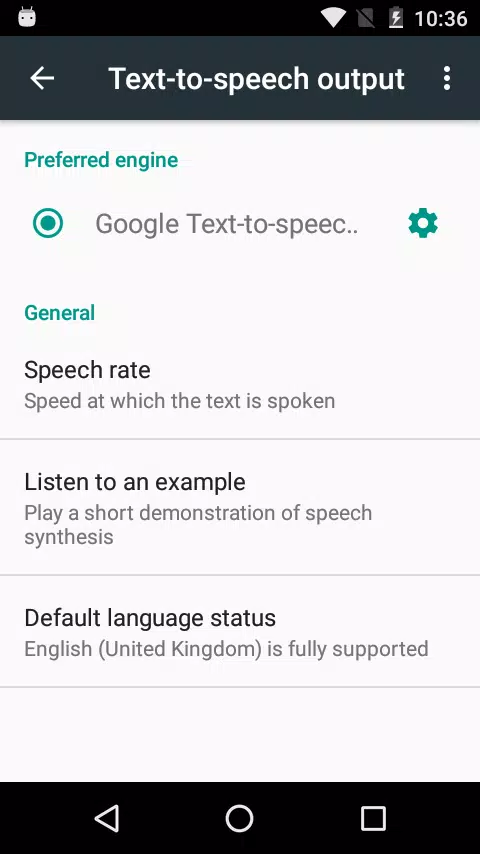
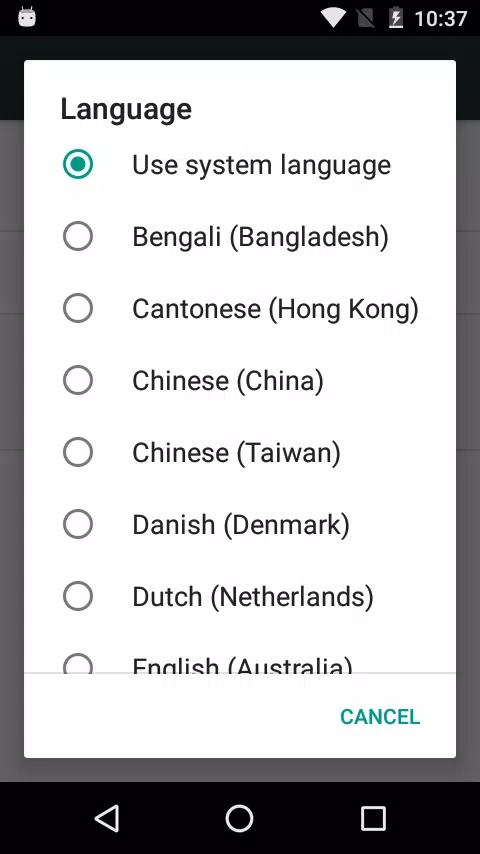
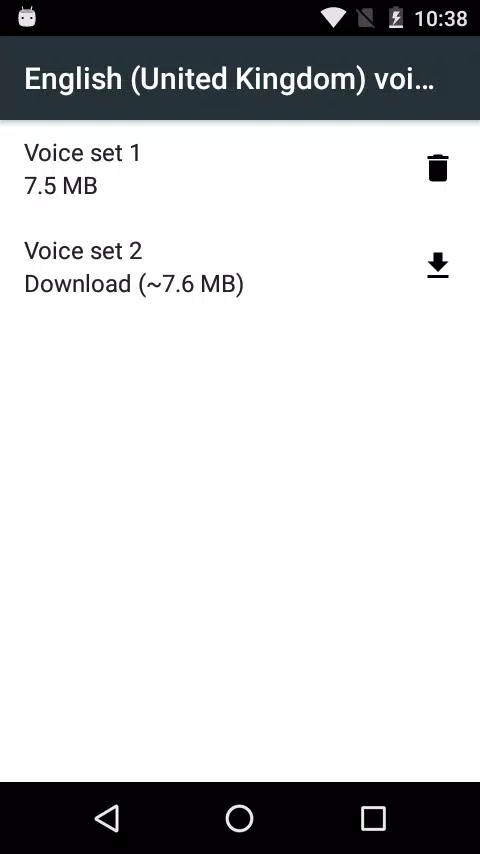
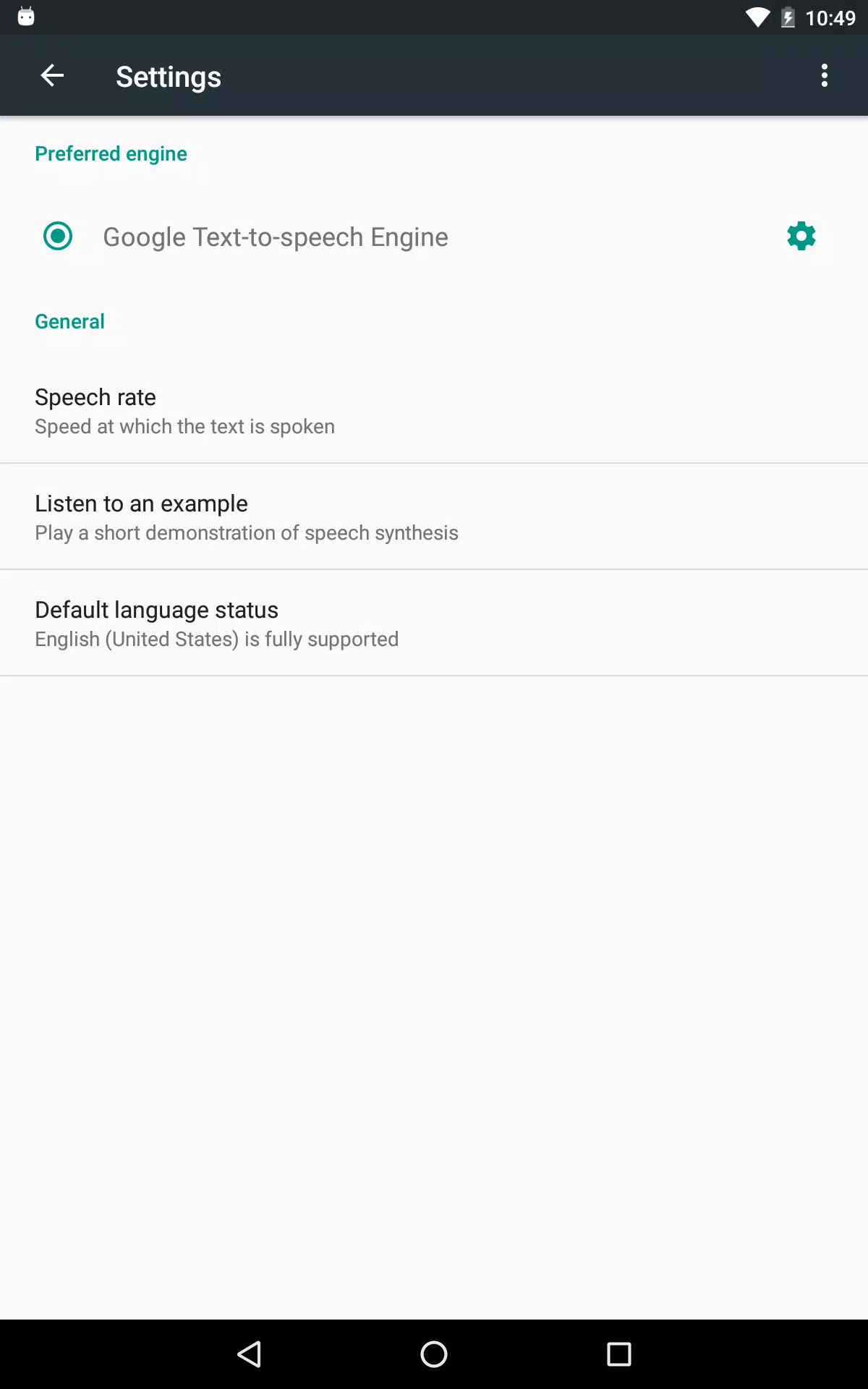
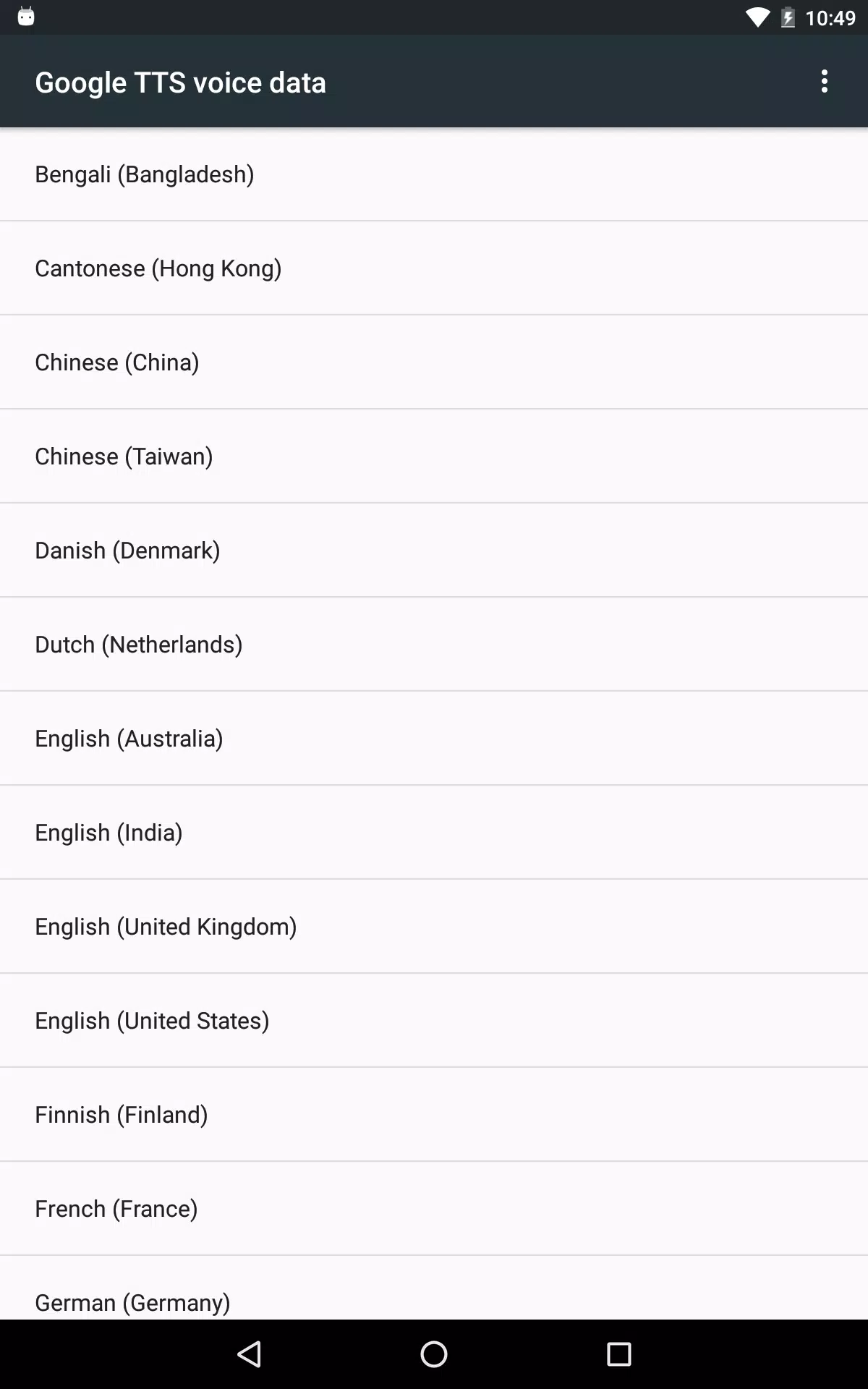
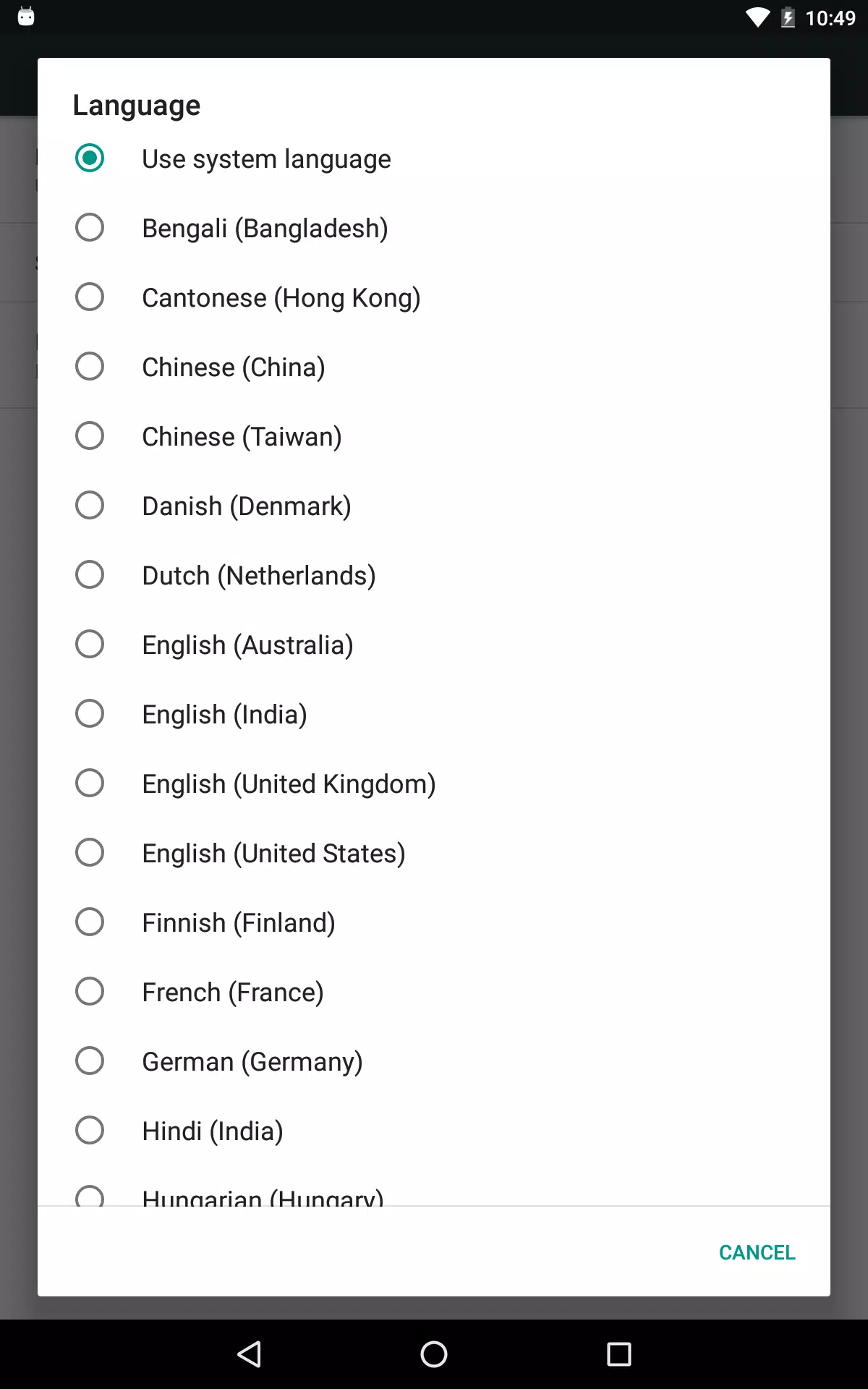
To use Google Text-to-Speech functionality on your Android device, go to Settings > Languages & Input > Text-to-Speech output. Select Speech Recognition and Synthesis from Google as your preferred engine.
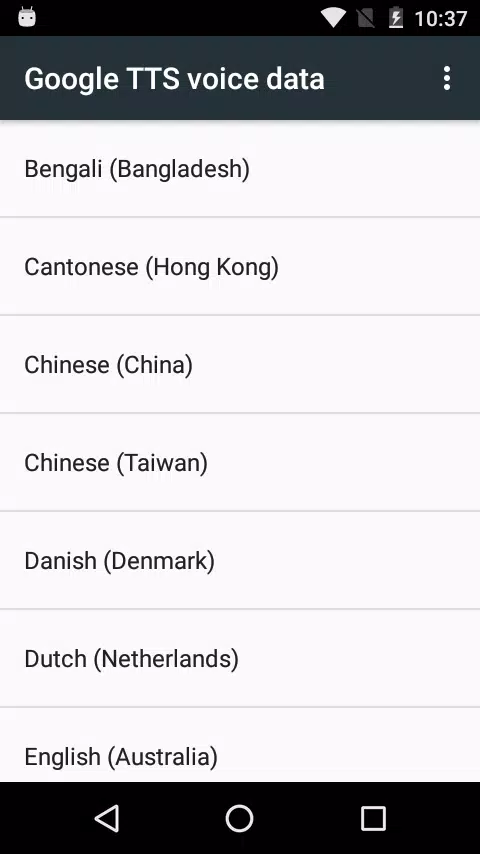
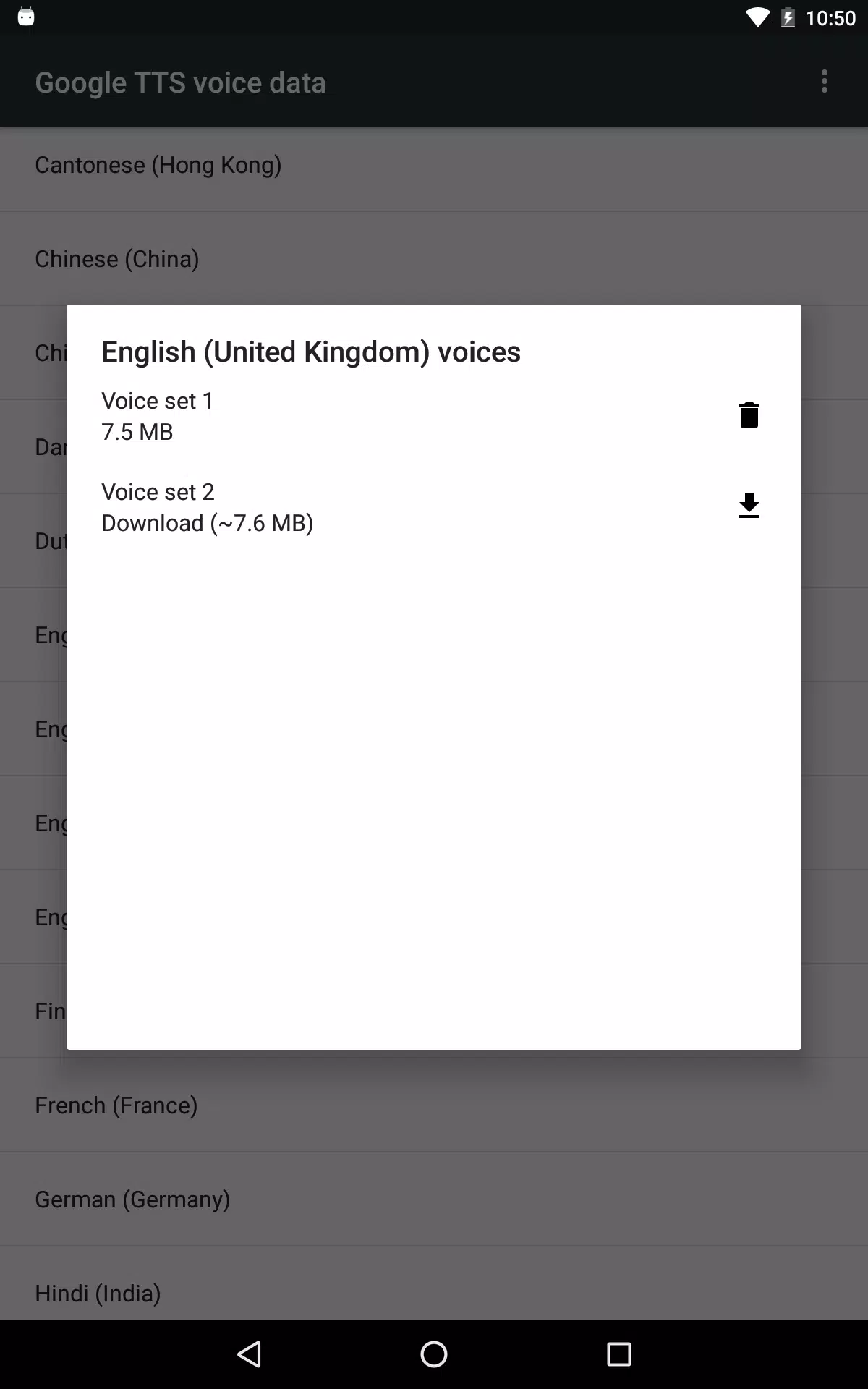
Note, on many Android devices, Speech Recognition and Synthesis from Google is already available, but you can update to the latest version here.
Ostatnia Wersja
103.12.8Przesłane przez
Google LLC
Wymaga Androida
Android 4.4+
Kategoria
Darmowe Narzędzia AplikacjaOcena treści
Everyone
Last updated on Jul 31, 2026
Ta wersja zawiera drobne poprawki błędów i ogólne ulepszenia. Zaktualizuj ją, aby uzyskać najlepsze wrażenia.

APKPure - Wieloplatformowy sklep z aplikacjami skupiający się głównie na systemie Android, zapewniający szeroki wybór treści związanych z aplikacjami. Odkrywaj poszukiwane aplikacje łatwiej, szybciej i bezpieczniej, z szybkim i wydajnym pobieraniem oraz instalacją.