Download free APK/XAPK files from Google Play Store without a login account.
Install Now

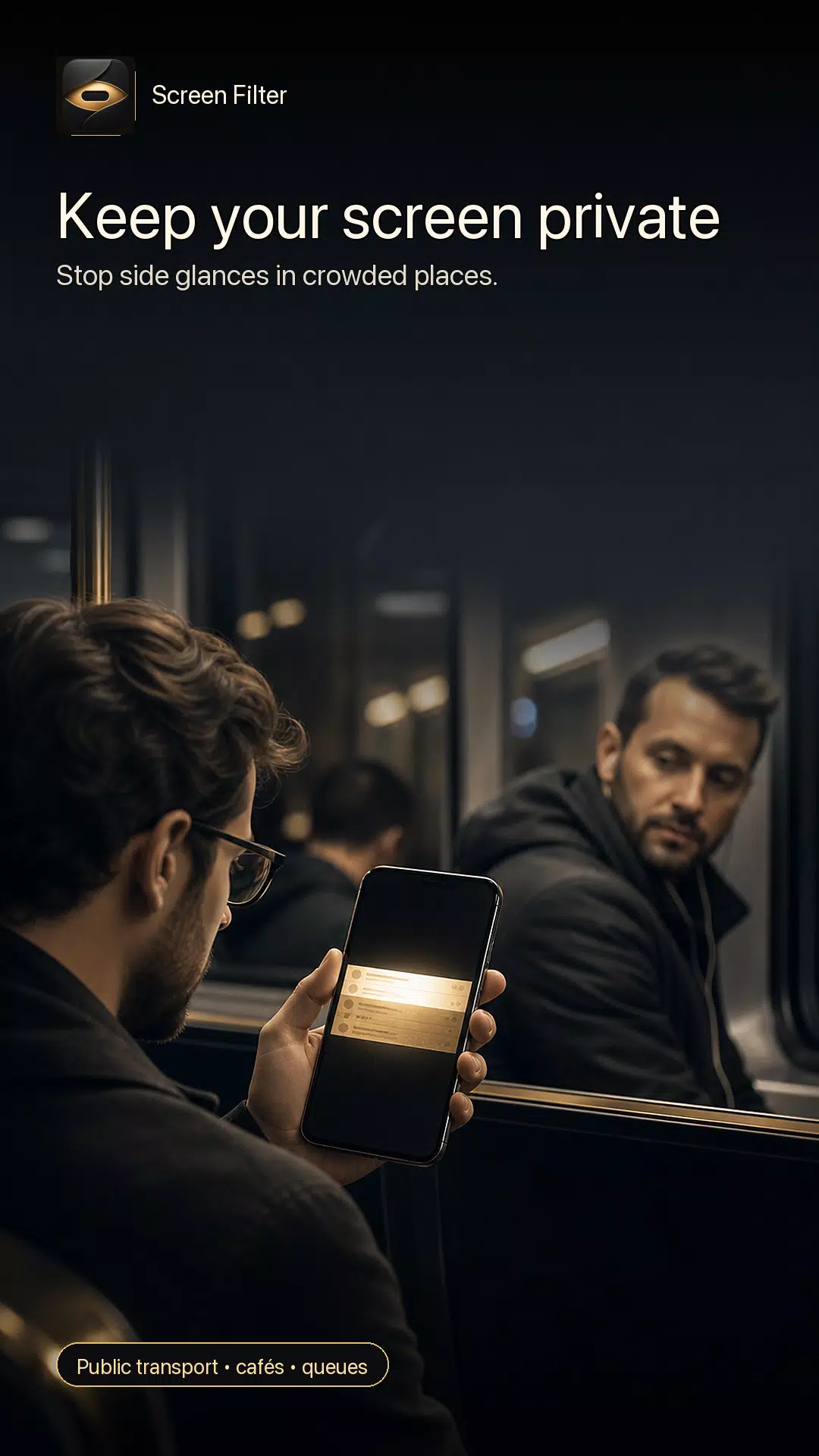
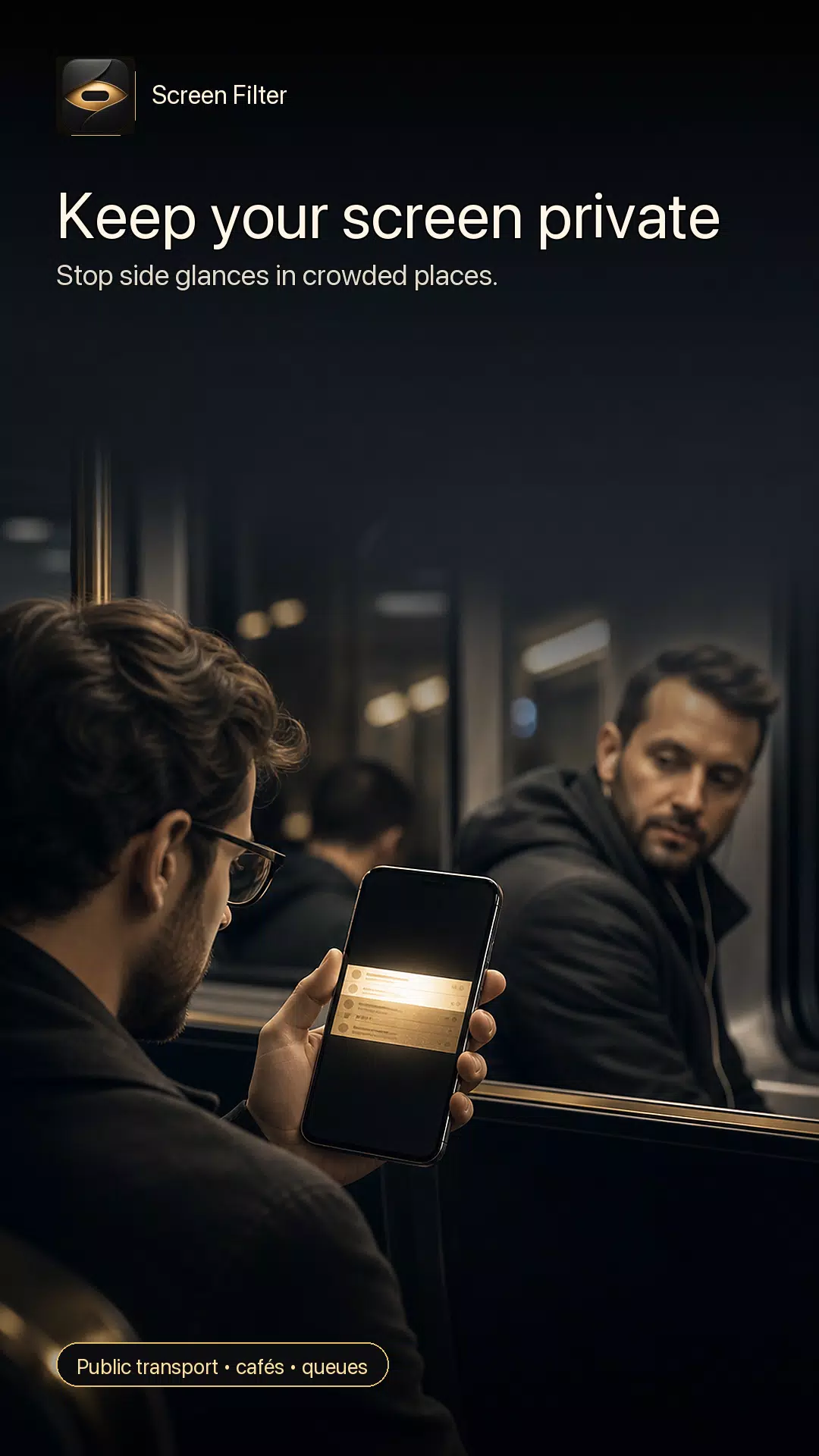
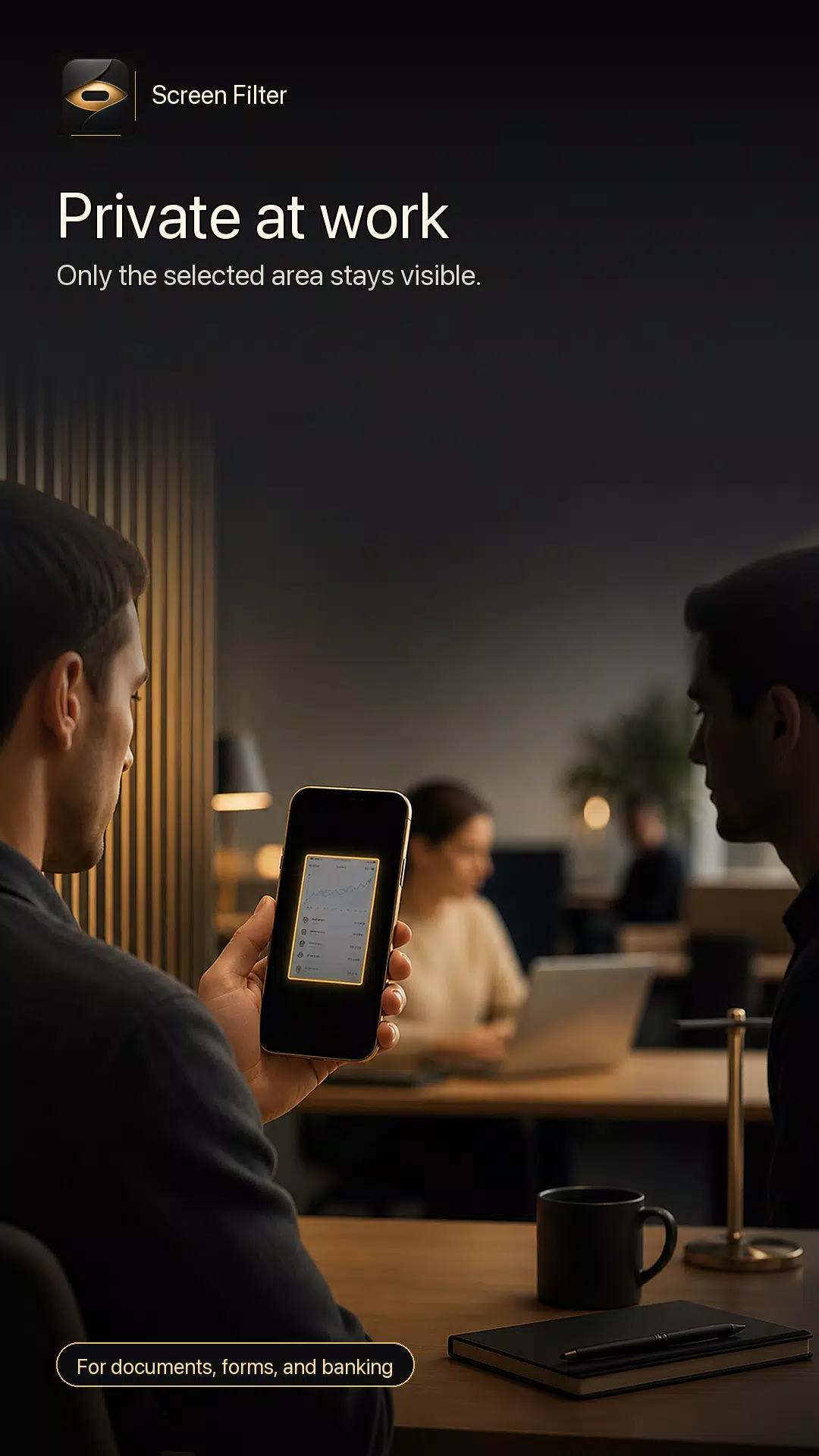
Screen Filter helps protect your privacy in public places by placing a dark visual overlay above other apps. Keep only the area you need clear, then hide the rest of your screen from side glances.
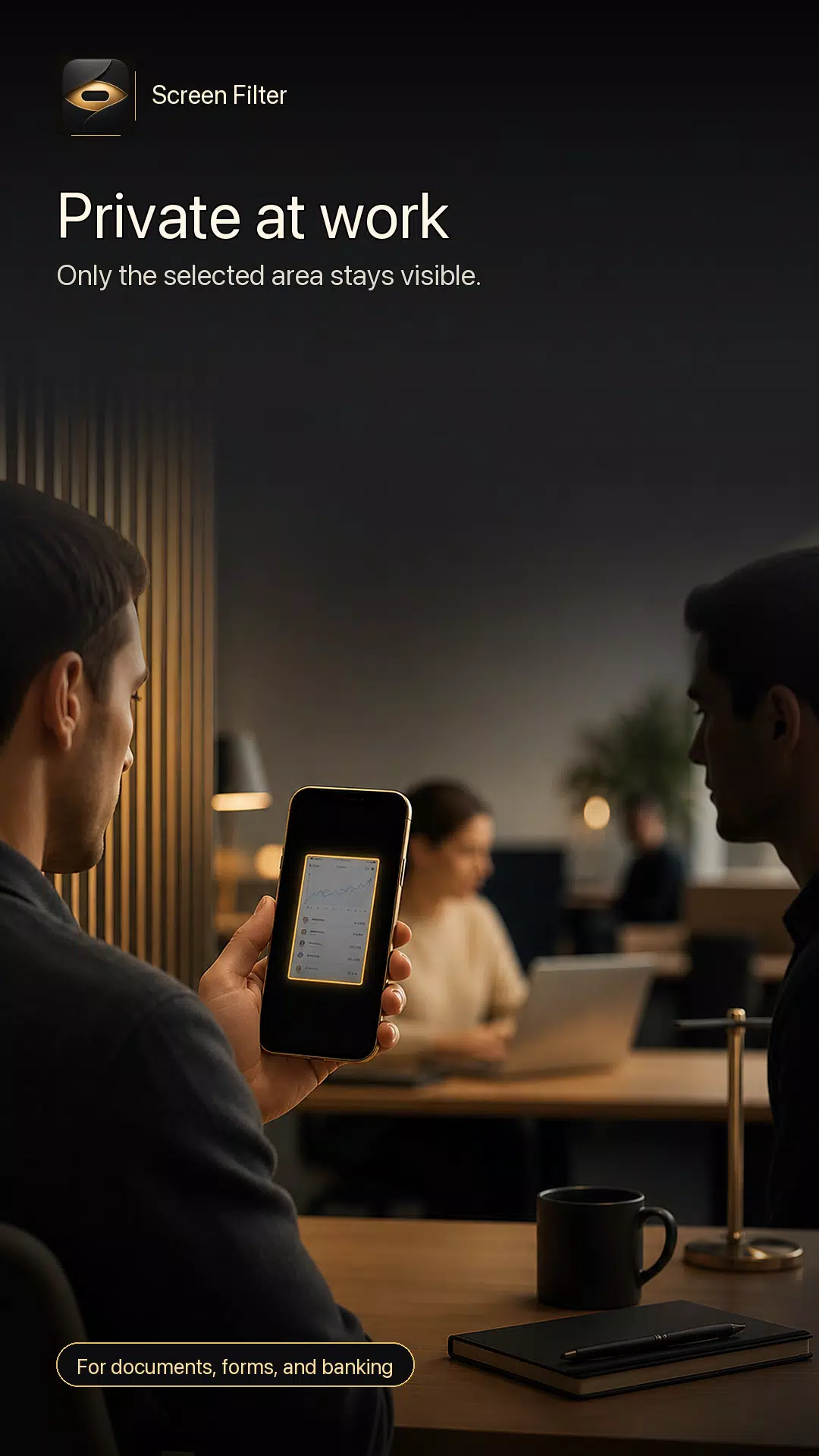
Use Screen Filter on public transport, in cafés, at work, while reading at night, or when checking private information such as messages, forms, documents, and banking screens.
KEY FEATURES
• Privacy screen overlay for Android
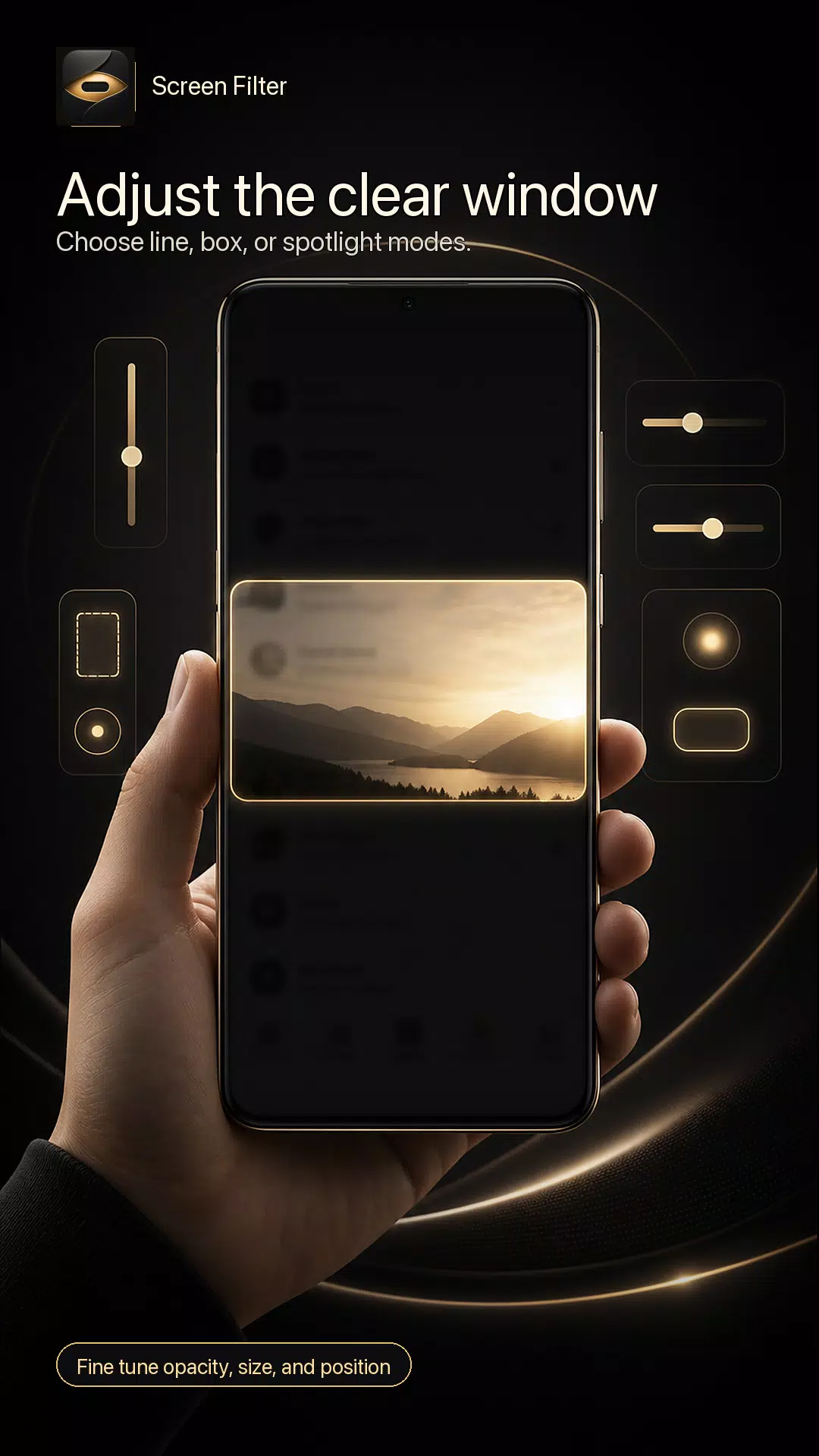
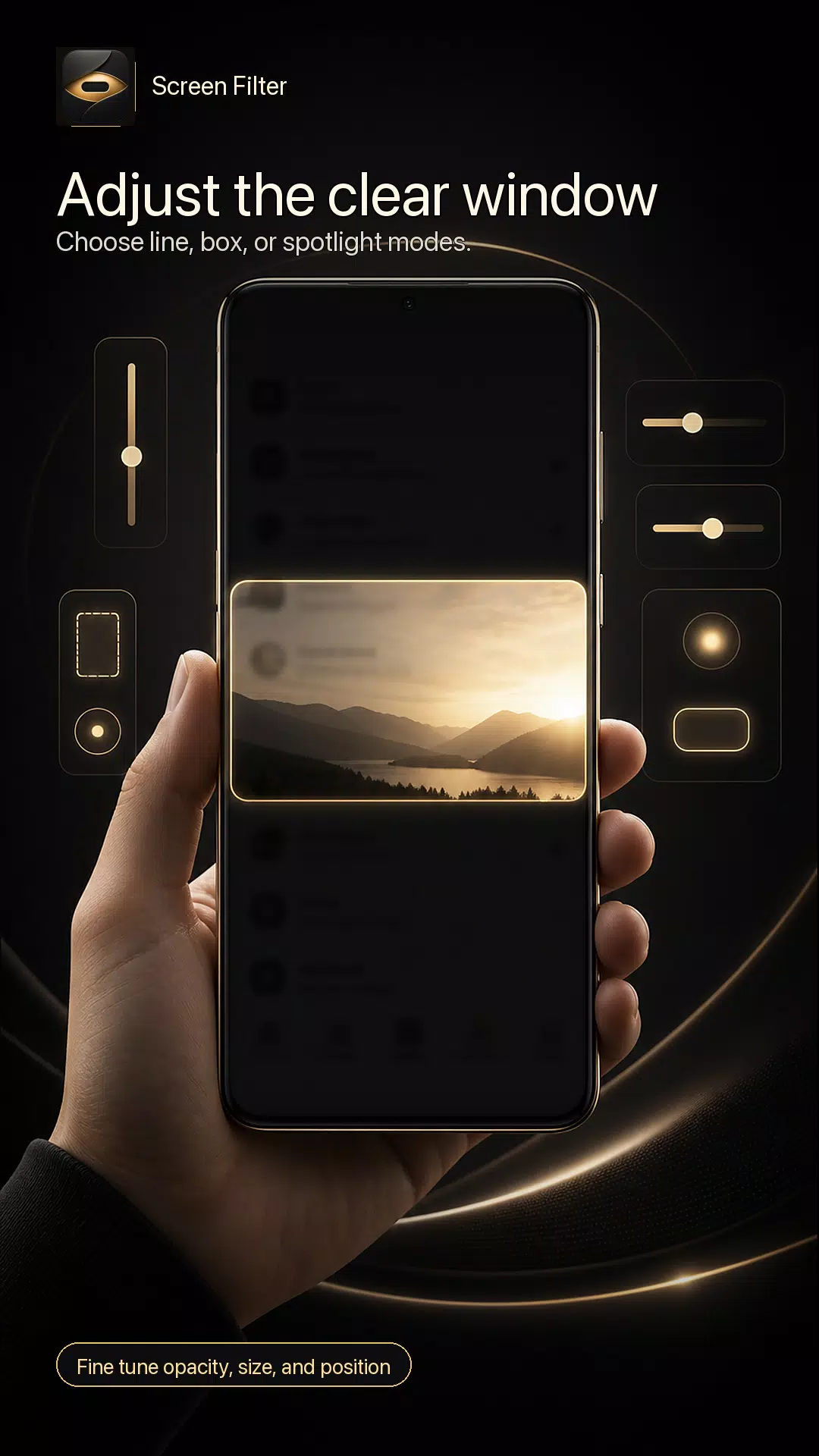
• Adjustable clear window for focused viewing
• Reading Line, Focus Box, and Spotlight modes
• Screen dimmer style dark overlay
• Control opacity, window size, and vertical position
• Quick start and stop from the app or notification
• Presets for public transport, office, night reading, and banking
• Works above other apps with Android overlay permission
PRIVATE BY DESIGN
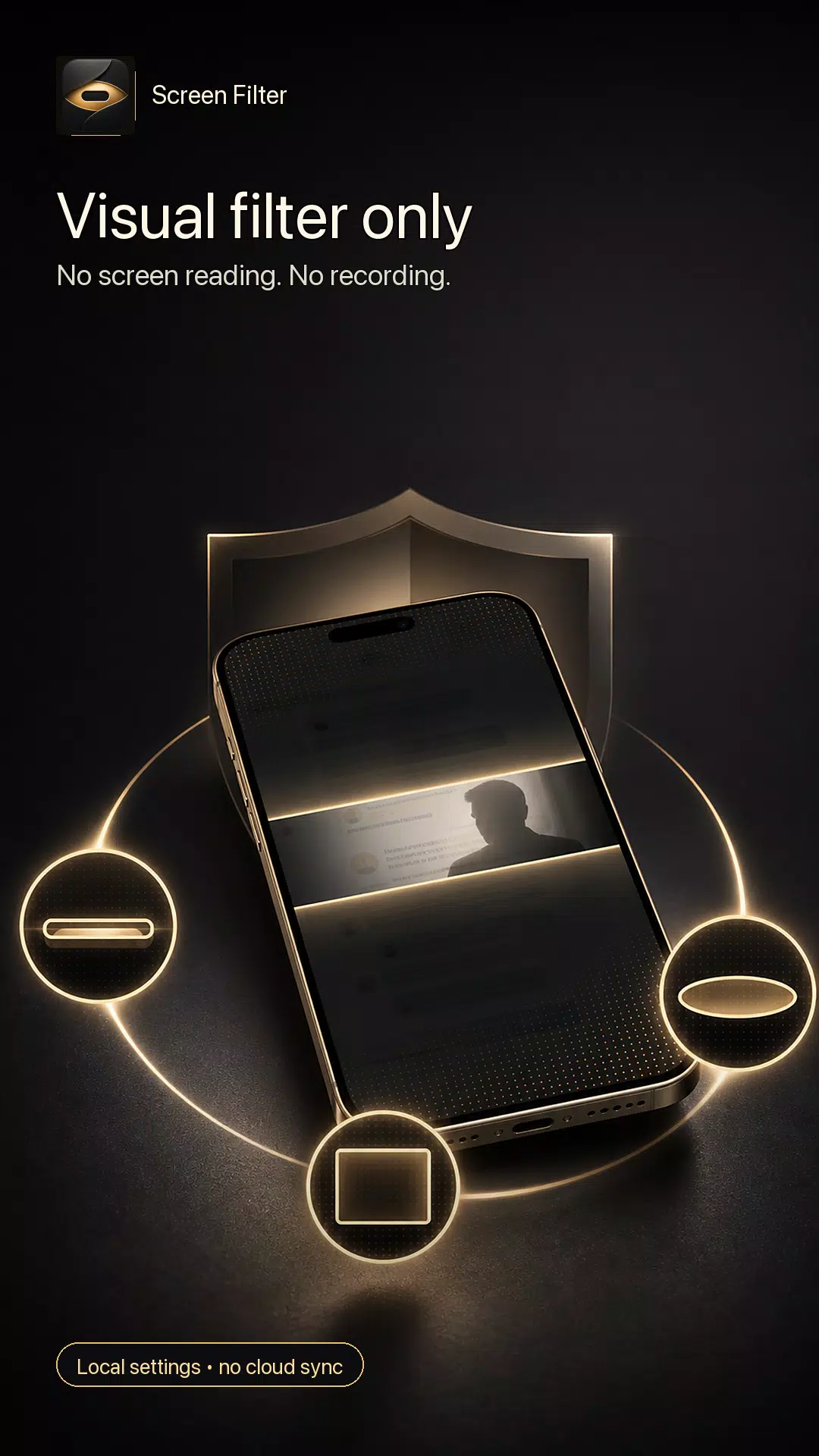
Screen Filter is a visual filter only. It does not read your screen, record your display, take screenshots, store screen content, or send screen content to the cloud. Your settings stay local on your device.
WHEN TO USE IT
• Protect your screen from side glances on a bus, train, or plane
• Keep messages and documents harder to read from an angle
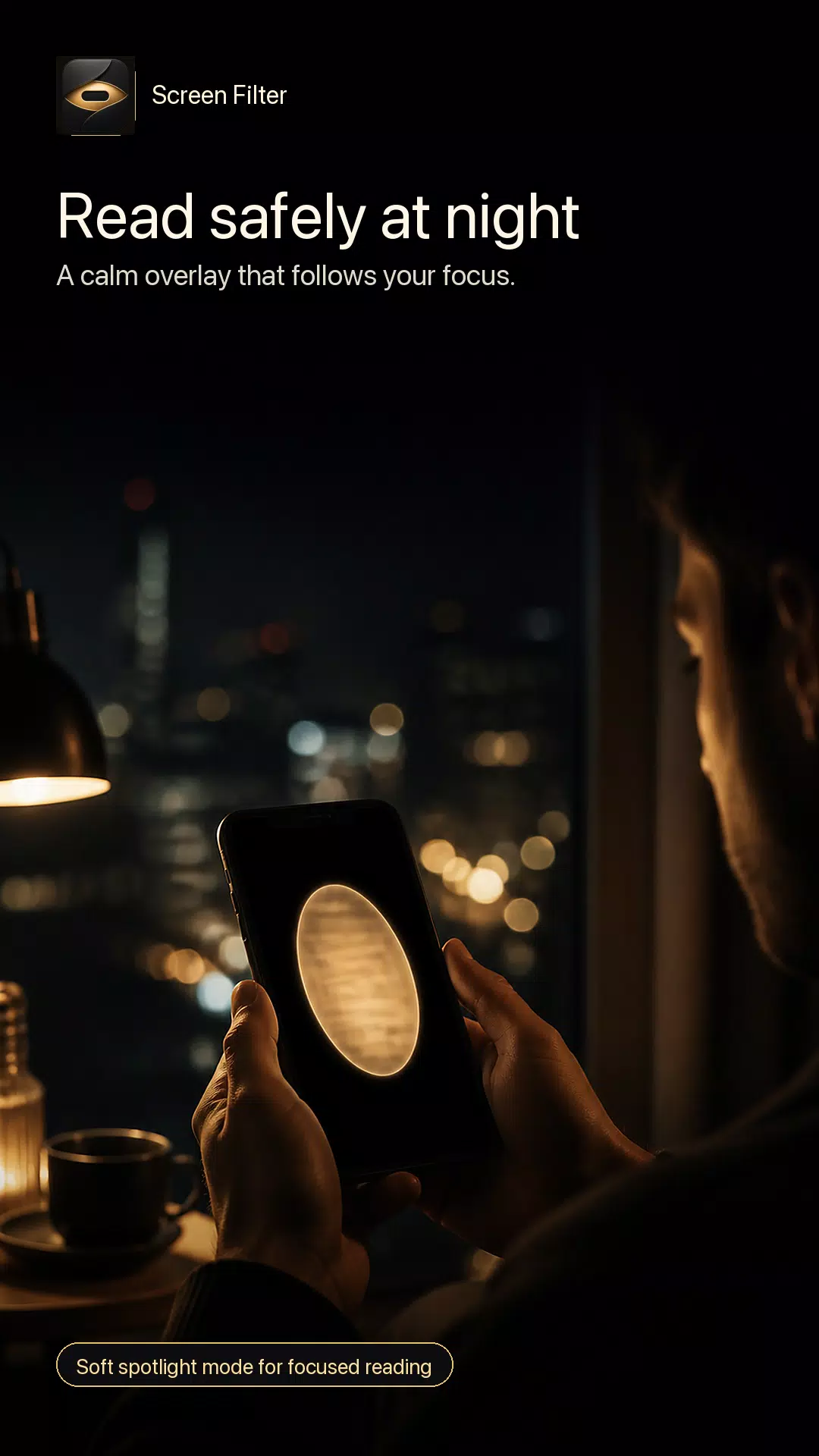
• Add a focused reading window at night
• Use a clear focus box for forms and work documents
• Hide surrounding screen areas while checking sensitive information
WHY SCREEN FILTER?
Most screen dimmer apps only make the whole display darker. Screen Filter gives you a privacy overlay with a clear window, so you can keep using your phone while reducing what people around you can see.
Choose a narrow Reading Line for scrolling text, a Focus Box for documents and forms, or a soft Spotlight for calm night reading. Adjust the size, opacity, and position until the screen feels right for your situation.
PERMISSION NOTE
Screen Filter requires the Android “Display over other apps” permission to draw the privacy overlay. This permission is used only to show the visual filter above other apps. It is not used to read or collect screen content.
Download Screen Filter to add a simple, private, and adjustable screen privacy filter to your Android phone.
Latest Version
1.1Uploaded by
ฟุ้ลค บัณฑิตพงษ์
Requires Android
Category
Free Tools AppContent Rating
Everyone
Security Report
Check Now
Report
Flag as inappropriateLast updated on Oct 26, 2026
Performance improvements.


APKPure - A multi-platform app store primarily focused on Android, providing extensive app-related content. Discover the app you want easier, faster, and safer, with quick and efficient downloads and installations.