Download free APK/XAPK files from Google Play Store without a login account.
Install Now

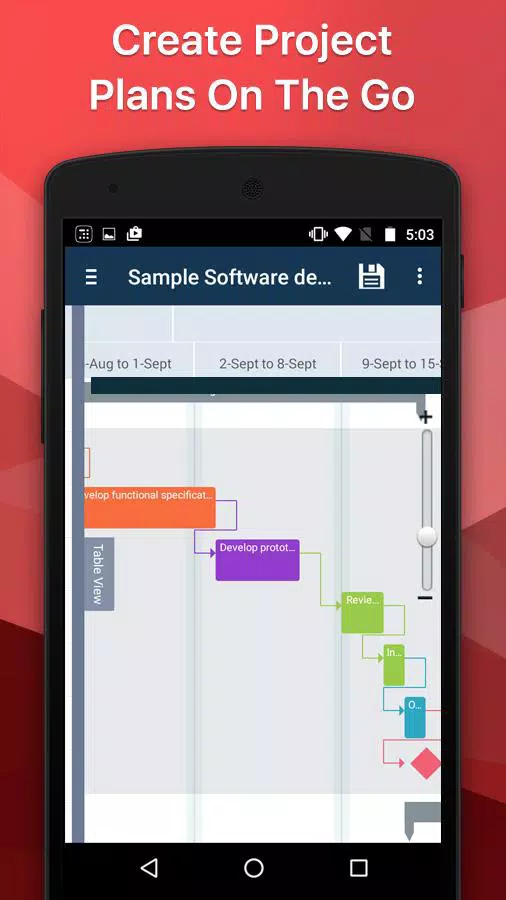
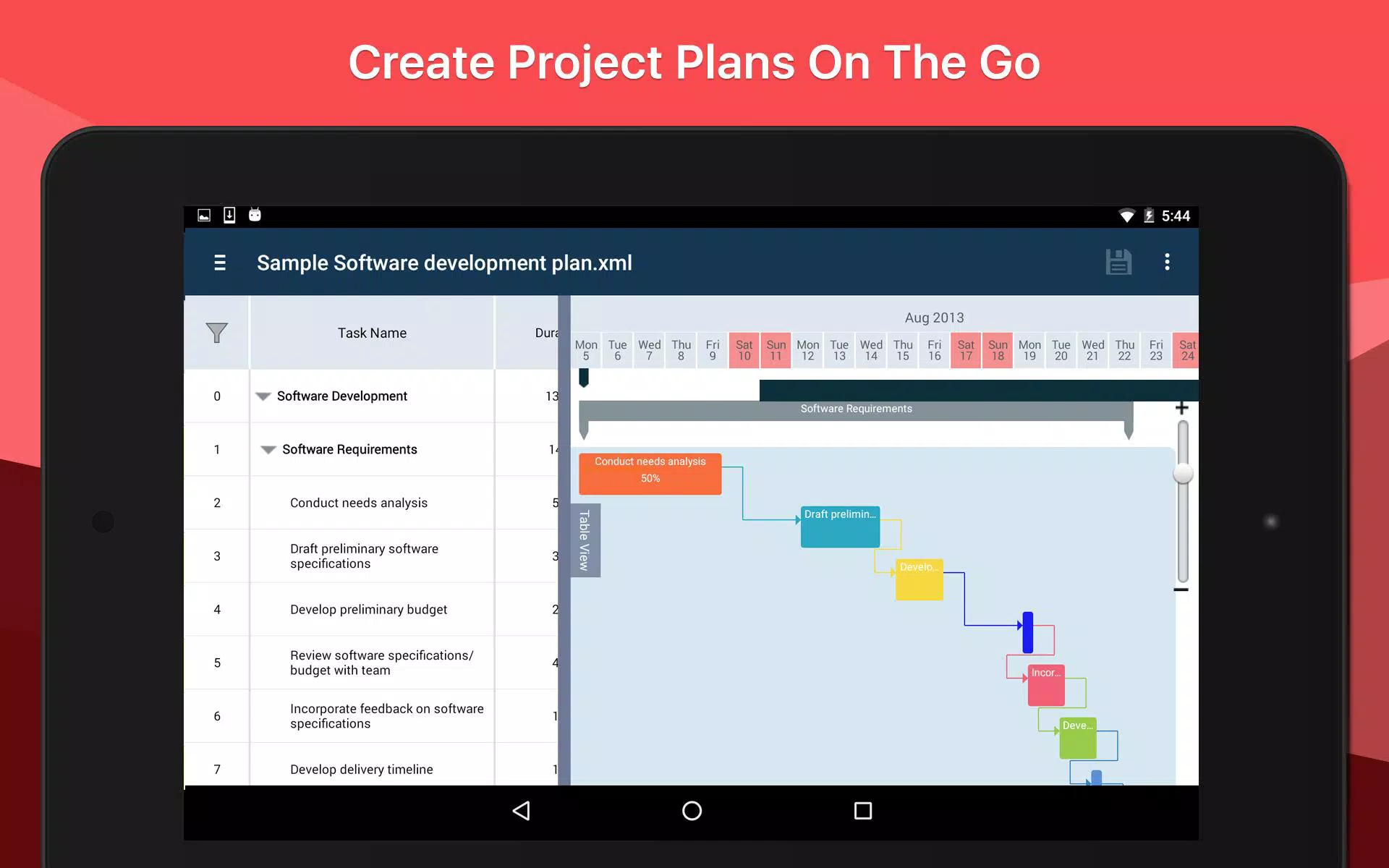
Project Planning Pro is a simple, easy to use & intuitive project management app. Create plans and schedules or import existing Microsoft Project plans and edit/update on the go.
The app provides flexibility to manage projects during meetings or when out of office. It is designed to ensure complete mobility and is an ideal app for managers and planners looking for a project management tool on a tablet or mobile device.
*** BestApp Ever Awards 2013 "Best Business App (iOS)" - 2nd Place
It can also be used as a basic task management app to plan your daily tasks with due dates and duration. Use the tasklist view to use the app as a simple task manager.
Features:
- Create new project/schedule.
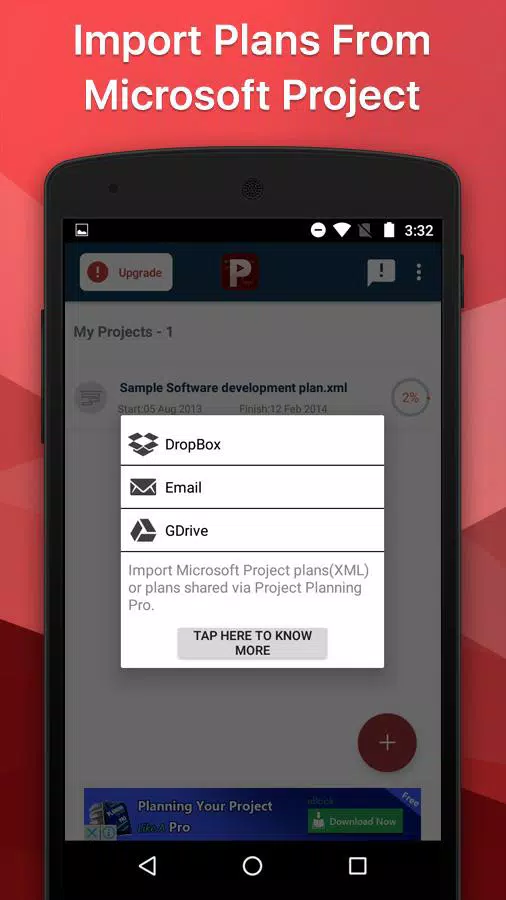
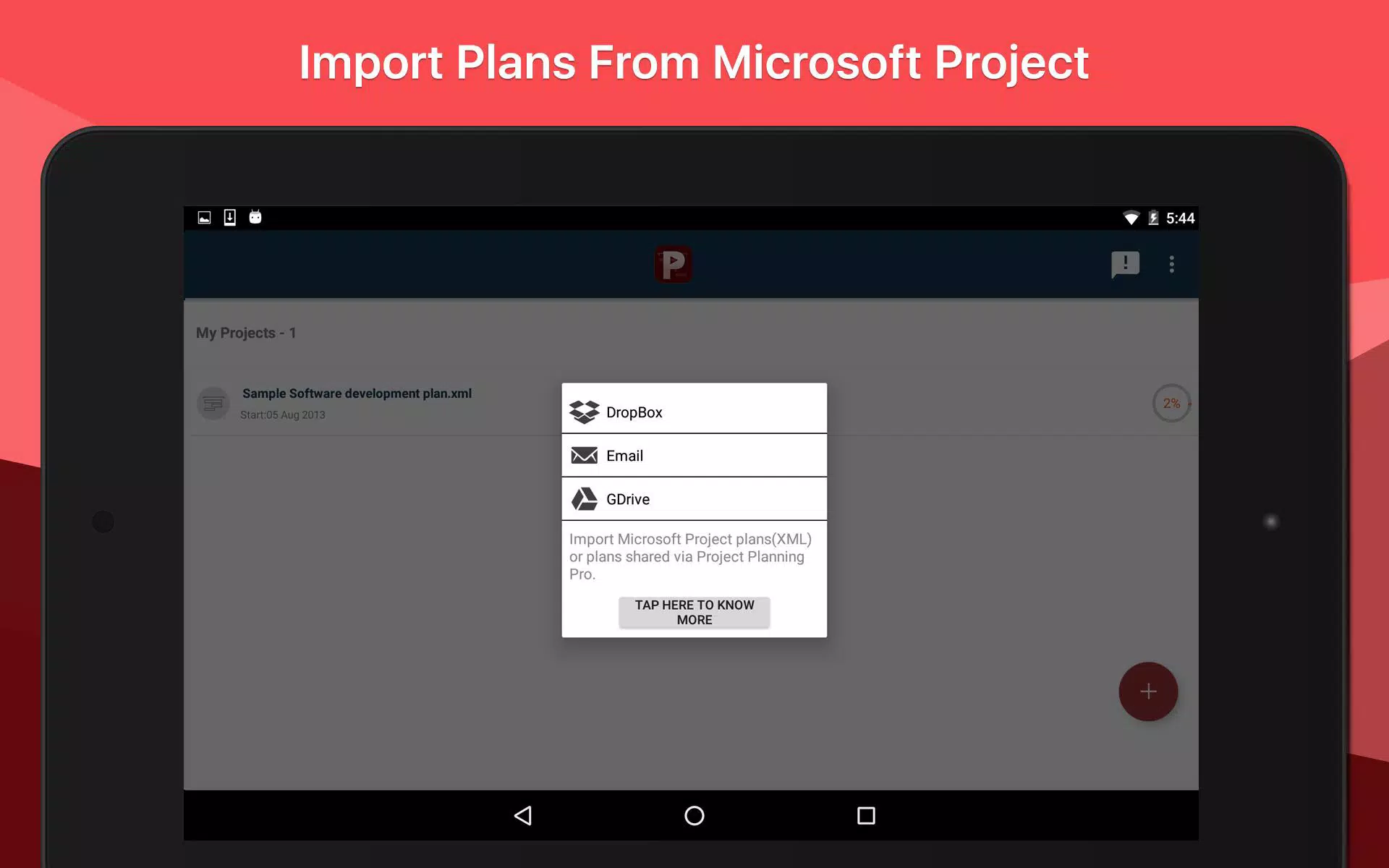
- Import plans from Microsoft Project via Dropbox, GDrive and Email.
- Add tasks - create summary tasks and sub tasks
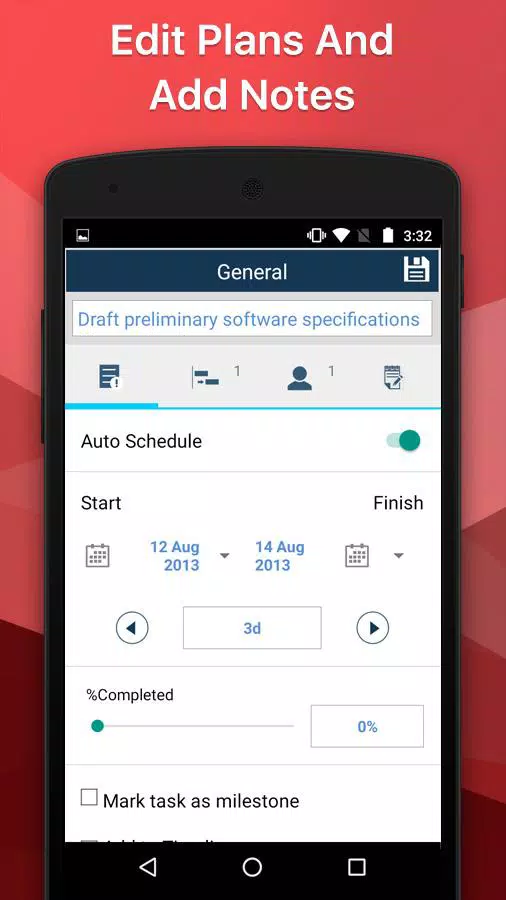
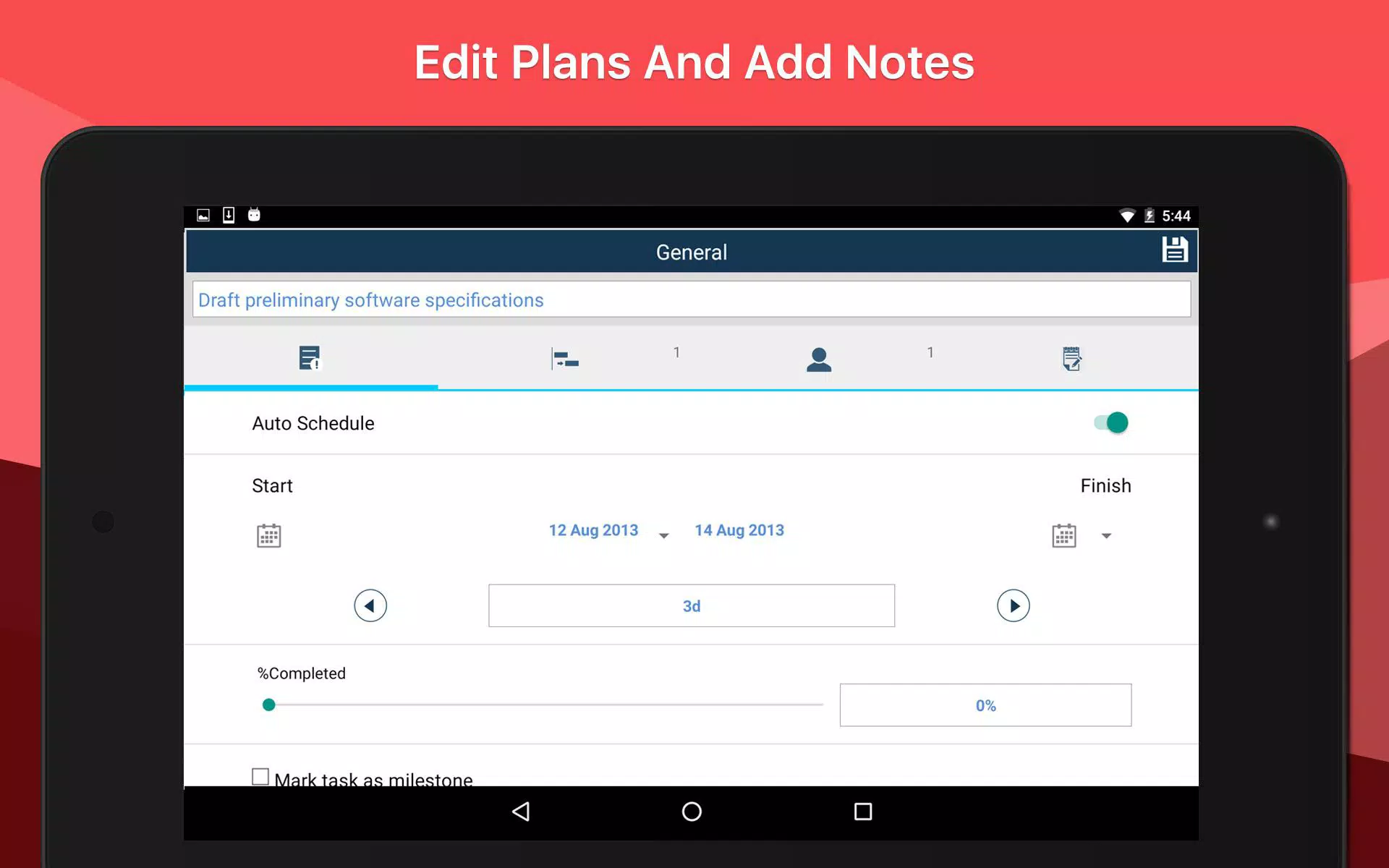
- Enter task durations, start and finish dates
- 4 Kinds of task links: finish-to-start (FS), start-to-start(SS), finish-to-finish(FF) and start-to-finish(SF)
- Gantt chart and task list view modes
- In-built auto scheduling engine
- Add resource and cost
- Add task notes
- Project summary in PDF export
- Download ready to use project templates
- Resource view and timeline view
Import Options:
- Import your existing Microsoft Project Plans and view or edit them in Project Planning Pro
- Import & manage your existing Microsoft project plan as XML file from Dropbox, GDrive & Email attachment.
- Install desktop addin & import plans directly from MS Project to Dropbox. (Visit Support Site for more information).
Share Options:
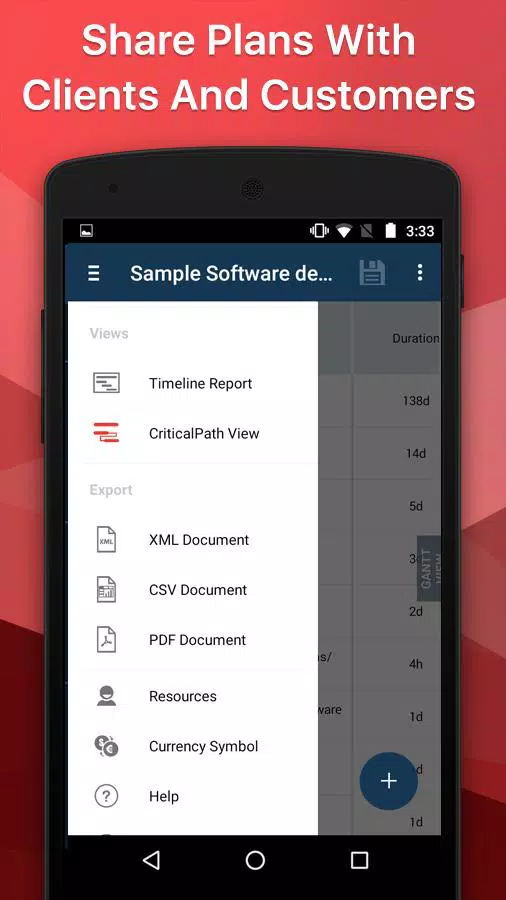
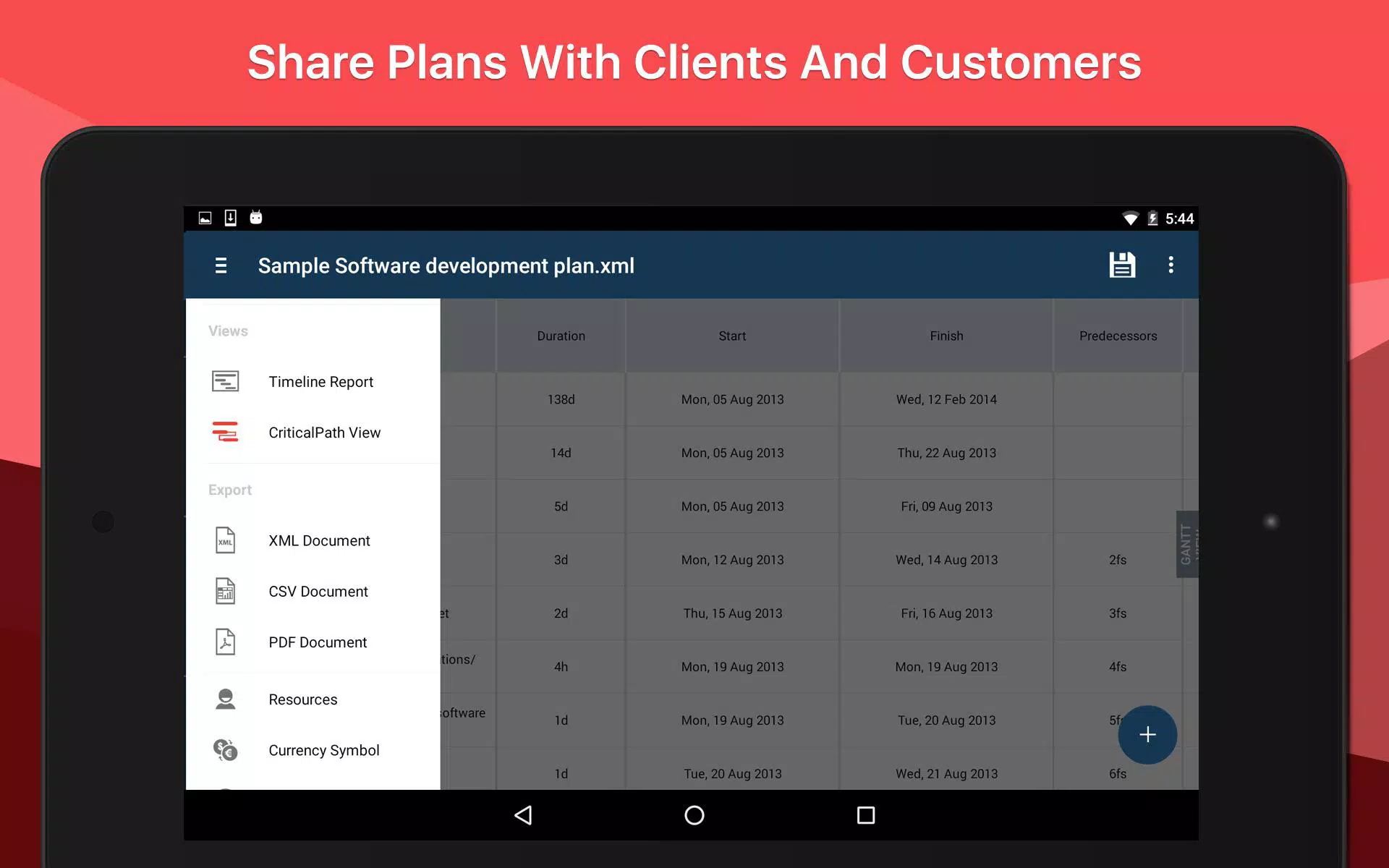
- Share as XML file – Opens with Microsoft Project and Project Planning Pro
- Share as CSV file – Opens with Excel or other spreadsheet applications
- Share as PDF file – Opens with Acrobat or other PDF reader applications
Free to Try:
- Create one plan
- Import one plan
- No restriction on features
Paid Version:
- Create unlimited plans
- Import unlimited plans
- Remove Ads
Use Cases:
- Best personal project management tool
- Manage projects remotely
- Access your plans while out of office, on site or meetings and presentations with project team members and customers
- Create a simple project plan in less than 5 mins
- Kickstart your project in no time with ready to use templates
- Create a comprehensive project management plan anywhere, anytime
- Use the app as a simple task management app by creating a tasklist with due dates and durations
We value your feedback. Please email us or use the contact form on our website. Tell us about features you may require or any bugs or crashes you may encounter. We will be in touch with you within 24hrs.
Latest Version
1.5.6Uploaded by
Hussan Hussan
Requires Android
Android 3.0+
Category
Free Business AppContent Rating
Everyone
Report
Flag as inappropriateLast updated on Nov 2, 2016
- Major bugs fixed. If you like our app don’t forget to give us a Review :)

APKPure - A multi-platform app store primarily focused on Android, providing extensive app-related content. Discover the app you want easier, faster, and safer, with quick and efficient downloads and installations.