Download free APK/XAPK files from Google Play Store without a login account.
Install Now

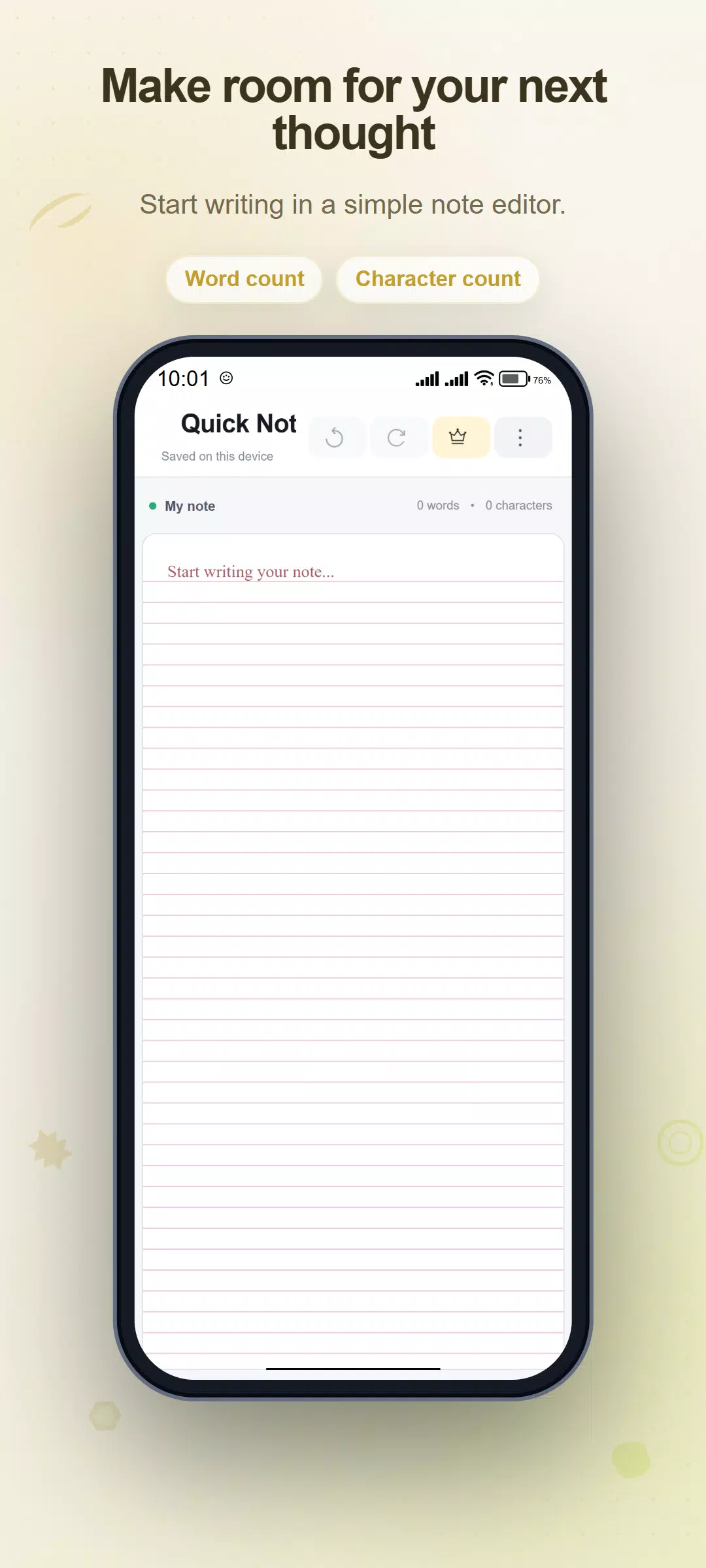
Quick Note is a notepad for everyday memos, rough drafts and ideas. Write on a single page and let local autosave preserve the current text after you pause typing.
WRITE AND REVISE
Use the page for meeting points, a study draft, a message or a list written as text. Undo and redo help you step through recent edits. Word and character totals are visible in the editor, with additional text statistics available from Info.
CHOOSE YOUR WRITING SPACE
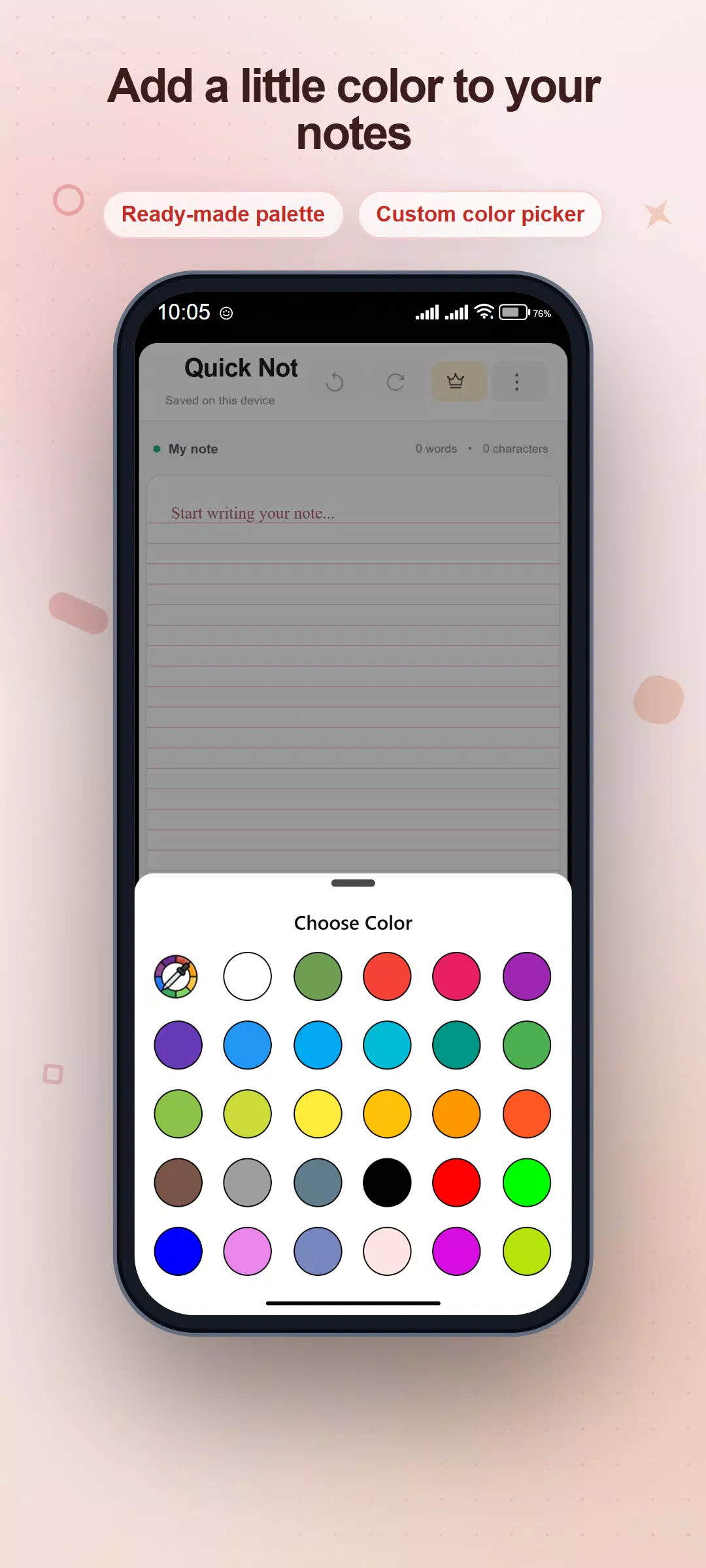
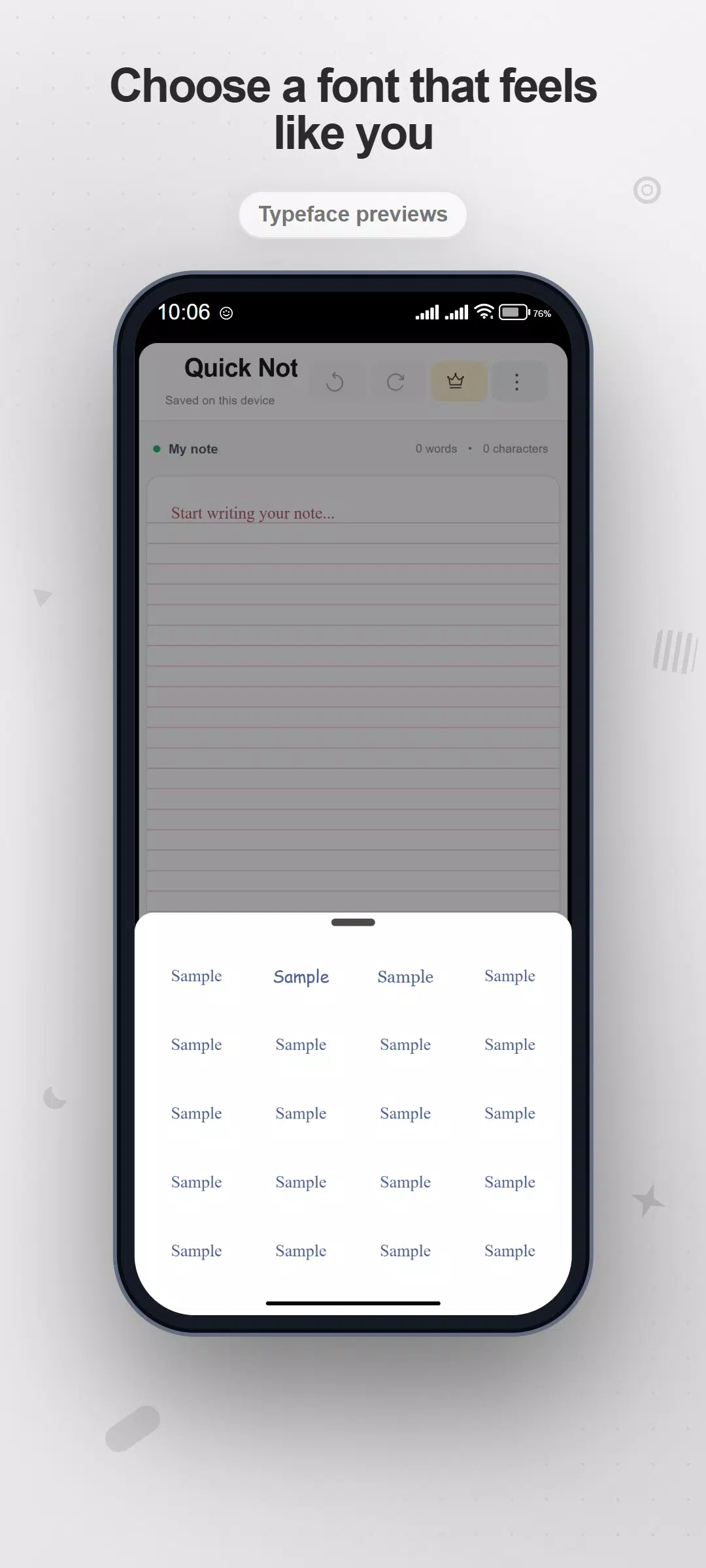
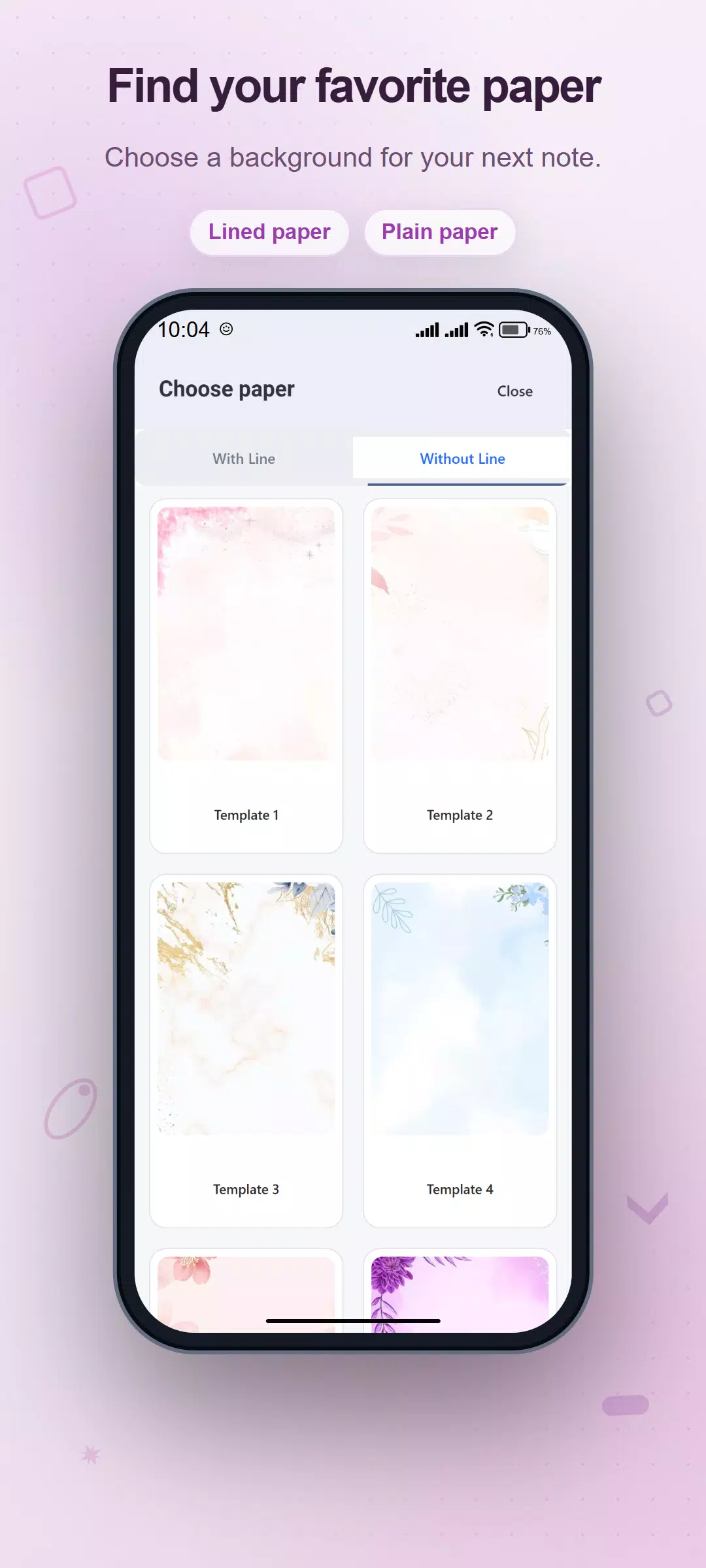
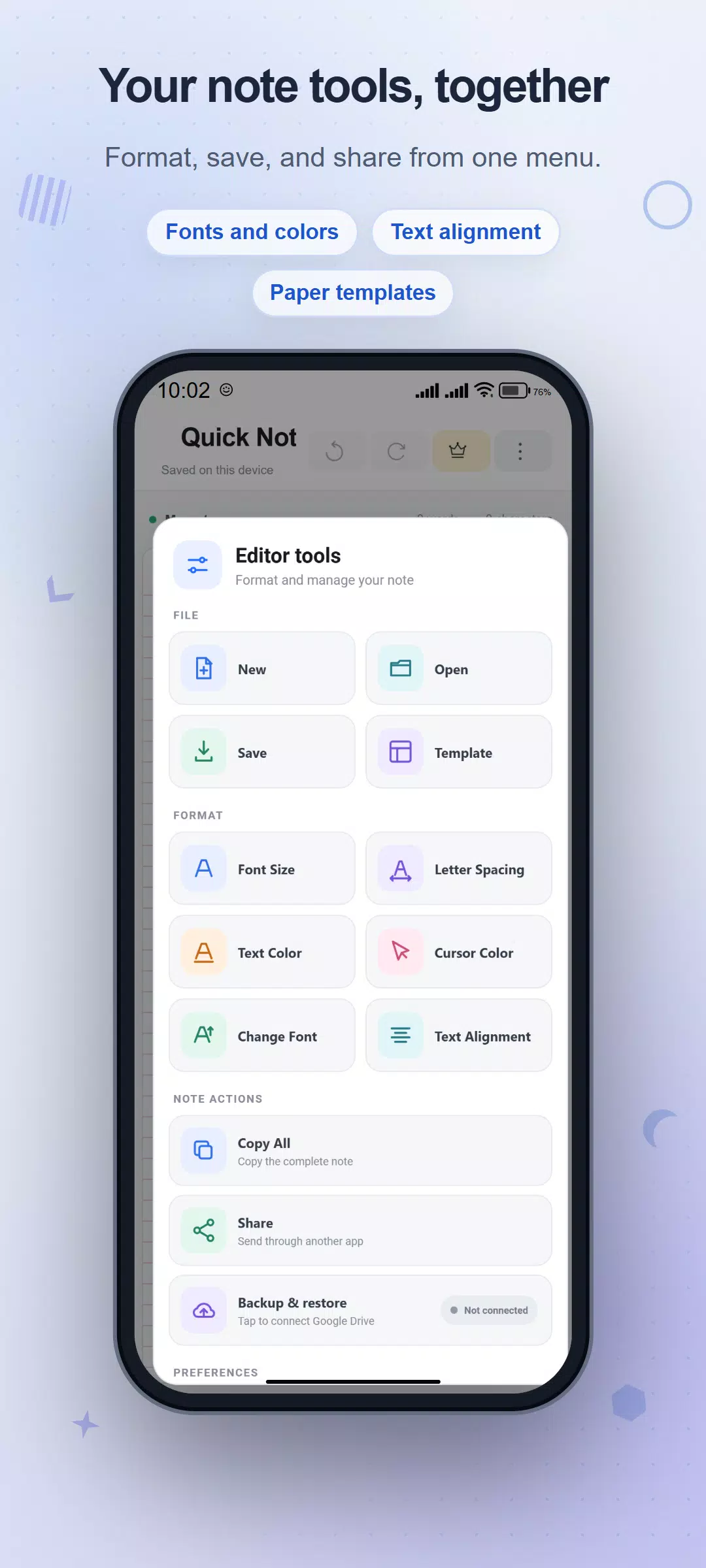
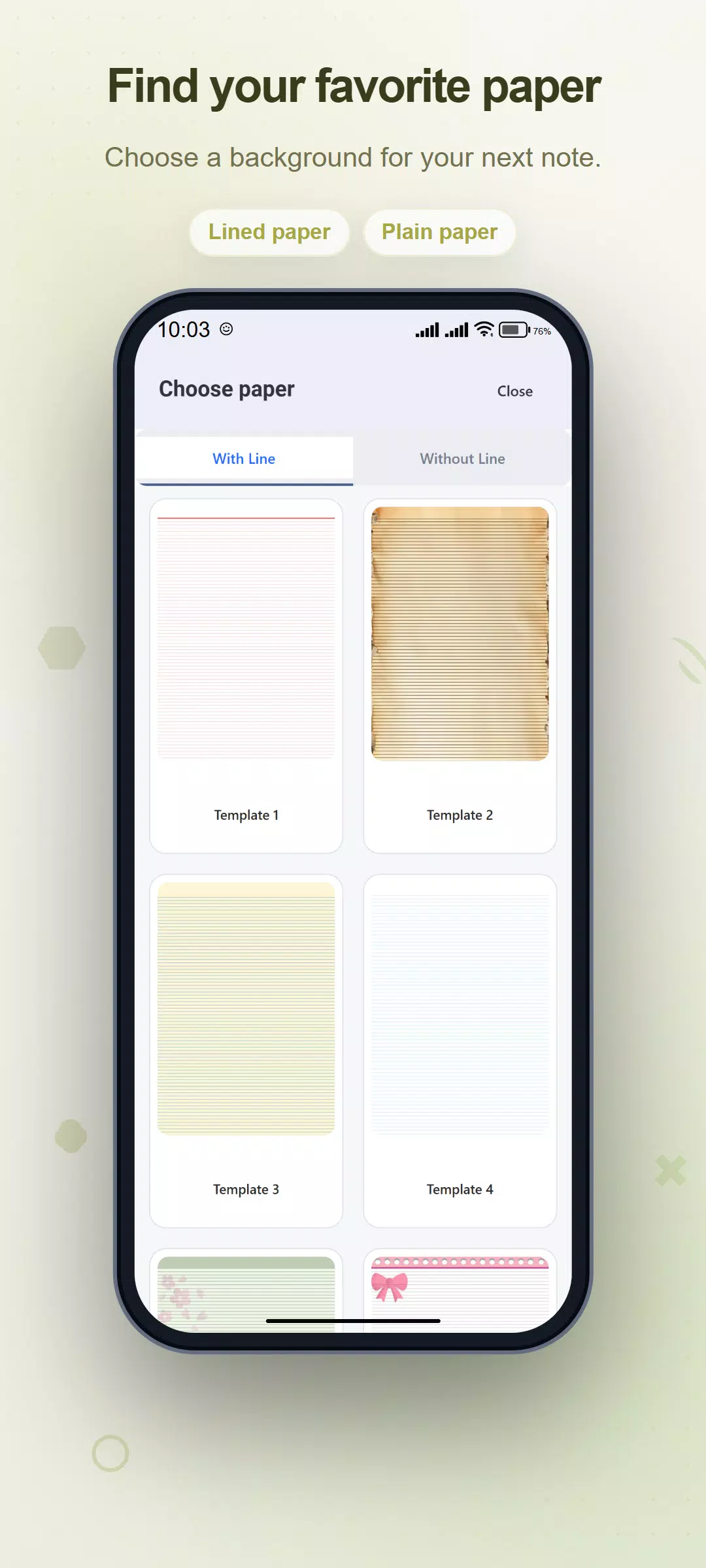
Pick a lined or plain paper background. Adjust the font family, text size, letter spacing, text color and cursor color, and choose text alignment. Light, dark and system theme settings let you change the surrounding interface.
KEEP A FILE OR SEND THE TEXT
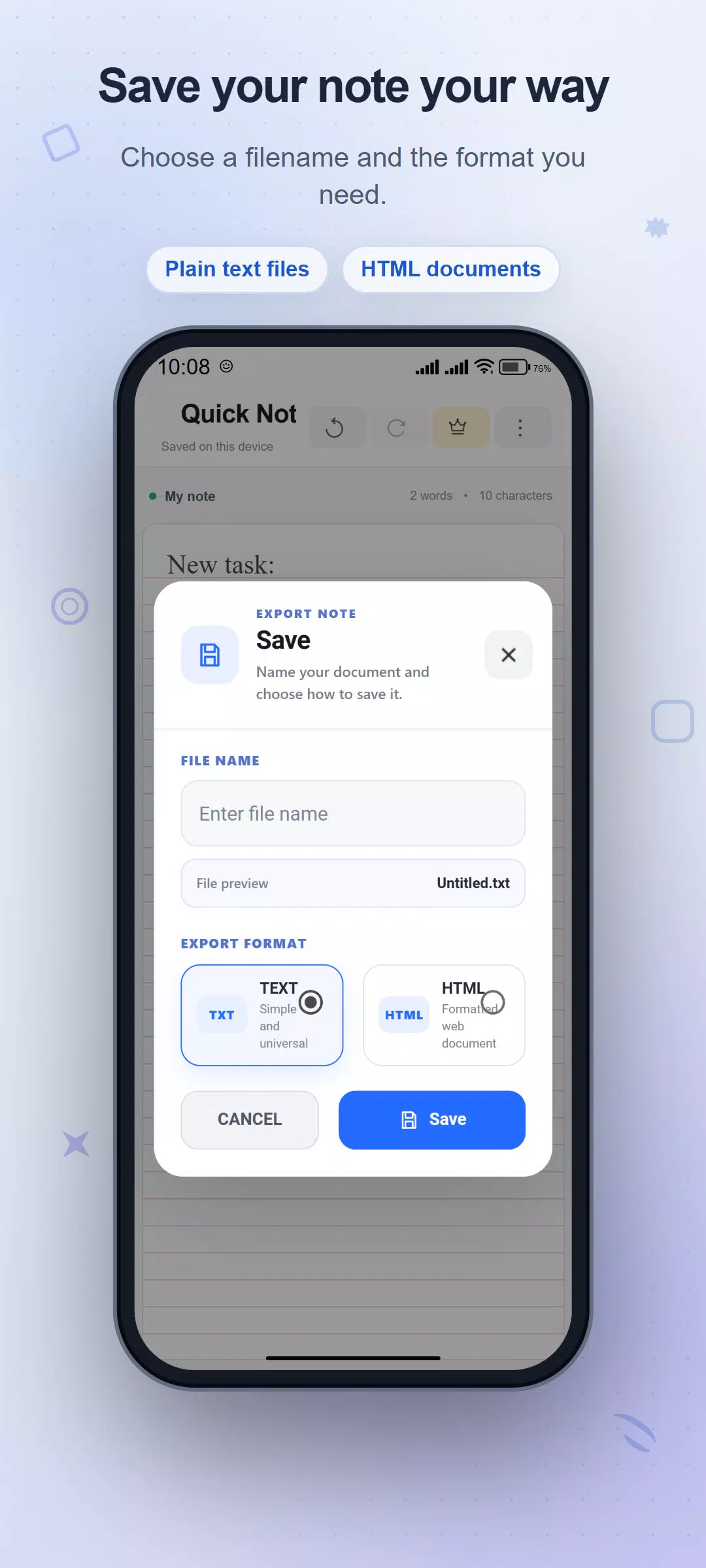
Give your note a name and export it as a TXT or HTML file. Copy All places the complete text on your clipboard. Share sends the text through another installed app. Export creates a separate document; the working page also has its own local autosave.
OPTIONAL CURRENT-NOTE BACKUP
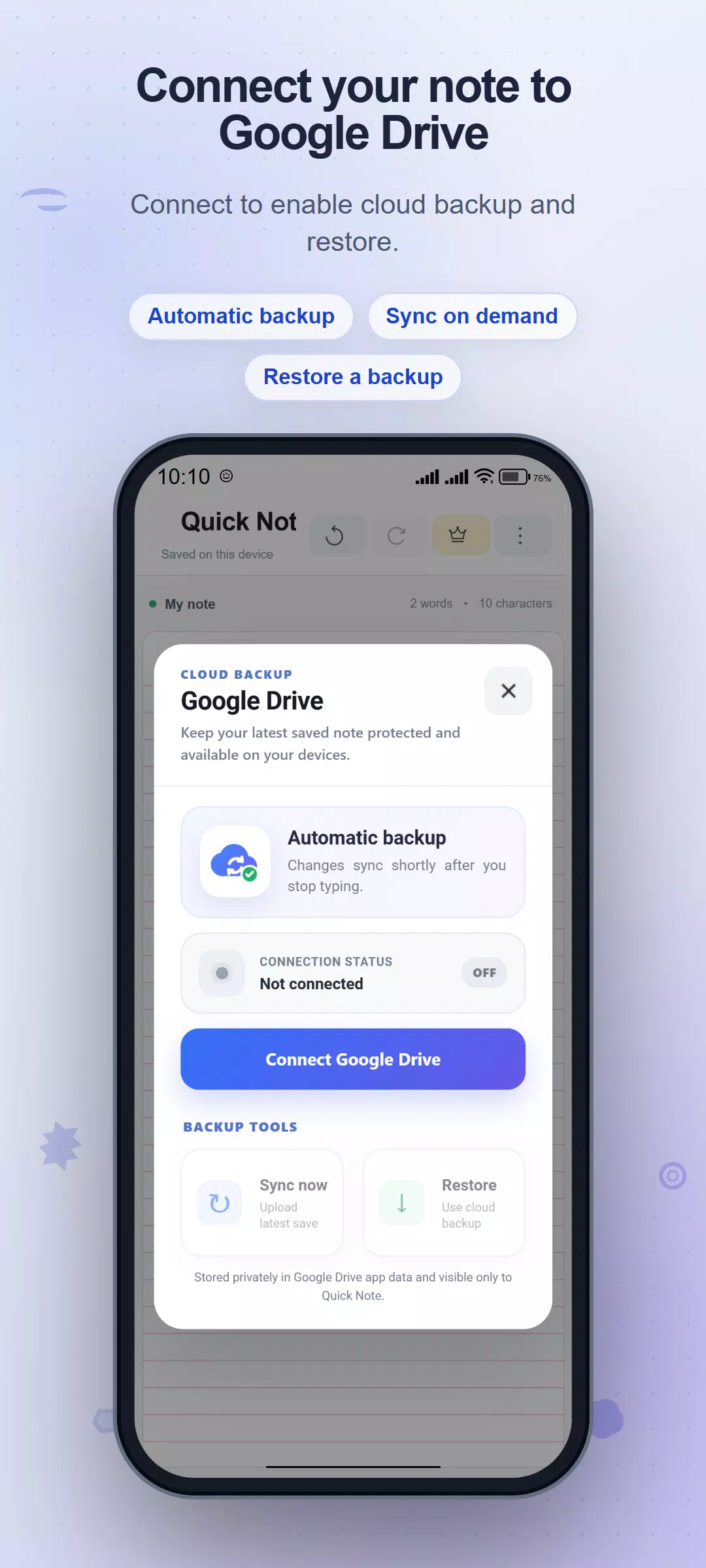
Connect a Google account to back up the latest working note to Google Drive. After connection, edits are queued for upload, and Sync now lets you request an upload manually. Restore asks for confirmation before replacing the current note. Backup does not provide live collaboration or automatic two-way merging between devices.
Writing and local autosave do not require a Google account. Drive requires internet access, authorization and compatible Google services; reconnecting may be necessary. The app includes advertising, with optional purchases for ad-free access.
Capture the words first, then keep a file or share the text when it is ready.
Latest Version
2.6Uploaded by
Thảo Nguyễn
Requires Android
Android 7.0+
Category
Free Tools AppContent Rating
Everyone
Security Report
Check Now
Report
Flag as inappropriateLast updated on Nov 3, 2026
This release includes minor bug fixes and general improvements. Update to the latest version for the best experience.



APKPure - A multi-platform app store primarily focused on Android, providing extensive app-related content. Discover the app you want easier, faster, and safer, with quick and efficient downloads and installations.