Download free APK/XAPK files from Google Play Store without a login account.
Install Now

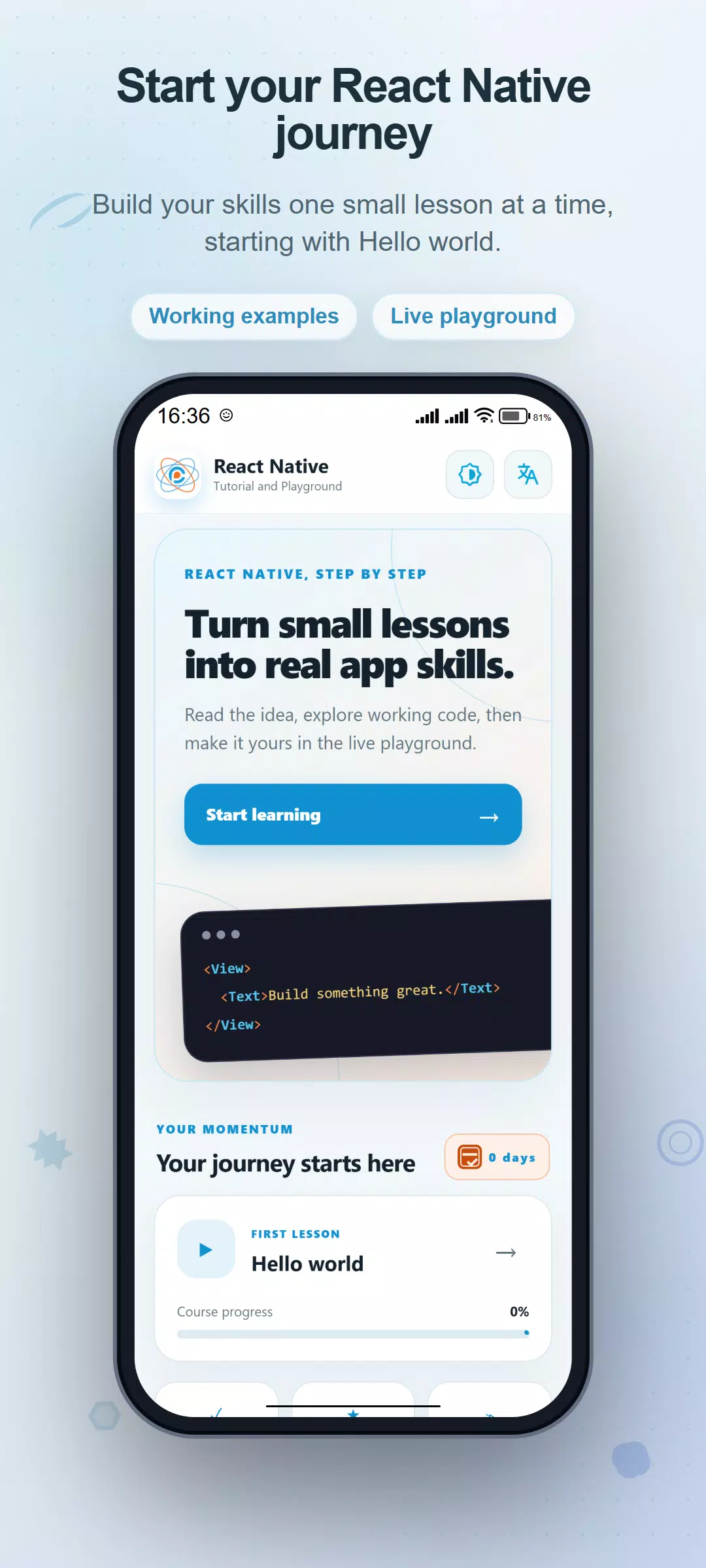
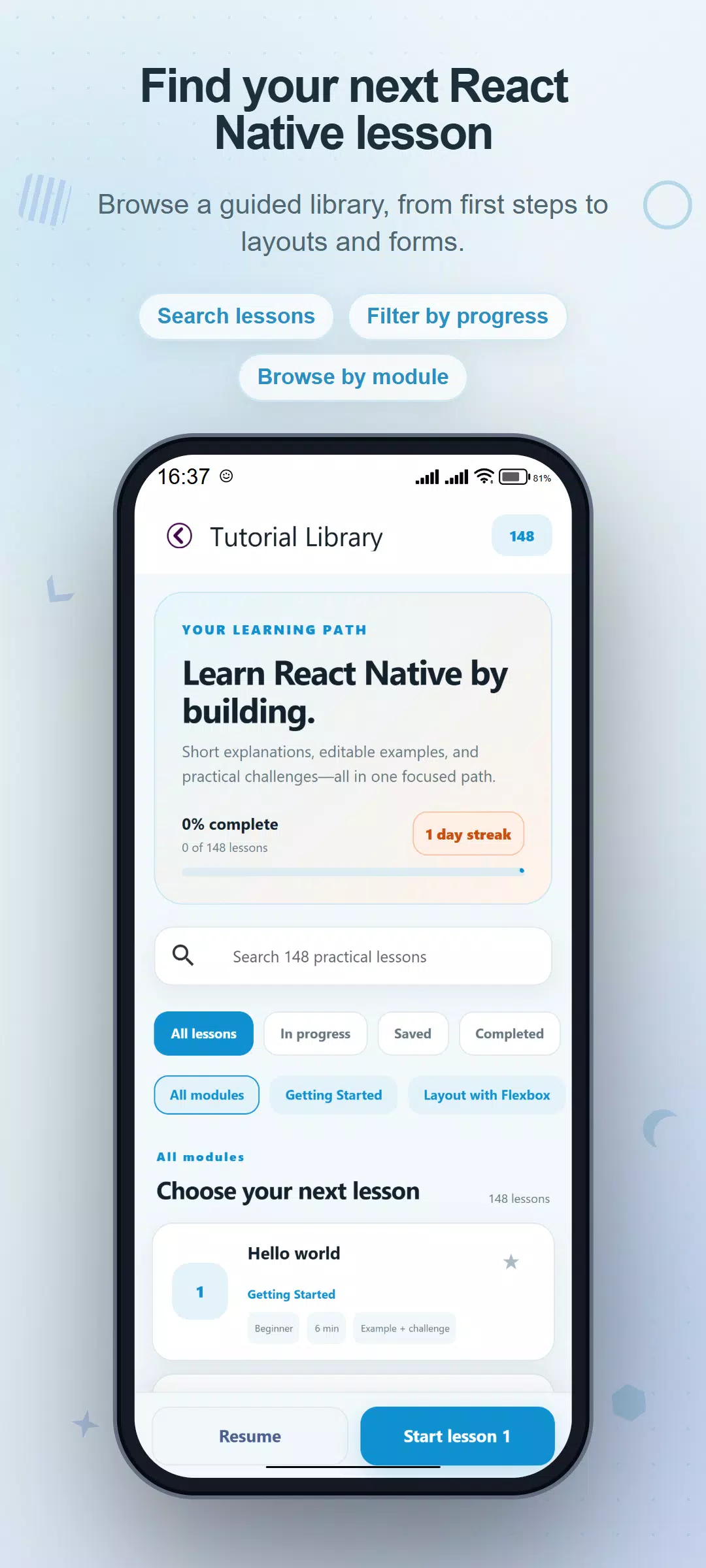
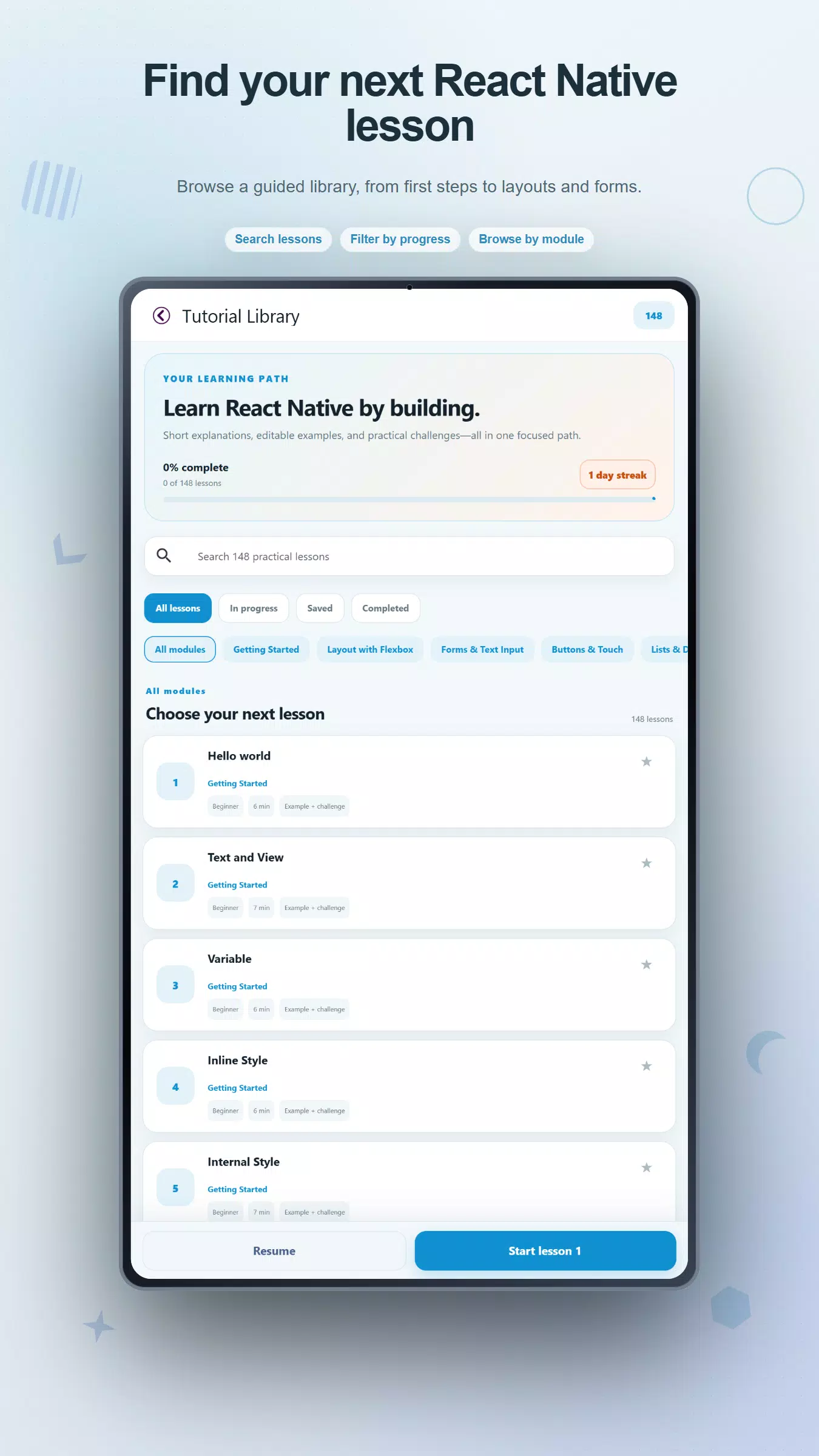
Learn React Native through short explanations, practical code examples, and small challenges. Explore 148 lessons in 10 modules, open an example in the coding playground, and change it to understand how the interface works.
A clear path from basics to practice
Start with text, views, variables, components, images, and styles. Continue into Flexbox layouts, forms, text input, buttons, touch interactions, scrolling, and lists. Later modules introduce hooks, reusable components, state management, performance concepts, responsive layouts, and practice projects.
Read the idea before editing
Each lesson brings together an objective, a plain-language overview, key ideas, code, practical tips, a small challenge, and questions for self-review. See the example alongside its explanation, then open the editable version when you are ready to experiment. Beginner, intermediate, and practice labels help you understand where each topic sits in the course.
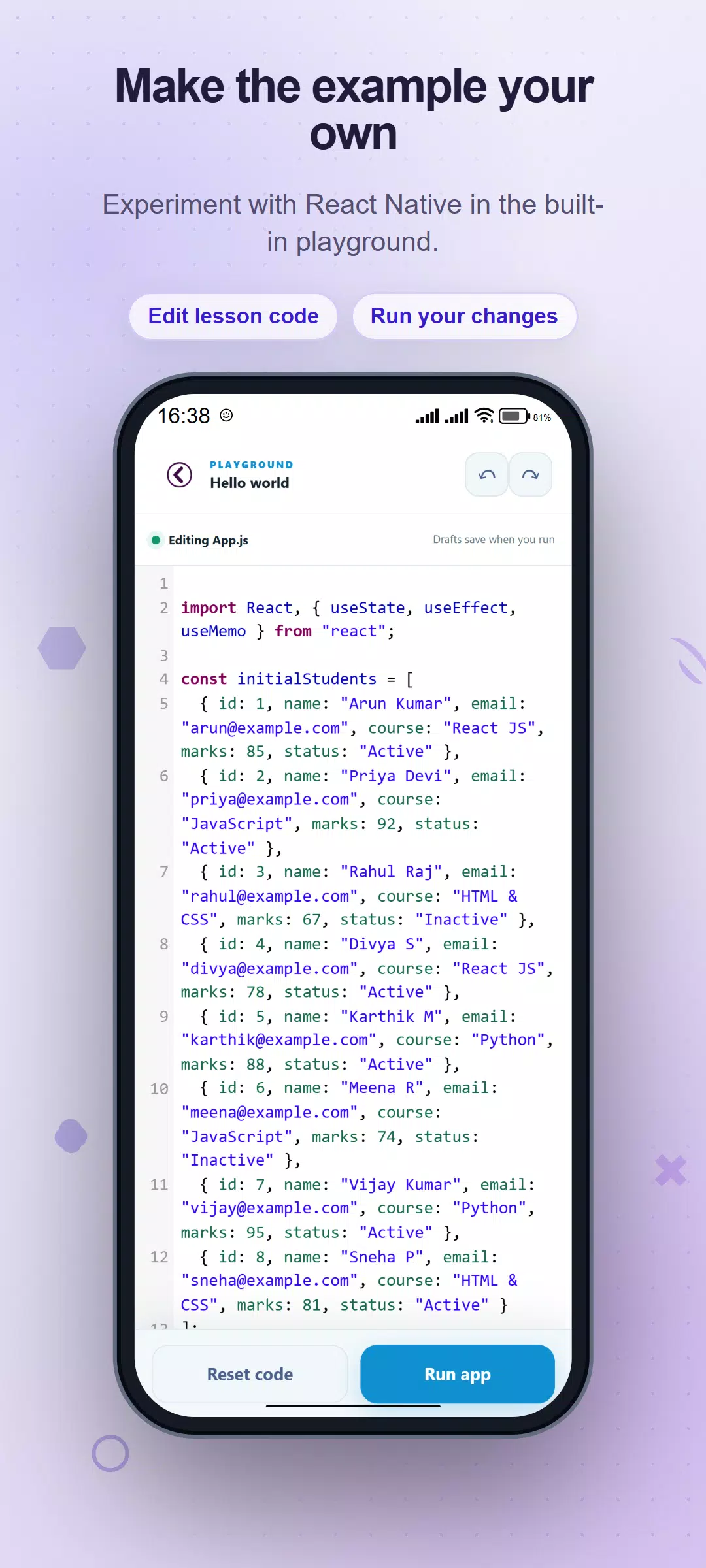
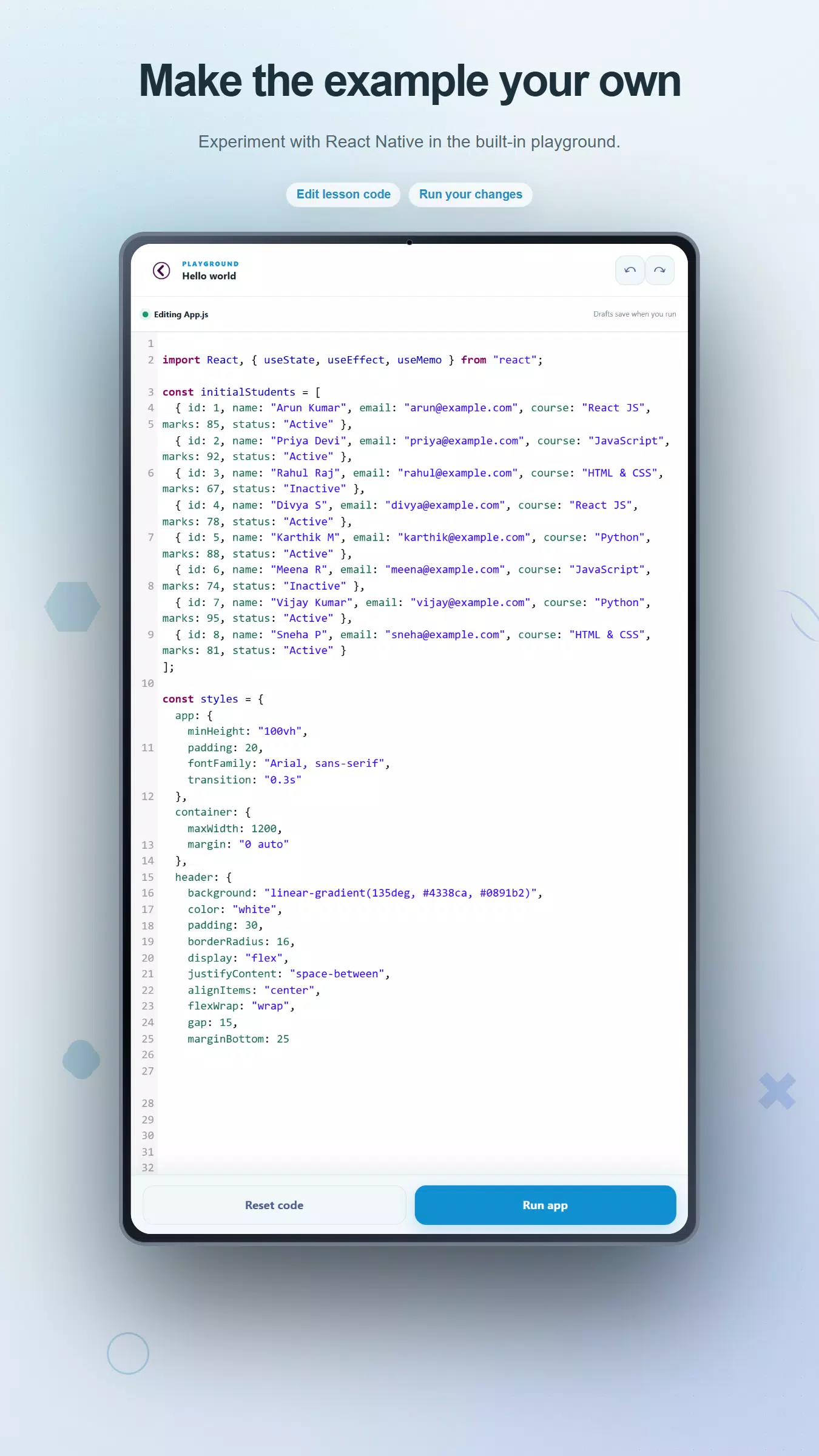
Try your own changes
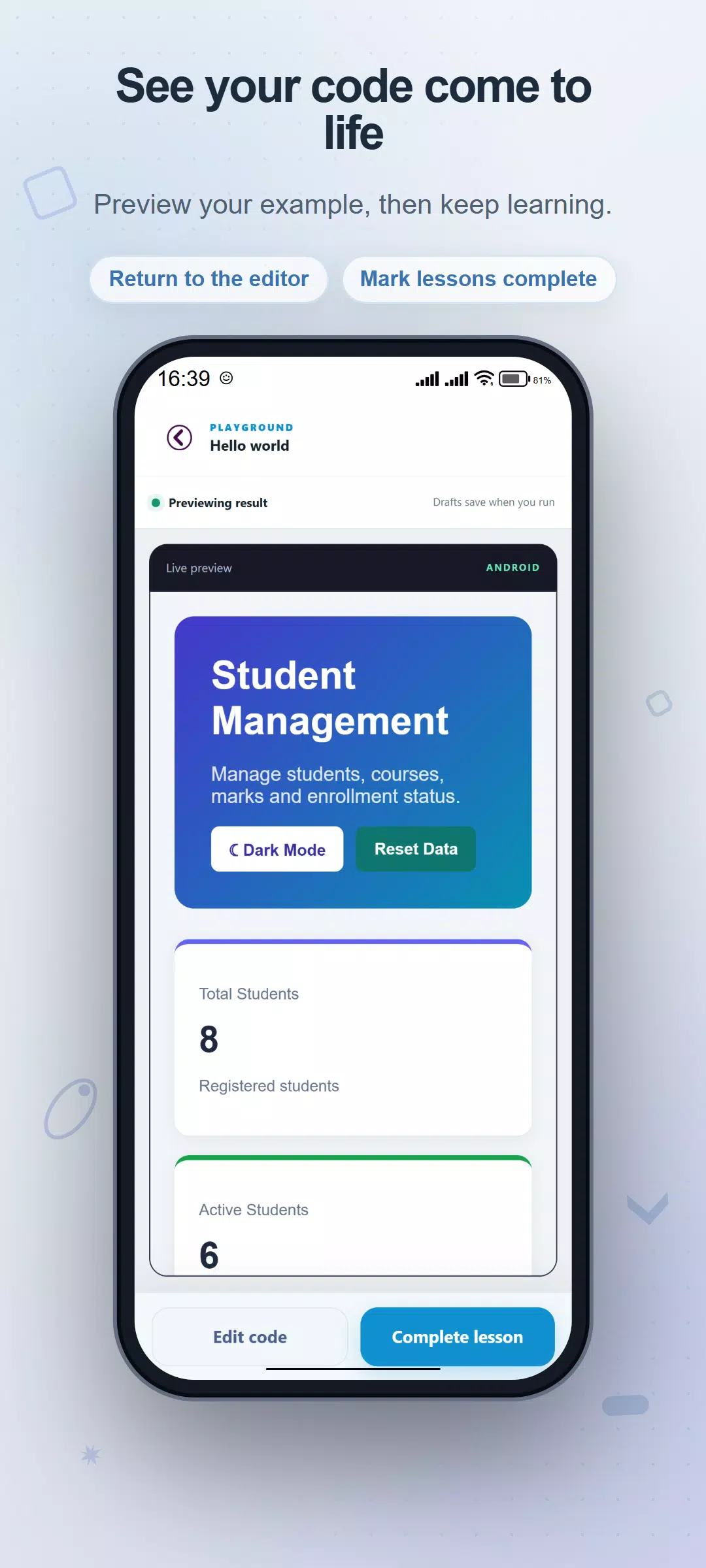
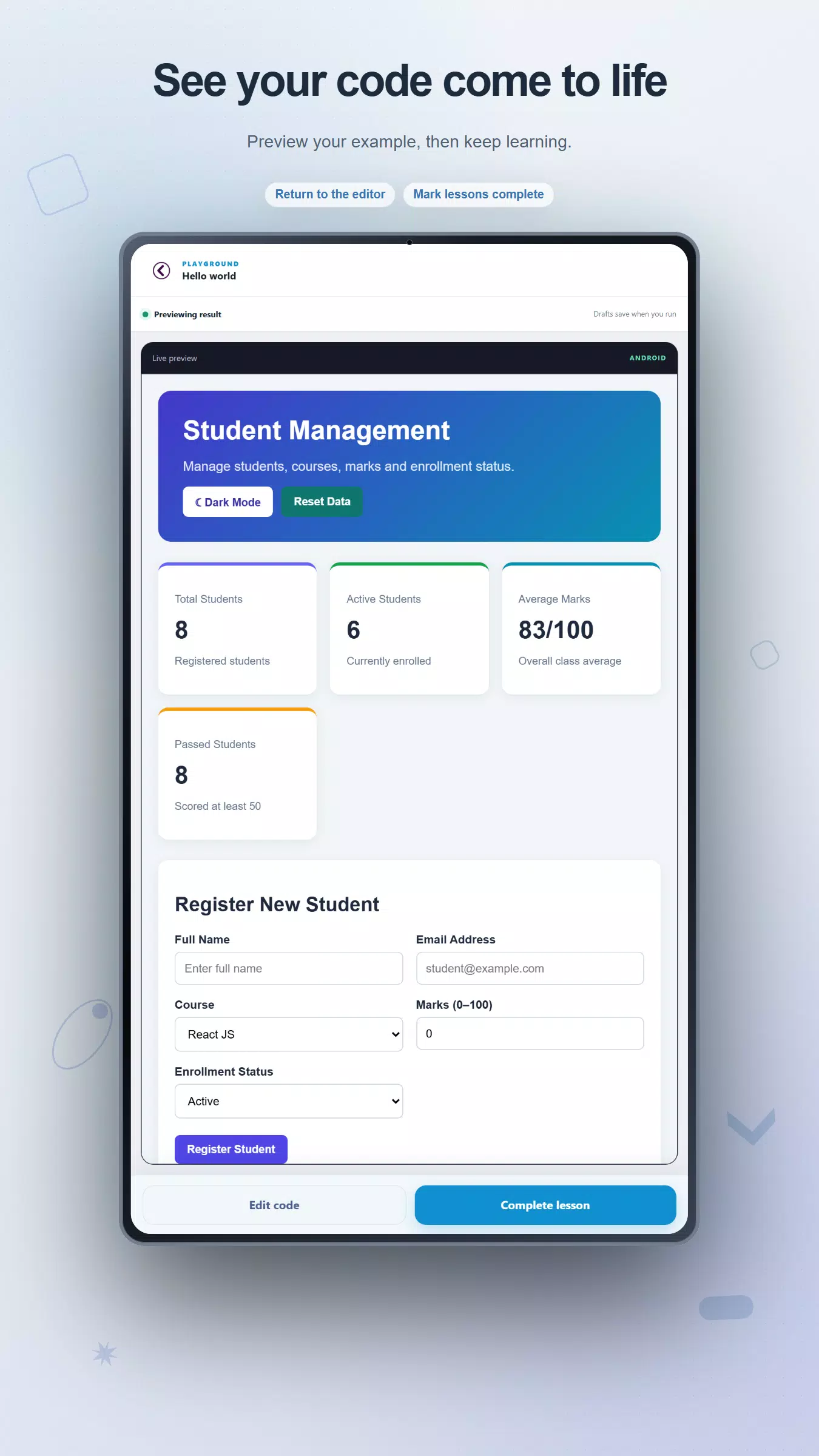
Use the built-in JavaScript and JSX editor to adjust text, values, styles, and component behavior. Syntax highlighting and line numbers make examples easier to follow. Undo and redo help you explore changes, while Reset code restores the starter example. Tap Run app to open the in-app preview, then return to editing for another attempt.
Explore useful patterns
Study controlled inputs, form validation, password visibility, character counters, list filtering, selectable items, and empty states. Practice with counters, timers, a live clock, a temperature converter, a tip calculator, cards, an accordion, simple tabs, and a mini todo list. These are learning examples that let you examine how small pieces of an interface fit together.
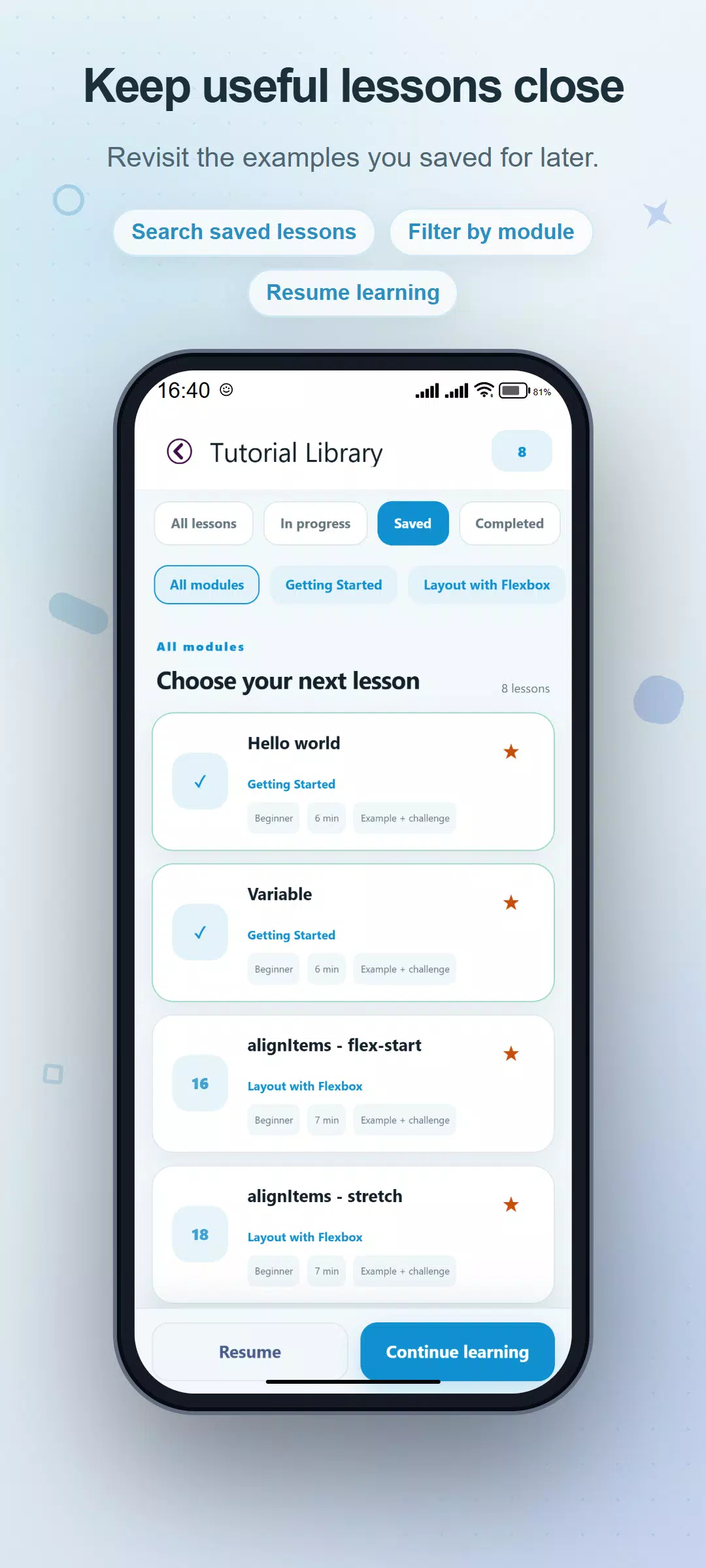
Find the lesson you need
Search lesson titles or narrow the library by module. Switch between all lessons, in-progress lessons, saved favorites, and completed lessons. Use Previous and Next controls or swipe between lessons. When you open a lesson from a filtered library, navigation follows that selection so you can stay with the topics you chose.
Keep track of your learning
Bookmark lessons for review and mark them complete when you are ready. The home screen shows course progress, completed and saved counts, and a study streak. Resume the last lesson or continue to the next unfinished topic. Progress and bookmarks are stored locally on your device.
Return to your experiments
Running an example saves its code as a local draft for that lesson. Reopen the playground to restore the draft, or reset it to return to the original code. This makes it easier to revisit an idea after a break without replacing the starter material.
Choose a comfortable appearance
Select light mode, dark mode, or the system theme for the learning interface. Read a concept, inspect its code, make one focused change, and use the challenge to practice applying it.
Designed for students, beginners with an interest in coding, and developers reviewing mobile interface concepts. Examples run in a web-based preview; platform-specific APIs and behavior can differ from a native app. The app contains advertising. Independent educational app; not affiliated with or endorsed by the React Native project.
Latest Version
3.5Uploaded by
Leandro Silva
Requires Android
Android 7.0+
Category
Free Education AppContent Rating
Everyone
Security Report
Report
Flag as inappropriateLast updated on Nov 1, 2026
This release includes minor bug fixes and general improvements. Update to the latest version for the best experience.



APKPure - A multi-platform app store primarily focused on Android, providing extensive app-related content. Discover the app you want easier, faster, and safer, with quick and efficient downloads and installations.