Download free APK/XAPK files from Google Play Store without a login account.
Install Now

NOT FOR SAMSUNG GEAR S2/S3 – NO TIZEN COMPATIBILITY - Not compatible on Sony Smartwatch 3
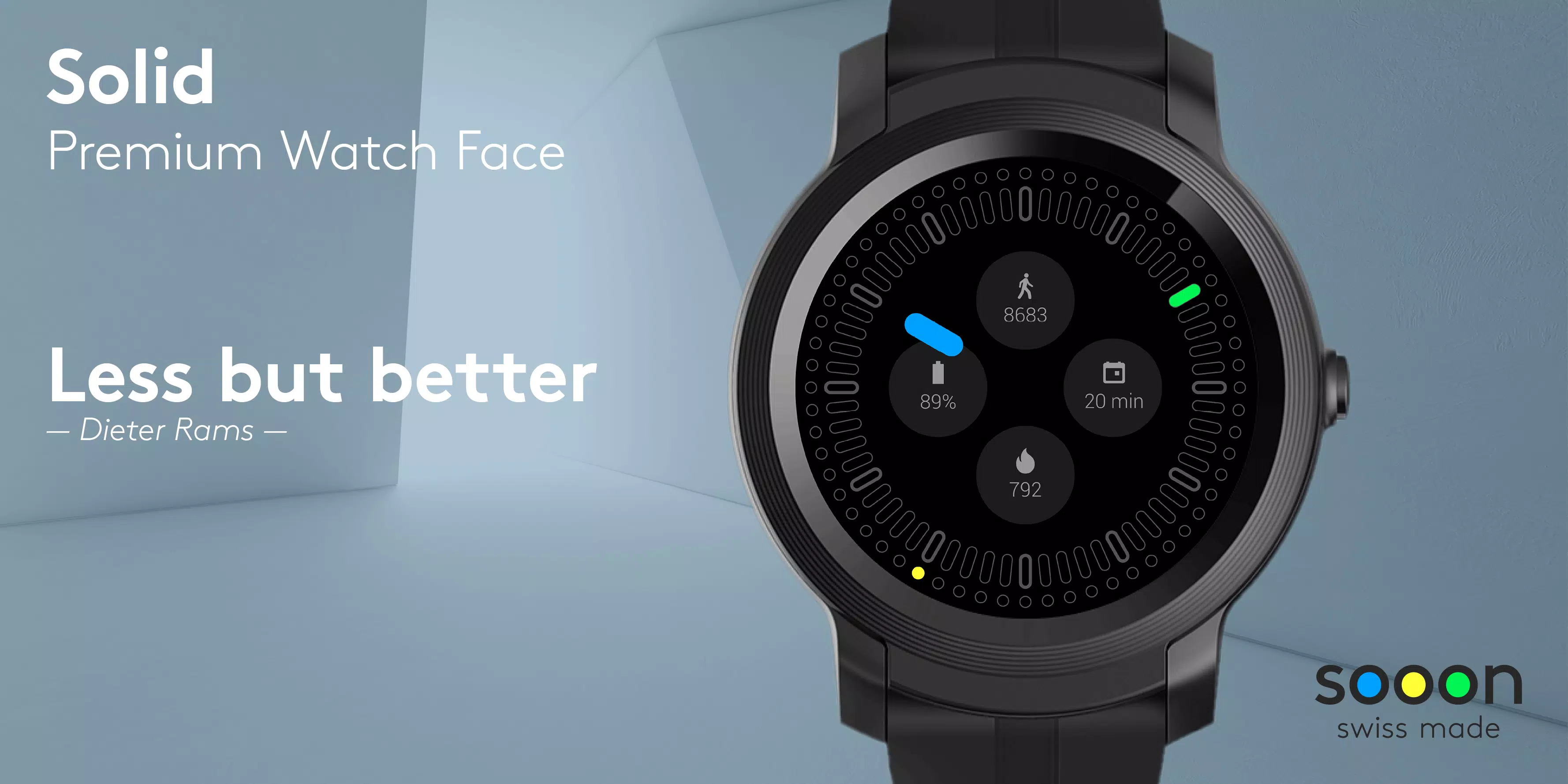
✭✭✭ Solid Watch Face – Less is more✭✭✭
Solid Watch Face, an analog watch face designed to keep things simple, but significant. Inspired by minimal design.
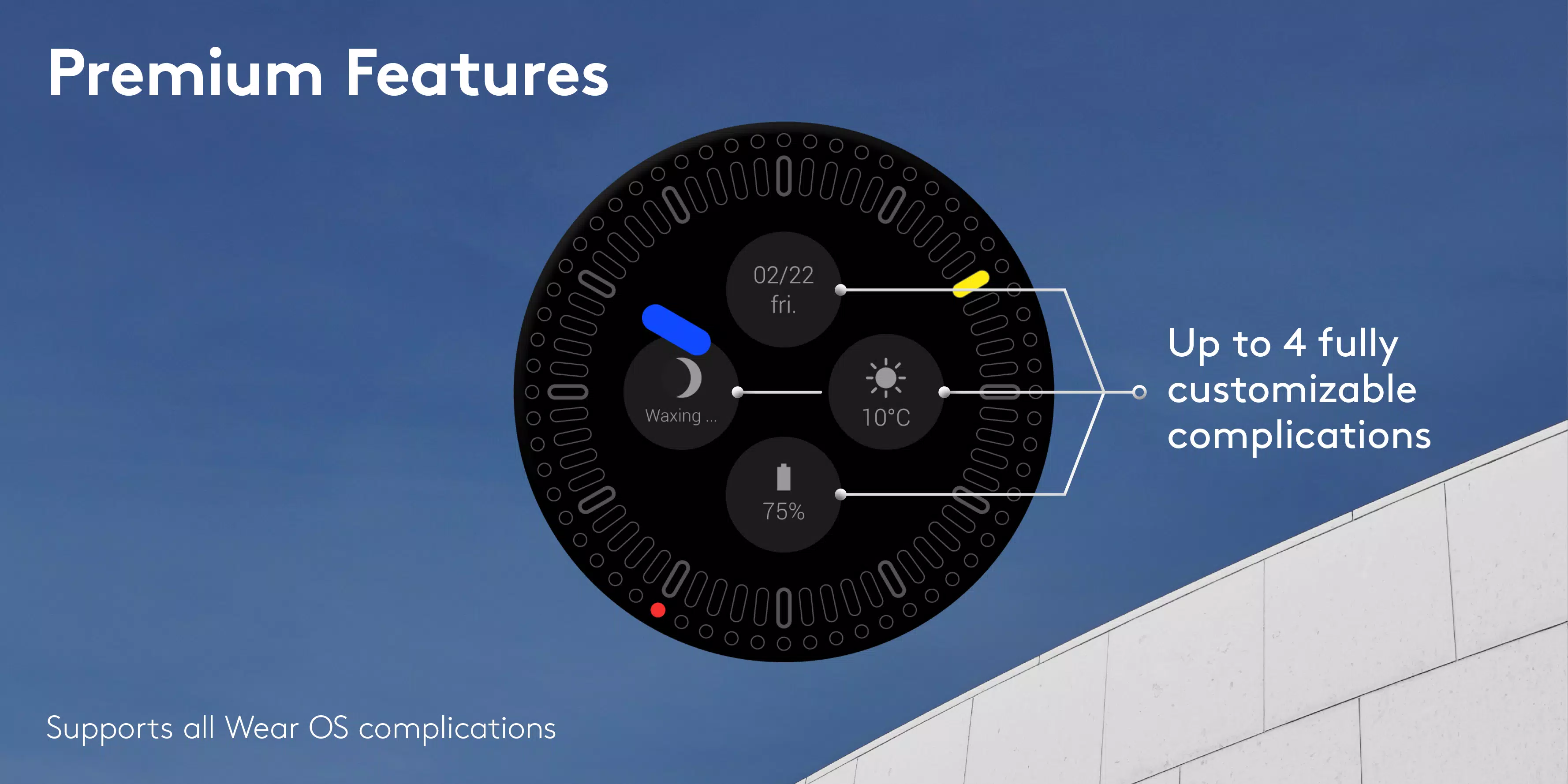
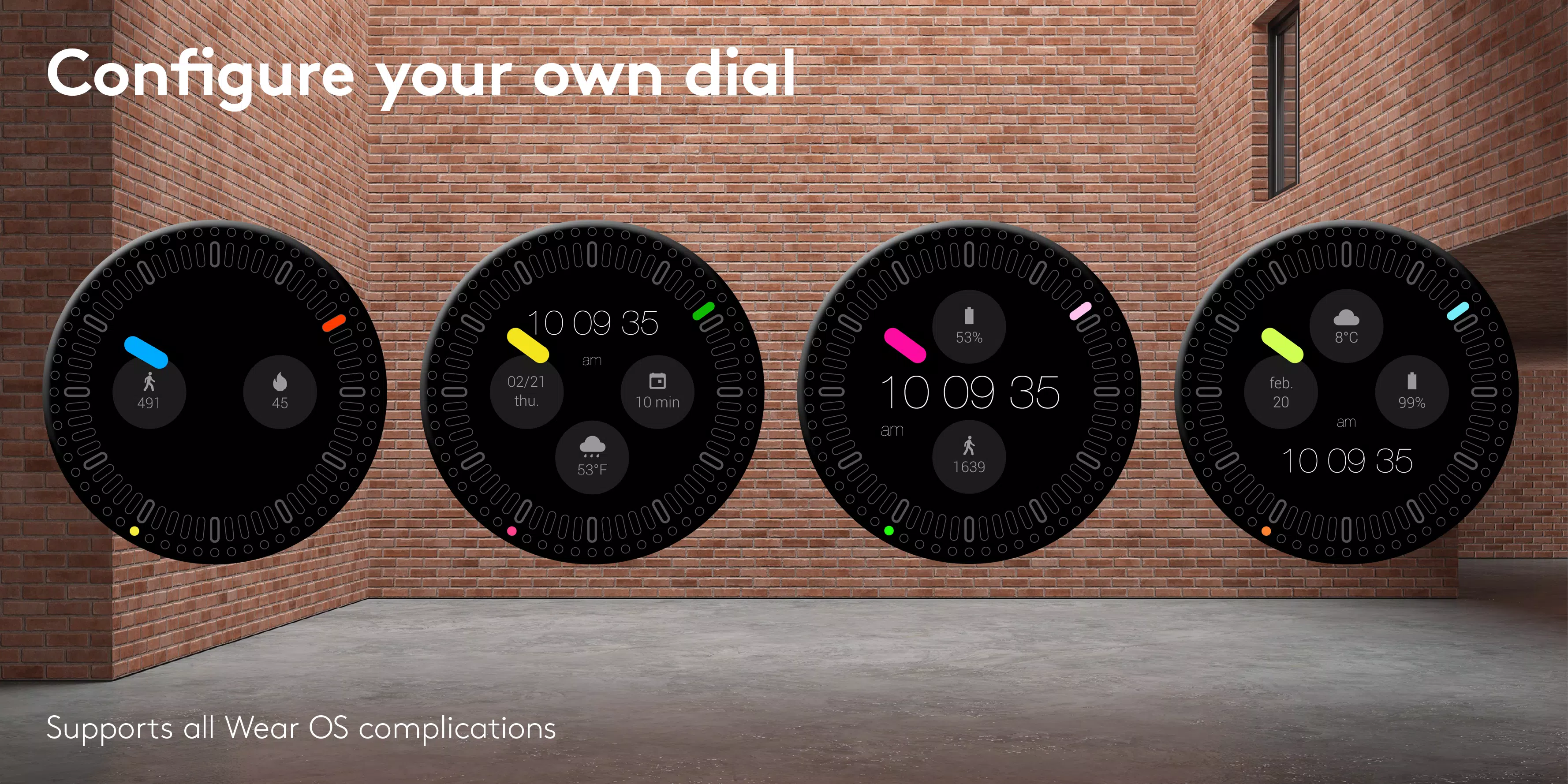
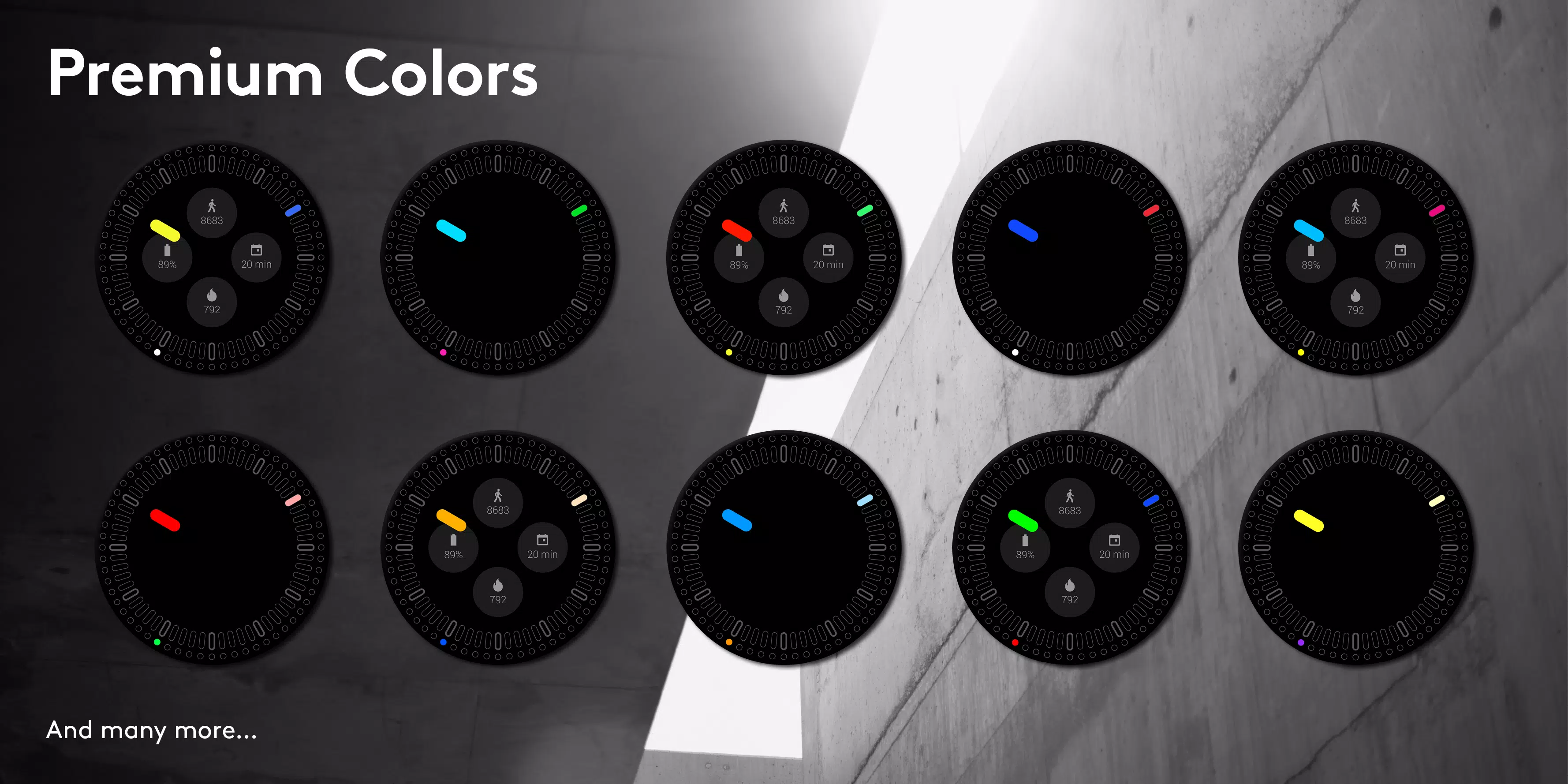
Premium version offers up to 4 fully customizable complications, 20 selected colorways and 2 ambient modes. Digital time display is also a part of Premium option.
Change seconds indicator. Switch between step or fluid movement.
Solid Watch Face: keep the essence of design!
Swiss made watch faces created by experienced watch designers.
Check http://www.white-group.com/
Premium features and settings
• Up to 4 fully customizable complications
• 20 selected color themes
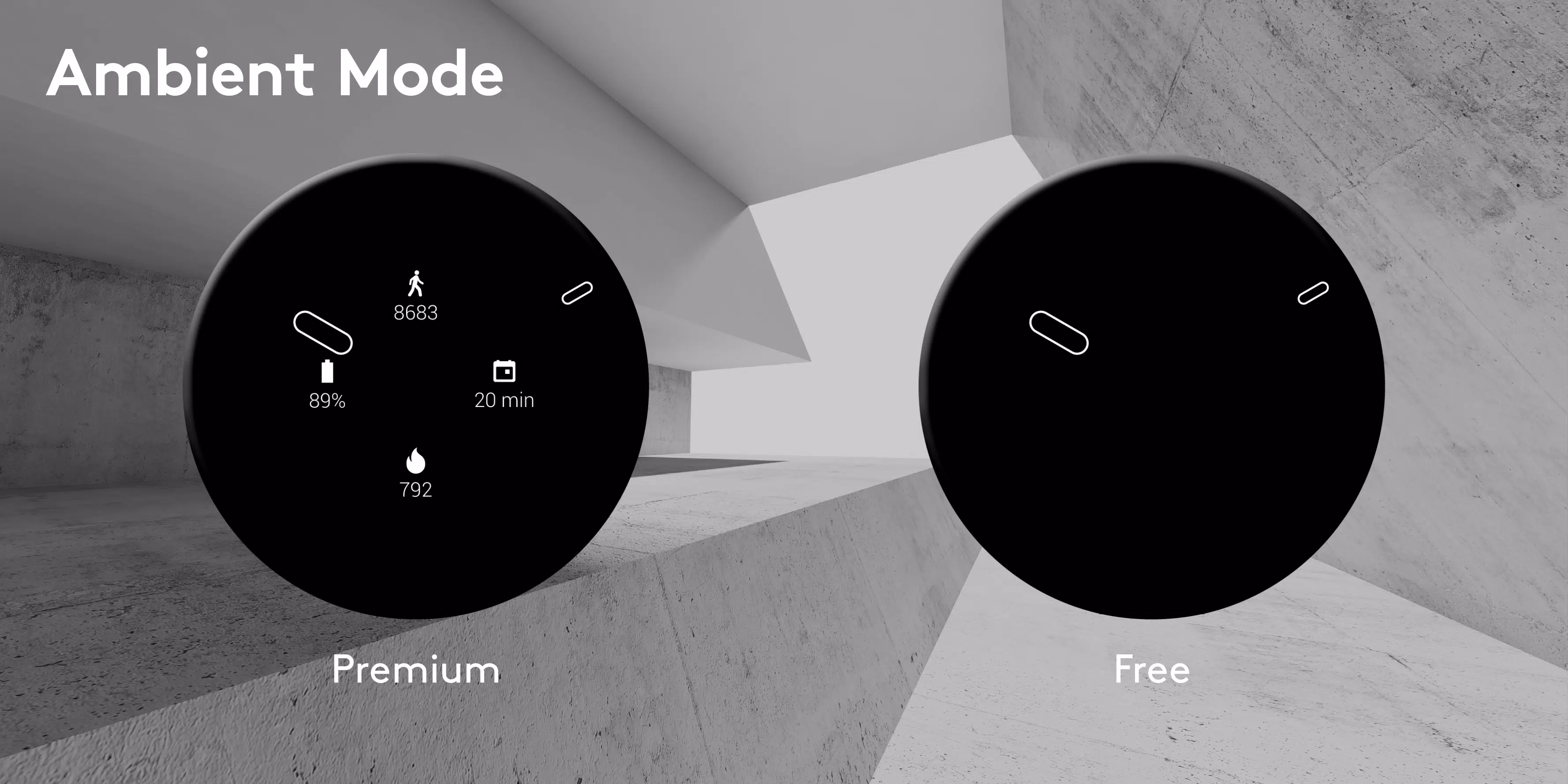
• 2 different ambient modes
• Digital time display
• 2 seconds indicator (Select between fluid or steps)
• Support all Wear OS complications and third party complications
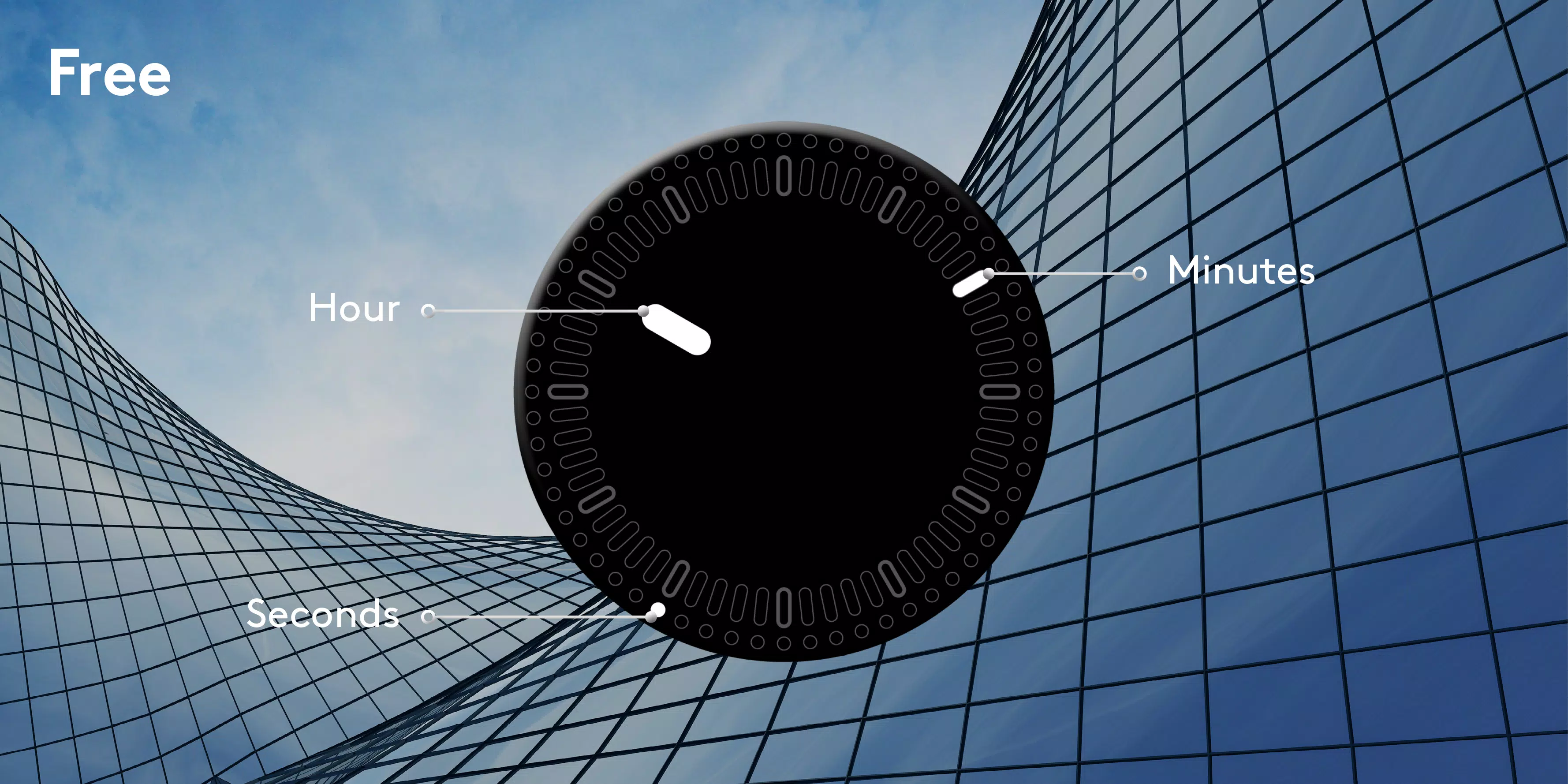
Free features and settings
• Time (Hours Minutes Seconds) supported by Sooon color theme
• Minimal ambient mode
Specifications
• Optimized for low battery consumption
• Developed for Wear OS 2.0
• NOT FOR SAMSUNG GEAR S2/S3 – NO TIZEN COMPATIBILITY – NOT COMPATIBLE WITH SONY SMARTWATCH 3
• No ads
Installation
Wear OS 2.0 – from your smartwatch
1. Open the playstore app via your wear device
2. Download and install the watch face
3. Long press and swipe right to « add more watch faces »
4. Select your new watch face
5. Keep it simple !
Wear 2.0 – from your phone
1. Open the playstore app via your phone
2. Make sure phone is connected to your wear device
3. Download and install the watch face on your phone
4. Within seconds/minutes the watch face will appear on your wear device
5. Make it simple but significant !
Should you experience any problem please contact us instead of smashing us.
We will get in touch with you asap.
Latest Version
1.1.5Uploaded by
Ryan Dänsks
Requires Android
Android 5.0+
Category
Free Personalization AppContent Rating
Everyone
Report
Flag as inappropriateLast updated on Dec 14, 2020
Improve stabilitly



APKPure - A multi-platform app store primarily focused on Android, providing extensive app-related content. Discover the app you want easier, faster, and safer, with quick and efficient downloads and installations.