Download free APK/XAPK files from Google Play Store without a login account.
Install Now
Sticky notes that float over any app: checklists, reminders that read aloud, voice memos, drawings and handwriting scan. Works offline. No ads, no tracking, no account.
WHY STICKYHOVER
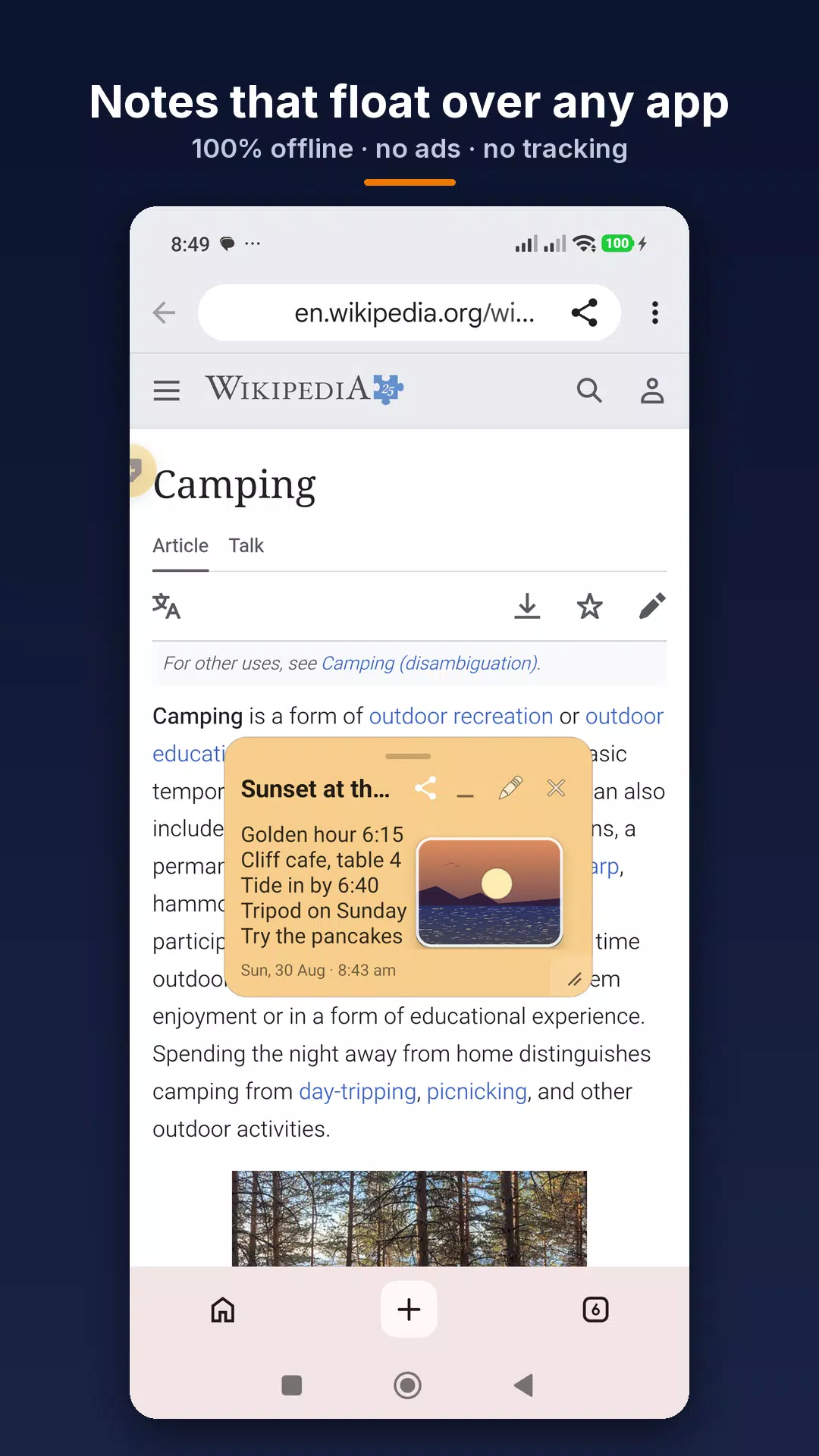
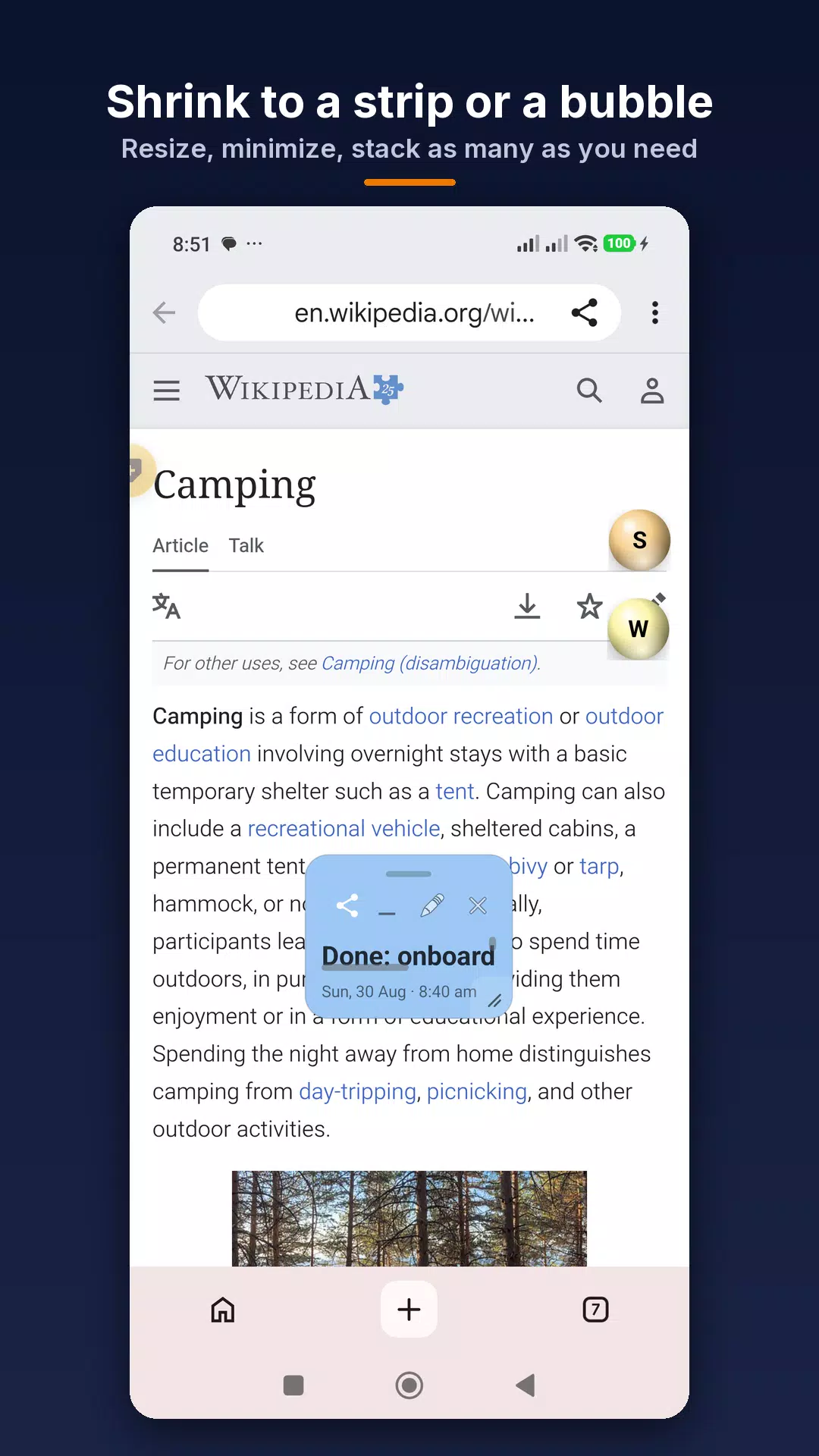
Most notes apps make you switch away from what you are doing. StickyHover keeps the note on screen: write it, tap "Float on screen", and it stays visible above your browser, chat, calendar or trading app. Drag it anywhere, shrink it to a one-line strip or a small bubble, and expand it again with a tap.
FLOATING NOTES (FREE)
• Float any note as a draggable window over other apps
• Resize from a single line to half the screen; long notes scroll inside
• Minimize to a bubble and tap to bring it back
• Quick-add bubble: a tiny "+" that creates a new floating note without opening the app
• Edit the note right where it floats: copy, paste, share, close
WRITE FASTER (FREE)
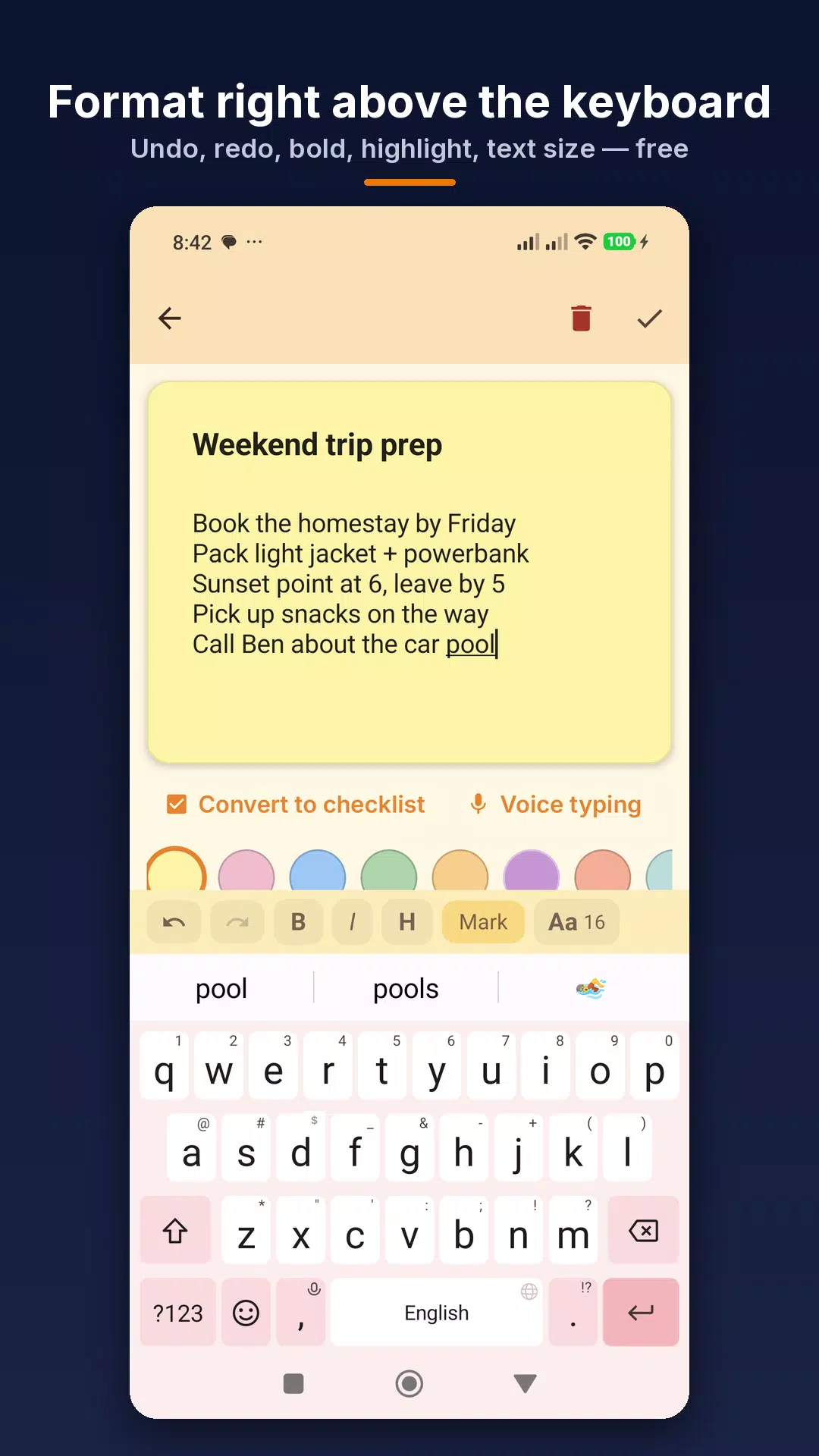
• Undo, redo and text size in a toolbar above the keyboard
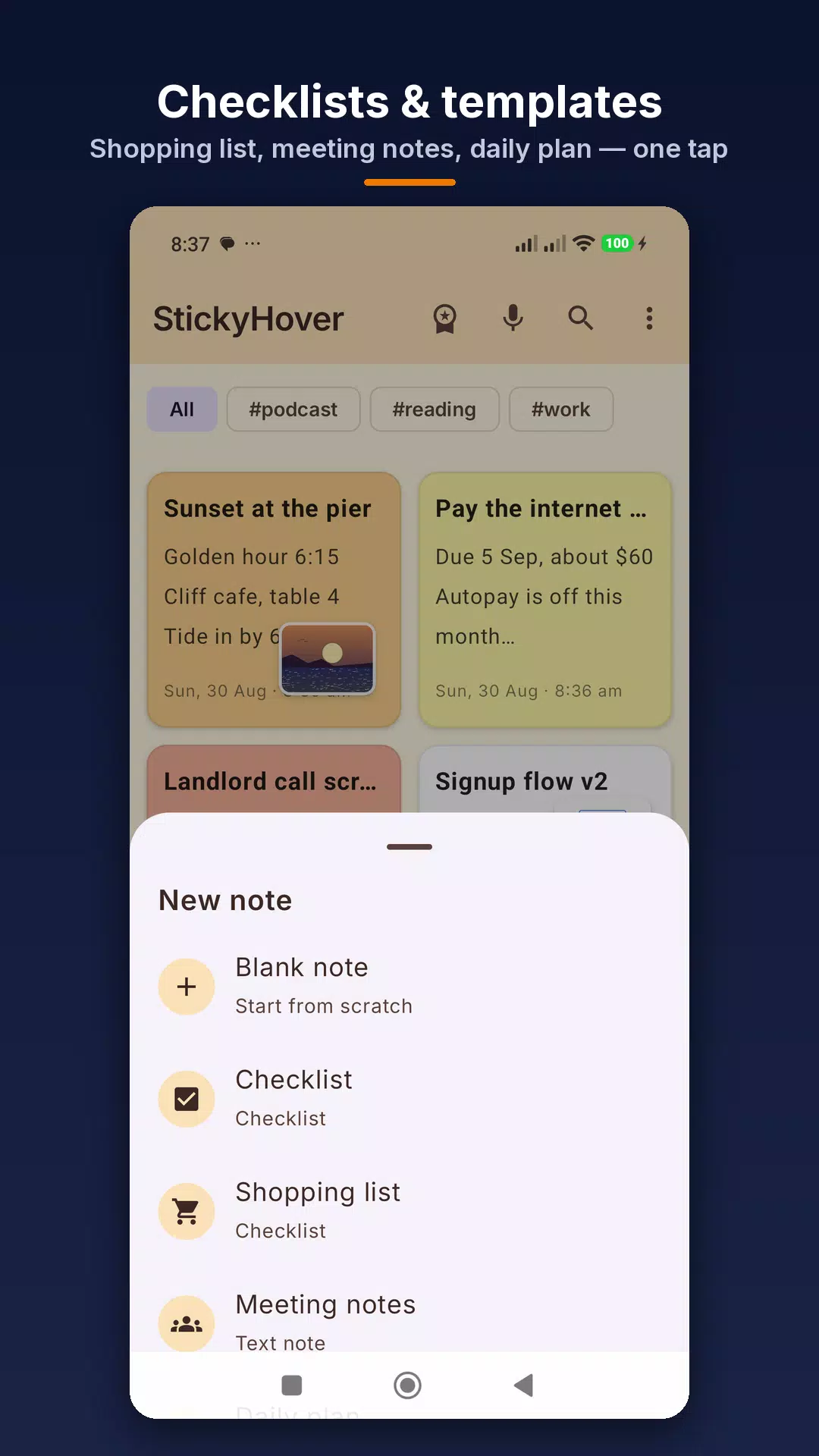
• Checklists: turn any note into a tick-off to-do list
• Templates: shopping list, meeting notes, daily plan
• Scan a handwritten note with the camera and get editable text (on-device OCR)
• Tags, search, pin, drag to reorder, 30-day trash with undo
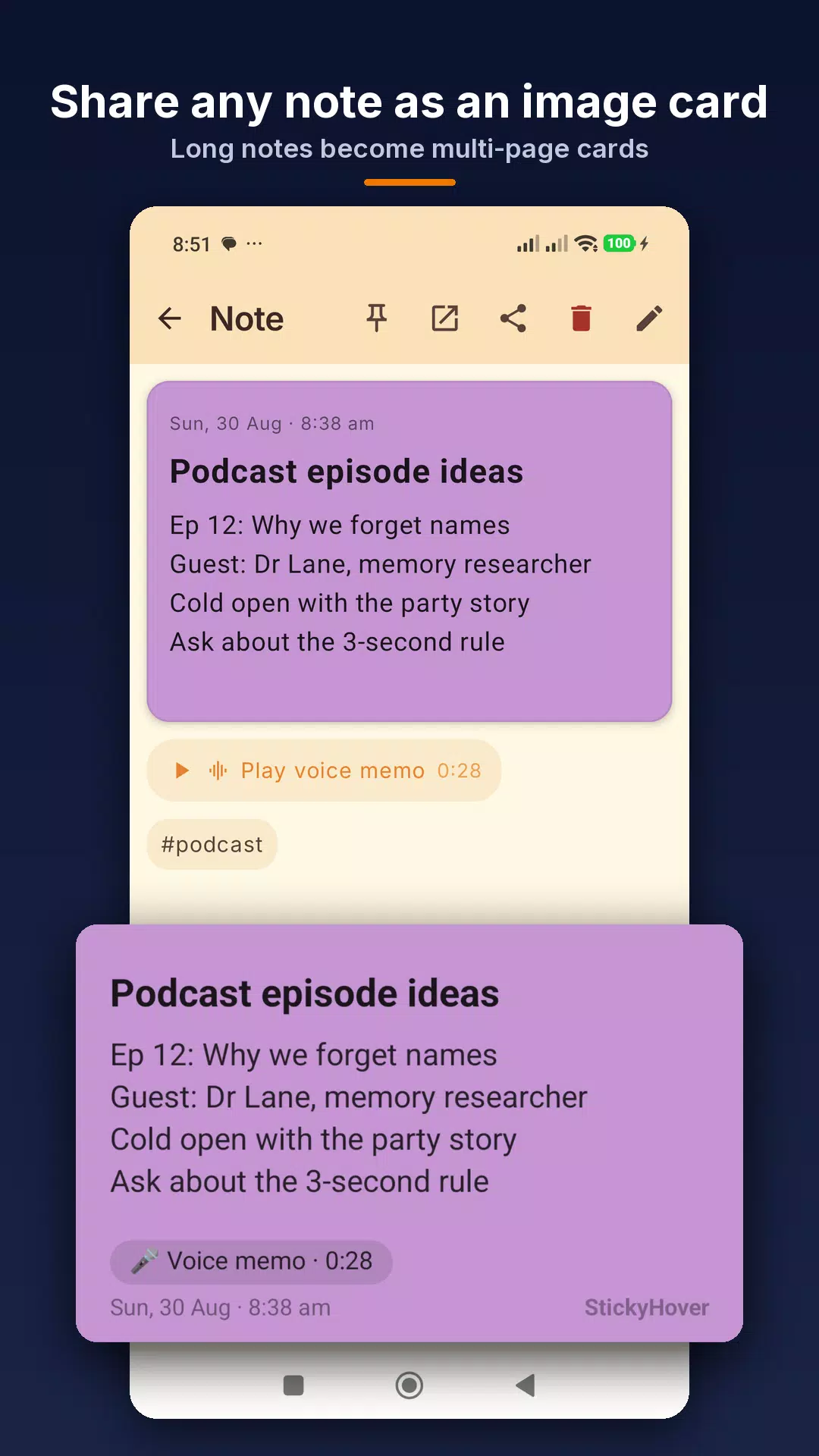
• Share any note as text or as an image card; long notes become multi-page cards
• Date, time and day stamped on every note
• Home screen widget and Quick Settings tile
MAKE IT YOURS (FREE)
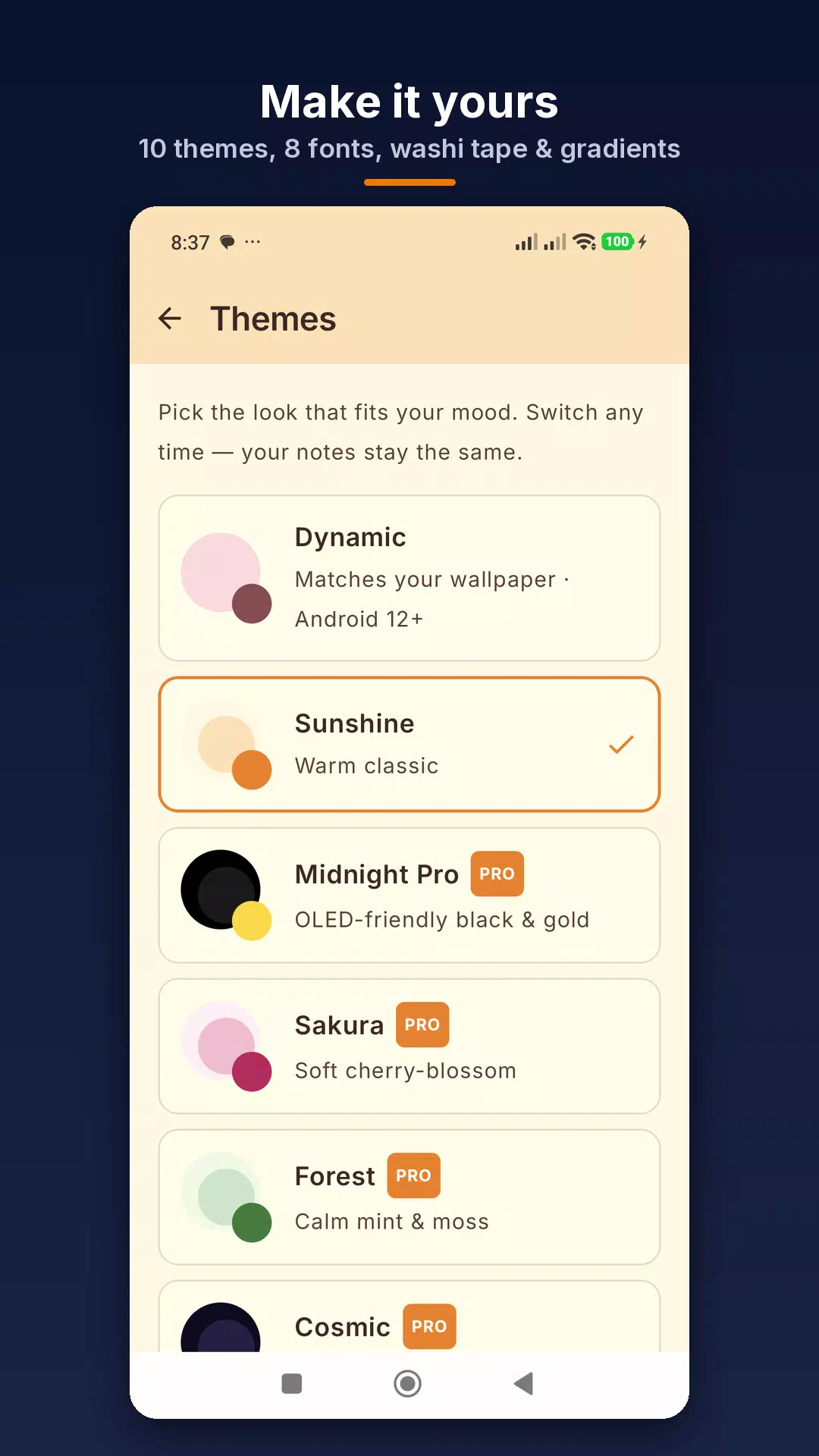
• 10 colours, custom hex colour picker, 8 fonts, per-note text size
• 2 app themes (Sunshine + Material You Dynamic)
STICKYHOVER PRO
• Unlimited floating notes at once, with card-deck stacking, spring drag, edge snap and glass blur
• Per-app context: a note that appears only when a specific app is open
• Bold, italic, headings and highlight in the keyboard toolbar
• Voice typing: dictate instead of typing
• Washi tape and gradient backgrounds
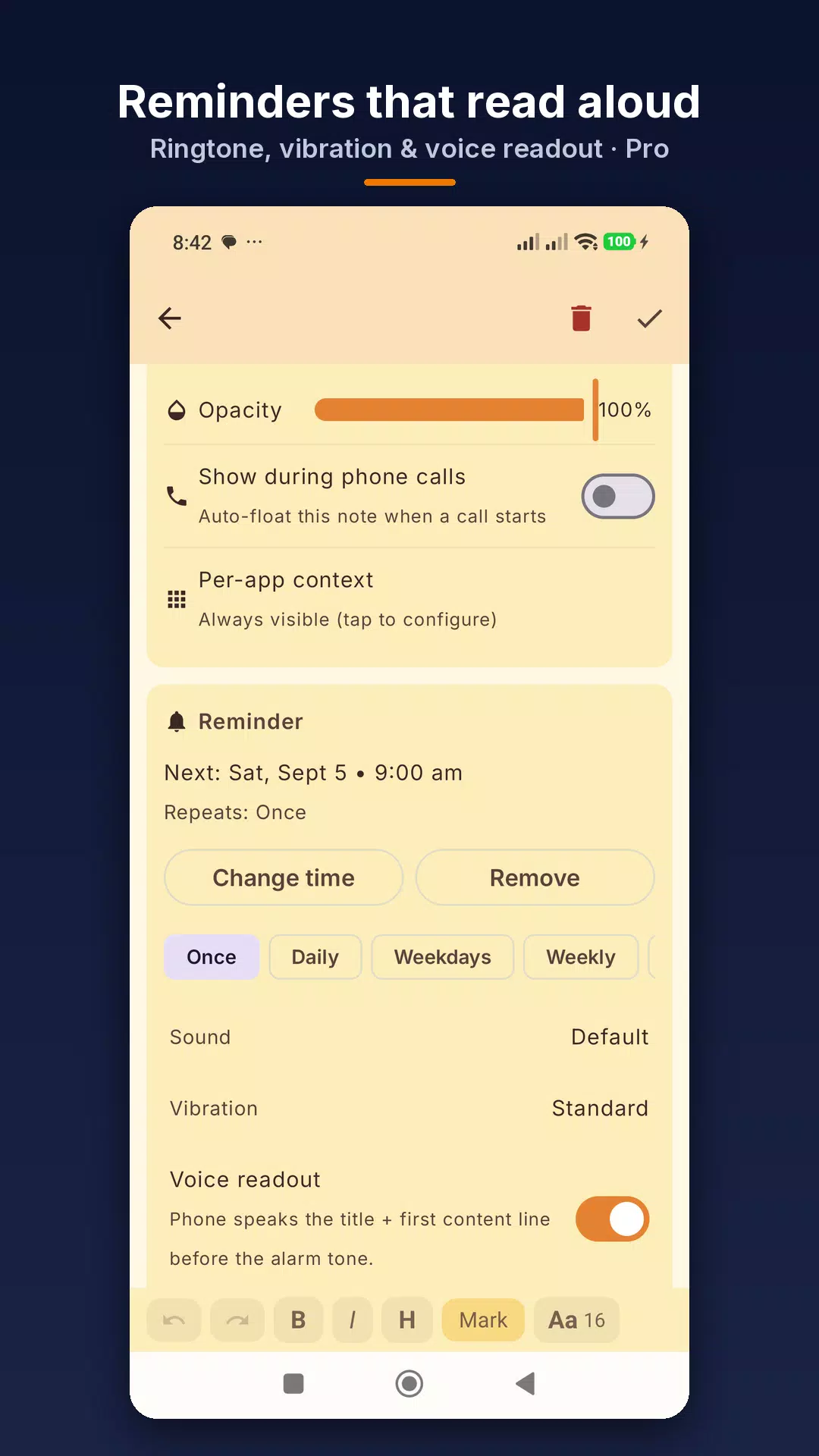
• Reminders that read the note out loud, with your ringtone and vibration pattern
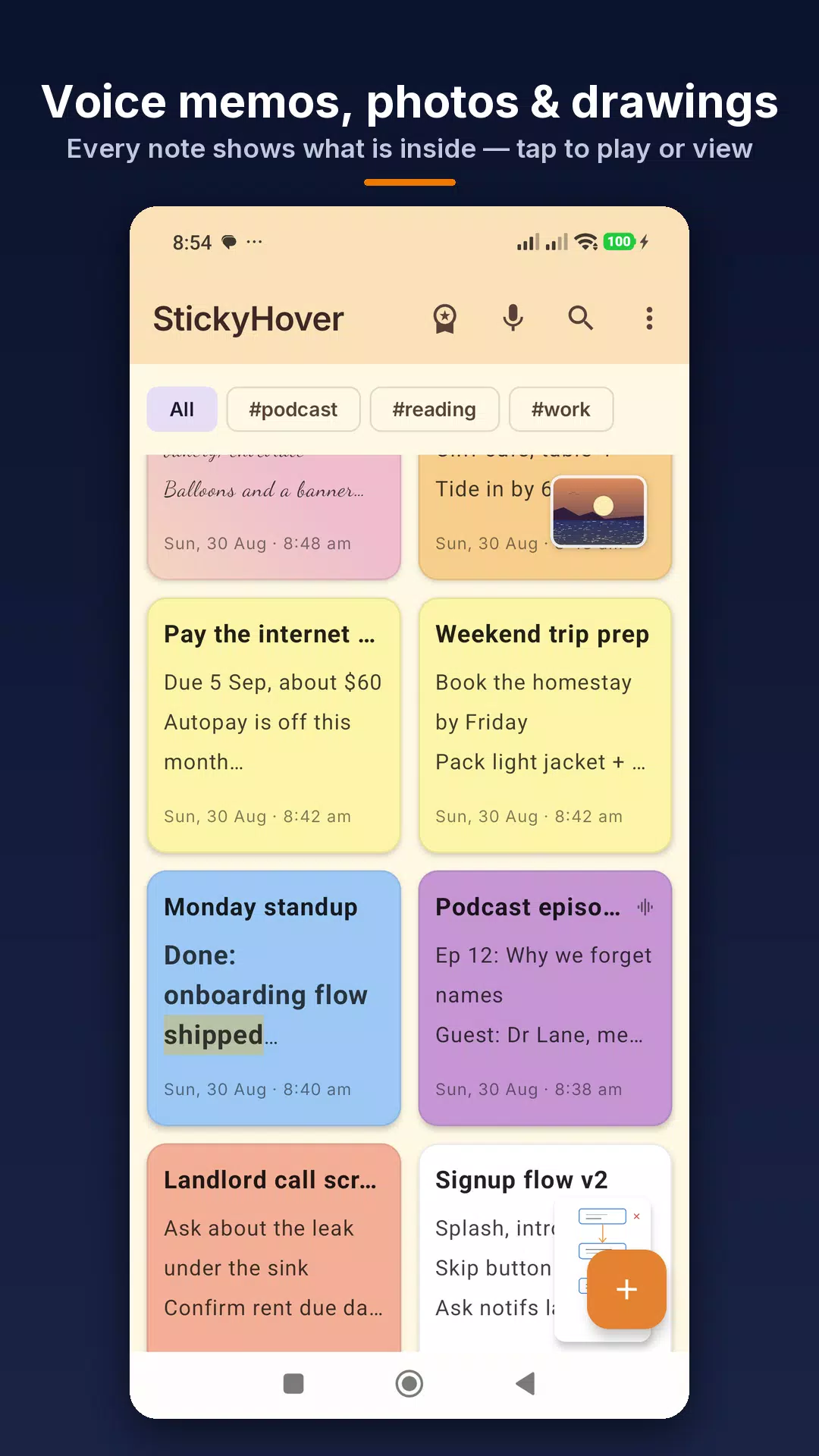
• Voice memos, photo attachments and finger drawings on any note
• OCR bubble: capture text from any screen into a new note
• Call notes: a chosen note floats when a phone call starts
• Lock notes behind fingerprint or screen lock
• 8 more themes, 4 launcher icons, 4 bubble icons, 7 minimized-note shapes
• Cloud backup to your own Google Drive; restore on any phone
Pro is an annual subscription with a 7-day free trial, a monthly subscription, or a one-time lifetime purchase. Subscriptions renew automatically unless cancelled in Google Play at least 24 hours before the period ends.
PRIVACY
No analytics, no crash reporters, no advertising IDs. OCR and voice readout run on your device. Voice typing uses your phone's speech recogniser, on the device on Android 13+ when available. StickyHover sends nothing off your phone unless you turn on Drive backup, which uploads only to your own Drive app folder.
PERMISSIONS
• Display over other apps: to float a note. Without it, StickyHover works as a regular notes app.
• Usage access: only for Pro per-app context; reads the foreground app name, never its contents.
• Notifications: reminders and the floating-note service.
• Phone state: only for Pro call notes; reads the call state, never numbers or audio.
• Screen capture: only when you tap the OCR bubble; Android asks each time.
Privacy policy: https://stickyhover.com/privacy-policy.html
Support: info@stickyhover.app
Latest Version
1.31.0Uploaded by
Alexis Emma
Requires Android
Android 7.0+
Category
Free Productivity AppContent Rating
Everyone
Security Report
Check Now
Report
Flag as inappropriateLast updated on Oct 28, 2026
What's new in 1.31:
• Write by hand with your finger or a stylus (Pro); long-press it on a floating note to keep writing
• Raised 3D icons that press in when you tap
• The mic turns red and moves with your voice while you dictate or record
• New "Float" button on open notes; the app then steps aside
• Shared notes keep their title; email apps use it as the subject
• Dictating in English? Say "comma", "period", "question mark" or "new line"
• Fixed notes shared into the app being saved twice



APKPure - A multi-platform app store primarily focused on Android, providing extensive app-related content. Discover the app you want easier, faster, and safer, with quick and efficient downloads and installations.