Download free APK/XAPK files from Google Play Store without a login account.
Install Now


Tailscale helps when you need private access to servers, laptops, phones, and lab equipment from anywhere. It uses a WireGuard based approach to form private connections that follow your identity rather than changing IP numbers. As you sign in, your devices join a single tailnet that stays consistent across home, office, and cloud. This reduces the need for port forwarding and avoids exposing services to the public internet. Install the Tailscale APK to register your Android device and keep it reachable by name inside your tailnet.
Identity based access control
Tailscale lets you define who can reach what by users, groups, tags, and devices. Policies stay clear and consistent from end to end, so access follows people as they move between phones and laptops. This replaces fragile IP allowlists and keeps management tied to identity.
WireGuard powered mesh connectivity
Beyond access rules, Tailscale builds a mesh overlay on WireGuard instead of a hub and spoke tunnel. That design removes single points of failure and keeps connections responsive across changing networks. It also handles NAT traversal and blocked ports, so devices can talk even on hotel wifi or carrier networks.
Cross platform clients and integrations
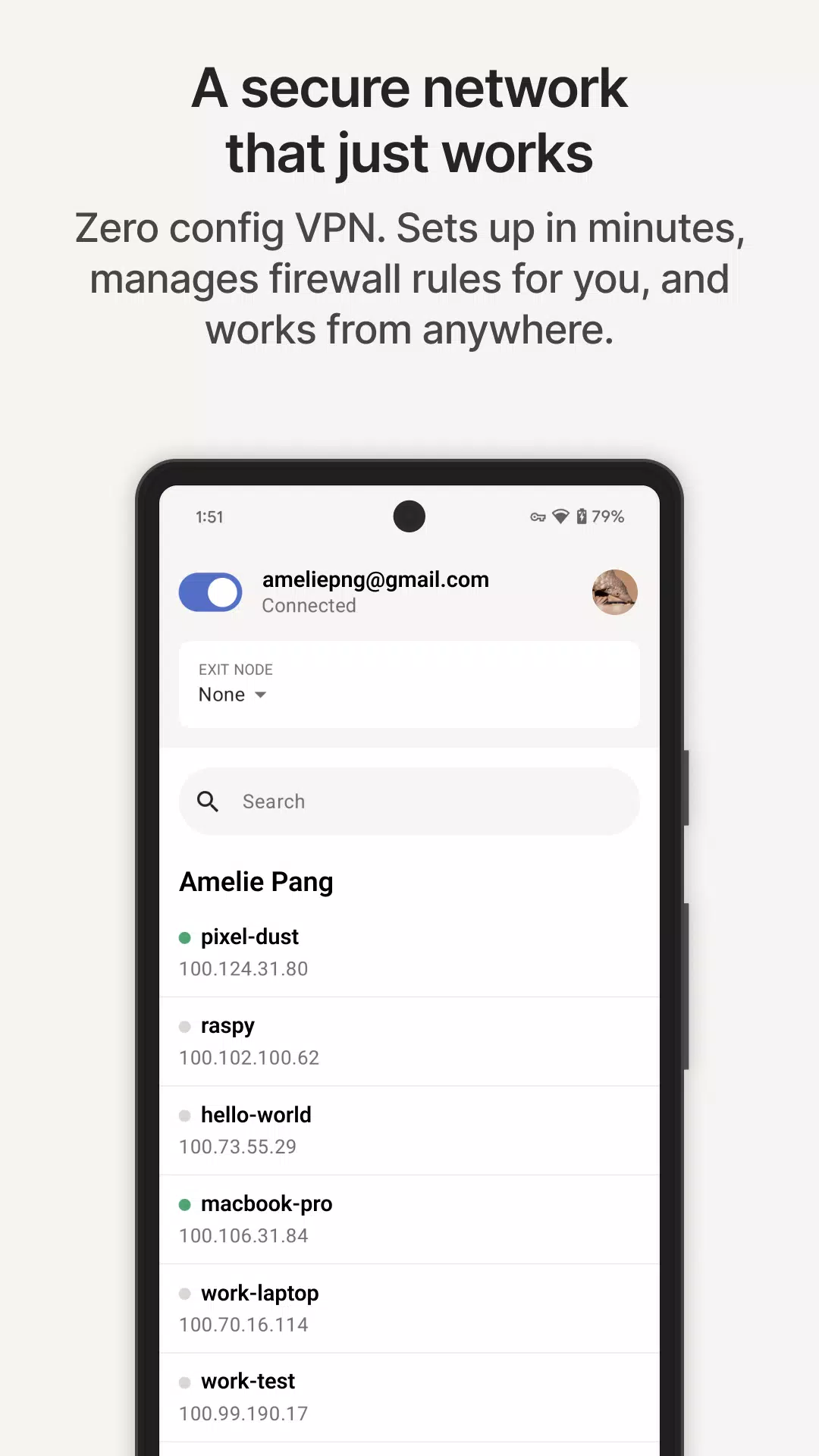
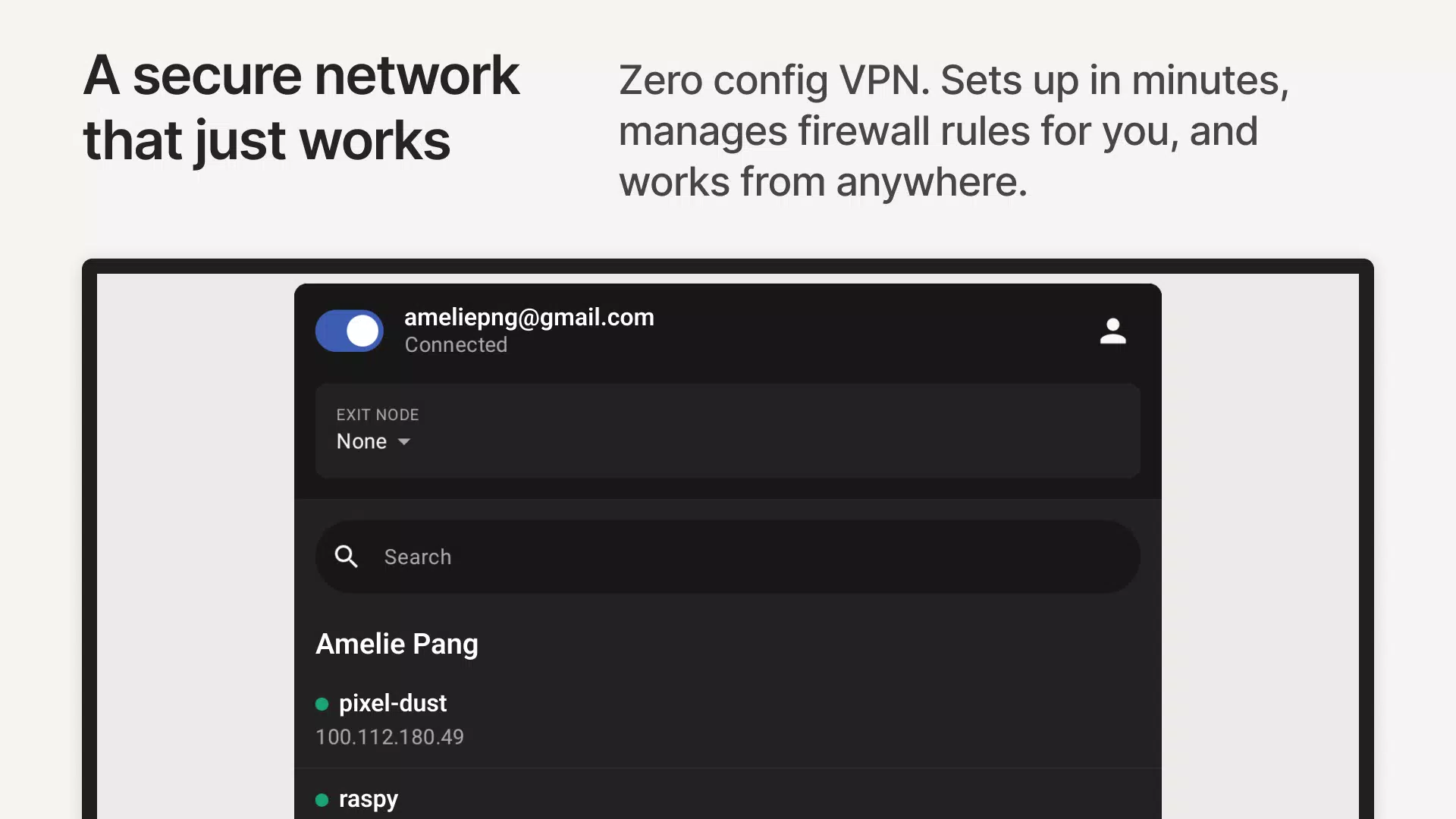
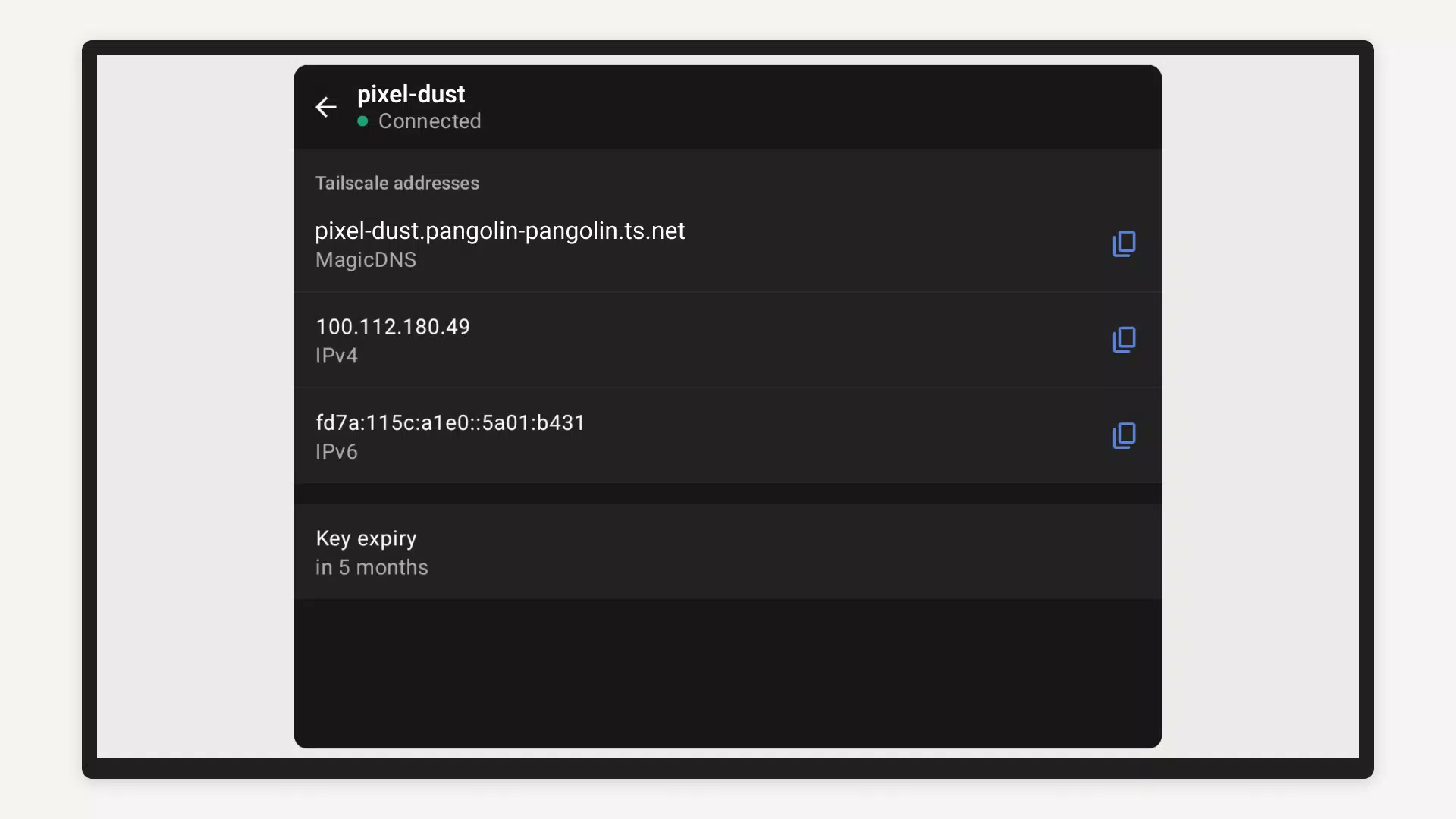
In addition, you can use Tailscale on Android, iOS, macOS, Windows, Linux, and tvOS. Sign in with major identity providers and keep the same rules across platforms. On Android, you can start or stop the connection and view device names with their stable Tailscale IPs for quick access.
Connect workloads without public exposure
For infrastructure needs, Tailscale links Kubernetes clusters, CI or CD runners, internal tools, and SaaS services without opening them to the internet. For example, you can reach a private build agent, an internal dashboard, or admin access to servers over your tailnet. This supports hybrid and multi cloud setups and avoids the need for bastion hosts, while also helping secure edge fleets, IoT deployments, and AI agents.
Bring legacy and LAN devices into your tailnet
Finally, you can use subnet routing to reach printers, NAS, or lab gear that cannot run a client. Deployment is incremental and hardware agnostic, so you keep your current switches and add devices as needed. This approach extends private access to entire segments without a network redesign.
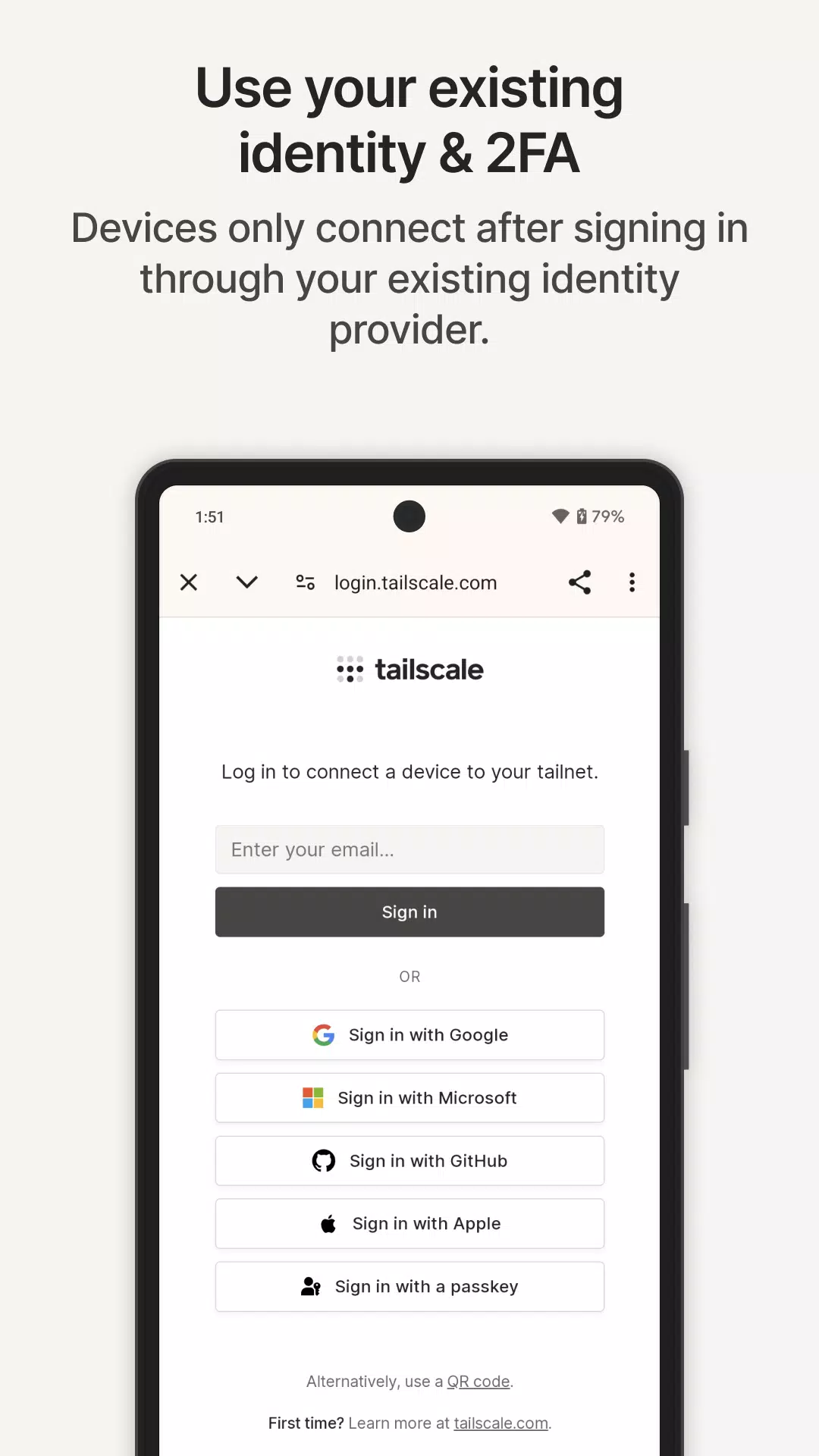
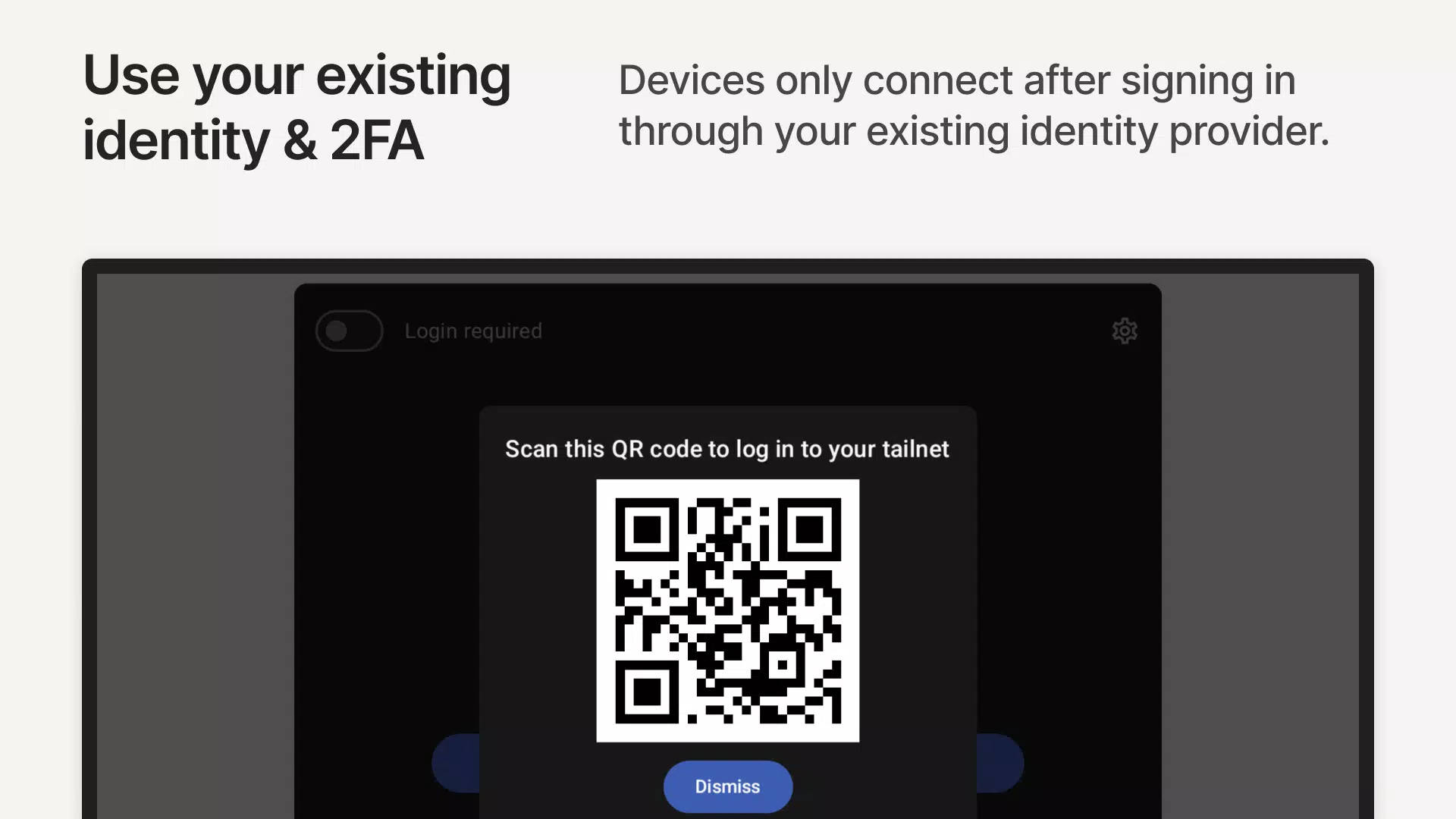
When you download Tailscale, expect to sign in with an identity provider account so your phone joins the right tailnet. Devices appear with human readable names and stable Tailscale IPs, which makes it easier to find and reach the right target. Access is managed by identity based policy, so an administrator can grant or limit reach to sensitive services. Typical use cases include homelab remote access, internal admin access for teams, edge and IoT rollouts, and linking AI agents without public exposure.
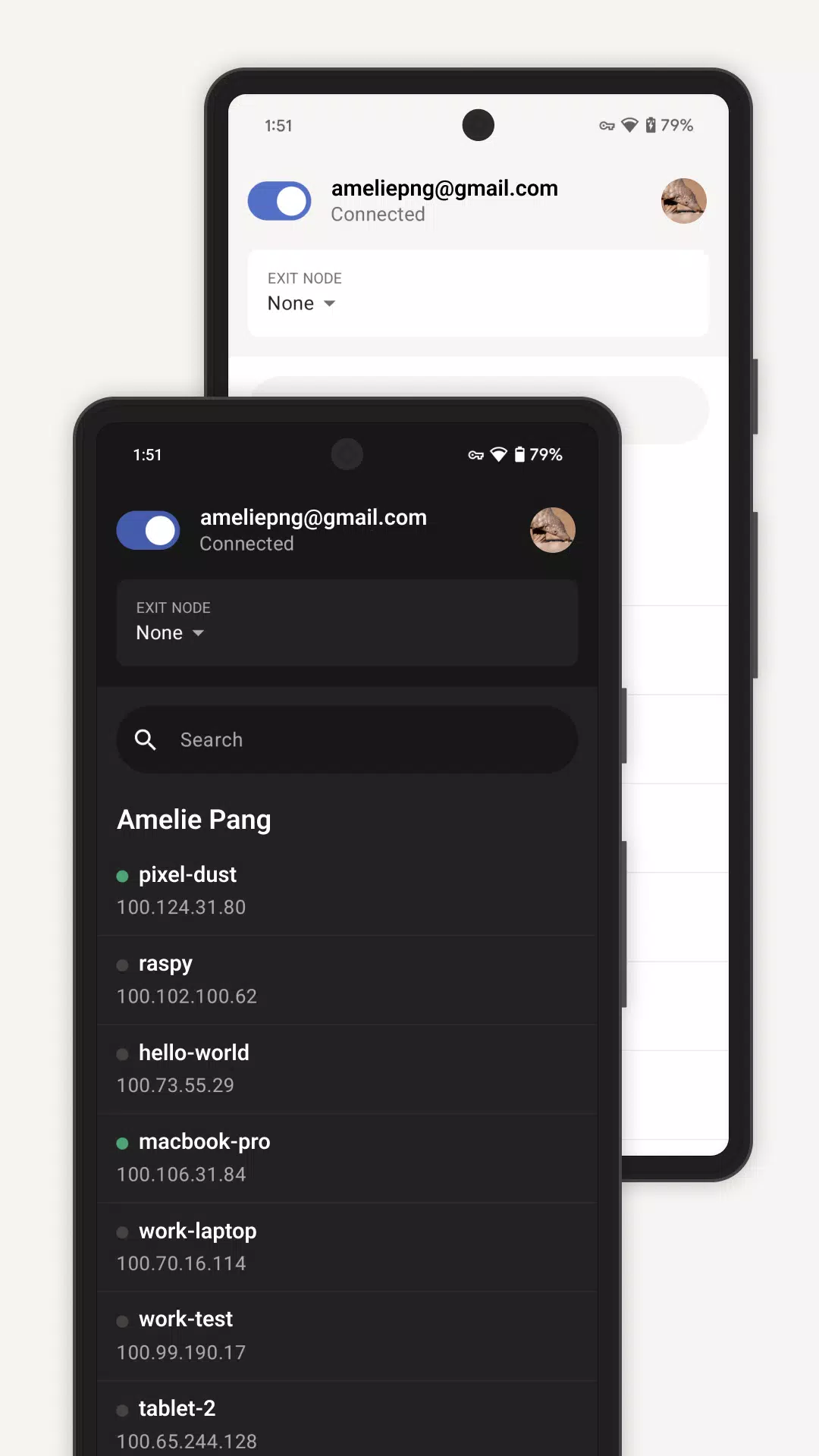
After setup, the Android app shows your connection status and a list of devices in your tailnet with their names and addresses. You can toggle the connection when needed and keep it active while you work. If your organization allows exit nodes or other routing options, you may see those choices inside the app. When a subnet router exists on your network, you can reach legacy devices by using the names or Tailscale IPs shown.
After you download Tailscale, setup is straightforward and focuses on identity based sign in. The app forms private connections for your phone without exposing services to the public internet. Follow the steps below to get connected.
Install and open Tailscale on your phone, then allow the VPN permission when prompted.
Sign in with your personal or organization account to join or create your tailnet.
Confirm your device name so it registers, and note the stable Tailscale IP shown in the app.
Keep Tailscale active to see other devices, then use their names or IPs in your browser, SSH client, or remote desktop app.
To reach legacy devices, ensure a subnet router is set up on your network, then connect using the addresses displayed in the app.
Tailscale creates a Zero Trust mesh for people, devices, and workloads using WireGuard. It fits both personal labs and enterprise fleets while respecting existing networks. Get the Tailscale latest version to set up identity based access on Android and connect across home, office, and cloud.
Latest Version
1.98.8-t1241b225b-gbcbaf1889Uploaded by
Edd Barbarona
Requires Android
Android 8.0+
Category
Free Tools AppContent Rating
Everyone
Security Report
Report
Flag as inappropriateLast updated on Jun 30, 2026
Fixed: An issue causing connectivity disruptions when the operating system wakes from sleep in wireguard-go is resolved.
Fixed: An issue causing excessive handshake initiation retries in wireguard-go is resolved.

APKPure - A multi-platform app store primarily focused on Android, providing extensive app-related content. Discover the app you want easier, faster, and safer, with quick and efficient downloads and installations.