Download free APK/XAPK files from Google Play Store without a login account.
Install Now

The Termux:Boot add-on provides functionality to run scripts in Termux when the device boots up. Note that this is an add-on that requires the base Termux app to be installed.
Usage:
- Start the Termux:Boot app once by clicking on its launcher icon. This allows the app to be run at boot.
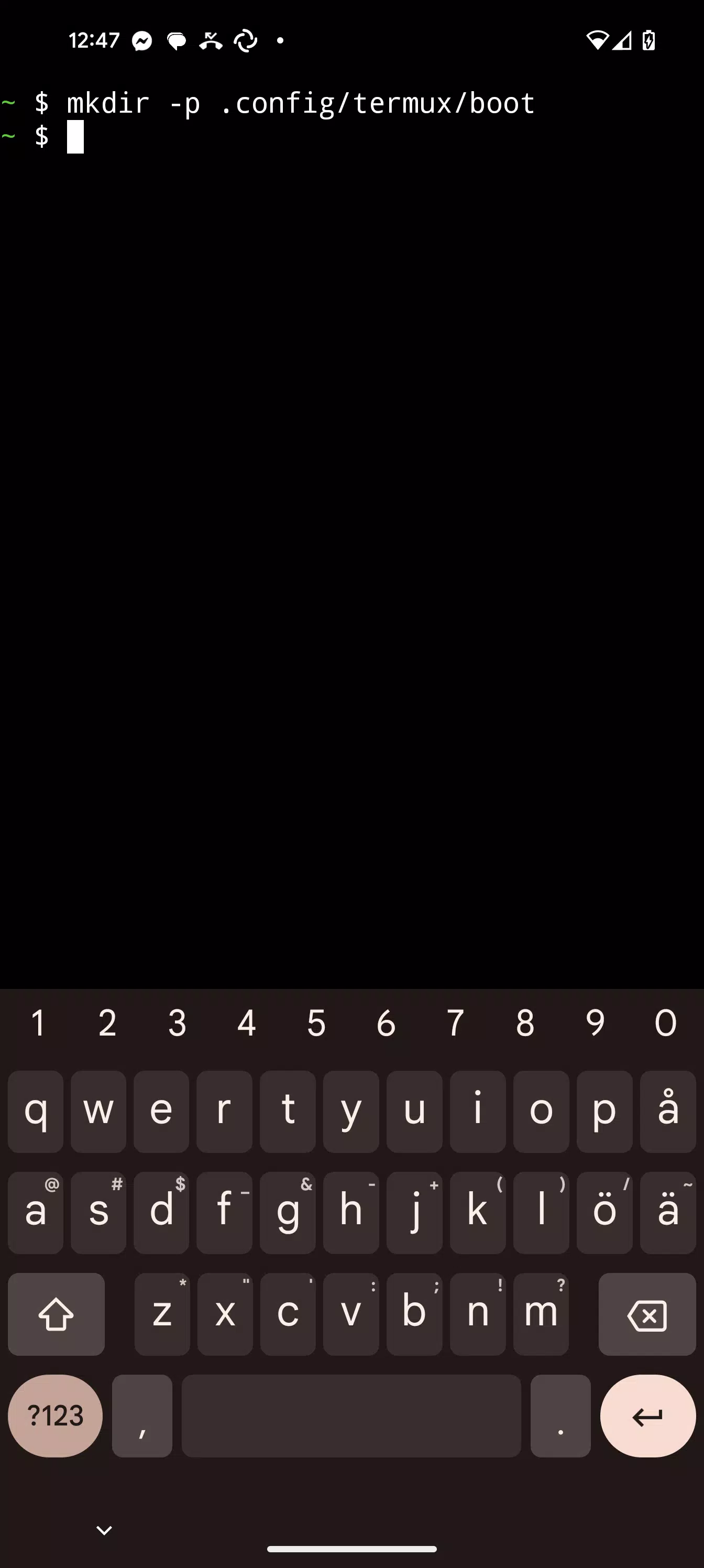
- Create the ~/.config/termux/boot/ directory.
- Put scripts you want to execute inside the ~/.config/termux/boot/ directory.
- If there are multiple files, they will be executed in a sorted order.
- Note that you may want to run termux-wake-lock as first thing if you want to ensure that the device is prevented from sleeping.
Example:
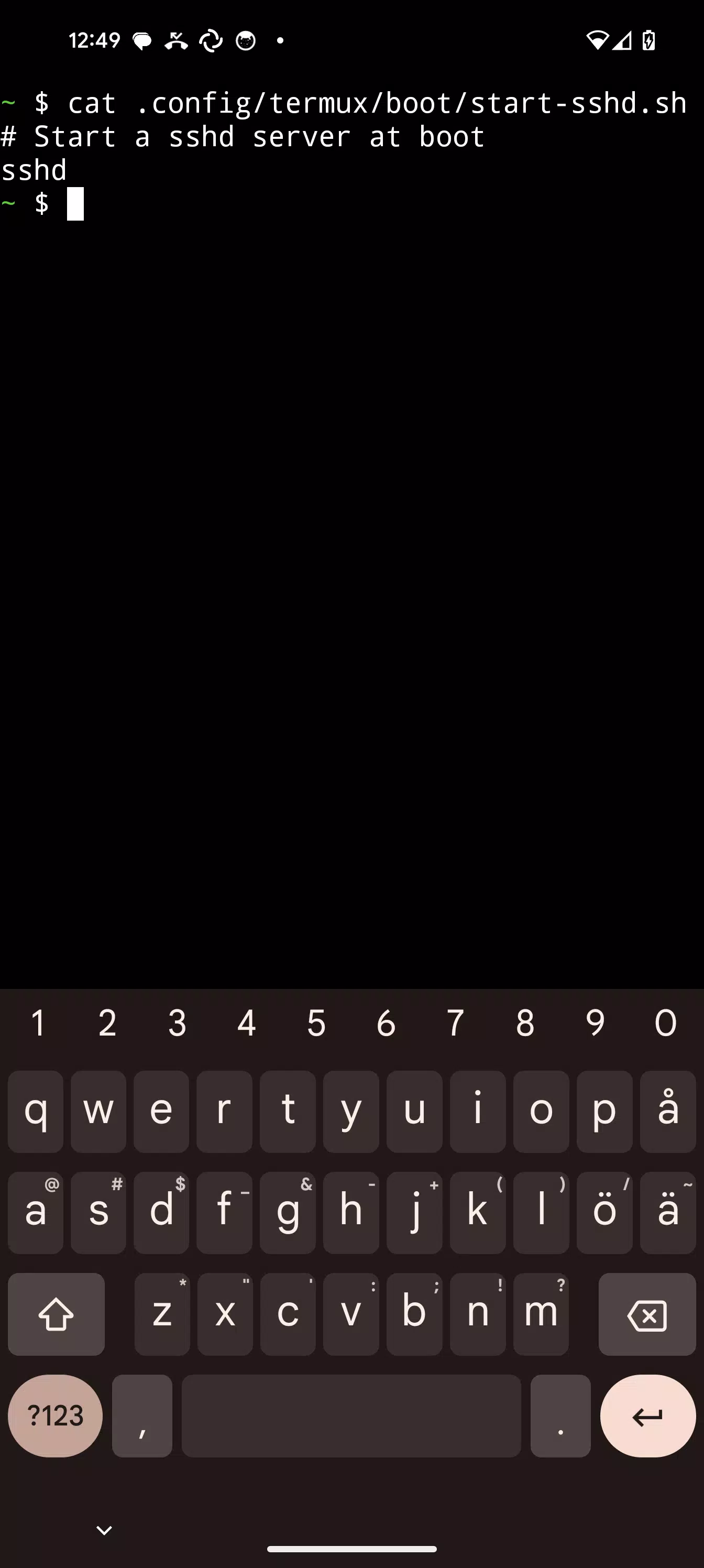
To start an sshd server and prevent the device from sleeping at boot, create a file at ~/.config/termux/boot/start-sshd containing the single line:
sshd
Join the Termux community:
https://termux.com/community
Report issues:
https://github.com/termux/termux-boot/issues
Latest Version
0.12Requires Android
11
Category
Tools AppContent Rating
Everyone
Report
Flag as inappropriateLast updated on Jun 7, 2024
This release includes minor bug fixes and general improvements. Update to the latest version for the best experience.

APKPure - A multi-platform app store primarily focused on Android, providing extensive app-related content. Discover the app you want easier, faster, and safer, with quick and efficient downloads and installations.