Download free APK/XAPK files from Google Play Store without a login account.
Install Now

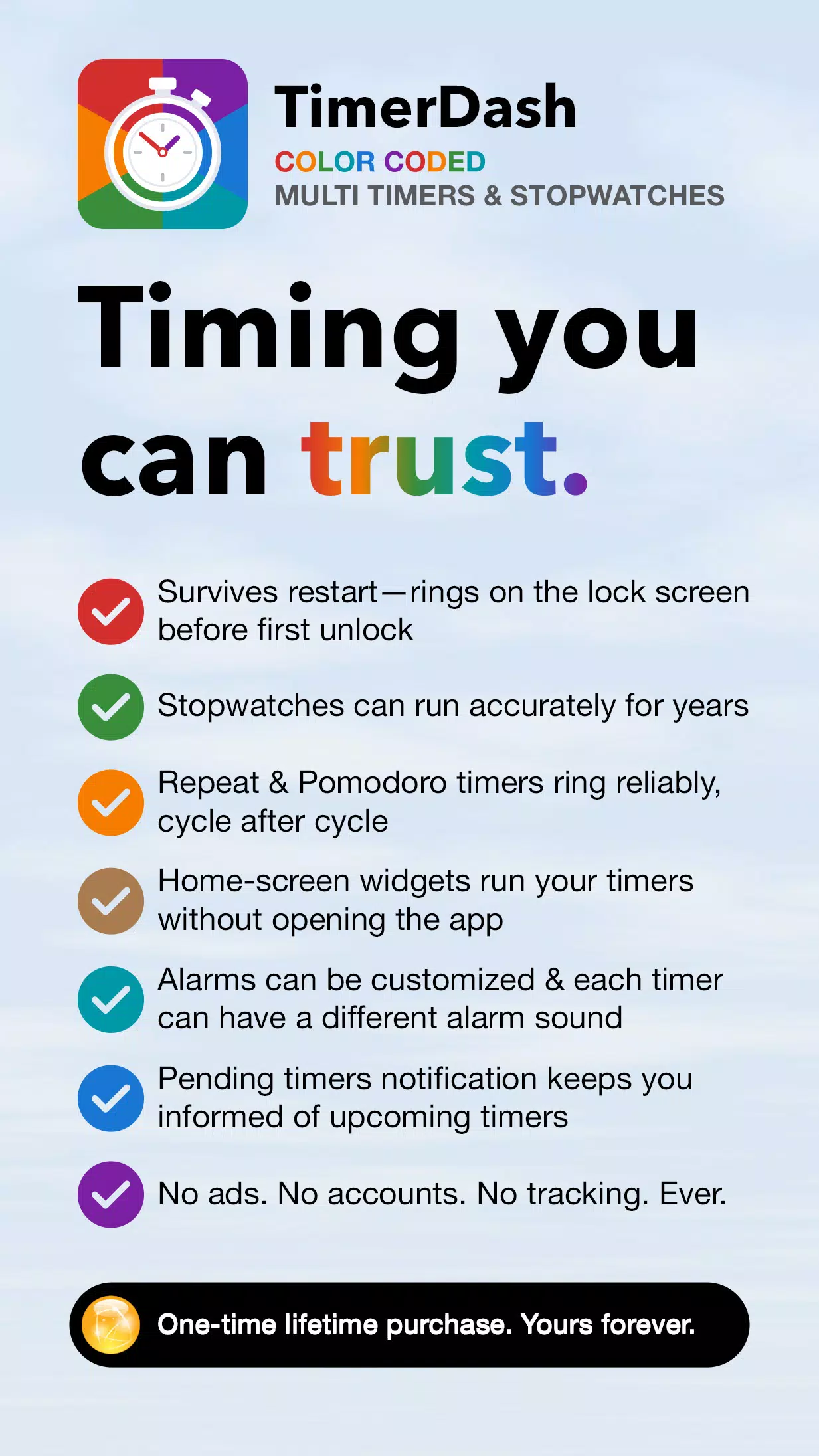
I built TimerDash because I wanted a timer I could trust: one I could set, then reboot my phone and leave it locked until the alarm fires. I needed repeat timers that ring a set number of times with a delay in between, and Pomodoro timers that ring at the start and end of each delay. I also needed stopwatches that run accurately for months or longer. Timing should stay correct through timezone and daylight saving changes. And none of it should come with the usual baggage — no accounts, no ads, no subscriptions, and no tracking. The app uses the internet only for a one-time lifetime purchase through Google Play billing.
Use TimerDash for study sessions, workouts, meditation, cooking, Pomodoro sessions, or anything else that needs reliable timing.
*Run Multiple Timers & Stopwatches*
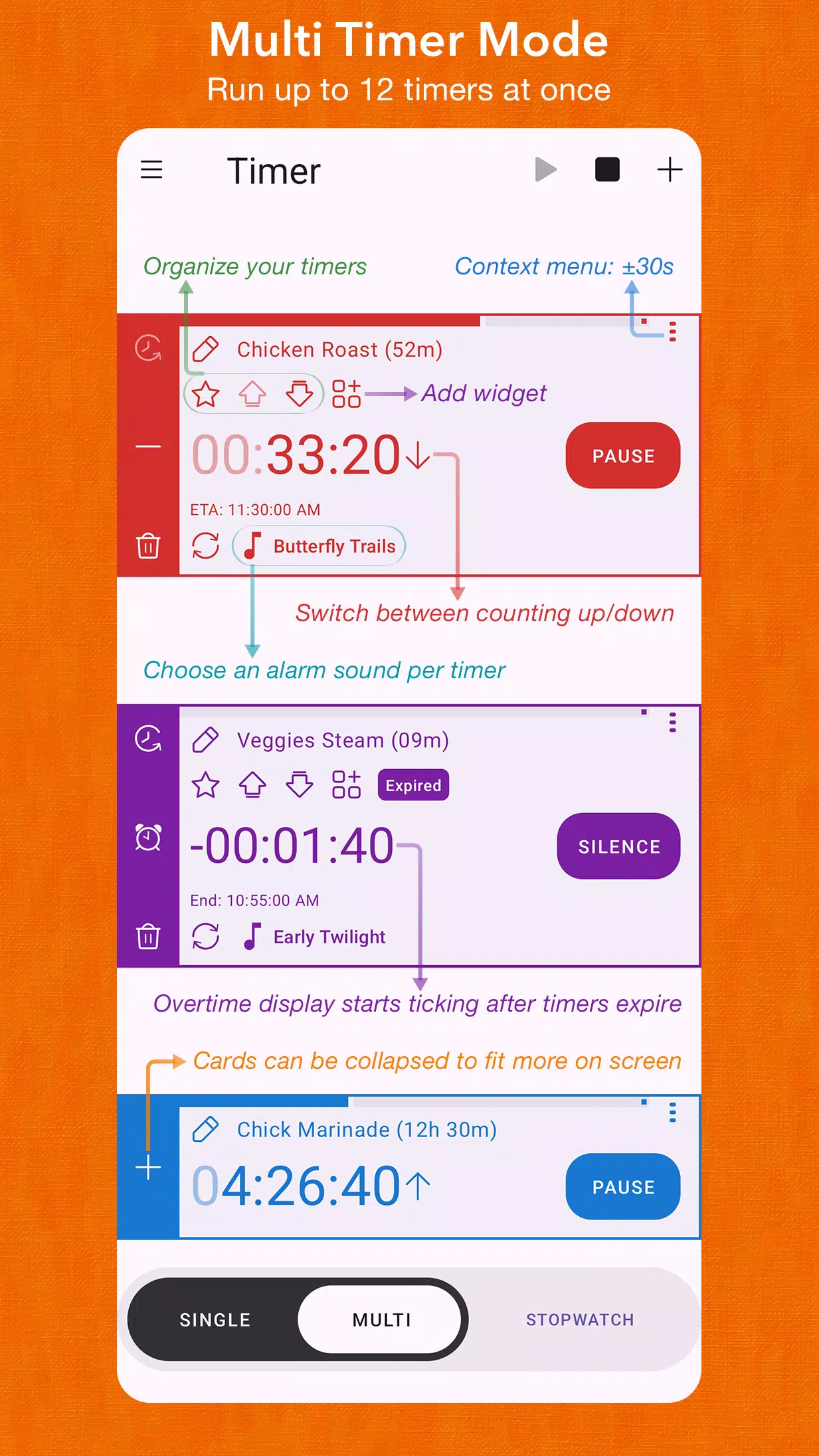
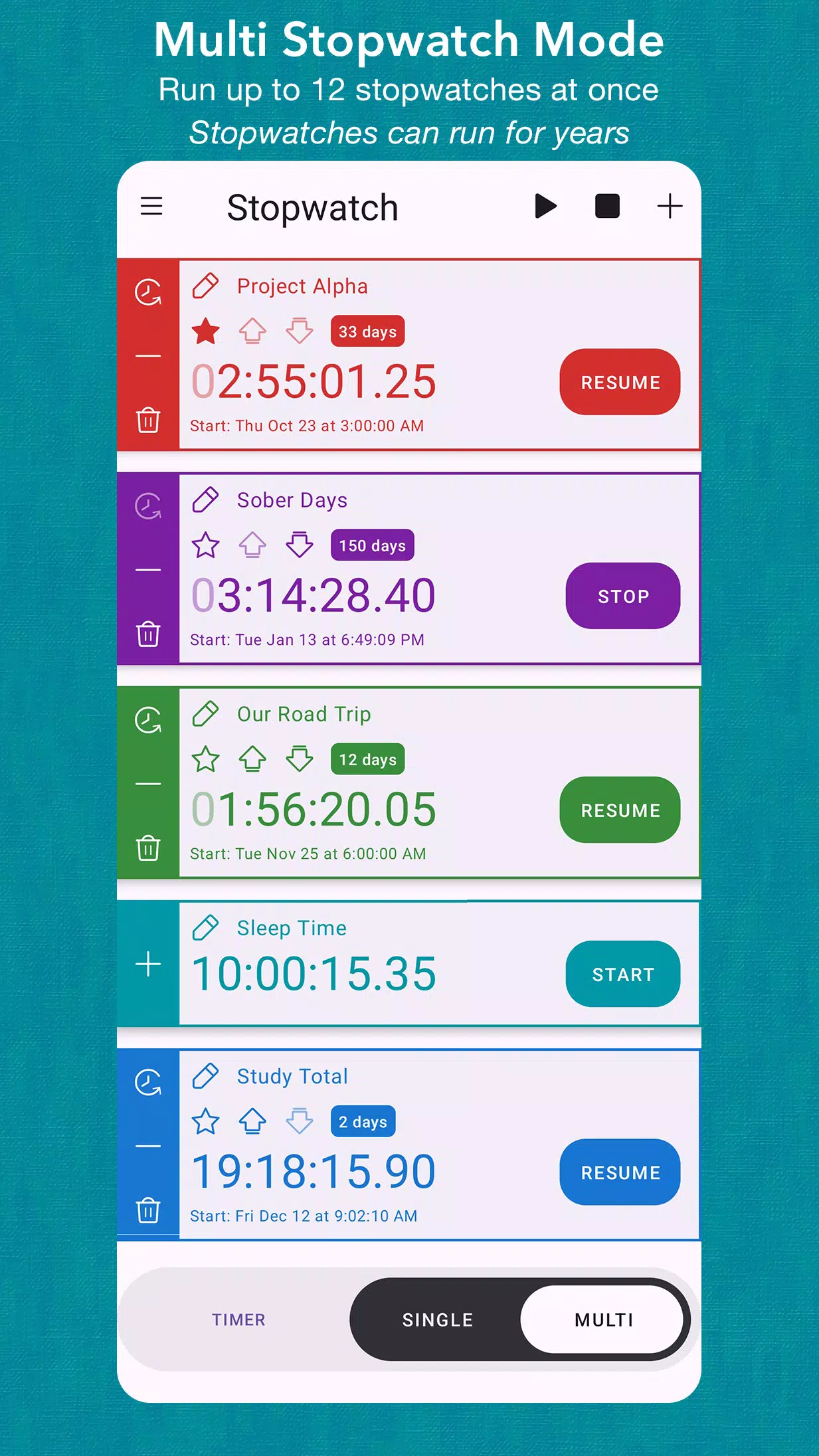
Manage multiple countdown timers and stopwatches. Name and color-code each one. Control them individually or start/stop everything at once. Reorder with up/down buttons, or tap the favorite button to pin one to the top of the list. Set a timer duration up to 99 hours with dials, or type an exact time. Save timers as color-coded presets for instant recall, and reorder them by drag-and-drop (Pro). Switch between modes with one tap: Timer ↔ Stopwatch and Single ↔ Multi.
*Repeat & Pomodoro Timers*
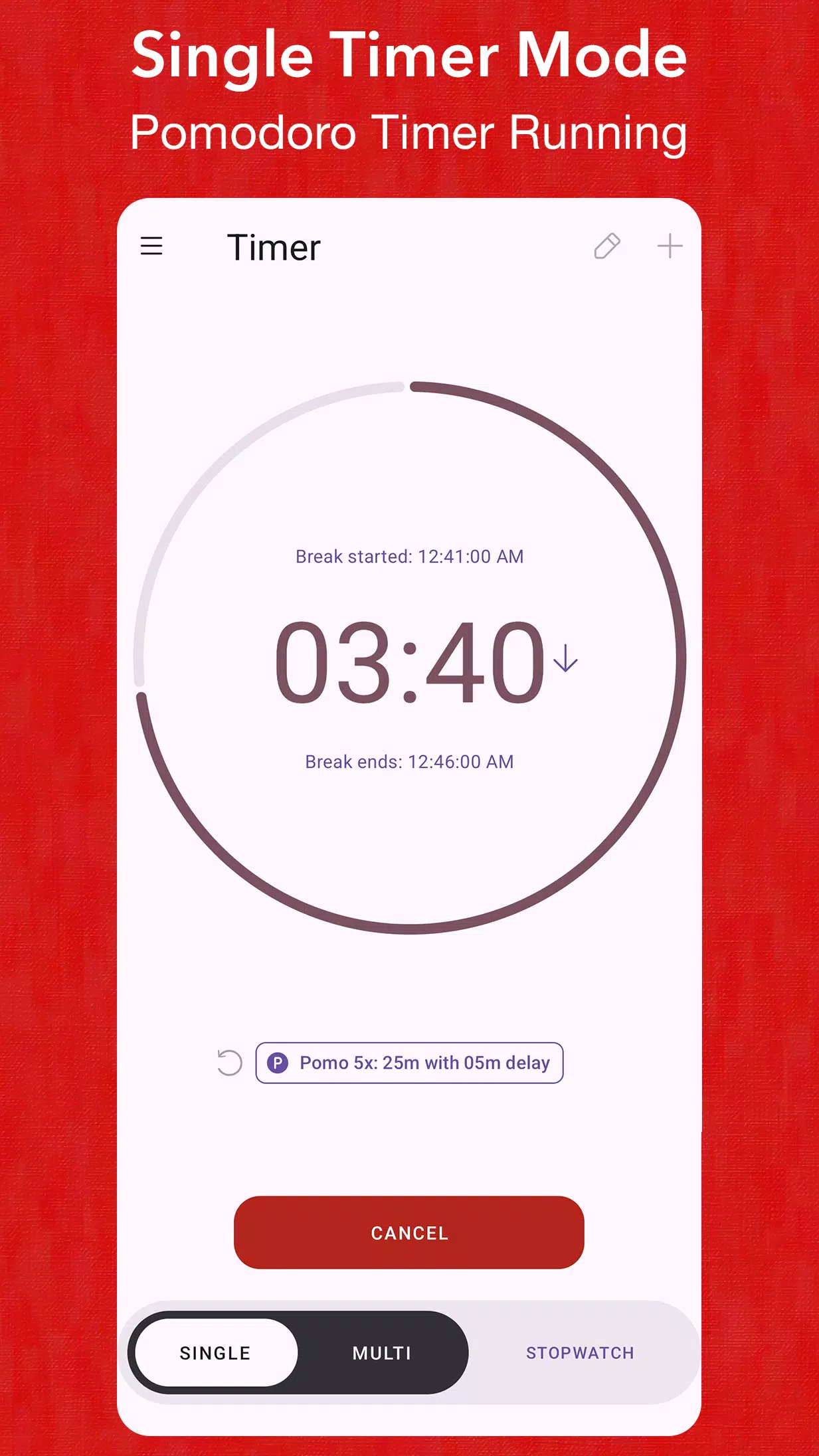
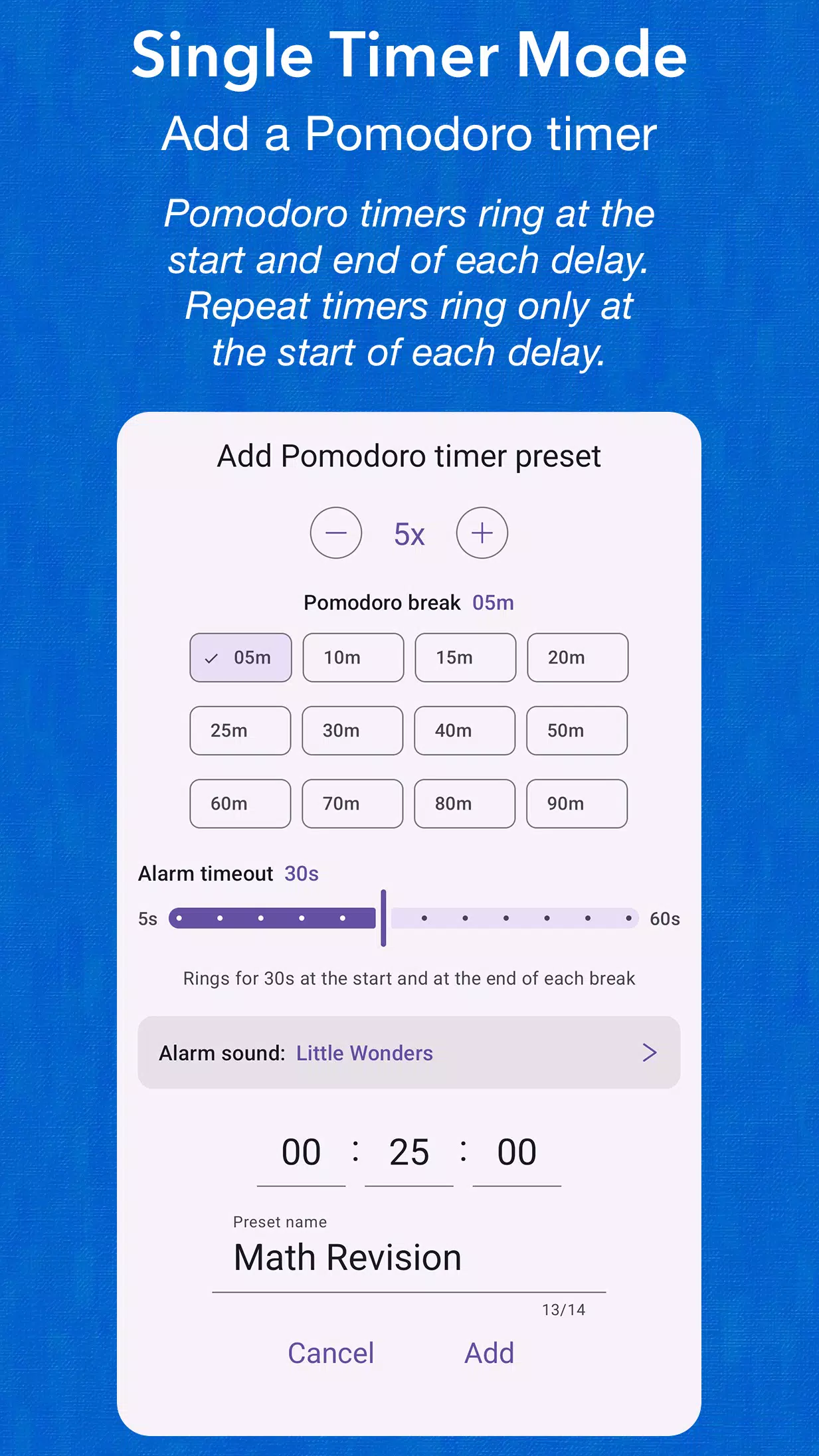
In Single timer mode, save a repeat or Pomodoro timer as a preset: choose the run time, the number of rings, the delay between rings, and the sound the rings play. A Pomodoro timer rings at the start and end of each break, so you know when to get back to work. Start it with one tap. After any Single timer finishes, tap Repeat to run it again.
*Home-Screen Widgets*
Pin any Multi timer to your home screen and run it from there — one widget per timer. Start, pause, stop, and restart the timer without opening the app. Each widget shows the timer's name, the time remaining, and when it will finish.
*Alarms & Notifications That Don't Miss*
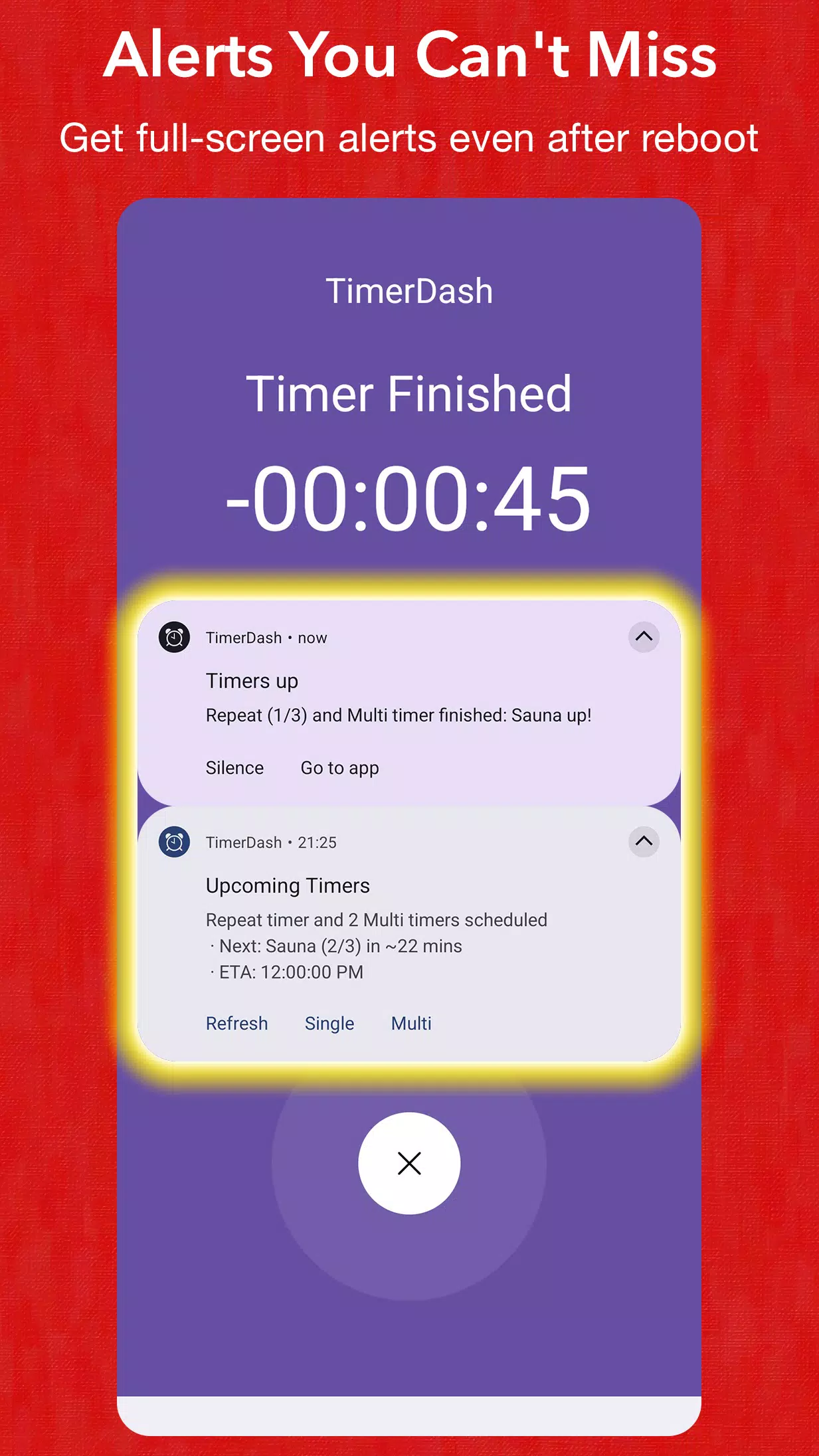
Alarms ring loudly even when the app is closed. Fade-in alarms use audio focus to cut through music. Full-screen alerts appear on the lock screen, including right after your device restarts — no unlock required!
*Long-Running Laps & Intervals*
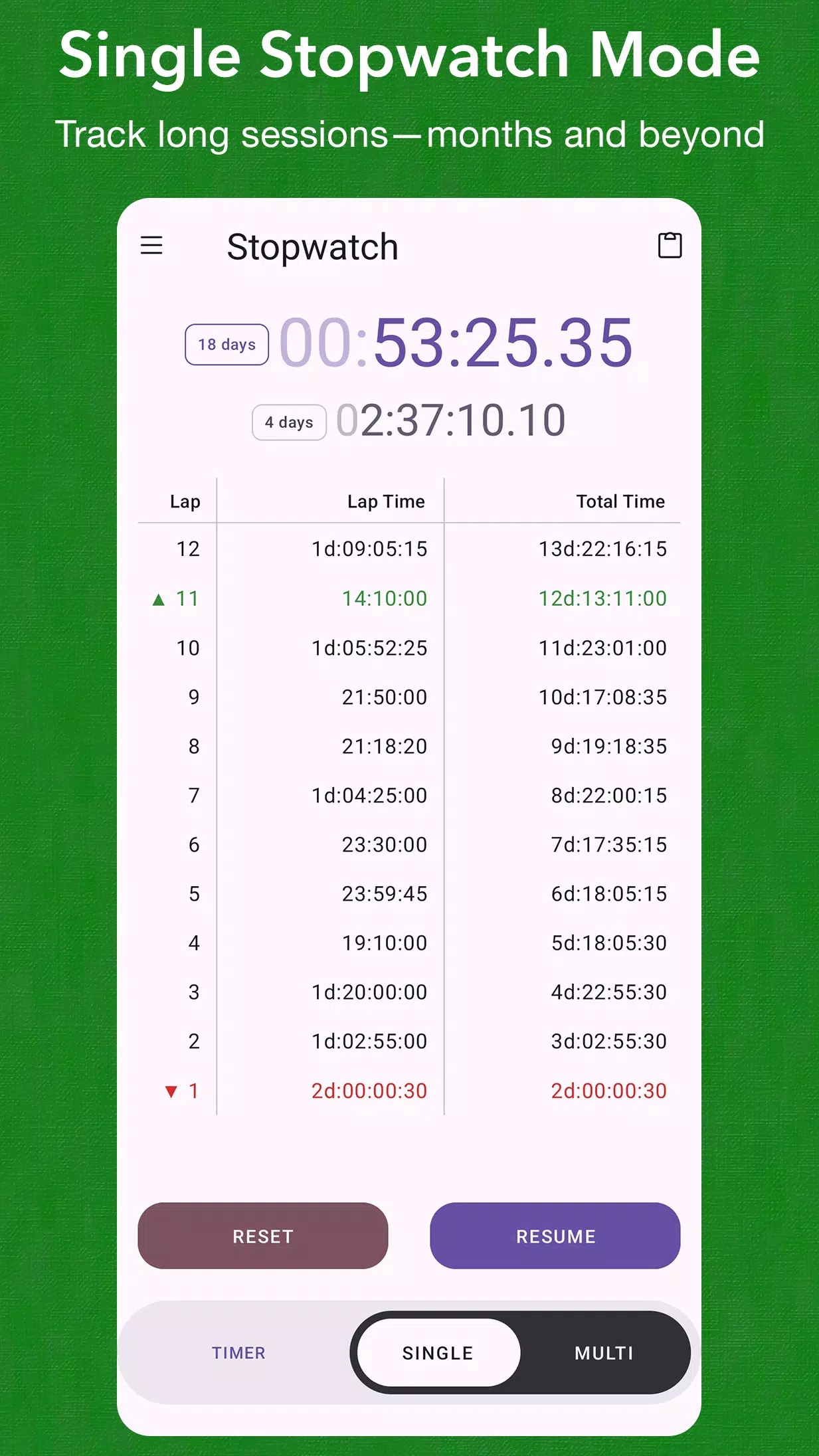
Record laps and intervals that persist after device restarts. Stopwatches can run accurately for years. Track long-term habits and projects that can span months. Fastest and slowest laps are highlighted automatically. One-tap copy sends your lap list to the clipboard (Pro).
*Adjust Running Timers & Stopwatches*
Rename or recolor a timer or stopwatch while it's running. Flip any timer between counting down (time remaining) and counting up (time elapsed). Collapse cards into a compact view to fit more timers and stopwatches on the screen. Use +30s and −30s buttons to quickly adjust a running or paused timer.
*Customize Alarms & Vibration*
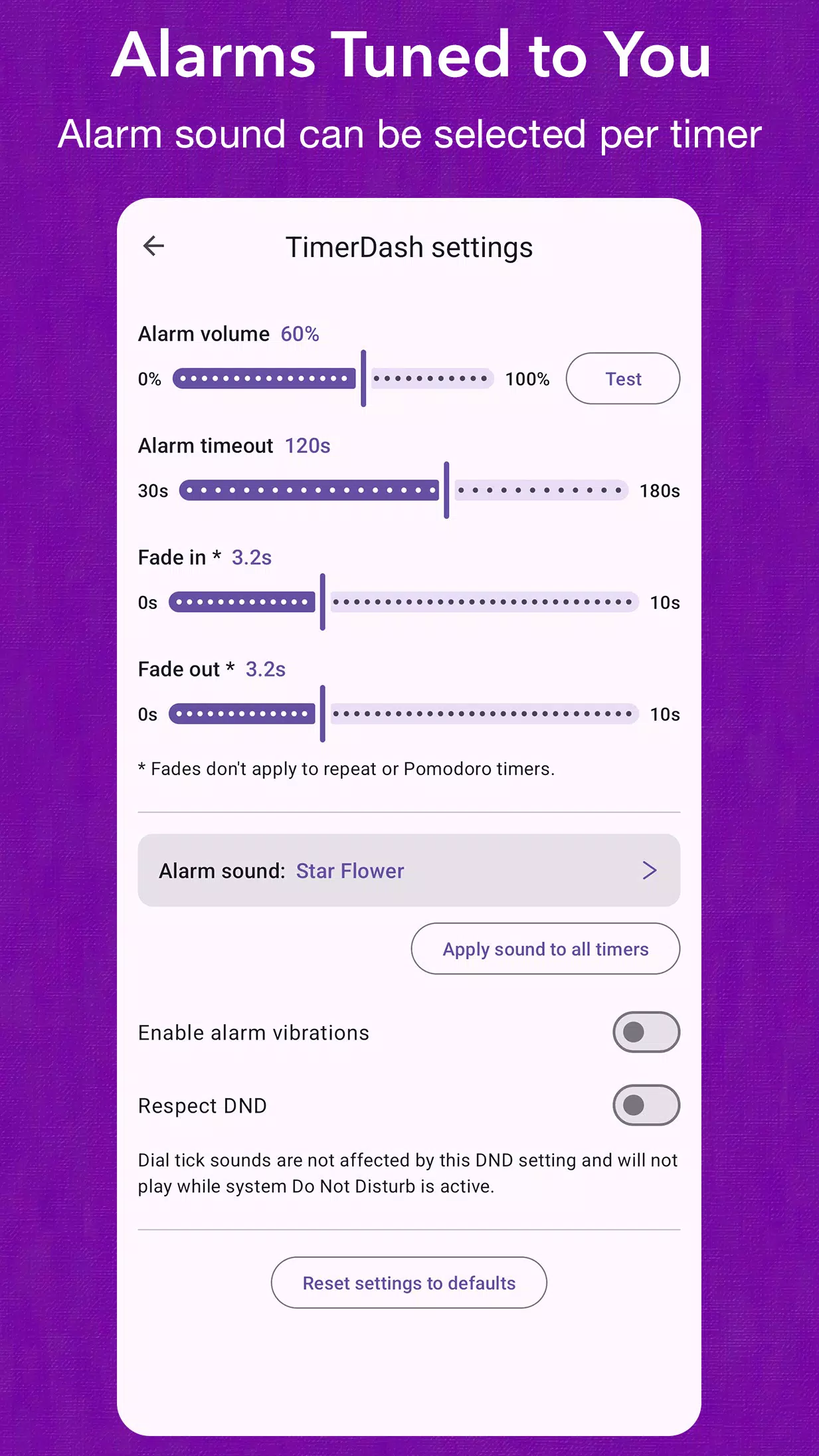
Choose a default alarm sound for all timers, or set a different sound for each one. Set alarm volume, timeout, and fade durations to suit your preferences. Toggle vibration, and choose whether alarms respect your device's Do Not Disturb setting.
*Stay Informed at a Glance*
Ongoing notifications list all scheduled timers, and count down the time remaining and ETA for the next one to finish. Timers show start time, ETA, and duration. Overtime display shows how long it's been since a timer finished. Visual alerts let you know when alarms are disabled or permissions are missing. From the menu, you can keep the screen on so running timers or stopwatches stay visible while you cook or work out.
*Buy Once, Use Forever*
Upgrade to Pro for 12 Multi timers + 12 Multi stopwatches, 50 timer presets, 100 stopwatch laps, and one-tap copy of your lap list. Pro includes all future app updates and improvements. Free version includes one Single mode timer and stopwatch, one Multi mode timer and stopwatch, 2 timer presets (normal, repeat, or Pomodoro), and 7 stopwatch laps.
Latest Version
2.5.8Uploaded by
Nassar Nasrallah
Requires Android
Category
Free Productivity AppContent Rating
Everyone
Security Report
Check Now
Report
Flag as inappropriateLast updated on Aug 18, 2026
Minor bug fixes.

APKPure - A multi-platform app store primarily focused on Android, providing extensive app-related content. Discover the app you want easier, faster, and safer, with quick and efficient downloads and installations.