從Google Play商店下載免費的APK/XAPK文件,無需登錄帳戶。
立即安裝

Memo Notes 2018 app.
You Want write note? Don't waste your time in find the app, it's placed on the top left corner in your device android.
== Principale Features ==
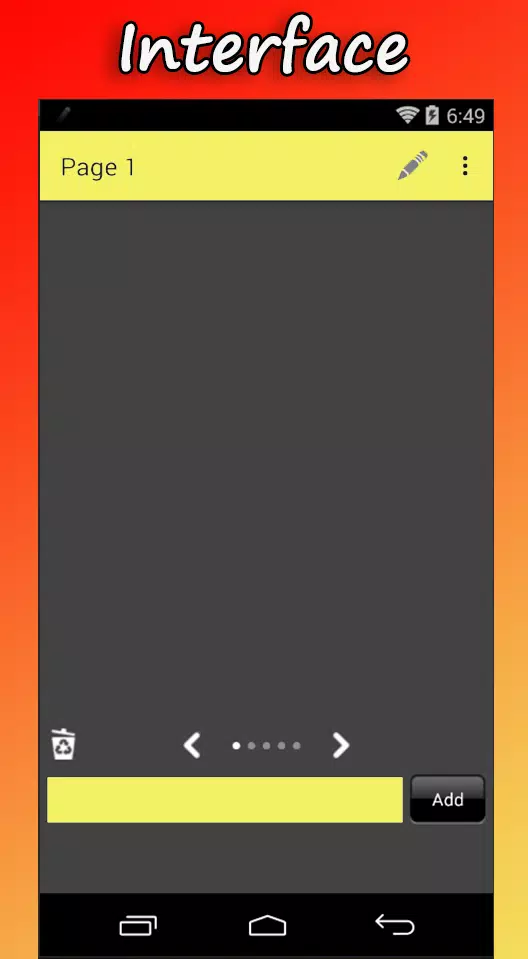
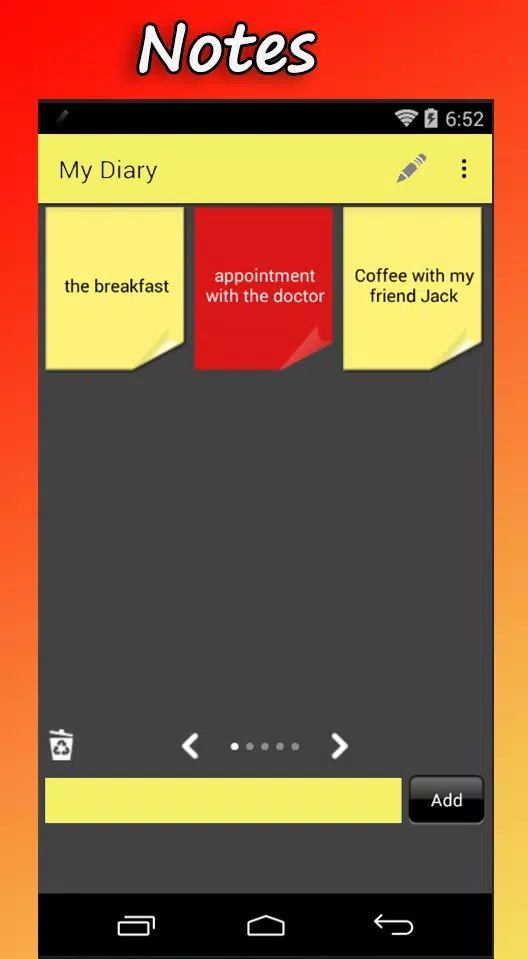
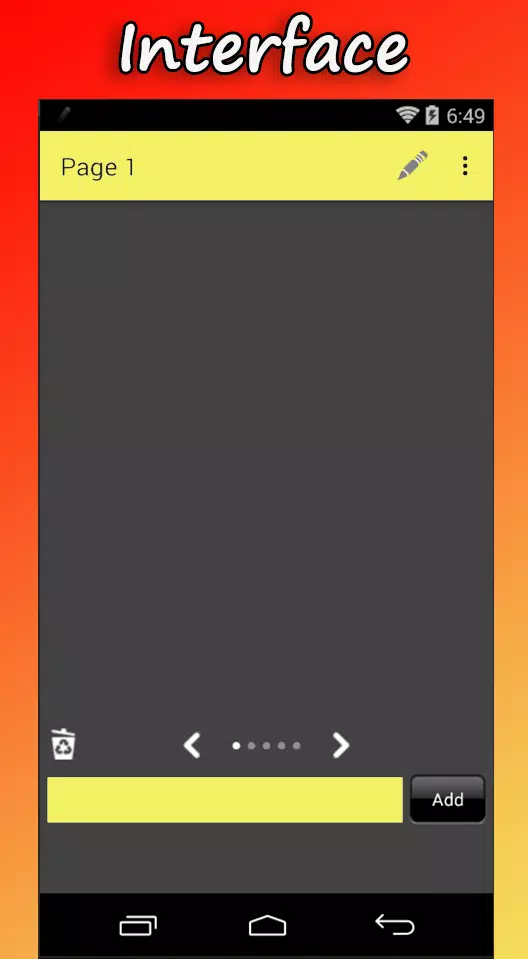
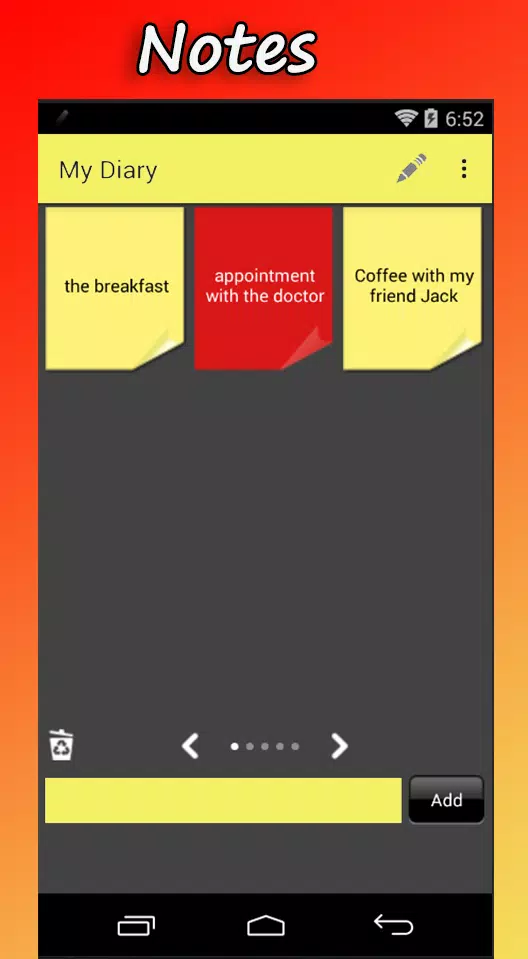
== Write your Note + click "Add", 2 easy steps to create a Note, Fast and Simply.
== One click to Edit or Delete or Move or Share, Fast.
== 5 (five) pages, 9 (nine) Notes per page, Enough.
== Slide to switch page.
You want to send some text from your computer to your phone? It works, Useful.
== Other Features ==
== Quick launch icon ==
== PC to mobile ==
send text / links from your computer to your phone, follow the steps below.
1. Open the app(Memo Notes 2018 ) (for one-off automatic user account registration)
2. Using your computer, go to http://www.firstbirdtech.com/memo/
3. Sign in with your google account (example@gmail.com), the account should be the same as that you use in your android phone.
4. Click “Accept”.
5. Type something in the box and click SEND.
6. Wait for a few seconds, you will find that the message has been sent to your phone.
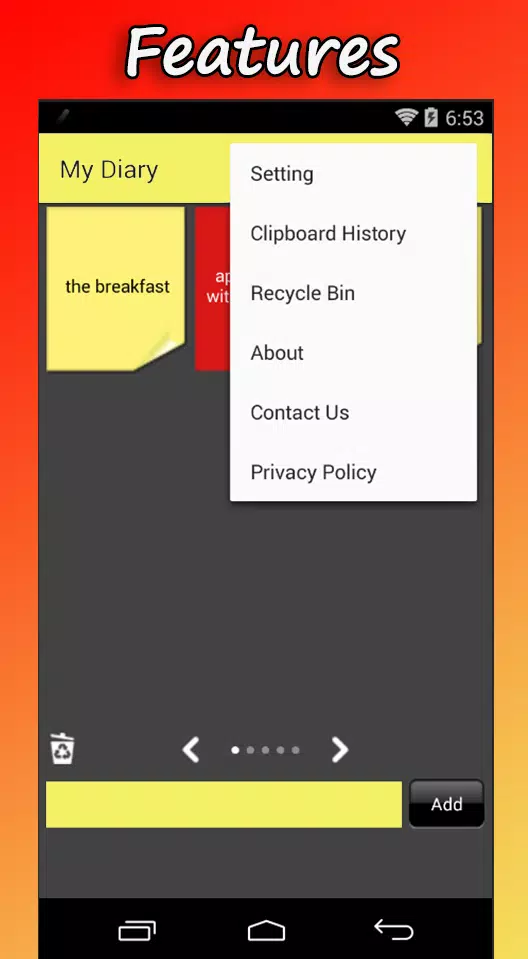
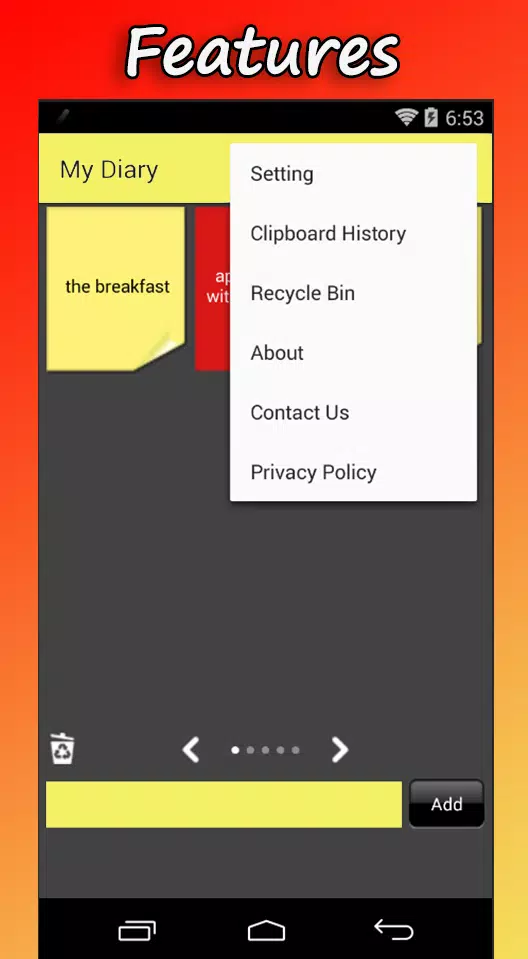
If you want to view all the messages that you have sent before, you can go to "Clipboard History" (open the app + menu + Clipboard History).
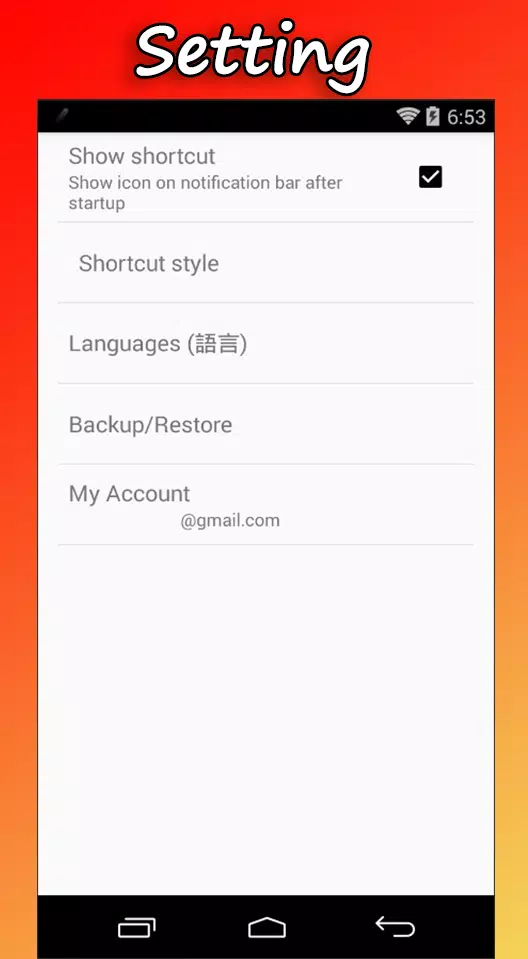
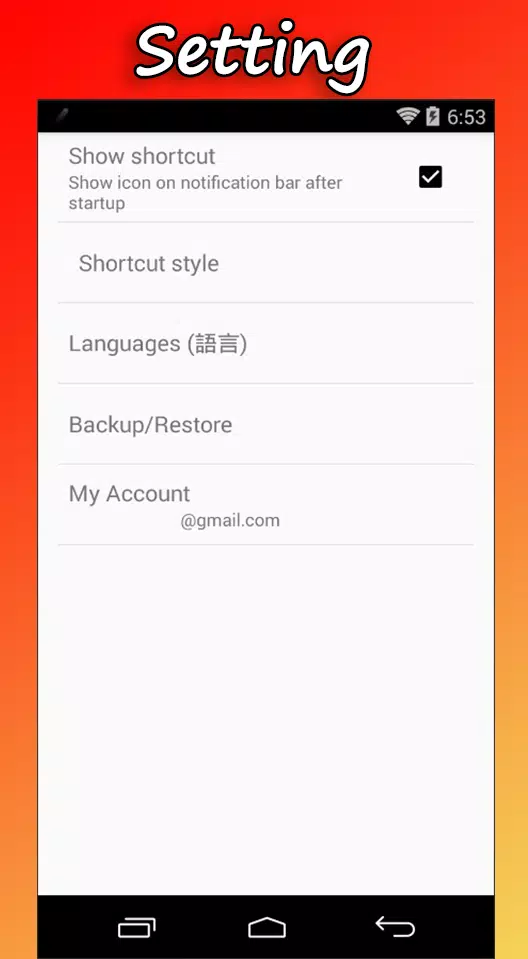
== Backup & Restore
manual backup to avoid data loss accidentally.
== Multi language support
English or Chinese, choose from your locale automatically.
==Note Important ==
Your google account name will be used as user identity in online backup, online restore and PC to mobile functions.
Contact: panther.dev.2018@gmail.com
Last updated on 2018年06月03日
此版本包含小幅錯誤修正和一般改善。請更新至最新版本,以獲得最佳體驗。