Download free APK/XAPK files from Google Play Store without a login account.
Install Now

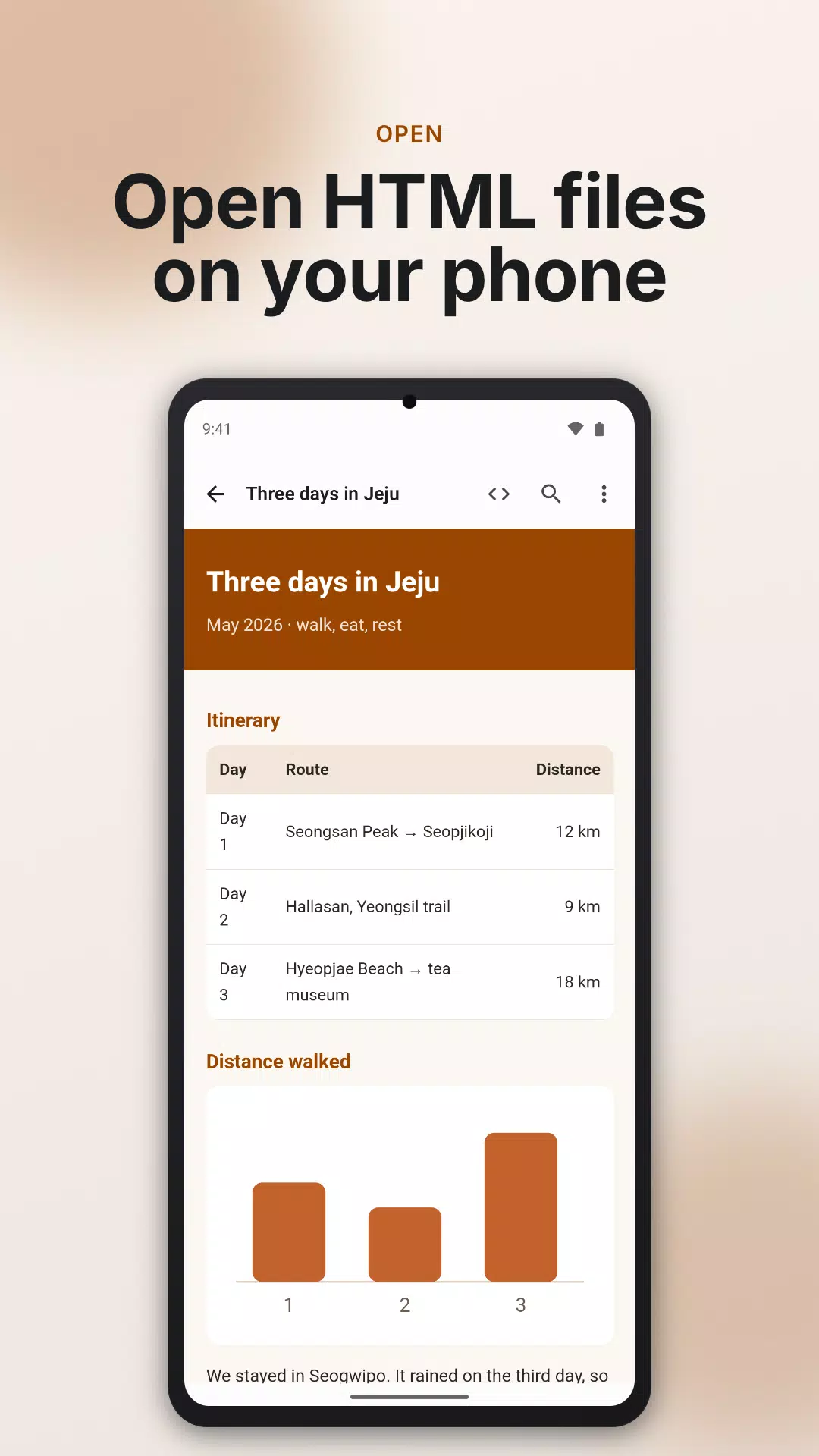
Open an HTML file on your phone and see it as a page or as source. No sign-in.
■ Open
- Tap an HTML file in your file app or messenger and open it with this app (.html, .htm, .xhtml).
- Open a whole folder and pick a document to see the images and styles in that document's folder and its subfolders, and follow links to other documents there. Files outside the document's folder, such as a parent or sibling folder, are not loaded.
- A file inside a folder you allowed once, opened on its own, shows the images and styles in its own folder and subfolders the same way, once the app confirms it is the same file.
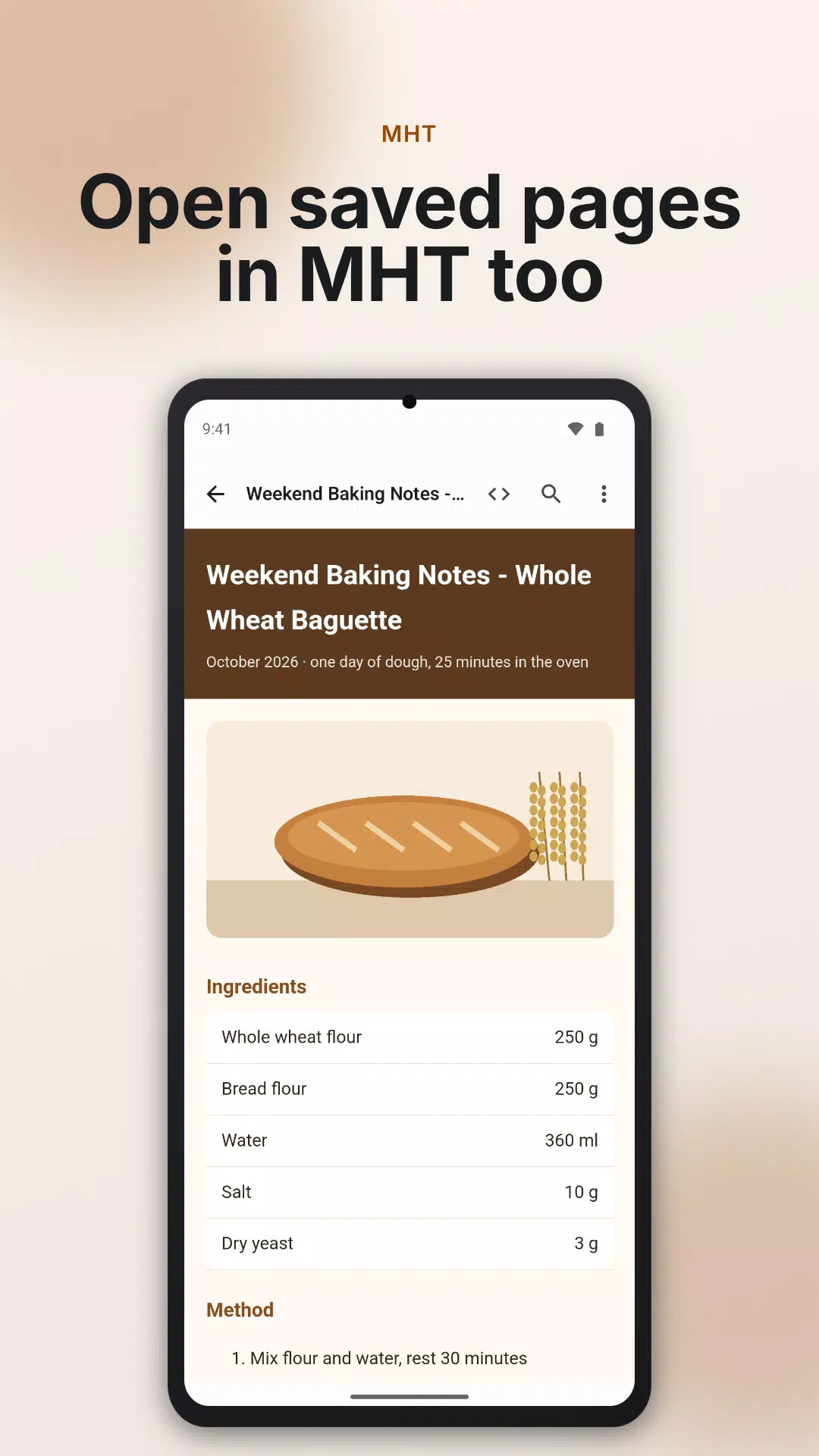
- Open MHT and MHTML files (a web page saved as one file) with the images and styles inside. For a large file, some images and styles may be skipped.
- Pick this app from another app's Share menu to open an HTML file right away.
- Paste HTML you copied and view it.
- Files you pick in the app stay in the recent list on the home screen.
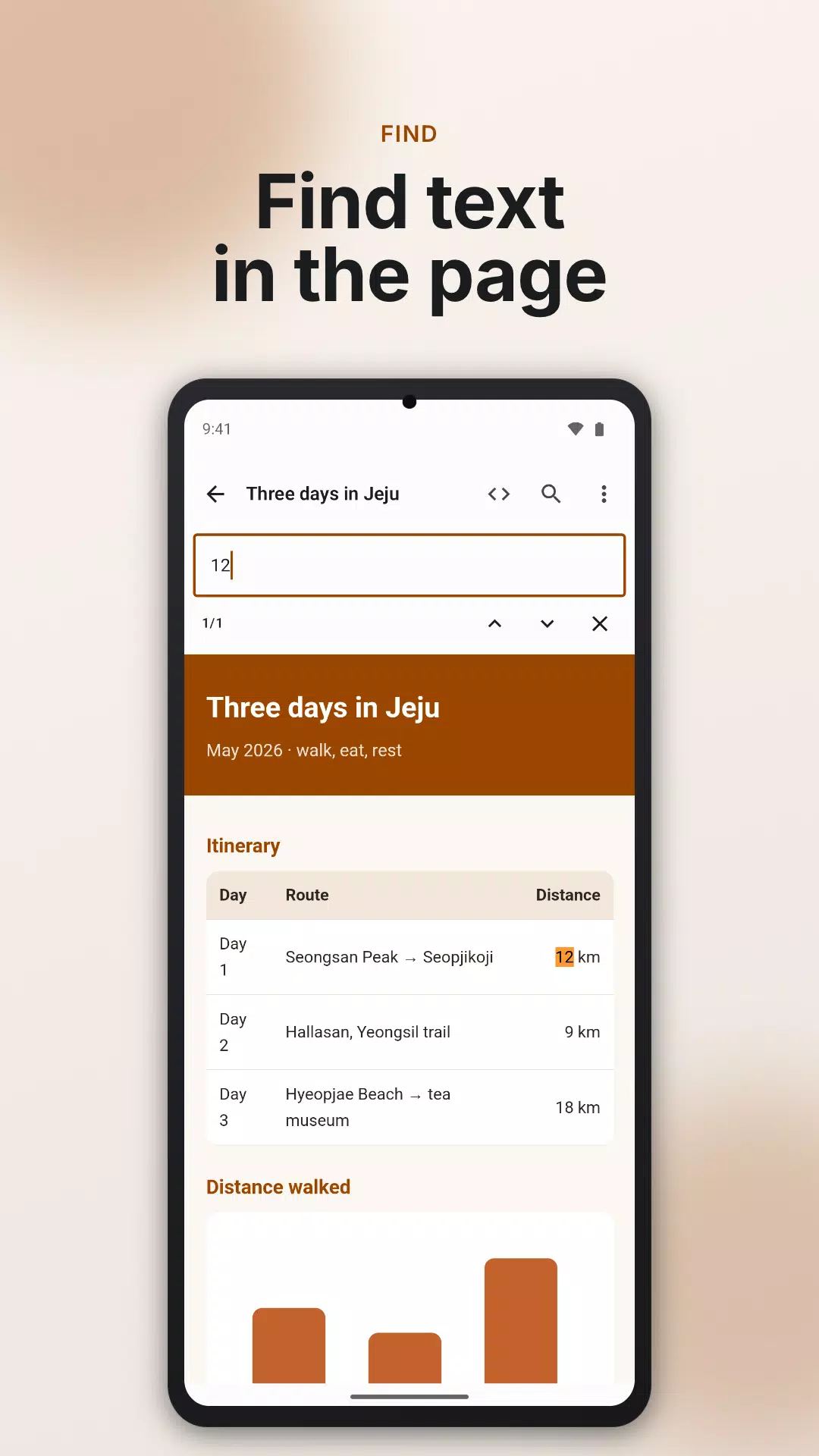
■ View as a page
- Zoom, text size, and find in page.
- Follow a link, then go back.
- Rotating the screen keeps your place.
- Works without an internet connection.
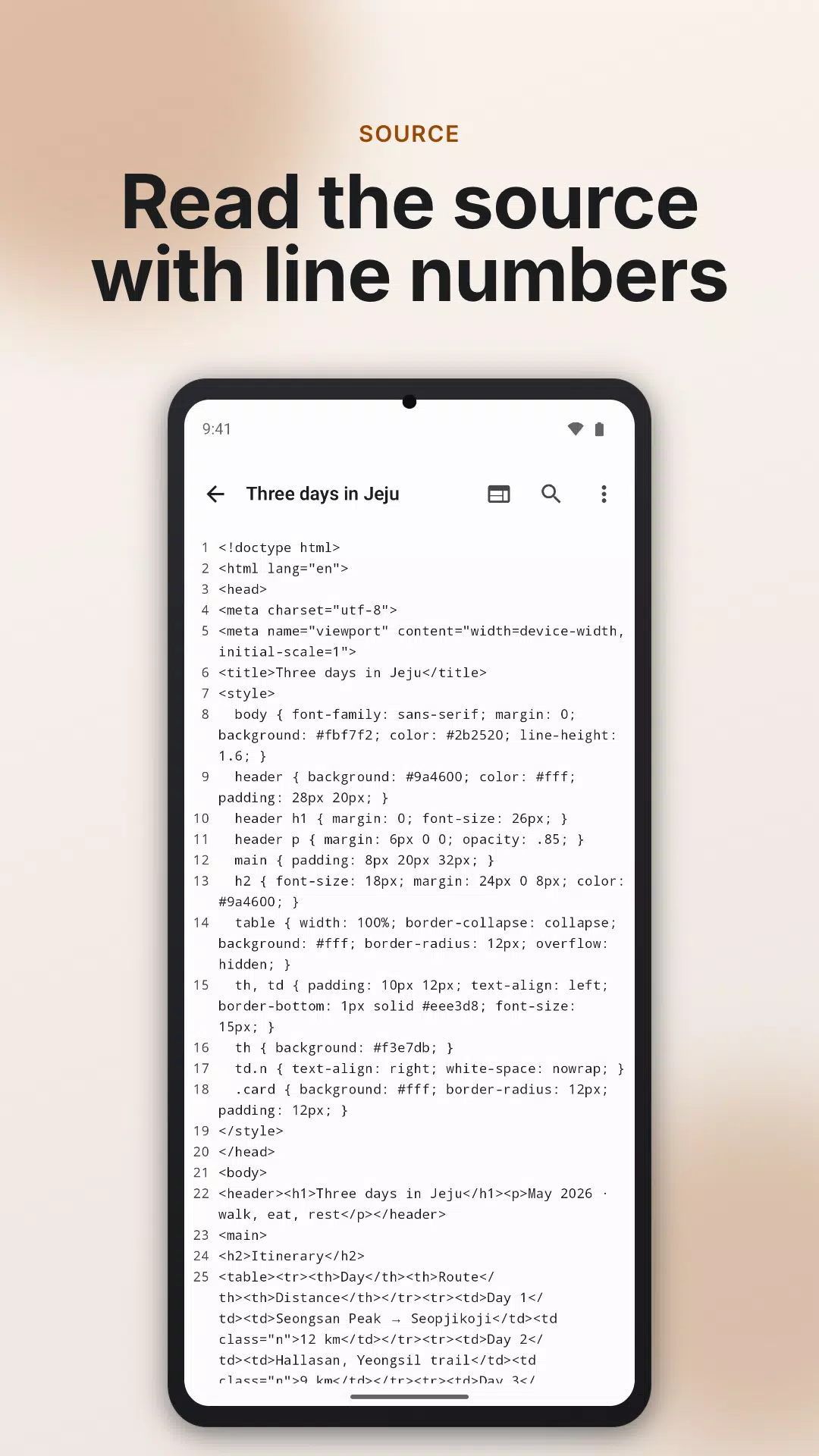
■ View as source
- The file as it is, with line numbers. Turn line wrap on or off.
- Find in source (within the first 20,000 characters of each line), select and copy from the lines on screen, or copy all.
- Copy all takes up to 100,000 characters. For a longer document only the first part is copied, so use Share to send the whole file. Share sends the file you first opened; for a document you reached by a link, open that file on its own and share it.
- If the text looks broken, pick the encoding yourself (UTF-8, EUC-KR, Shift_JIS and more).
- For MHT and MHTML files, the source view shows the HTML of the page inside, unpacked, not the raw file. MHT files have no encoding choice and use the encoding written in the file.
■ Opening unfamiliar files
- So an unknown file cannot quietly go online, the screen that shows a document does not use the internet. Images and fonts a document tries to load from the internet are not shown.
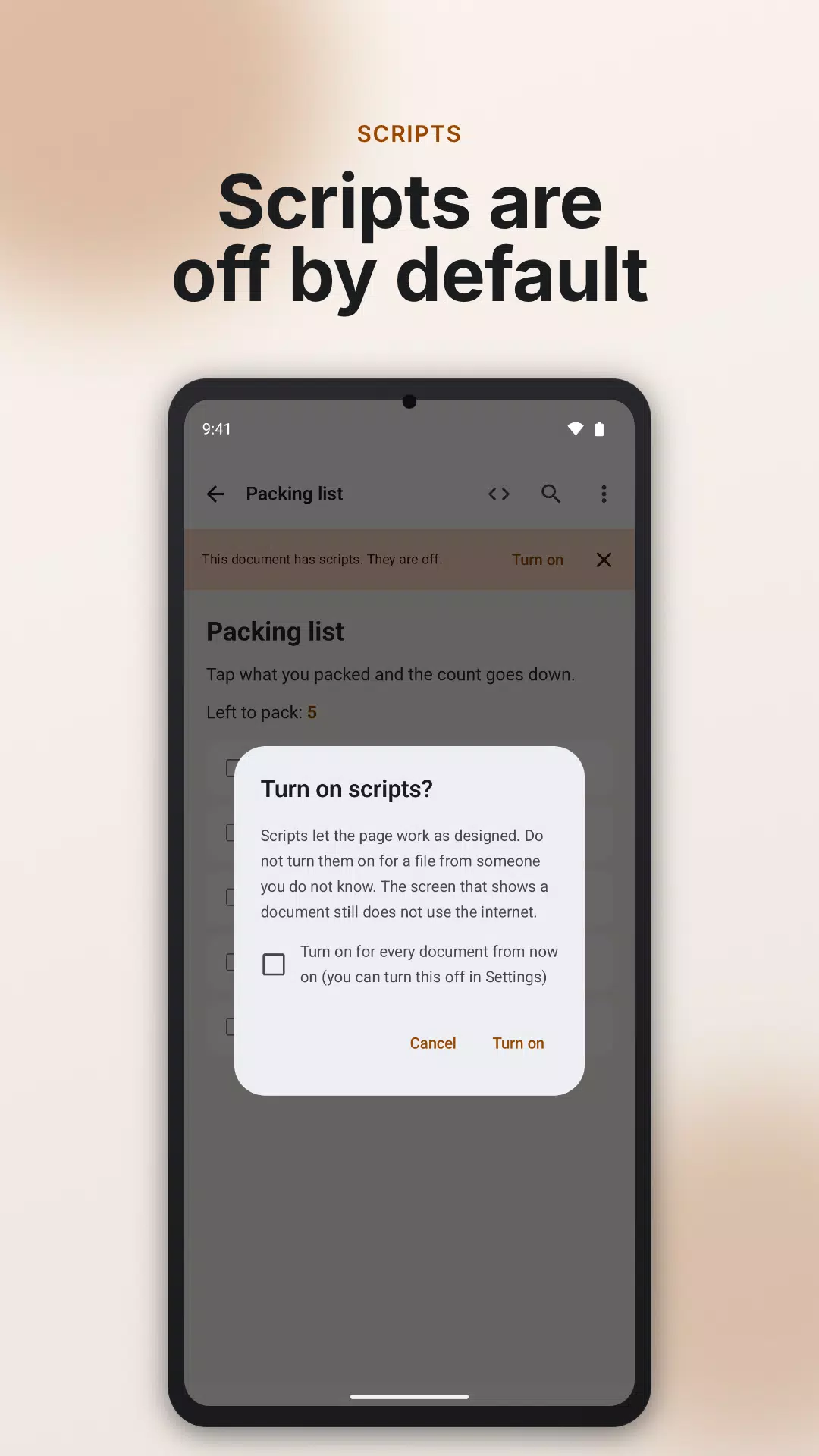
- Scripts (small programs inside a page) are off when a document opens. Turn them on in an open document and they stay on until you close that screen, including documents you reach by links. Turn on Always turn on scripts in Settings and new documents open with scripts on.
- Links that lead outside show their address first, and are passed to another app only when you choose to open them.
Save the page you see as a PDF.
■ Good to know
- Requires Android 11 or later.
- Opens HTML files up to 20 MB and MHT/MHTML files up to 50 MB.
- This is a viewer. It does not edit or create files.
- Saved emails in MHT form are not opened. Open them in a mail app or an EML viewer.
- Some file apps do not hand MHT files to other apps. In that case, pick the file with Open file in this app.
■ Privacy
Files you open are shown on your device and are never sent to our servers. If you choose to share, print or open a link in your browser, it goes to the app or service you pick. The copy the app makes is deleted when you close the viewer (leftover copies older than a day are cleared the next time you open a document), and it is never part of a backup.
The internet connection is used only to show ads, send usage statistics and get app settings. The advertising ID is used only for ads and usage statistics, and Google services process device information for this. See the privacy policy for details.
Contact: dev@indieway.xyz
Latest Version
1.2.3Uploaded by
Ayesha Sardar
Requires Android
Category
Free Tools AppContent Rating
Everyone
Security Report
Check Now
Report
Flag as inappropriateLast updated on Nov 8, 2026
- Stability and usability improvements.



APKPure - A multi-platform app store primarily focused on Android, providing extensive app-related content. Discover the app you want easier, faster, and safer, with quick and efficient downloads and installations.