Scarica file APK/XAPK gratuiti da Google Play Store senza un account di accesso.
Installa ora

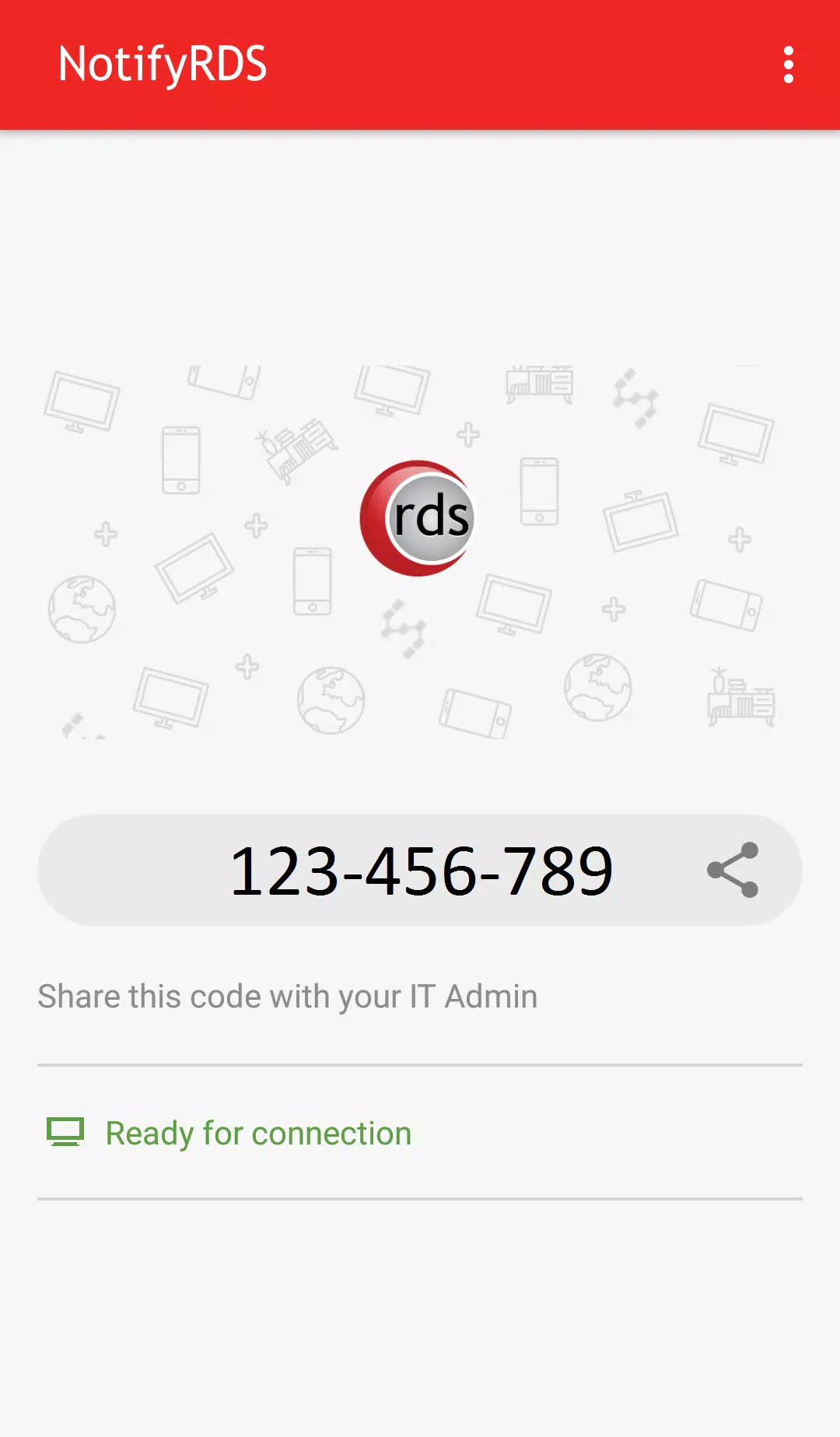
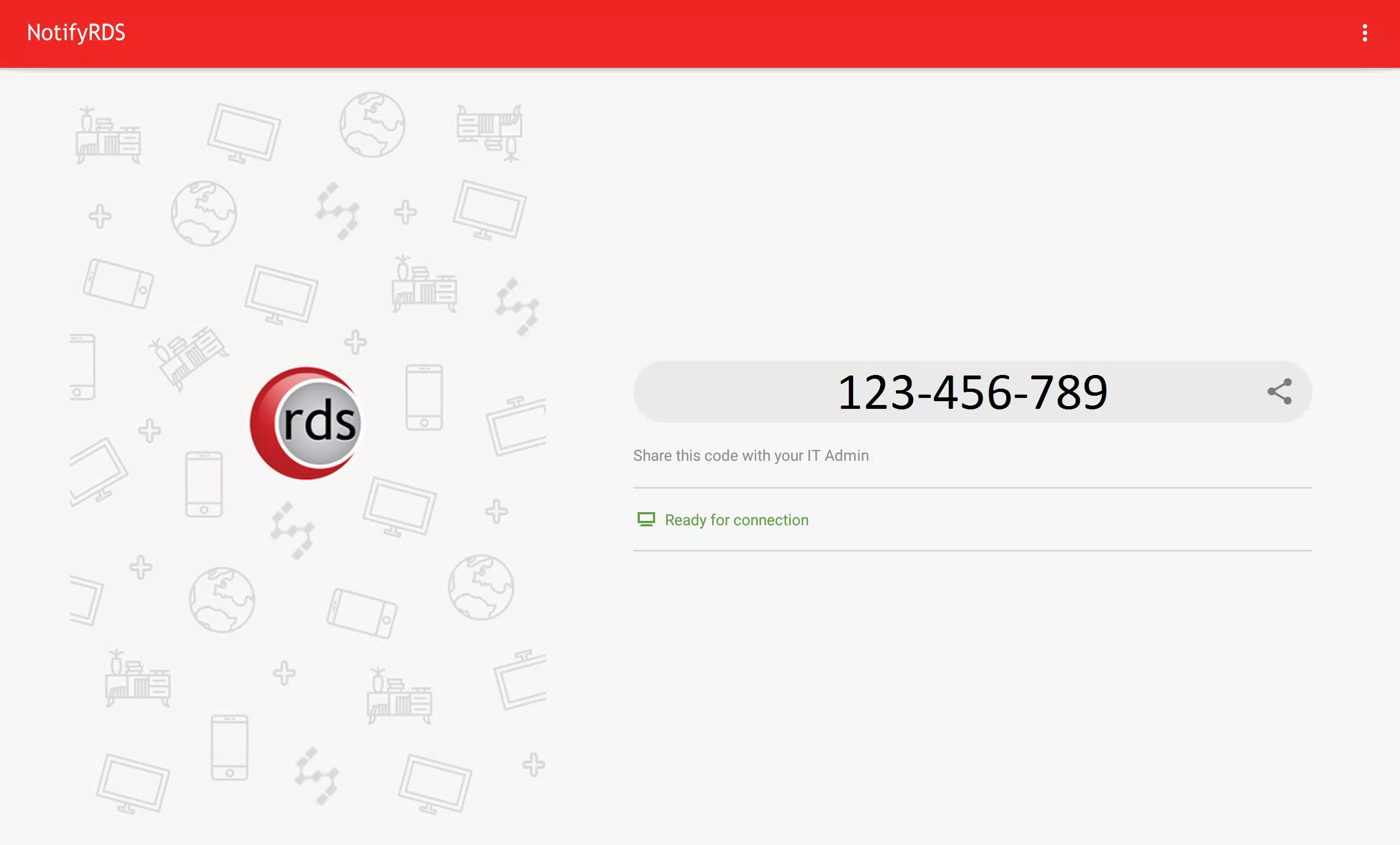
User can real-time screen share to remote technician. Technician will be able to share clicking pointer remotely to help guide the user. Session connection is encrypted using 256-bit AES / TLS .
For selective Android devices (i.e. Samsung & LG), remote control is possible, enabling remote technician to control your mobile device.
Quick Guide:
1. Download and launch the NotifyRDS app on your mobile device.
2. Share the session ID to your remote technician who has NotifyRDS Account.
Ultima versione
1.0.0.8È necessario Android
5.0 and up
Categoria
Gratuita Strumenti APPClassificazione dei contenuti
Everyone
Segnala
Segna come inappropriataLast updated on Nov 10, 2017
Questa versione include correzioni di bug minori e miglioramenti generali. Aggiorna alla versione più recente per un'esperienza ottimale.


APKPure - Un app store multi-piattaforma principalmente incentrato su Android, che fornisce un'ampia gamma di contenuti relativi alle app. Scopri l'app che desideri in modo più facile, veloce e sicuro, con download e installazioni rapidi ed efficienti.