Pobierz bezpłatne pliki APK/XAPK z Google Play Store bez konta logowania.
Zainstaluj teraz

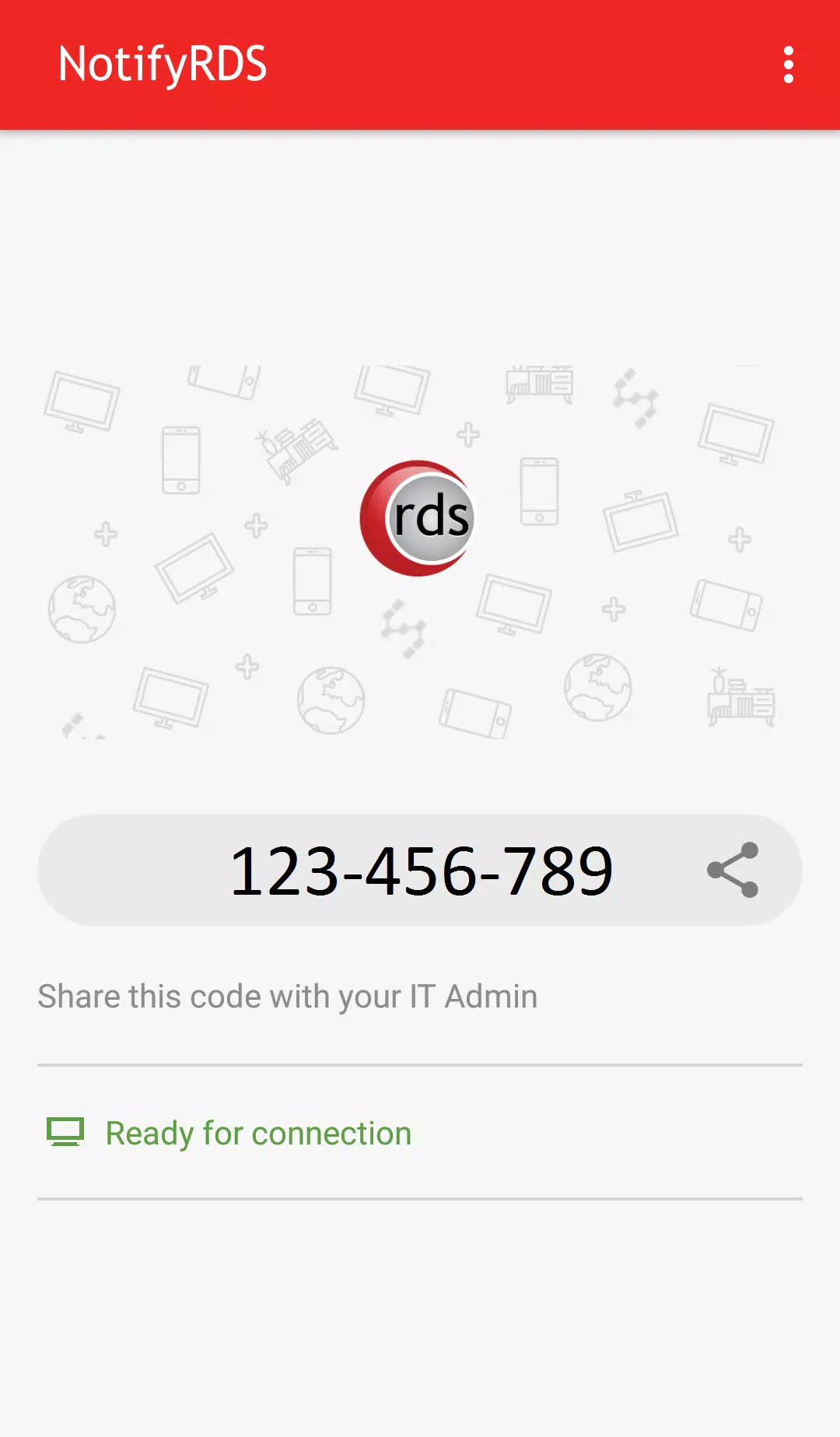
User can real-time screen share to remote technician. Technician will be able to share clicking pointer remotely to help guide the user. Session connection is encrypted using 256-bit AES / TLS .
For selective Android devices (i.e. Samsung & LG), remote control is possible, enabling remote technician to control your mobile device.
Quick Guide:
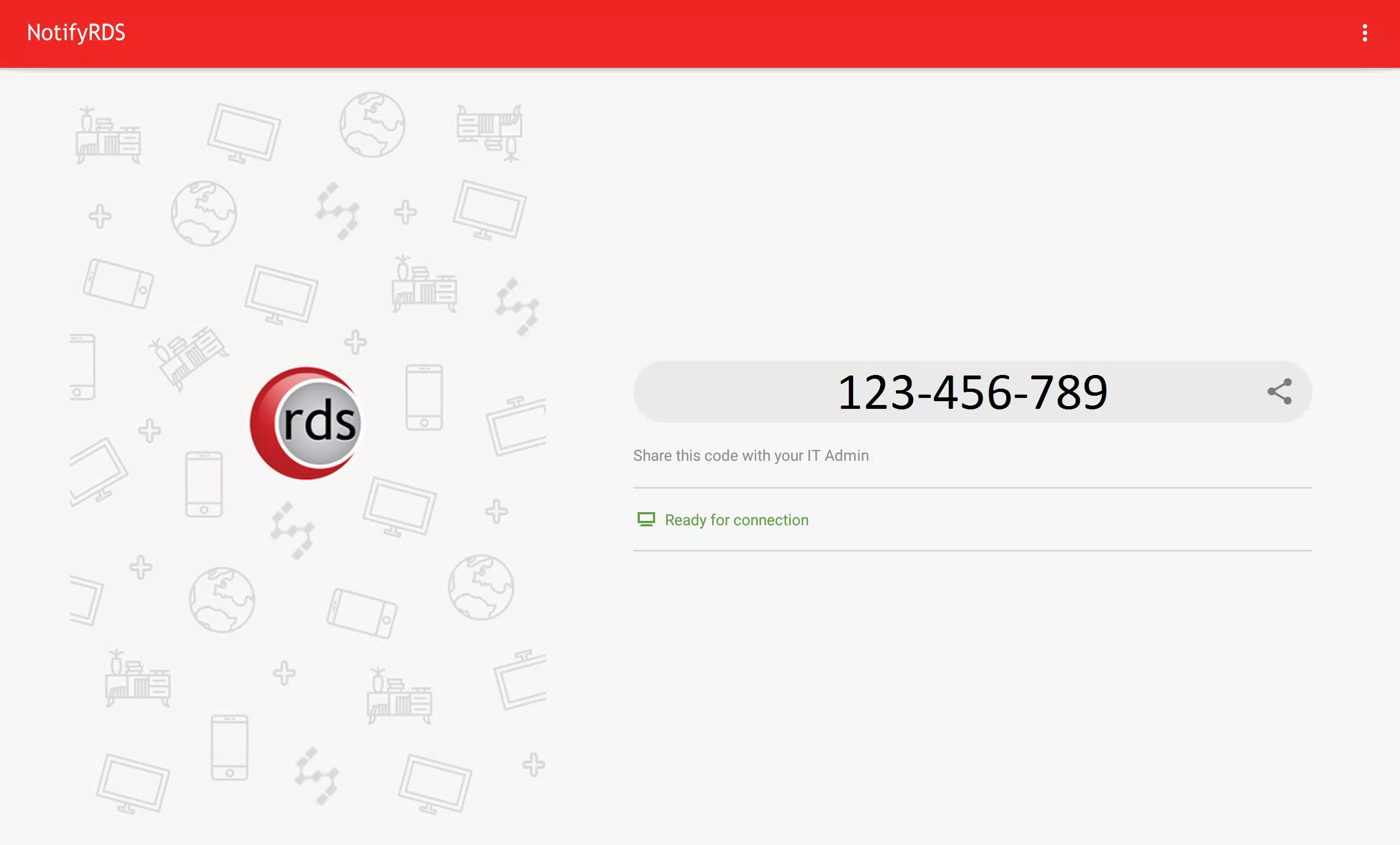
1. Download and launch the NotifyRDS app on your mobile device.
2. Share the session ID to your remote technician who has NotifyRDS Account.
Ostatnia Wersja
1.0.0.8Wymaga Androida
5.0 and up
Kategoria
Darmowe Narzędzia AplikacjaOcena treści
Everyone
Last updated on Nov 10, 2017
Ta wersja zawiera drobne poprawki błędów i ogólne ulepszenia. Zaktualizuj ją, aby uzyskać najlepsze wrażenia.


APKPure - Wieloplatformowy sklep z aplikacjami skupiający się głównie na systemie Android, zapewniający szeroki wybór treści związanych z aplikacjami. Odkrywaj poszukiwane aplikacje łatwiej, szybciej i bezpieczniej, z szybkim i wydajnym pobieraniem oraz instalacją.