从Google Play商店下载免费的APK/XAPK文件,无需登录帐户。
立即安装
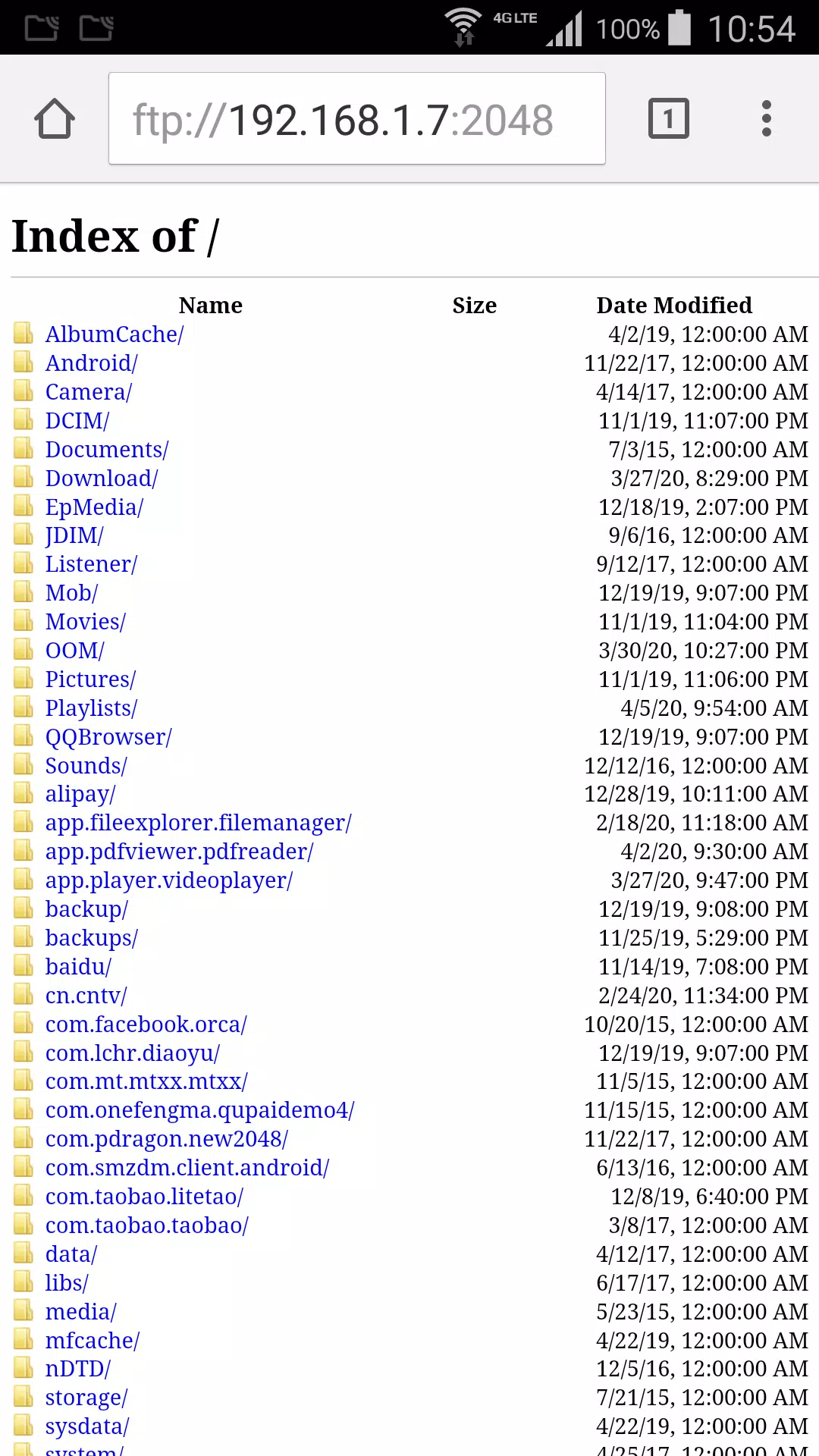
Create a ftp server on your phone. Explore your phone files from browser or other ftp client.
Download video or photo from phone to your computer without any other software.
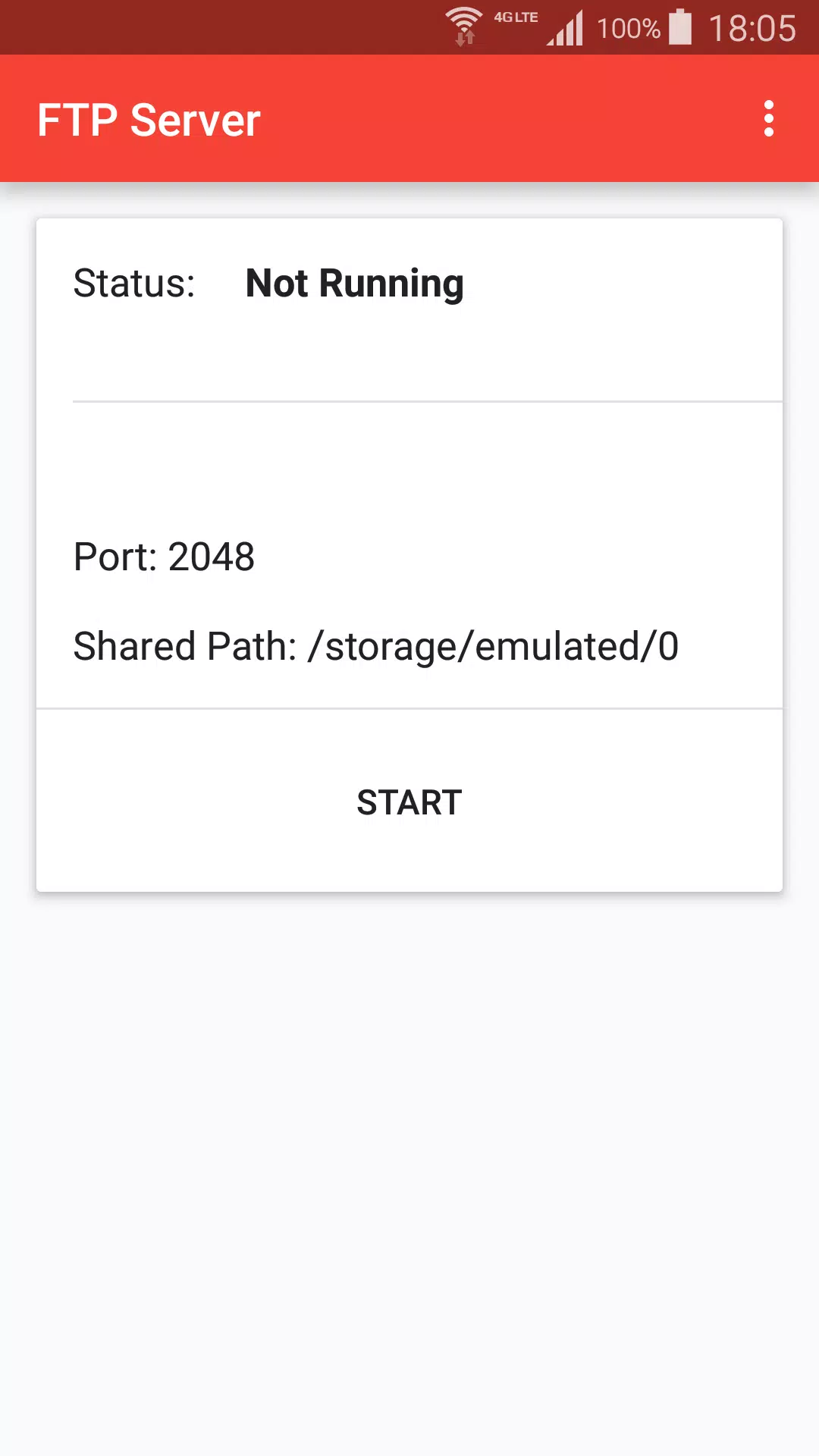
+ Press start to create ftp server.
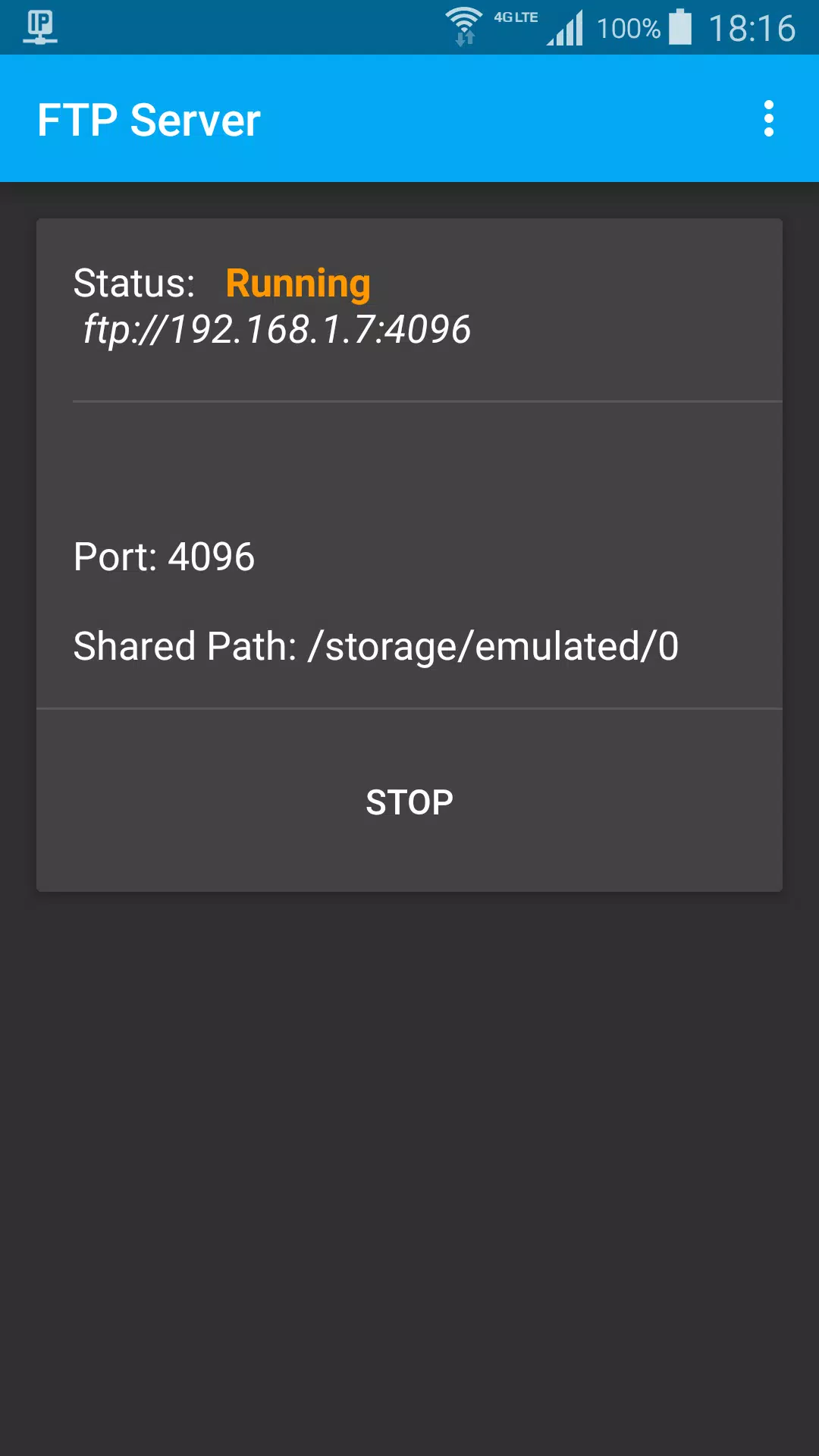
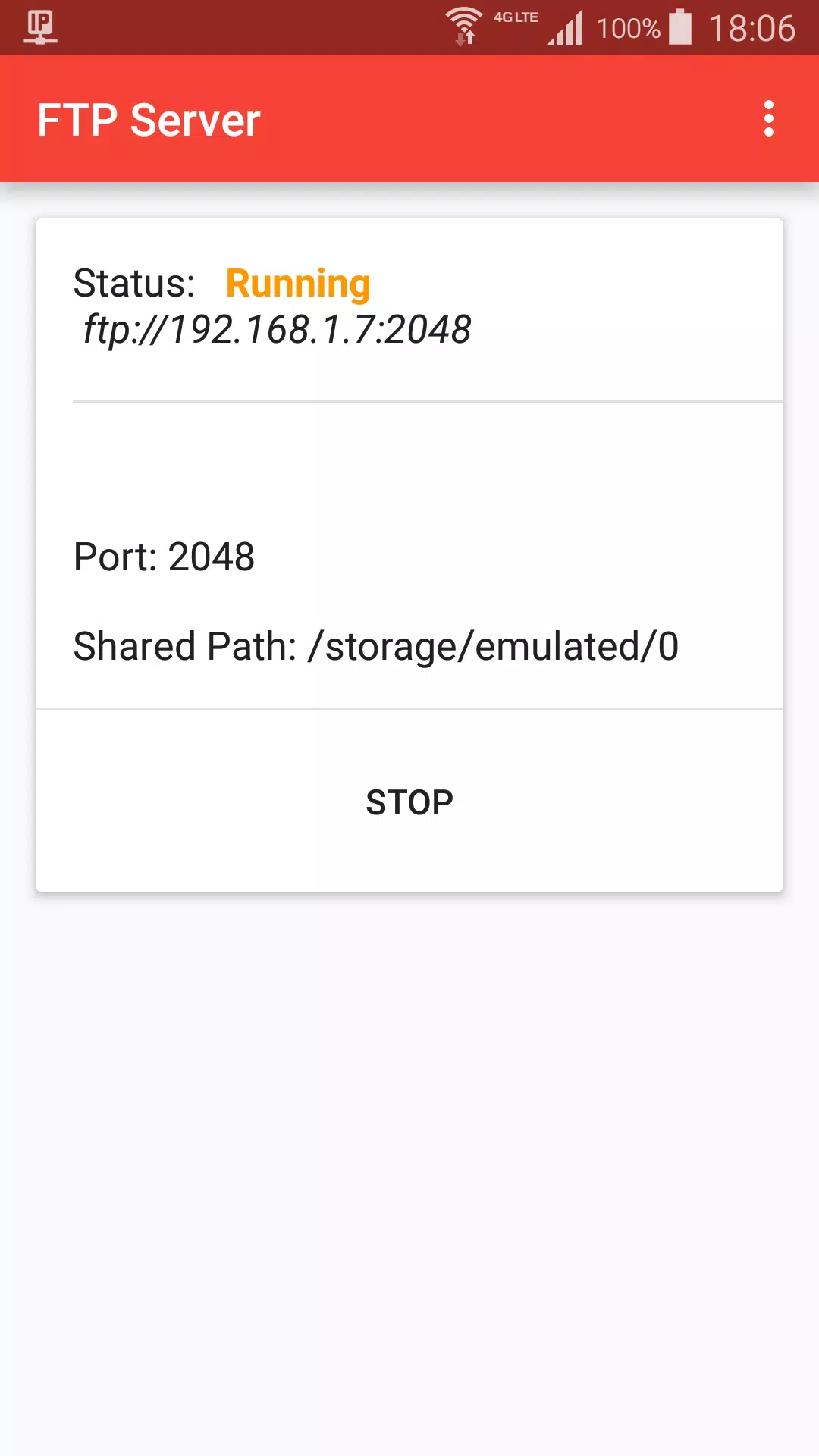
+ When status is Running, got ftp server address, default is ftp://192.168.1.7:2048
+ On Mac Finder, Press Command + K, input ftp server address, choose guest user, click connect
+ Browser photo files on Finder like local computer files
Stop ftp:
+ Stop from ftp notification
+ Press Stop button
Settings:
+ Start ftp shared path, default is sdcard path
+ Ftp port
+ Day theme and Night theme
+ App theme, change title color, background color.
Last updated on 2021年07月07日
此版本包含小幅错误修复和常规改进。请更新至最新版本,以获得更佳体验。