ดาวน์โหลดไฟล์ APK/XAPK ฟรีจาก Google Play Store โดยไม่มีบัญชีเข้าสู่ระบบ
ติดตั้งในขณะนี้
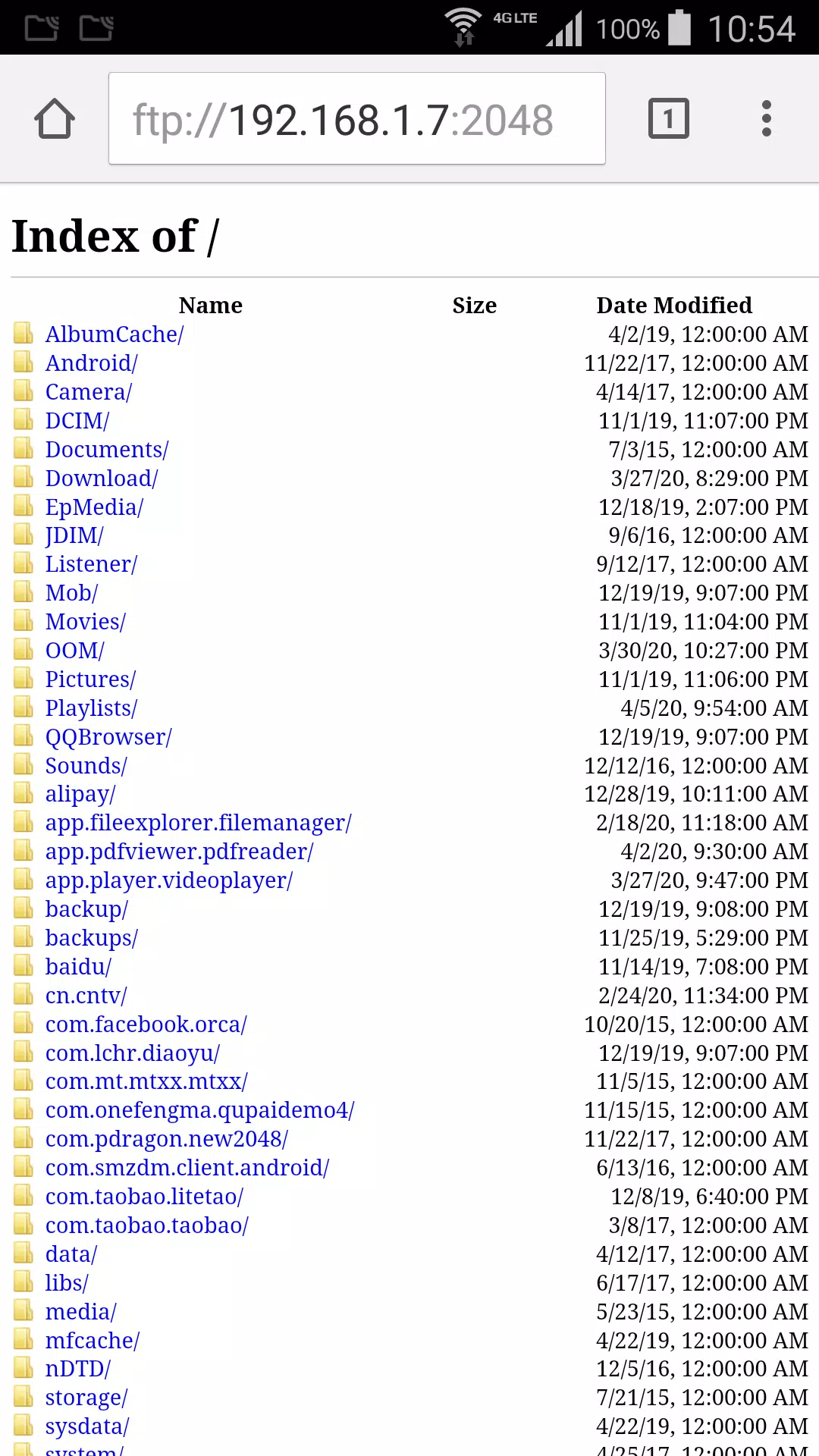
Create a ftp server on your phone. Explore your phone files from browser or other ftp client.
Download video or photo from phone to your computer without any other software.
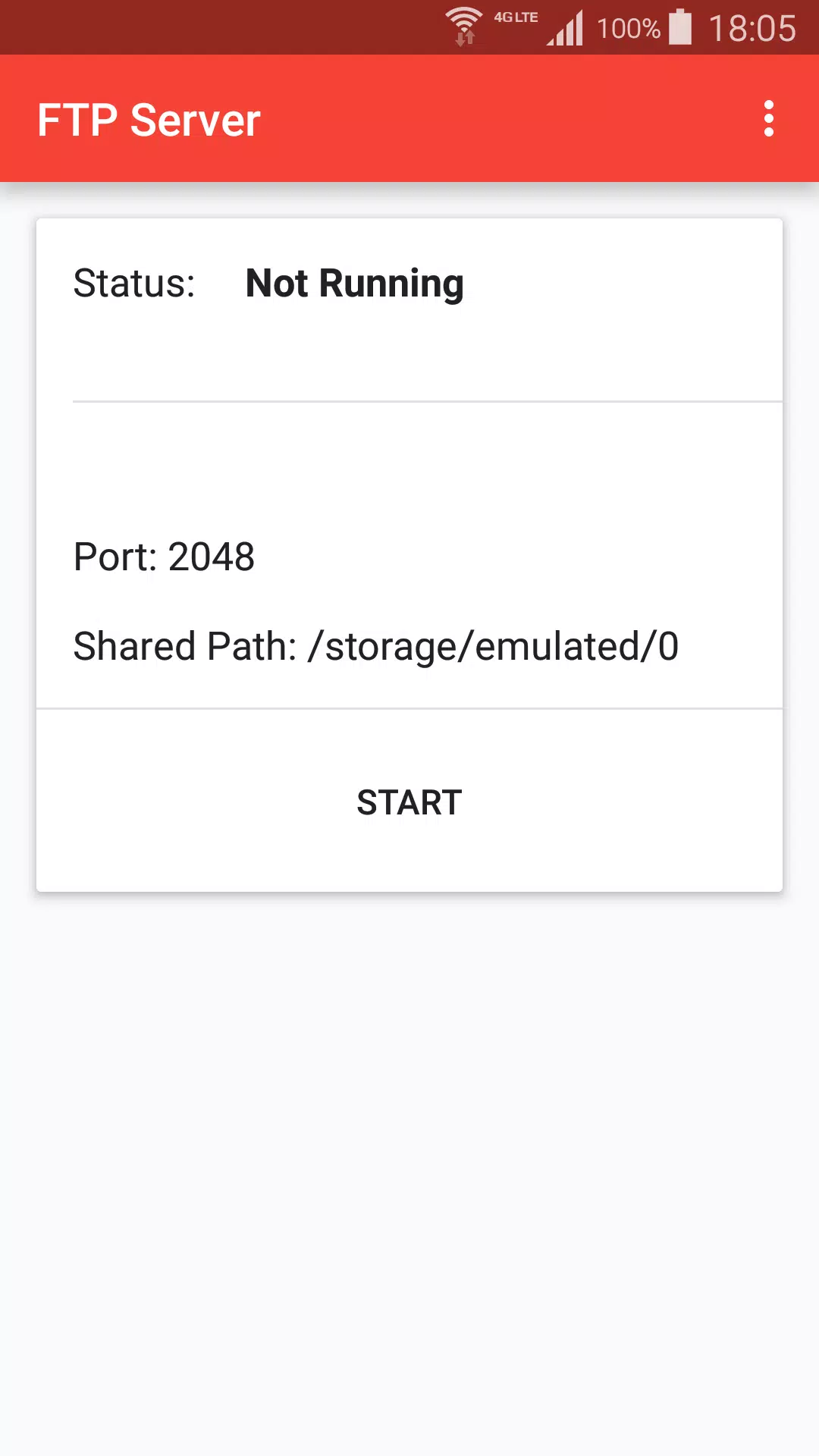
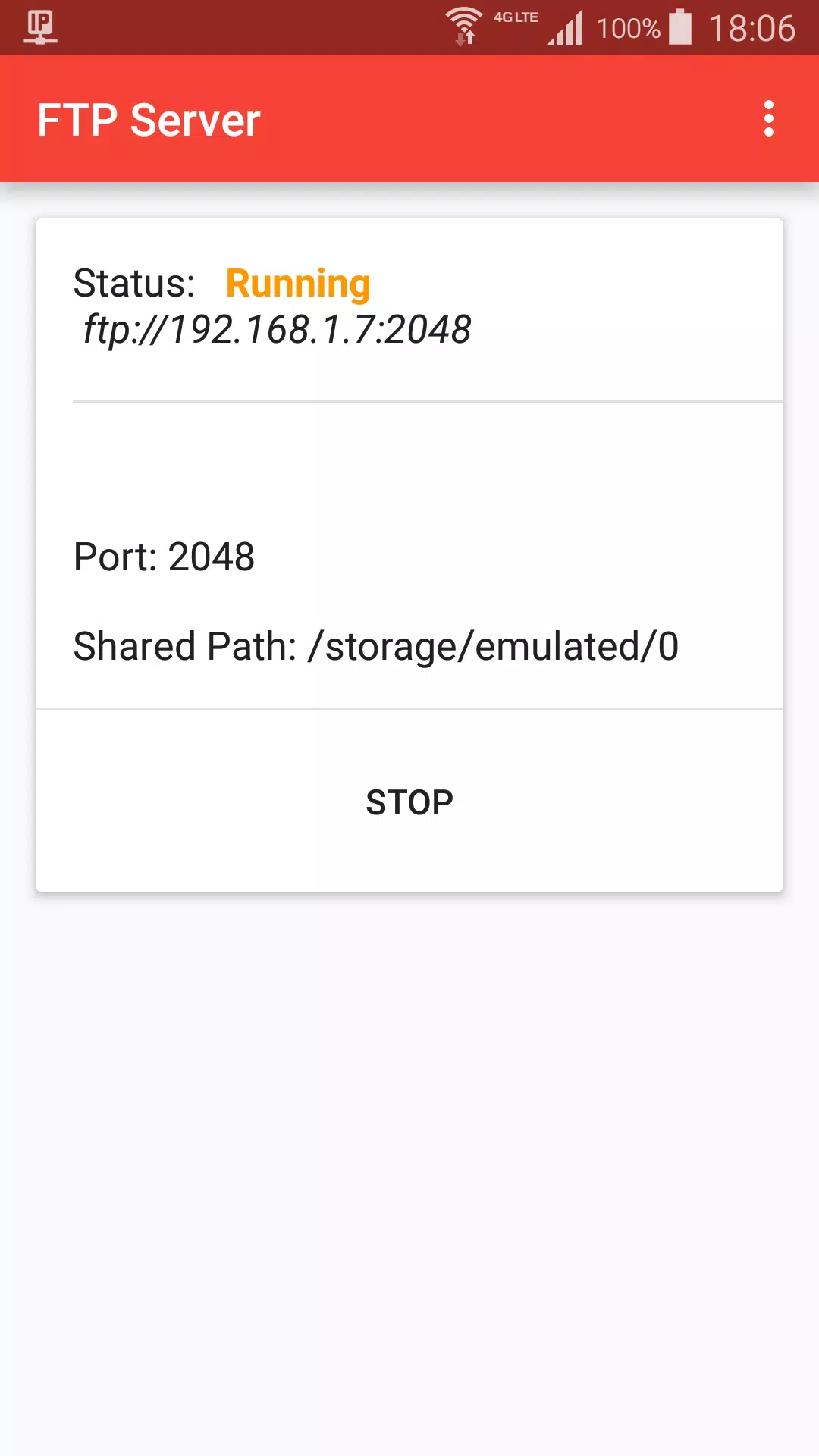
+ Press start to create ftp server.
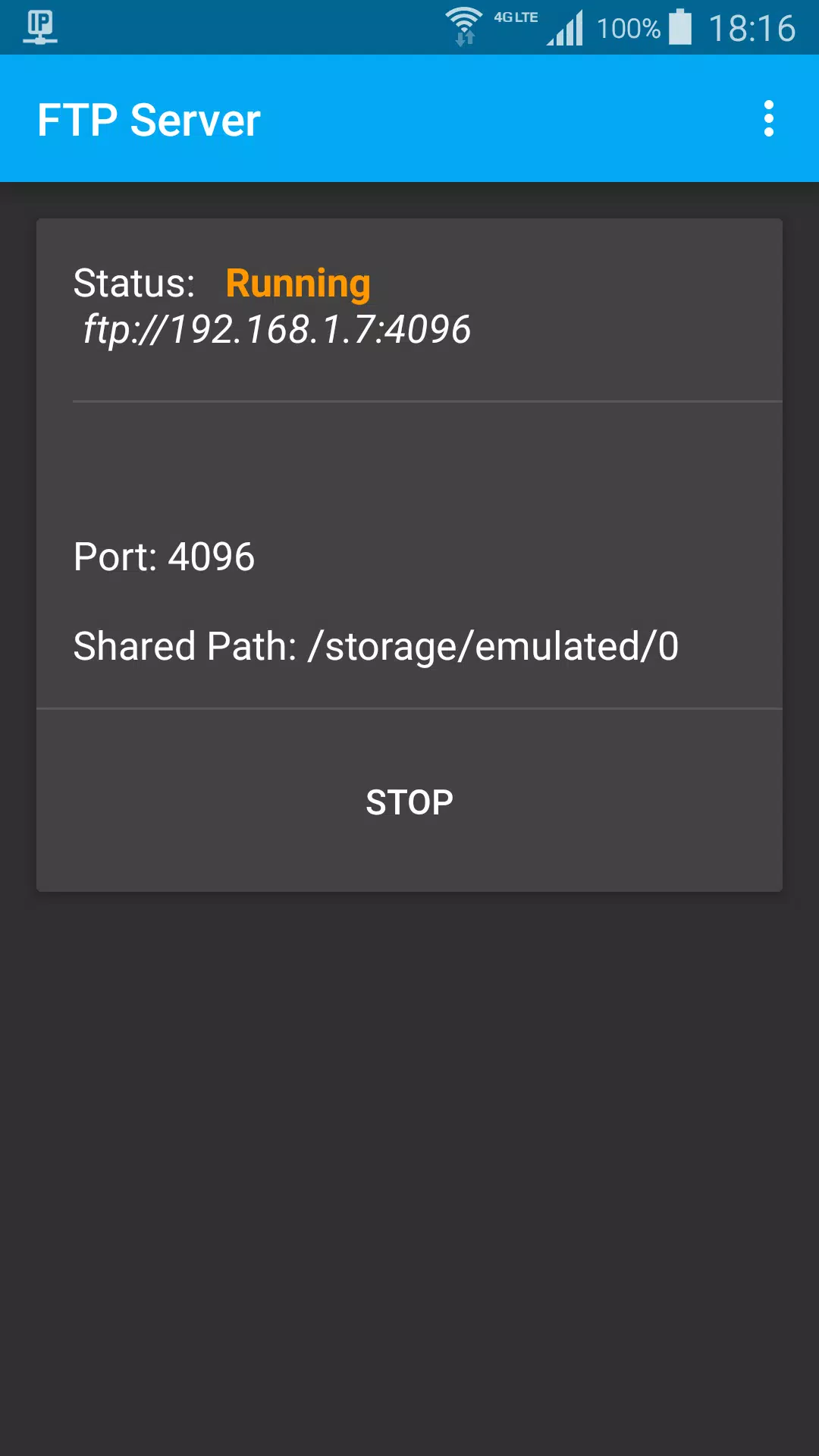
+ When status is Running, got ftp server address, default is ftp://192.168.1.7:2048
+ On Mac Finder, Press Command + K, input ftp server address, choose guest user, click connect
+ Browser photo files on Finder like local computer files
Stop ftp:
+ Stop from ftp notification
+ Press Stop button
Settings:
+ Start ftp shared path, default is sdcard path
+ Ftp port
+ Day theme and Night theme
+ App theme, change title color, background color.
เวอร์ชันล่าสุด
1.2อัปโหลดโดย
Si Thu Win
ต้องใช้ Android
Android 5.0+
Category
ฟรี เครื่องมือ แอปการจัดประเภทเนื้อหา
Everyone
รายงาน
ปักธงว่าไม่เหมาะสมLast updated on Jul 6, 2021
เวอร์ชันนี้มีการแก้ไขข้อบกพร่องเล็กน้อยและการปรับปรุงทั่วไป อัปเดตเป็นเวอร์ชันล่าสุดเพื่อประสบการณ์ที่ดีที่สุด

APKPure - ร้านค้าแอปพลิเคชันแบบมัลติแพลตฟอร์มที่มุ่งเน้นระบบ Android เป็นหลัก พร้อมให้บริการเนื้อหาที่เกี่ยวกับแอปอย่างครบครัน ค้นพบแอปที่คุณต้องการได้ง่าย รวดเร็ว และปลอดภัยยิ่งขึ้น พร้อมการดาวน์โหลดและติดตั้งที่รวดเร็วและมีประสิทธิภาพ