Download gratis APK/XAPK -bestanden van Google Play Store zonder een inlogaccount.
Installeer nu
Create a ftp server on your phone. Explore your phone files from browser or other ftp client.
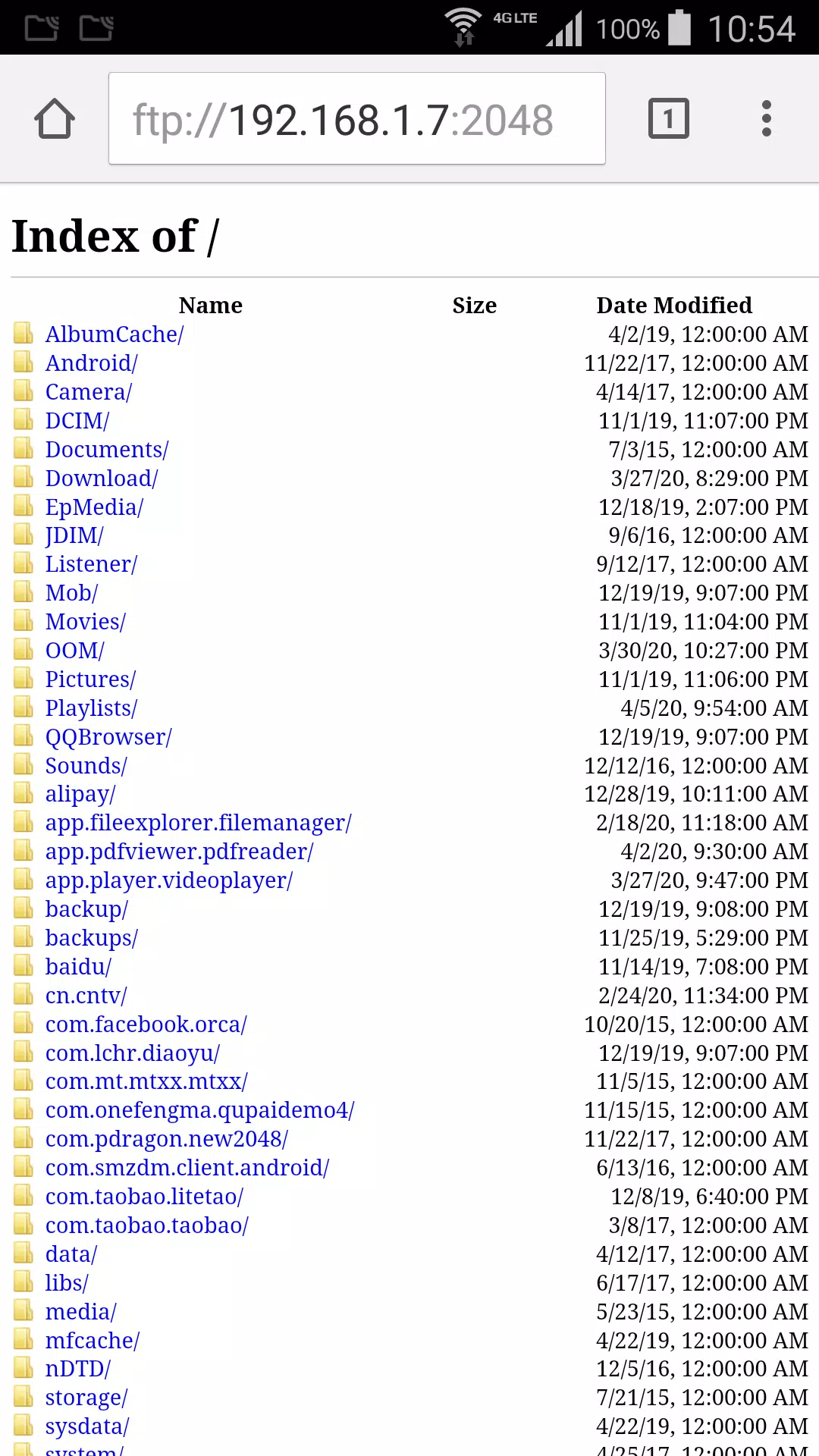
Download video or photo from phone to your computer without any other software.
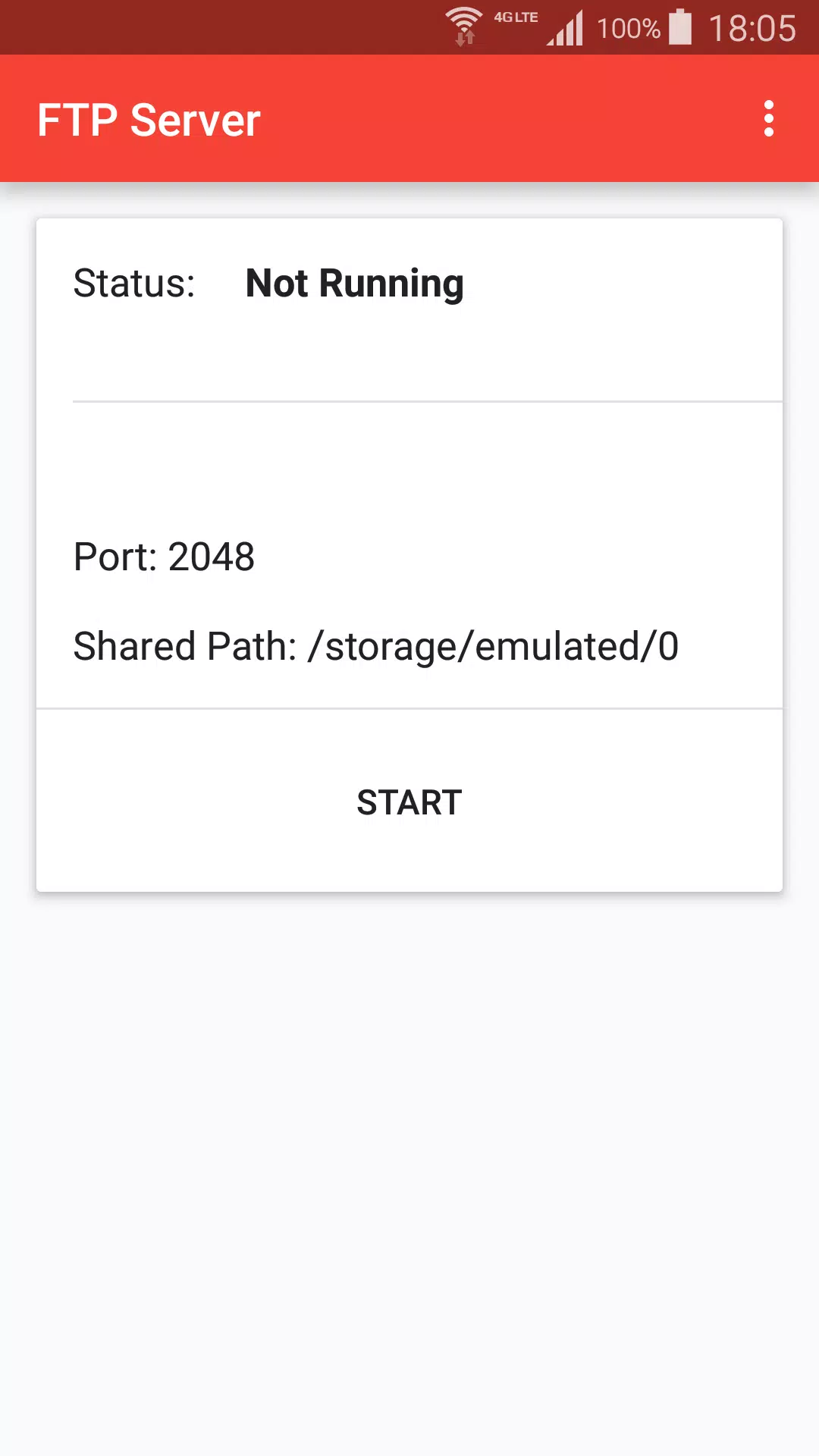
+ Press start to create ftp server.
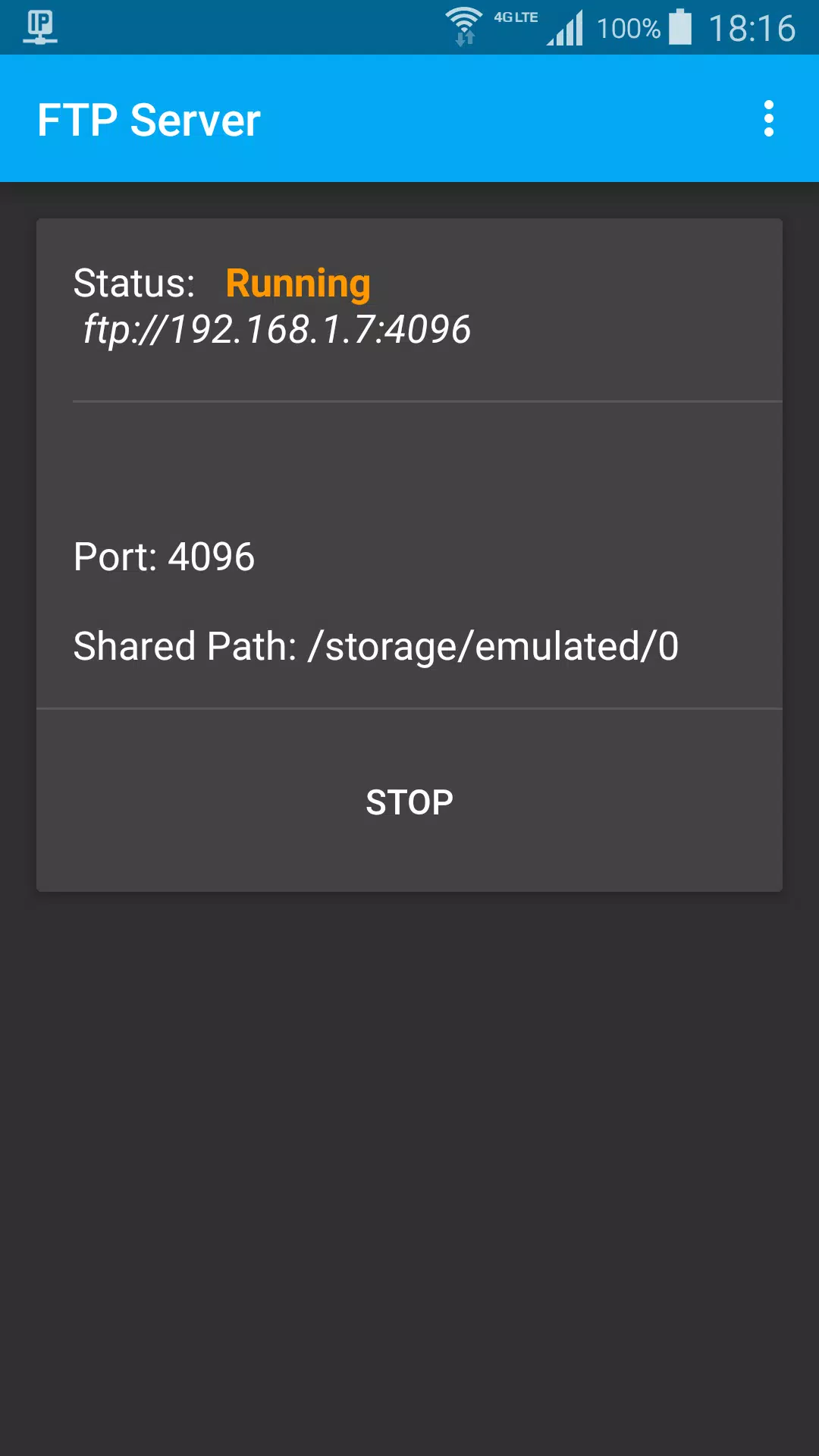
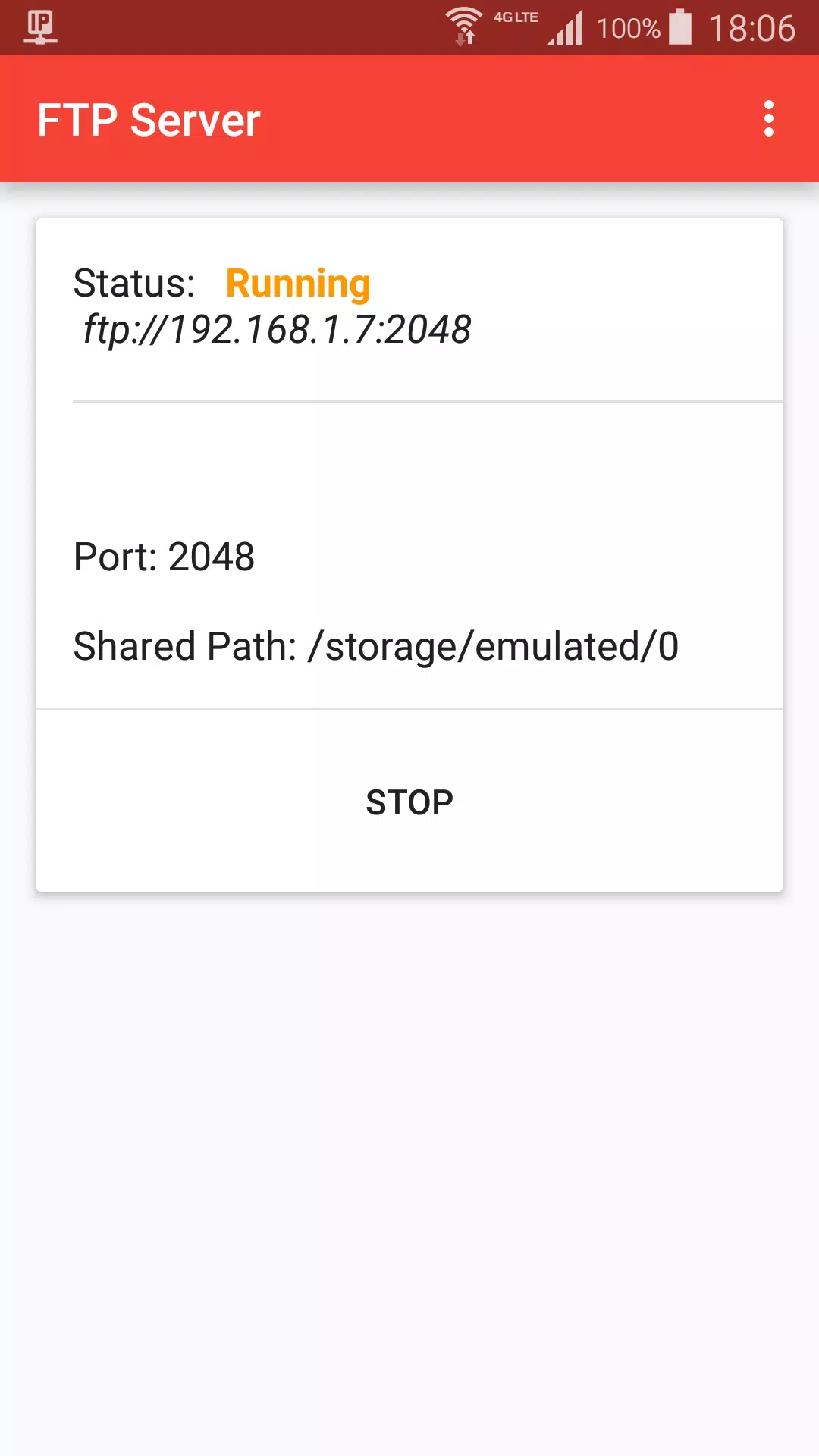
+ When status is Running, got ftp server address, default is ftp://192.168.1.7:2048
+ On Mac Finder, Press Command + K, input ftp server address, choose guest user, click connect
+ Browser photo files on Finder like local computer files
Stop ftp:
+ Stop from ftp notification
+ Press Stop button
Settings:
+ Start ftp shared path, default is sdcard path
+ Ftp port
+ Day theme and Night theme
+ App theme, change title color, background color.
Laatste Versie
1.2Geüpload door
Si Thu Win
Android vereist
Android 5.0+
Categorie
Gratis Tools APPInhoudsbeoordeling
Everyone
Melden
Rapporteer als ongepastLast updated on Jul 6, 2021
Deze versie bevat kleine bugfixes en algemene verbeteringen. Werk bij naar de nieuwste versie voor de beste ervaring.

APKPure - Een multi-platform appstore die zich voornamelijk richt op Android en uitgebreide app-gerelateerde content biedt. Ontdek de app die je wilt, eenvoudiger, sneller en veiliger, met snelle en efficiënte downloads en installaties.