Giriş hesabı olmadan Google Play Store'dan ücretsiz APK/XAPK dosyalarını indirin.
Şimdi kur
Create a ftp server on your phone. Explore your phone files from browser or other ftp client.
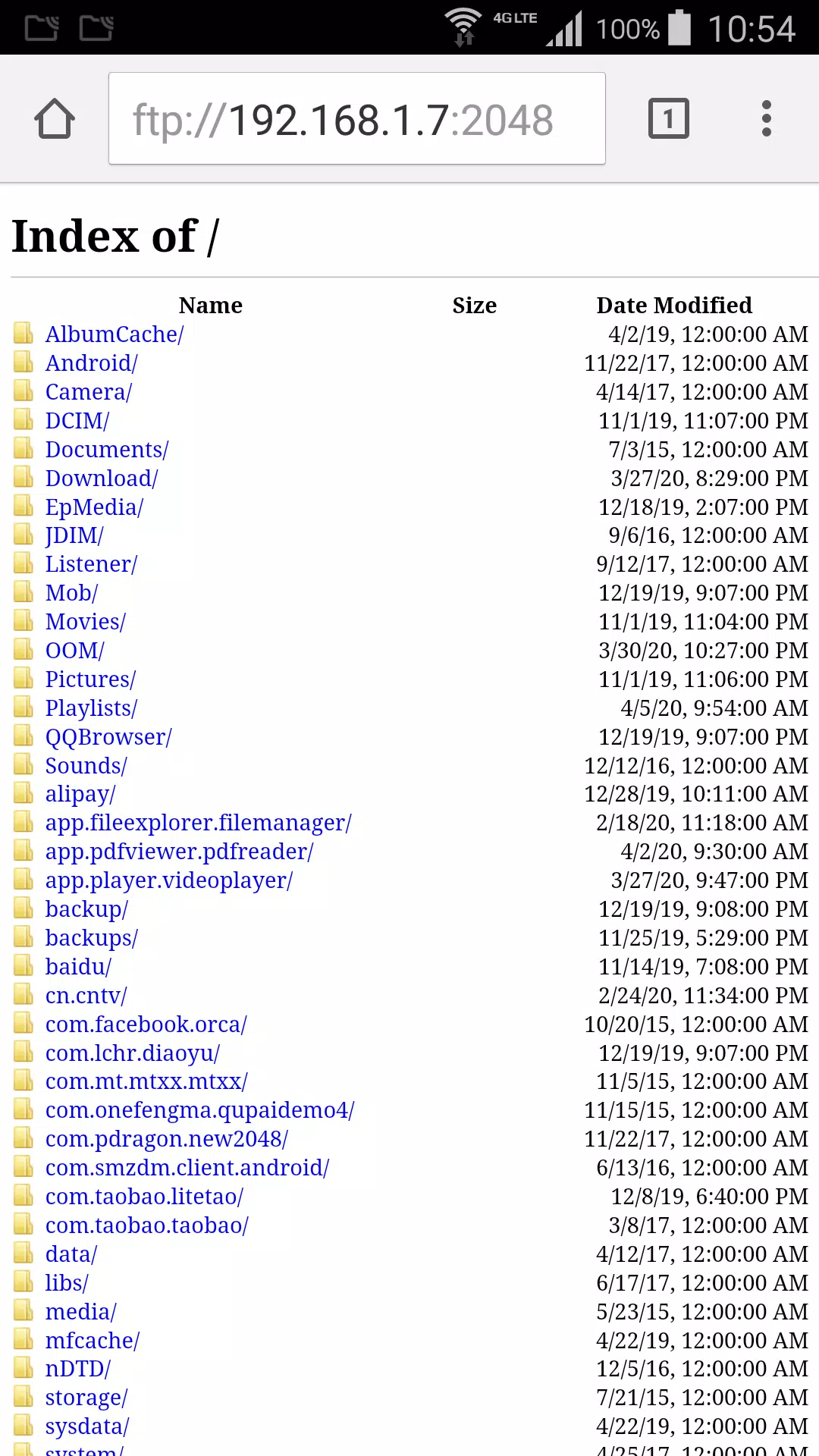
Download video or photo from phone to your computer without any other software.
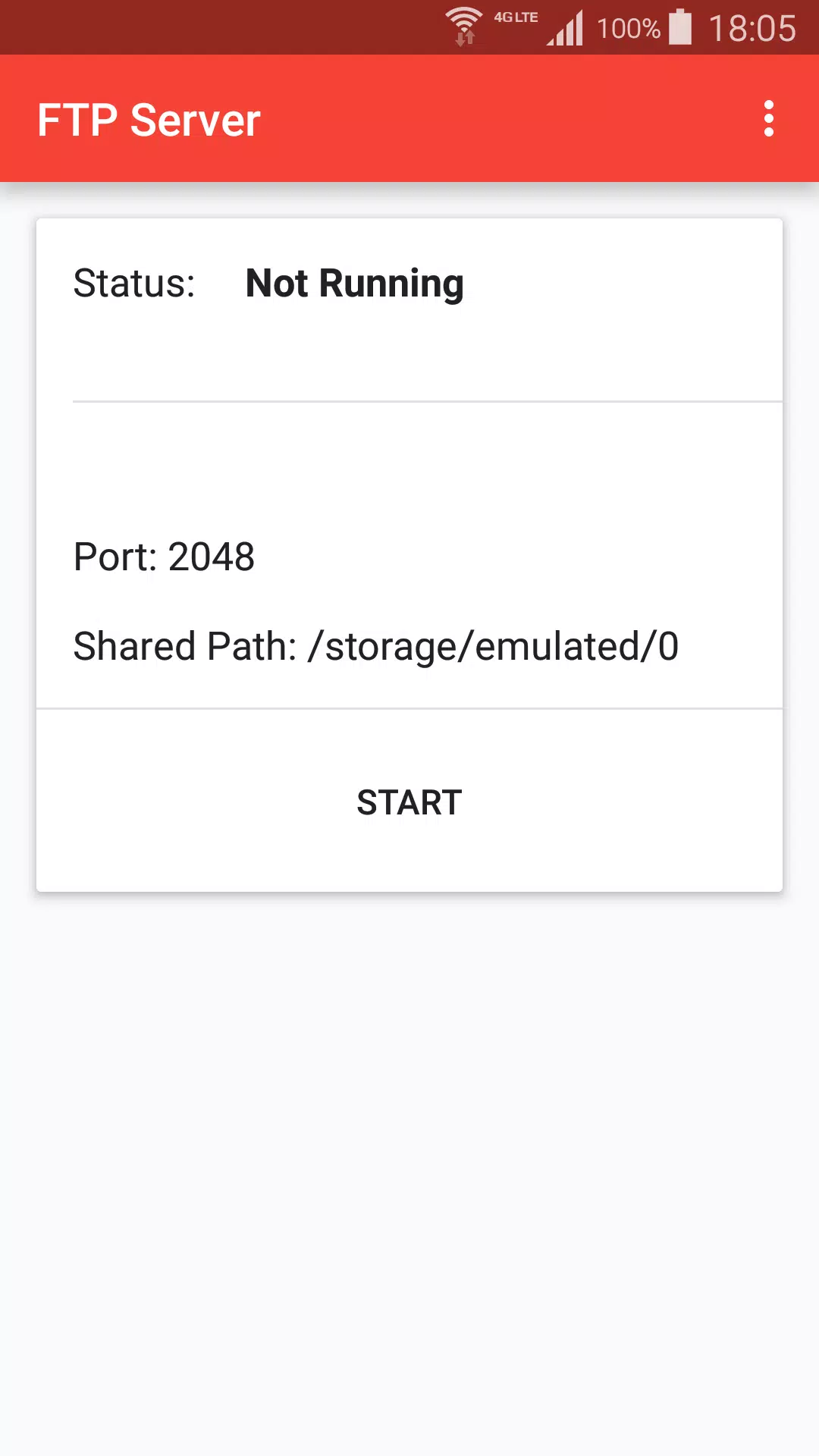
+ Press start to create ftp server.
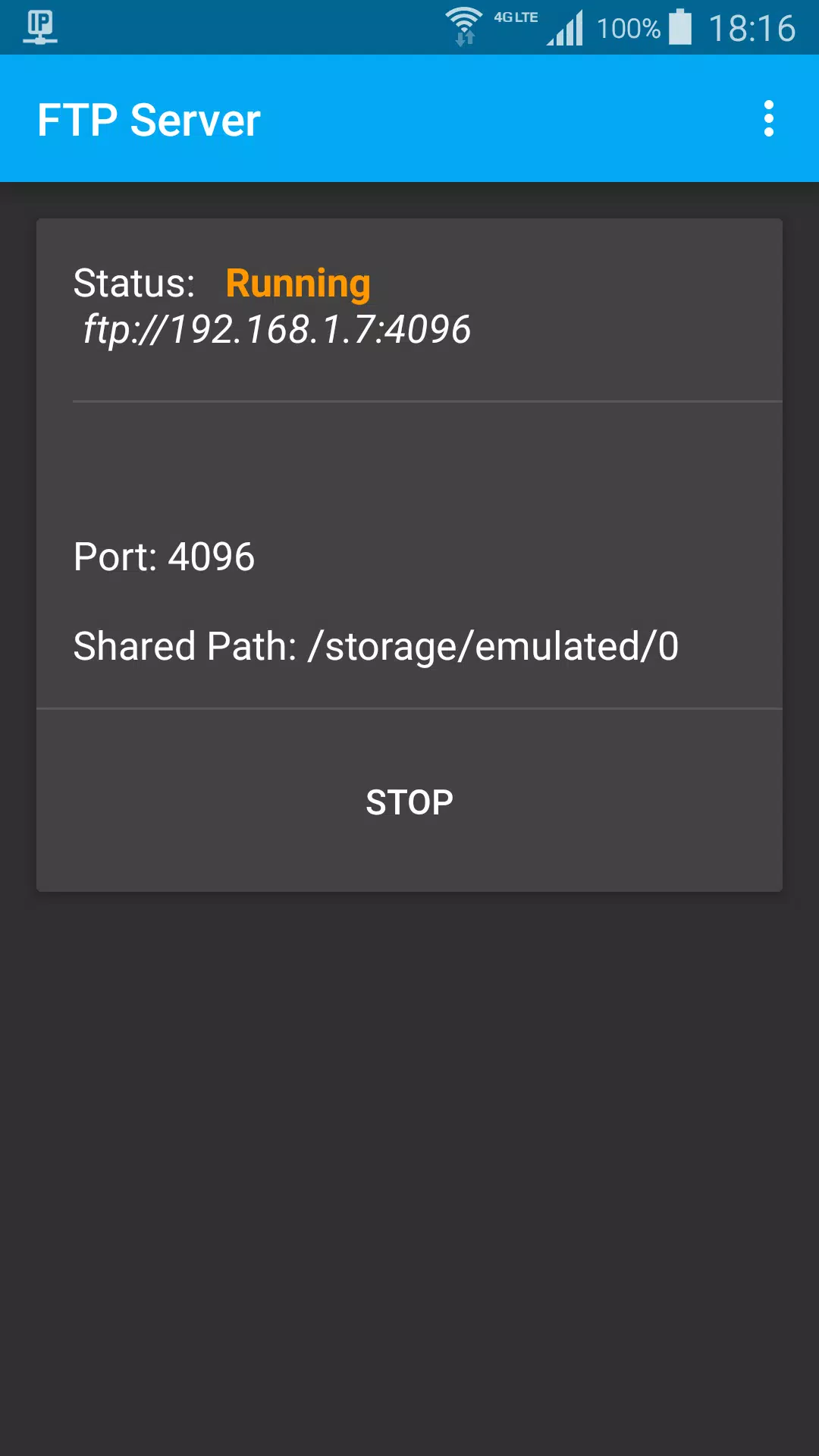
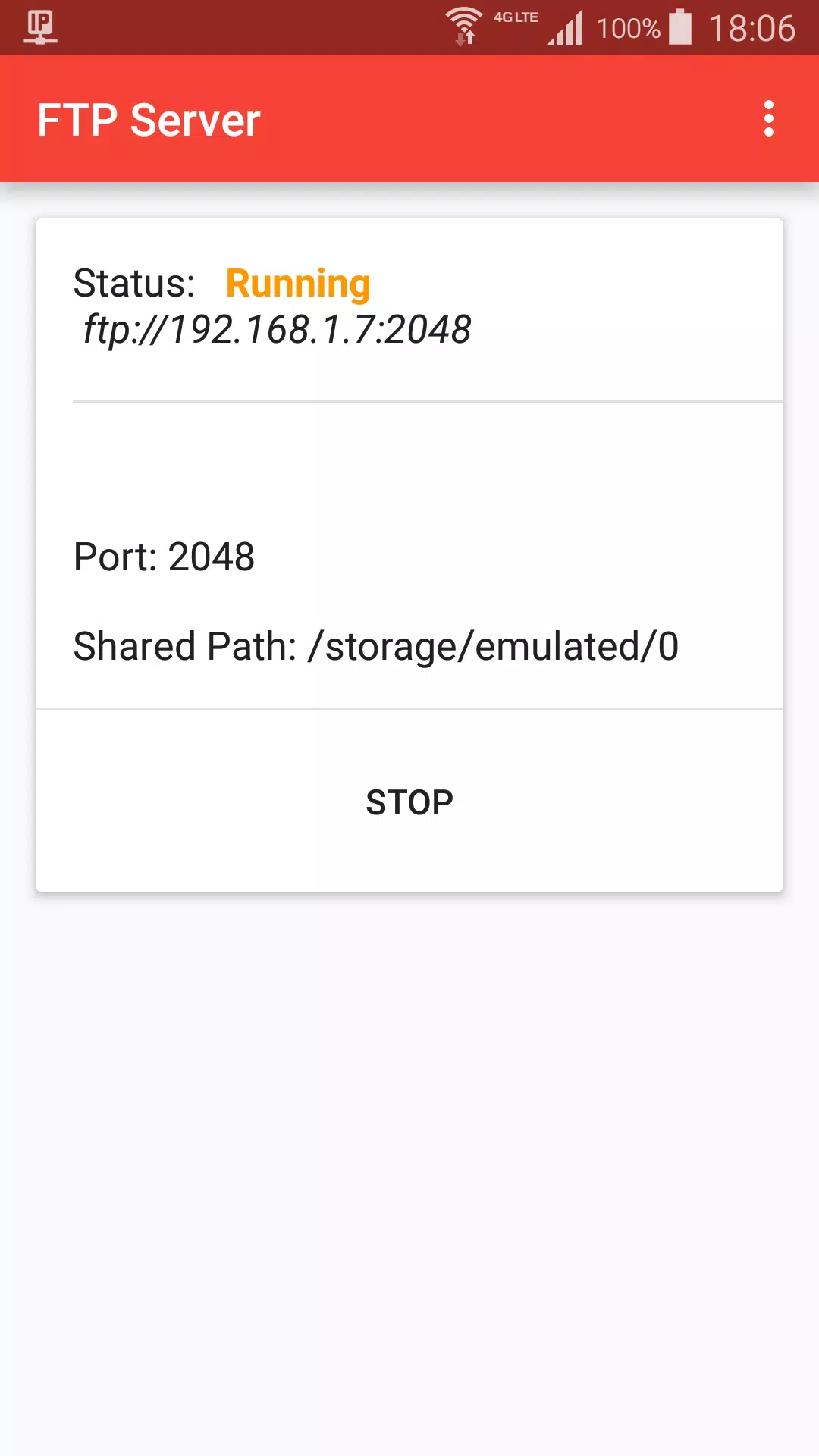
+ When status is Running, got ftp server address, default is ftp://192.168.1.7:2048
+ On Mac Finder, Press Command + K, input ftp server address, choose guest user, click connect
+ Browser photo files on Finder like local computer files
Stop ftp:
+ Stop from ftp notification
+ Press Stop button
Settings:
+ Start ftp shared path, default is sdcard path
+ Ftp port
+ Day theme and Night theme
+ App theme, change title color, background color.
En Son Sürüm
1.2Yükleyen
Si Thu Win
Gereken Android sürümü
Android 5.0+
Kategori
Ücretsiz Araçlar UYGULAMAİçerik derecelendirmesi
Everyone
Bildir
Uygunsuz olarak işaretleLast updated on Jul 6, 2021
Bu sürümde küçük hata düzeltmeleri ve genel iyileştirmeler bulunur. En iyi deneyim için en yeni sürüme güncelleyin.

APKPure - Android ağırlıklı, çok platformlu bir uygulama mağazası olup, geniş uygulama içeriği sunmaktadır. İstediğiniz uygulamayı daha kolay, hızlı ve güvenli bir şekilde keşfedin, hızlı ve verimli indirme ve kurulum imkanlarıyla.