Descarga archivos gratuitos APK/XAPK de Google Play Store sin iniciar sesión.
Instalar ahora
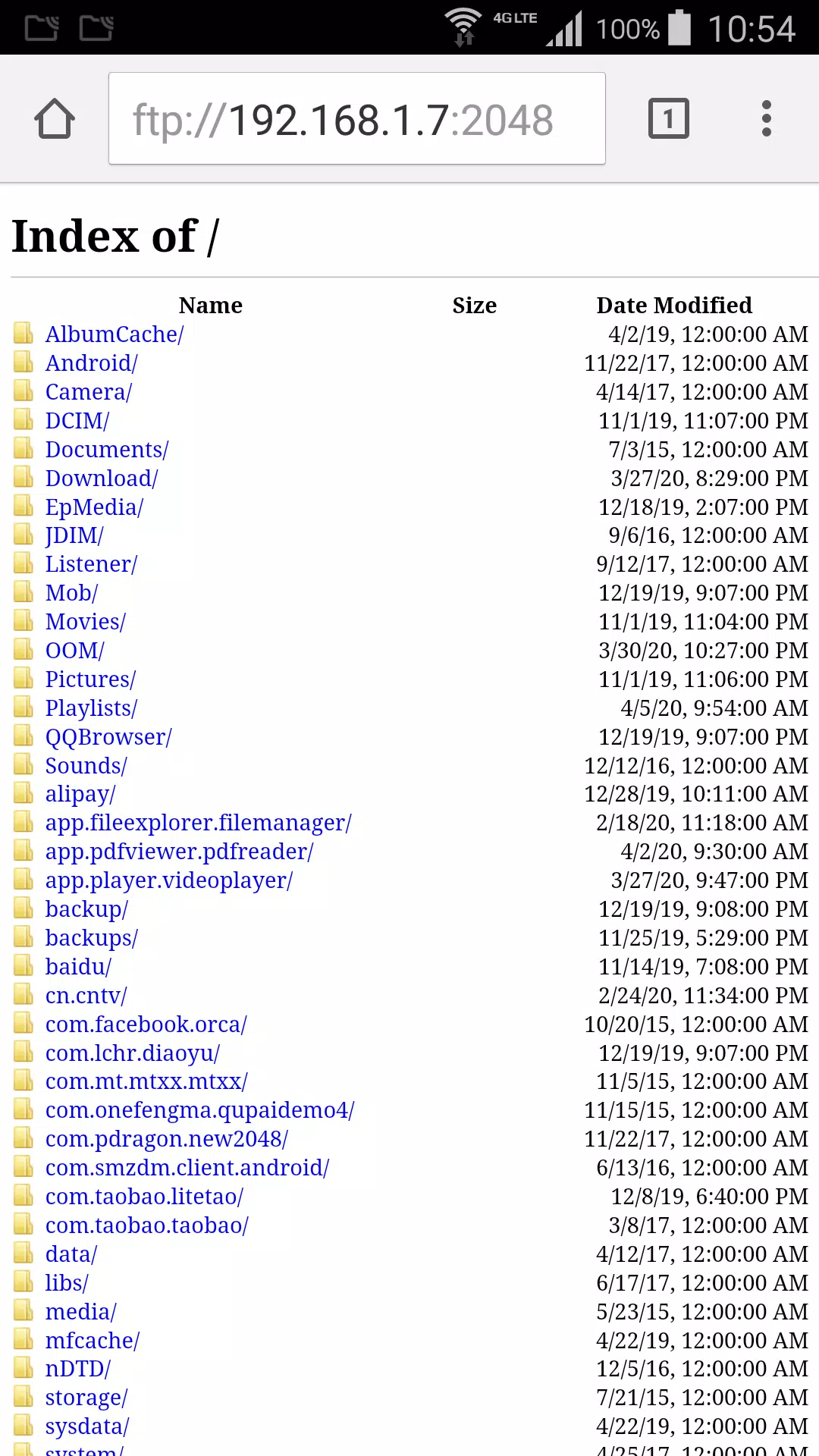
Create a ftp server on your phone. Explore your phone files from browser or other ftp client.
Download video or photo from phone to your computer without any other software.
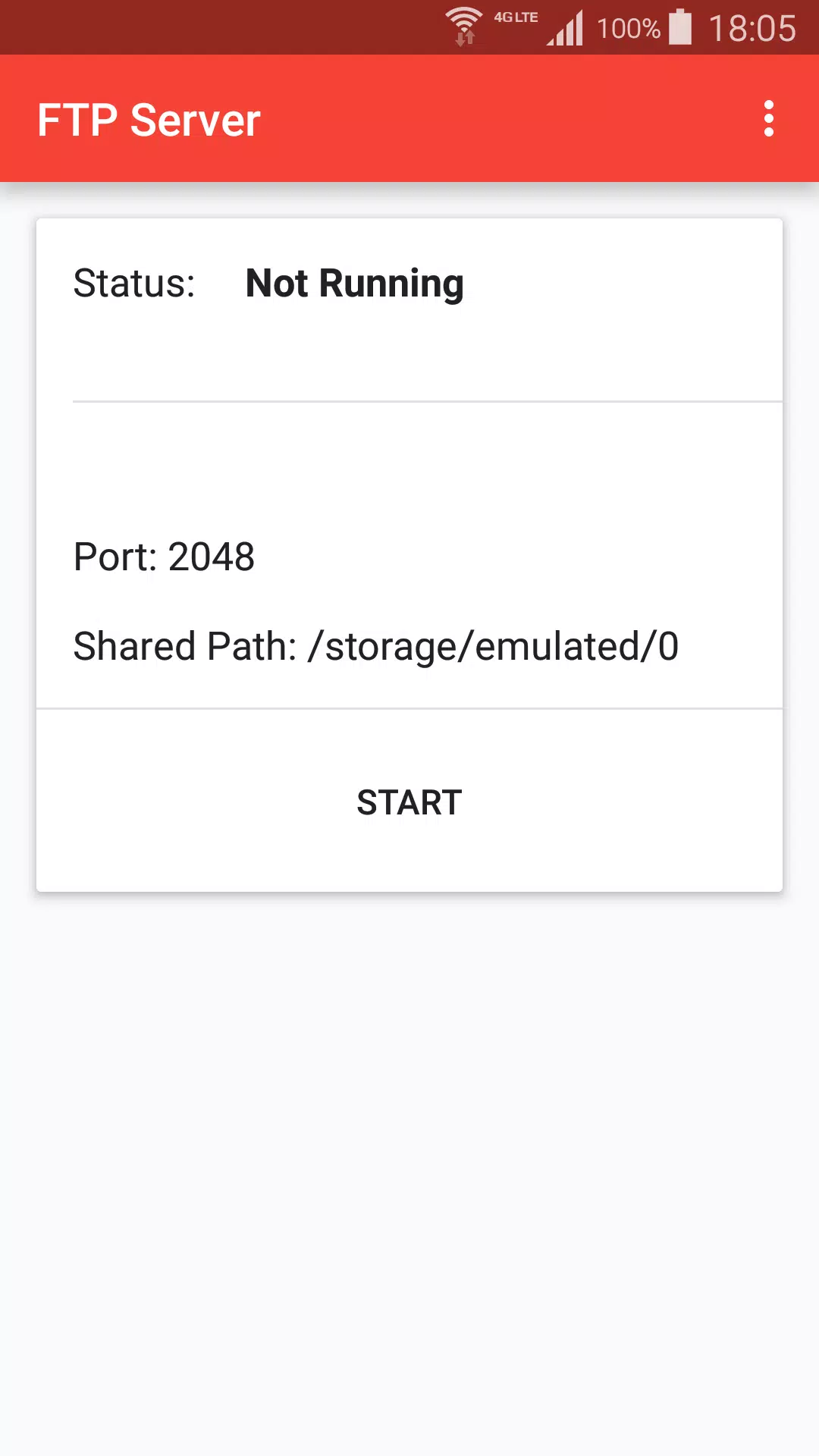
+ Press start to create ftp server.
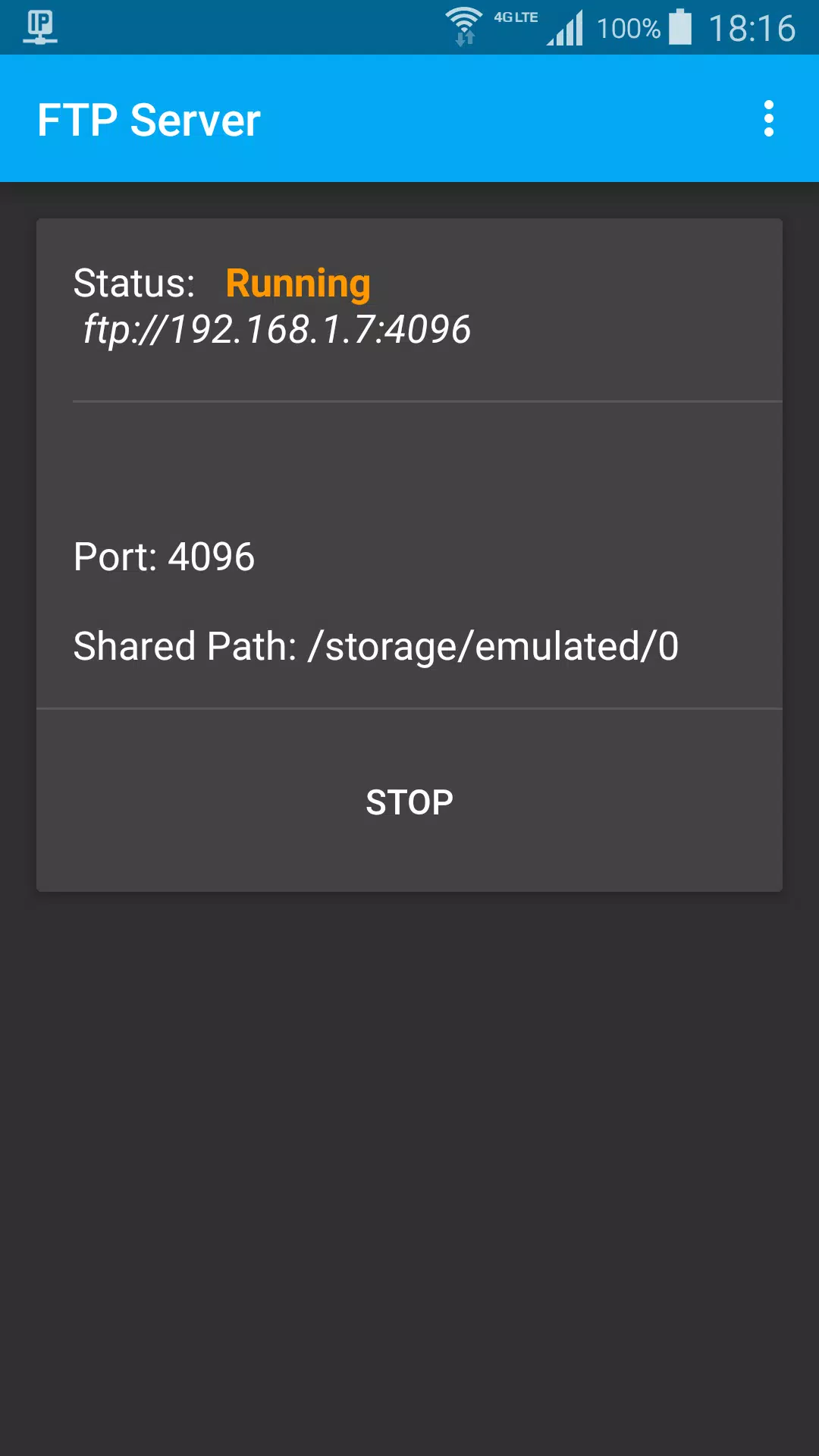
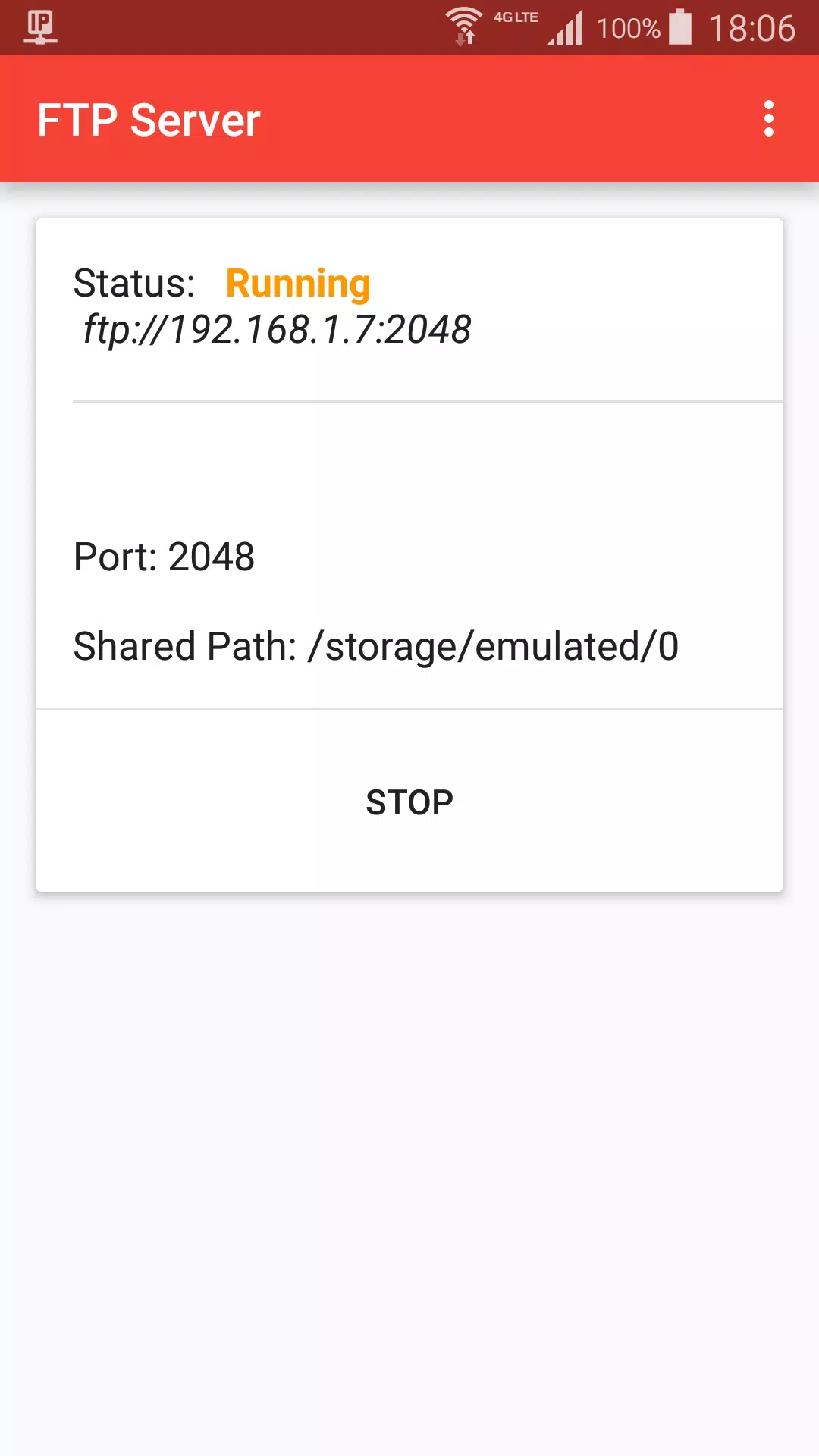
+ When status is Running, got ftp server address, default is ftp://192.168.1.7:2048
+ On Mac Finder, Press Command + K, input ftp server address, choose guest user, click connect
+ Browser photo files on Finder like local computer files
Stop ftp:
+ Stop from ftp notification
+ Press Stop button
Settings:
+ Start ftp shared path, default is sdcard path
+ Ftp port
+ Day theme and Night theme
+ App theme, change title color, background color.
Última Versión
1.2Presentado por
Si Thu Win
Requisitos
Android 5.0+
Categoría
Gratis Herramientas APPClasificación de contenido
Everyone
Reportar
Marcar como inapropiadoLast updated on 06/07/2021
Esta versión incluye pequeñas correcciones de errores y mejoras generales. Actualiza a la versión más reciente para disfrutar de la mejor experiencia.

APKPure - Una tienda de aplicaciones multiplataforma enfocada principalmente en Android, que proporciona un amplio contenido relacionado con aplicaciones. Descubre la aplicación que deseas de forma más fácil, rápida y segura, con descargas e instalaciones rápidas y eficientes.